
207,371
lines of code
- TypeScript
- Lua
- SQL
- JS
207,371 lines of code
Two products, not one: 143,782 lines in the web panel and 63,589 in the resource that runs inside the game, across 1,068 files.

Currency, items and perks connected to GTA RP: paid on the site, delivered to the character, with no one in between.
What it is
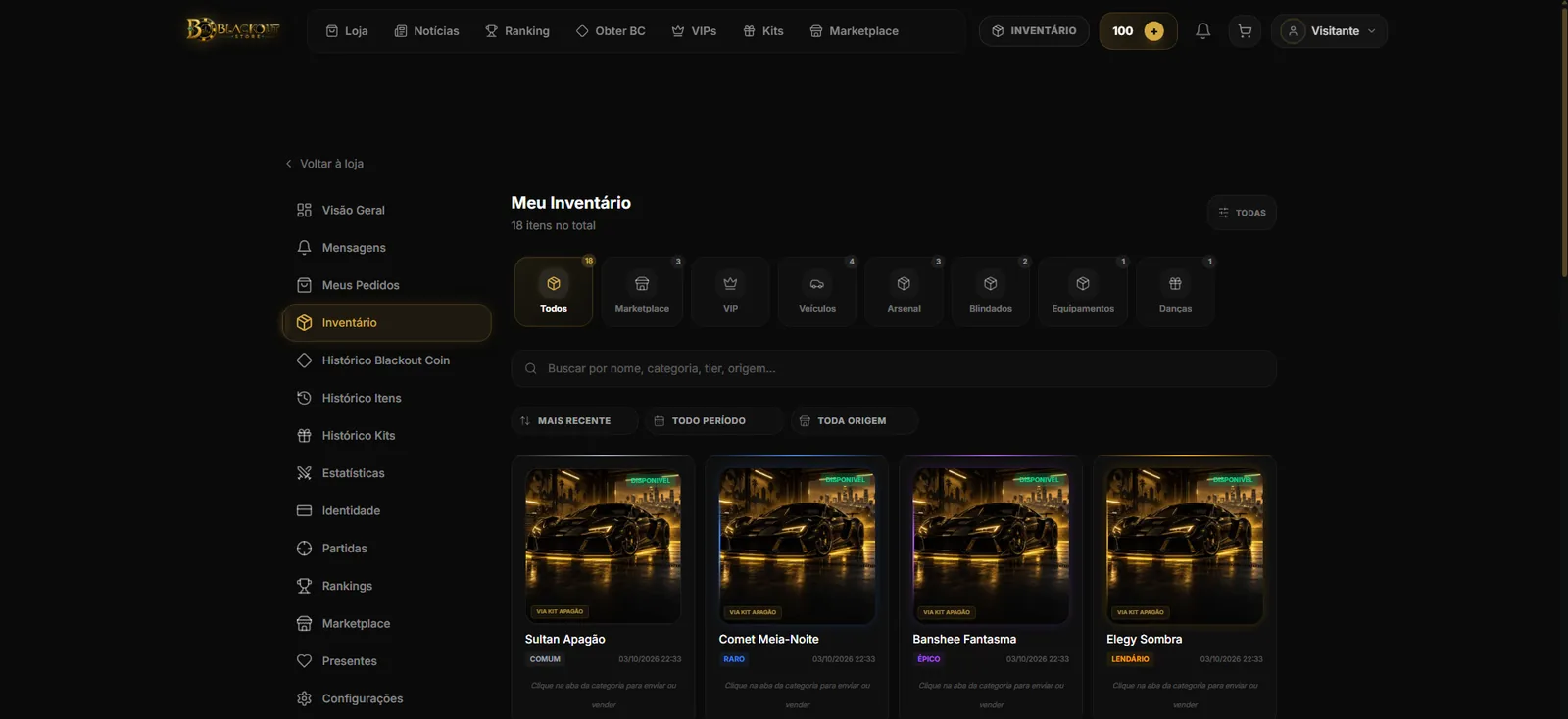
Cash buys currency, currency buys the item, and the item waits in the site inventory until the player asks, then it lands on the character, inside the server. Whatever is left over goes back to the market.
Scale
Everything below was counted in the real product's files during a code audit in August 2026. None of it is an estimate.
207,371
lines of code
207,371 lines of code
Two products, not one: 143,782 lines in the web panel and 63,589 in the resource that runs inside the game, across 1,068 files.
175
API routes
175 API routes
98 of them exist only for the operations panel. More than half of the API is the back office, not the storefront.
54
data models
54 data models
Catalogue, orders, inventory, currency and audit: the database holds the whole operation, not just the cart.
41
screens in the operator panel
41 screens in the operator panel
The server owner changes prices, builds kits, grants VIP and tracks delivery without opening a line of code.
5
frameworks on one bridge
5 frameworks on one bridge
The resource detects which of the five the server runs and adapts on its own. The only requirement is oxmysql.
Why it's a system
None of them is a layout choice. These are six decisions read straight from the product's code, and they are what explain why this is a system and not a themed checkout.
Paid≠Delivered
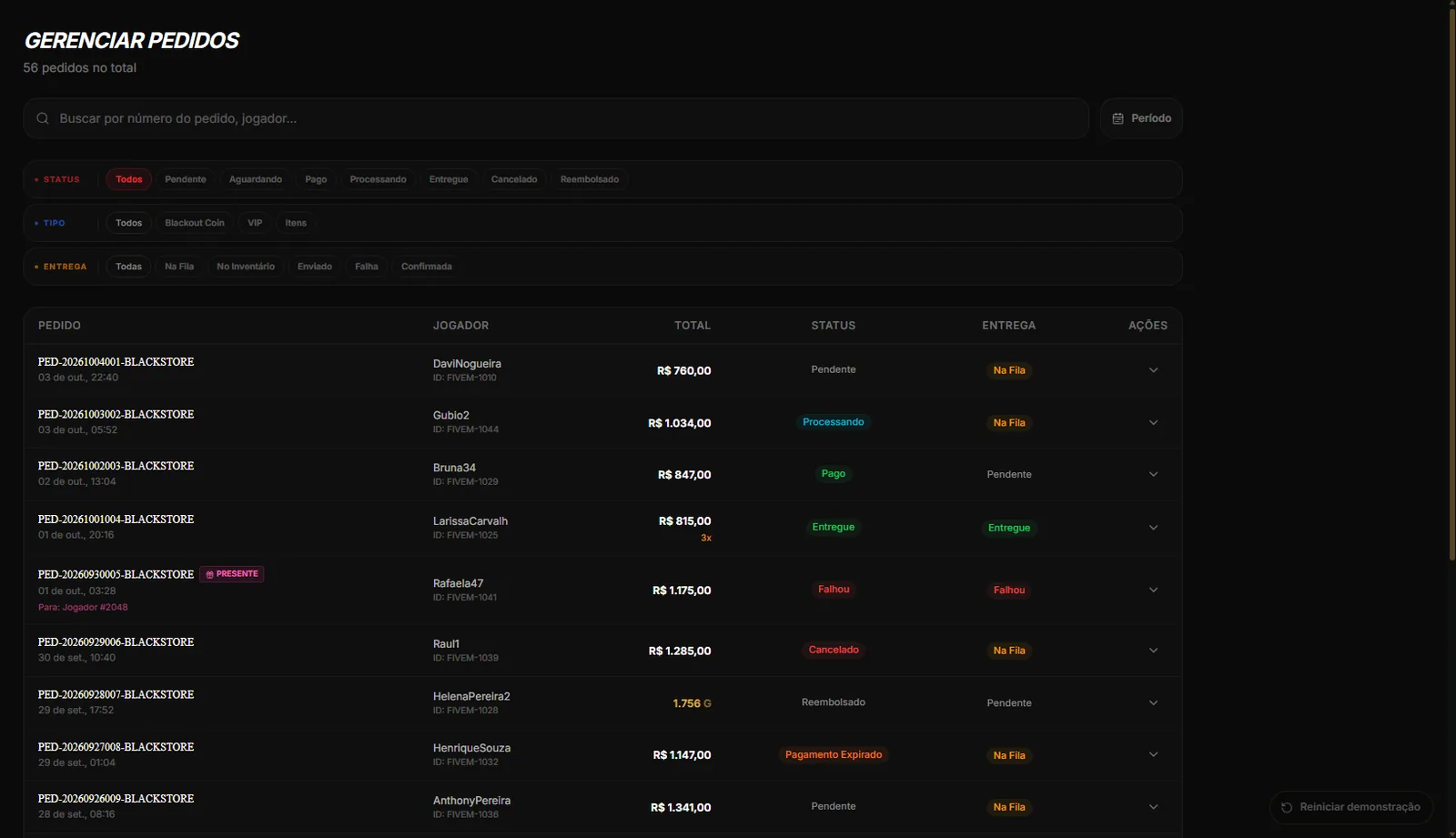
7 order states × 5 delivery states, in two separate machines, because in practice they fail separately.
panel › ordersWhat≠How
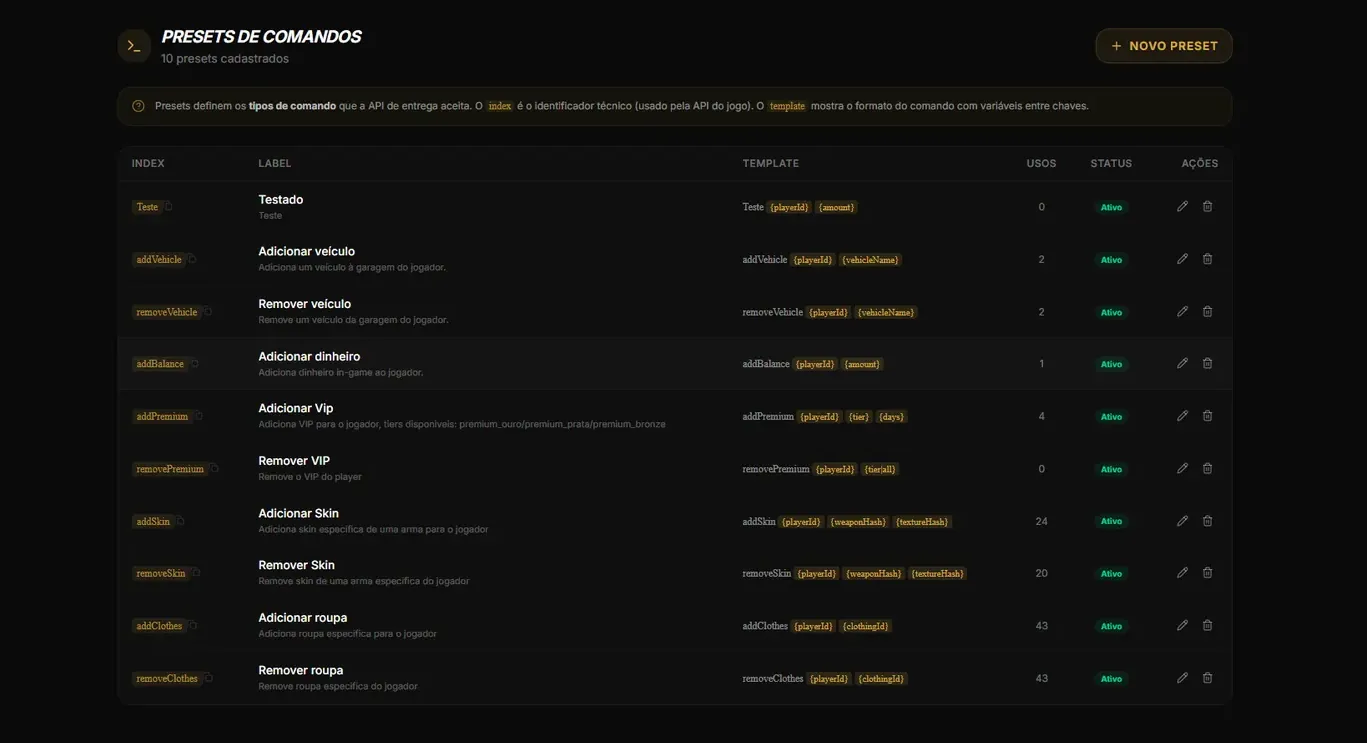
The item declares give_vehicle; it doesn't know the server's syntax. The template turns it into addcar {playerId} {model}, and each template counts its own uses.
panel › commandsFire and forget≠Durable queue
Every command is stored with a time, a status and an attempt counter. If the server fails, the attempt is counted and the error kept, the command waits; it isn't lost.
command queueTwo copies≠One source
The site talks to two databases, its own and the game server's, and the BCoin balance is written in a single place: straight into the game database, the source of truth.
site database + game databaseHolding a credential≠Exposing the method
Technical credentials in one tab, commercial activation in another. PIX, card, boleto and PayPal, through three providers: Mercado Pago, AbacatePay and PayPal.
settings › paymentsDelete≠Be able to recover
Soft delete across 14 domains, with a deletion date and an expiry window. Central recovery, not destruction.
panel › trash
Every purchase becomes a command on the game server.
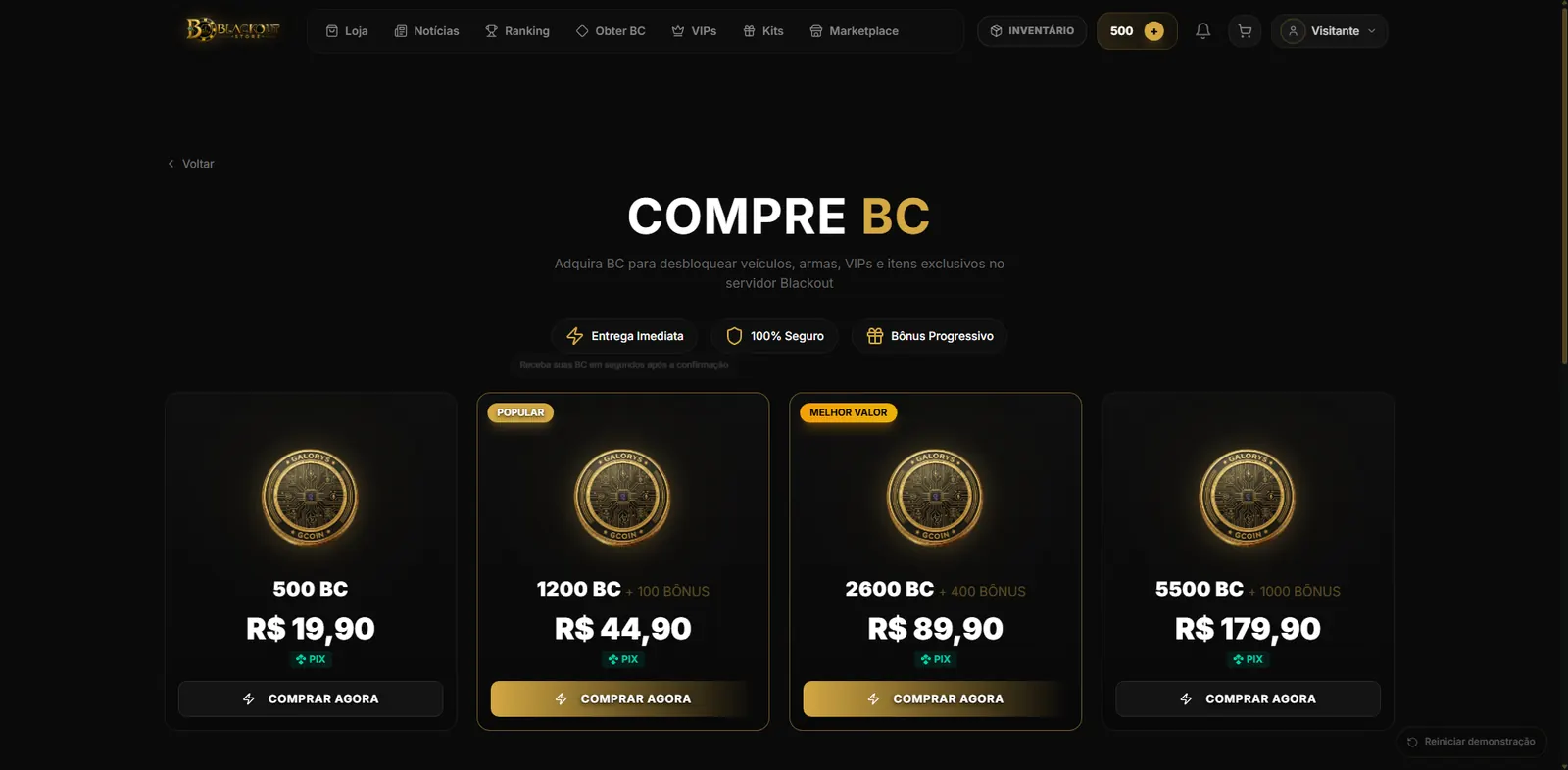
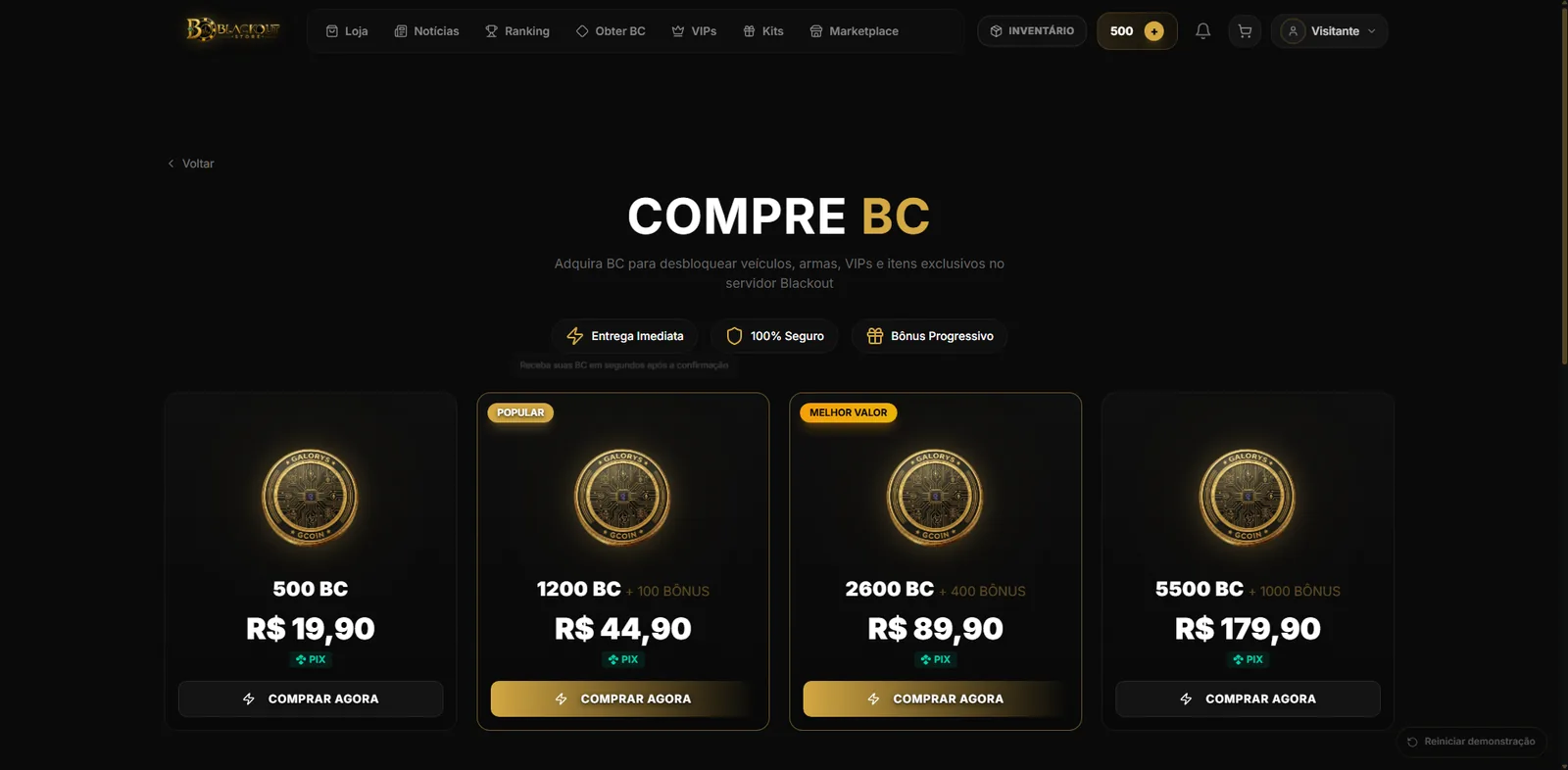
Buy BCoin at our secure checkout, simply and quickly.Under the hood: the payment provider's notice is verified, and the BCoin balance lands straight in the game's database.
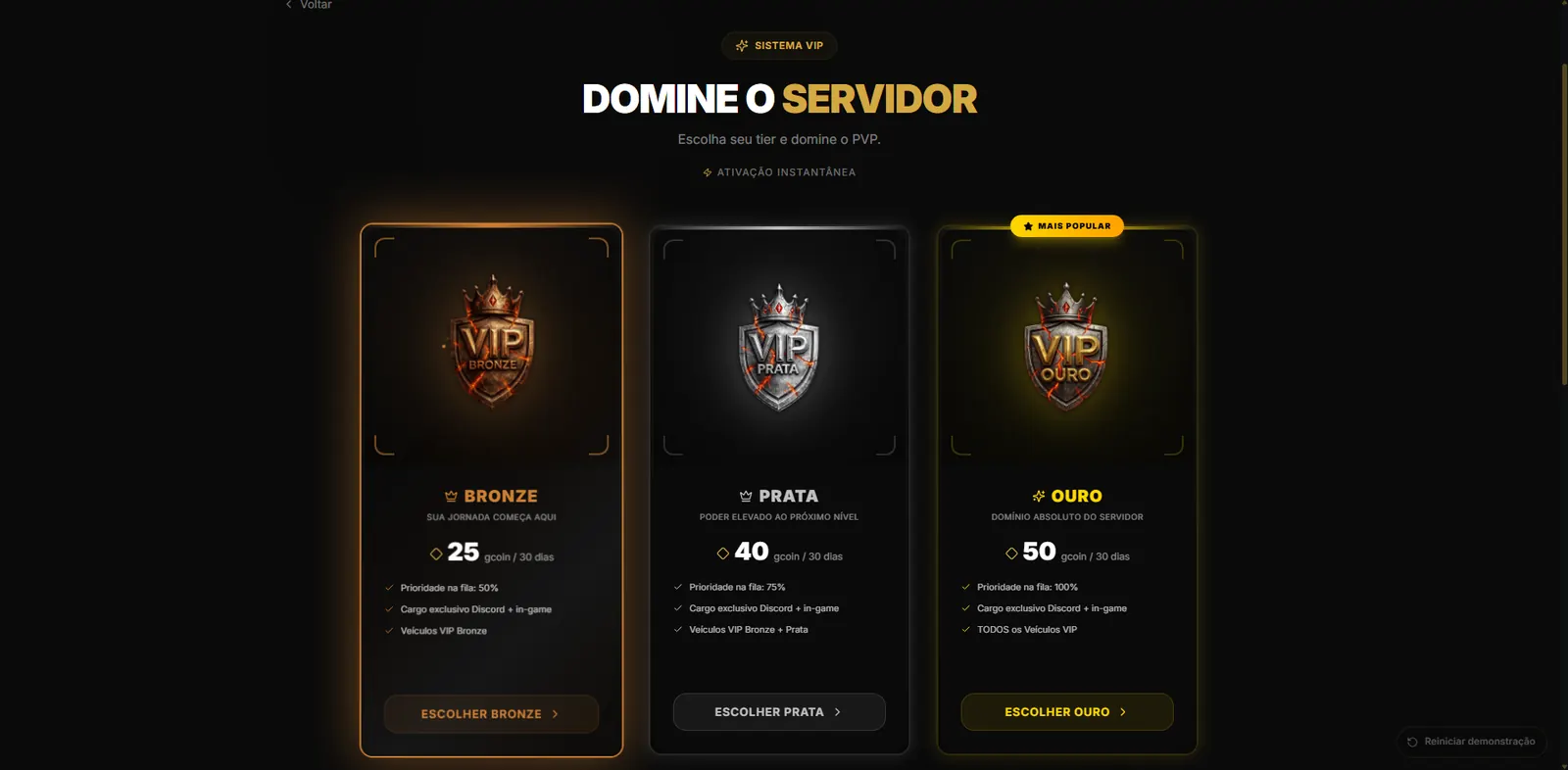
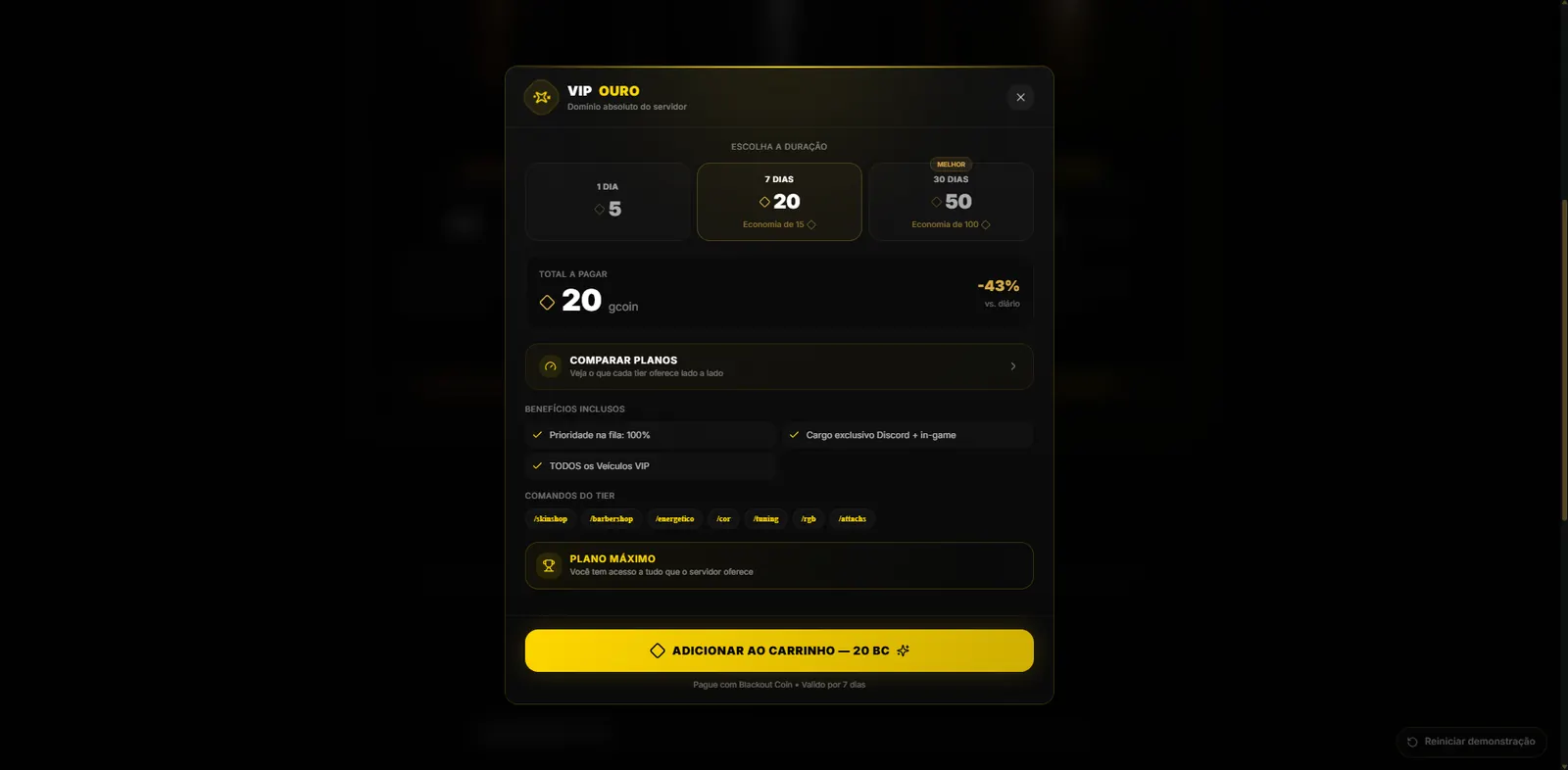
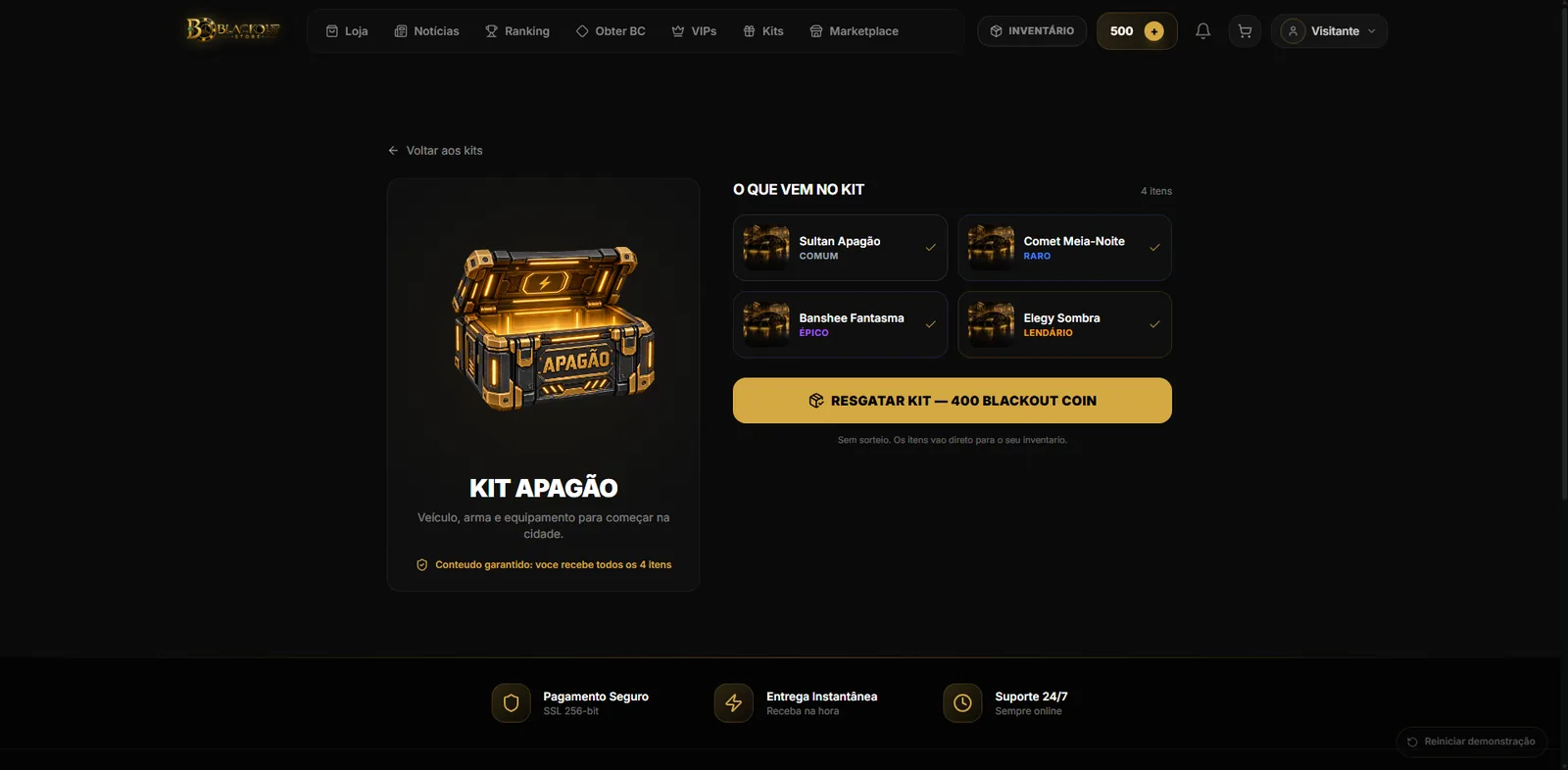
Use your BCoin to get vehicles, clothing, properties and much more at the Blackout store.Under the hood: the item goes into the site's inventory and waits, the player asks for delivery whenever they want, one by one or in a batch.
Your items are delivered straight to your character through our integration with the server.Under the hood: the command enters the server's queue; if it fails, the attempt is counted and the admin can retry.
The panel in numbers
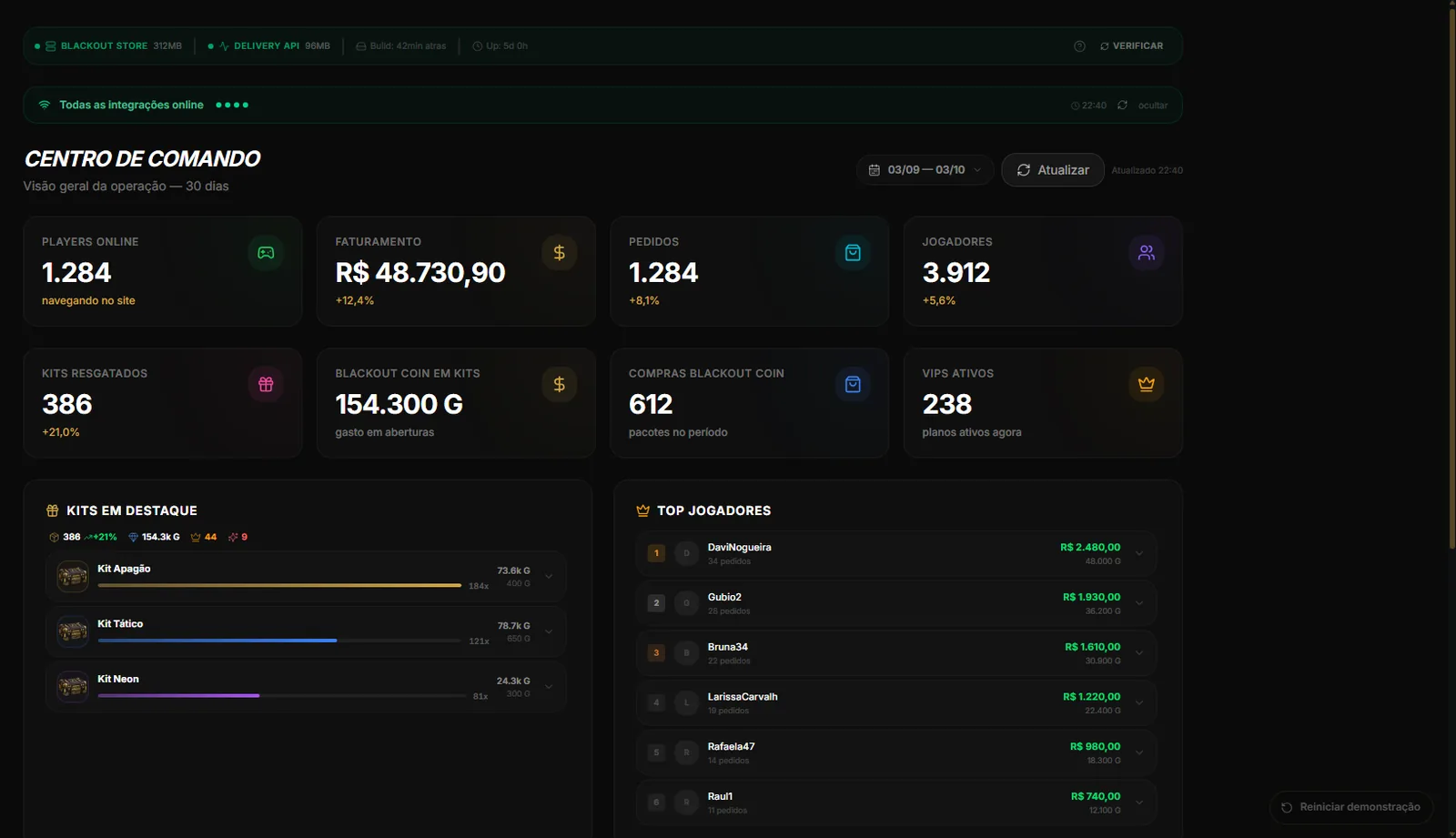
From reports to Discord alerts: what the server owner uses every day, counted on the product's screens.
Finance, orders, deliveries, players, VIP, guilds and more, exported to PDF with your choice of logo, colour and theme.
Order, payment, delivery, error, user, kit, marketplace, admin, what the game sent and the player ID, with search and CSV export.
Support, quote, partnership, feedback, item price and other. Plus an alert when an item shows up on the site without a price.
PIX on two providers, card, PayPal and boleto, each one switched on and off in the panel.
One per event type: orders, approved payments, delivery errors, new accounts and admin actions, among others. The address is stored encrypted.
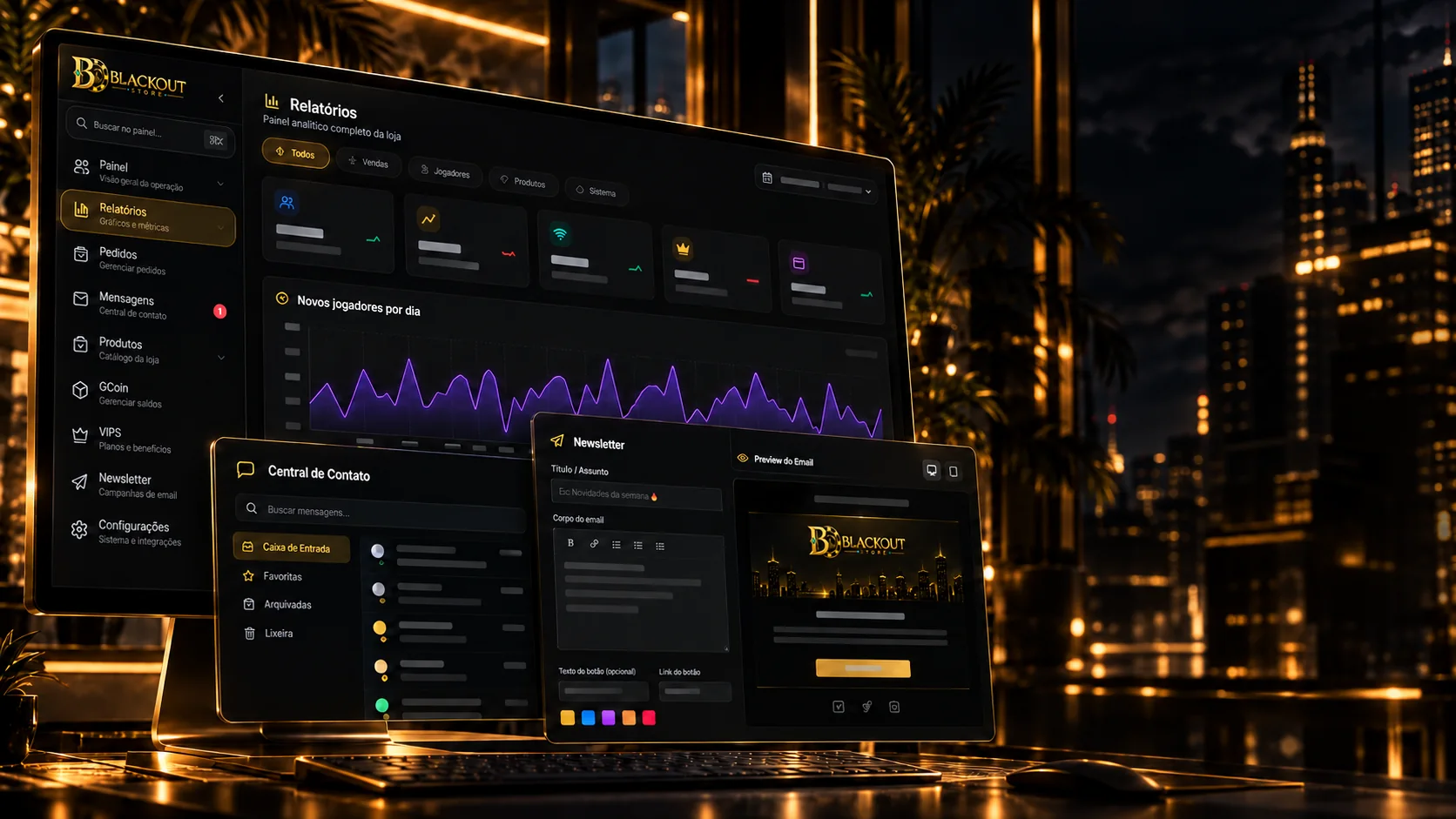
Orders, catalogue, BCoin, deliveries, reports and communication in a single panel.
41 screens: orders, catalogue, VIP plans and kits.
Catalogue and a bin covering 14 record types.
5 integrations and 5 payment methods.
14 analytics tabs and logs by player.
Automatic expiry and 6 Discord channels.
In-game delivery
Every purchase becomes a command in a queue. If the player is offline, the server goes down or the command is wrong, nothing is lost: the attempt is counted, the error is kept and the admin decides what to do.
Marketplace
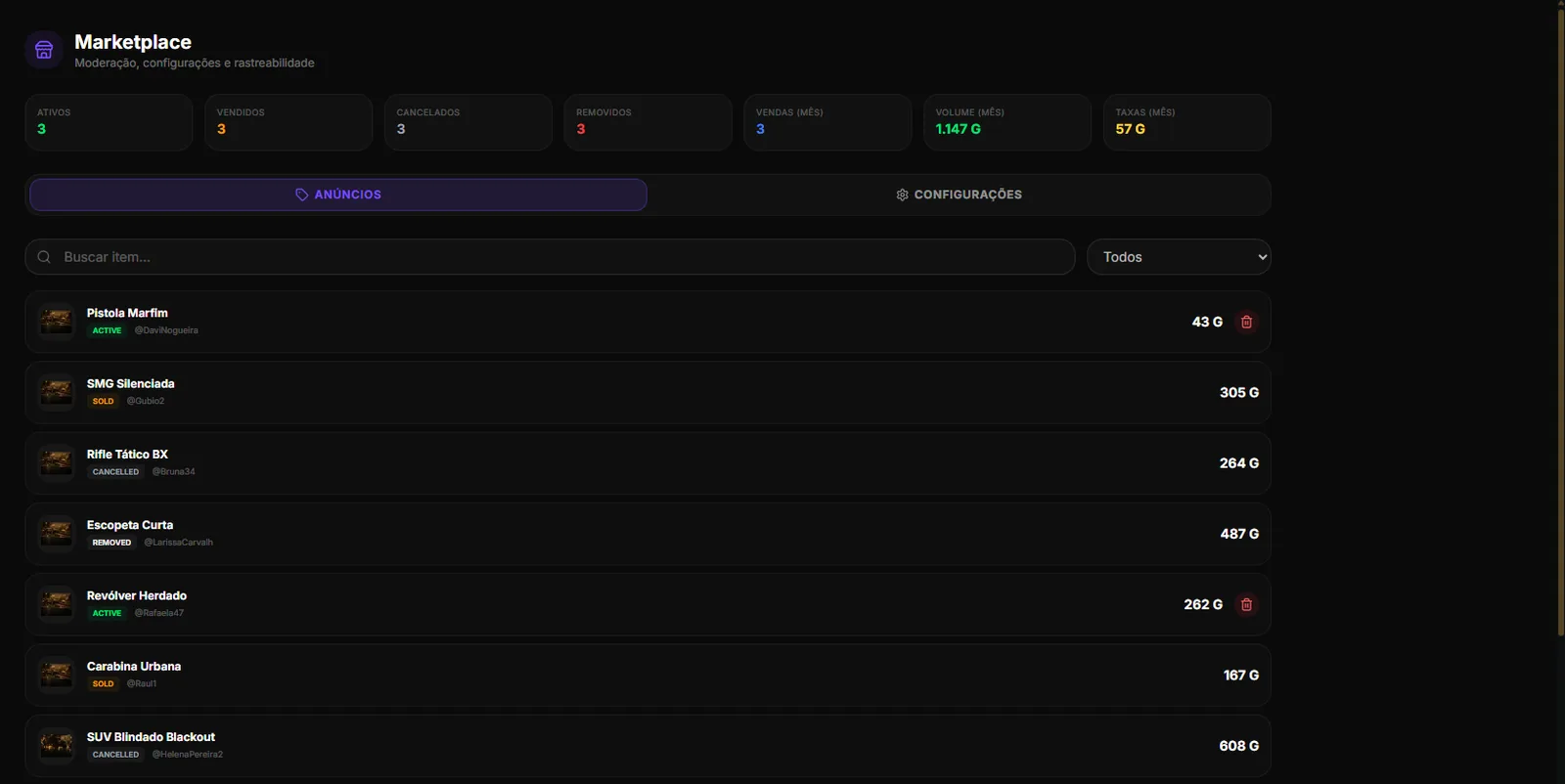
A player with a spare item chooses: sell it to the site right away at a guaranteed price, or list it for other players and wait for a better one. Liquidity or price, and the buyer gets the item inside the game.
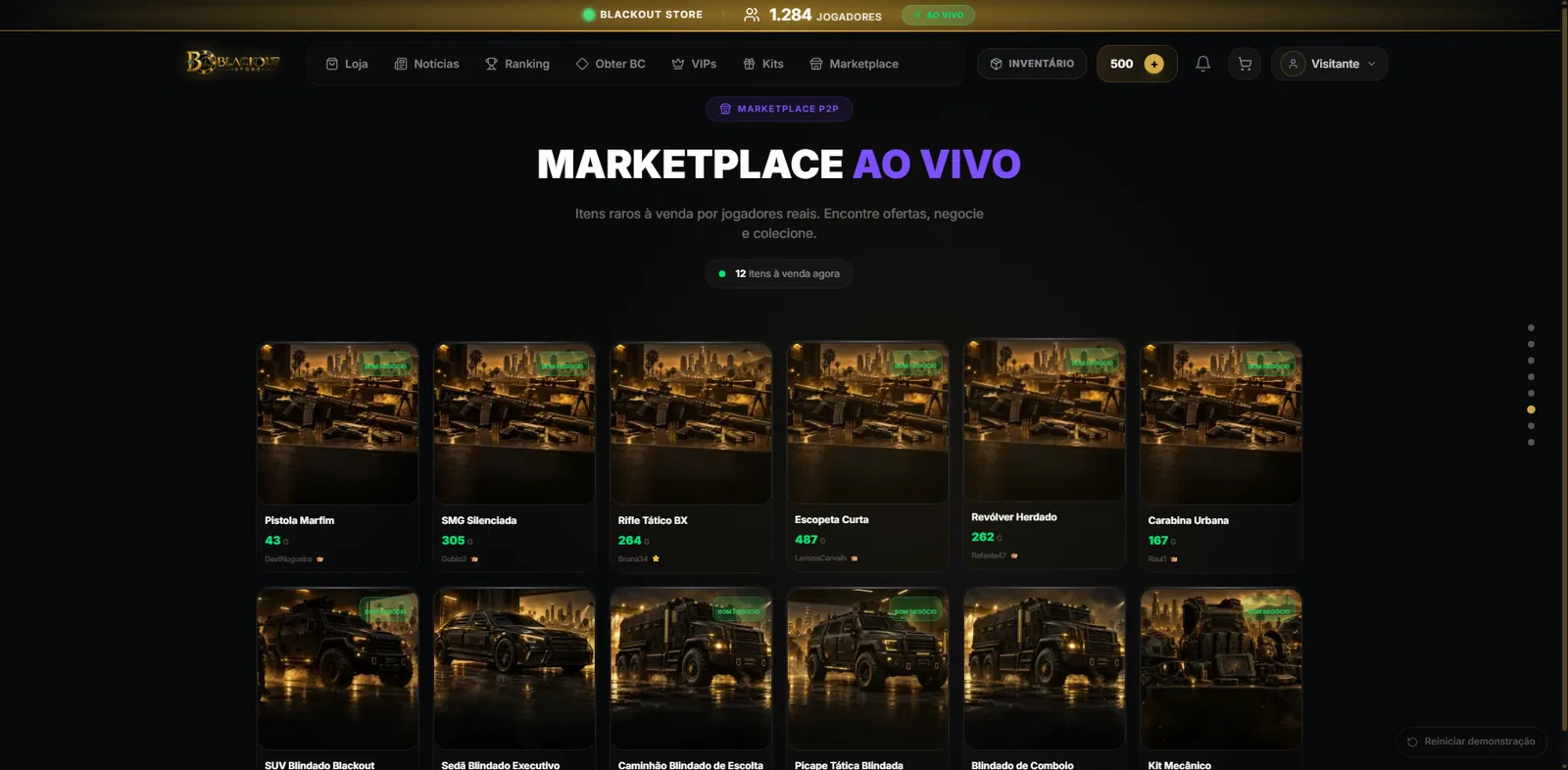
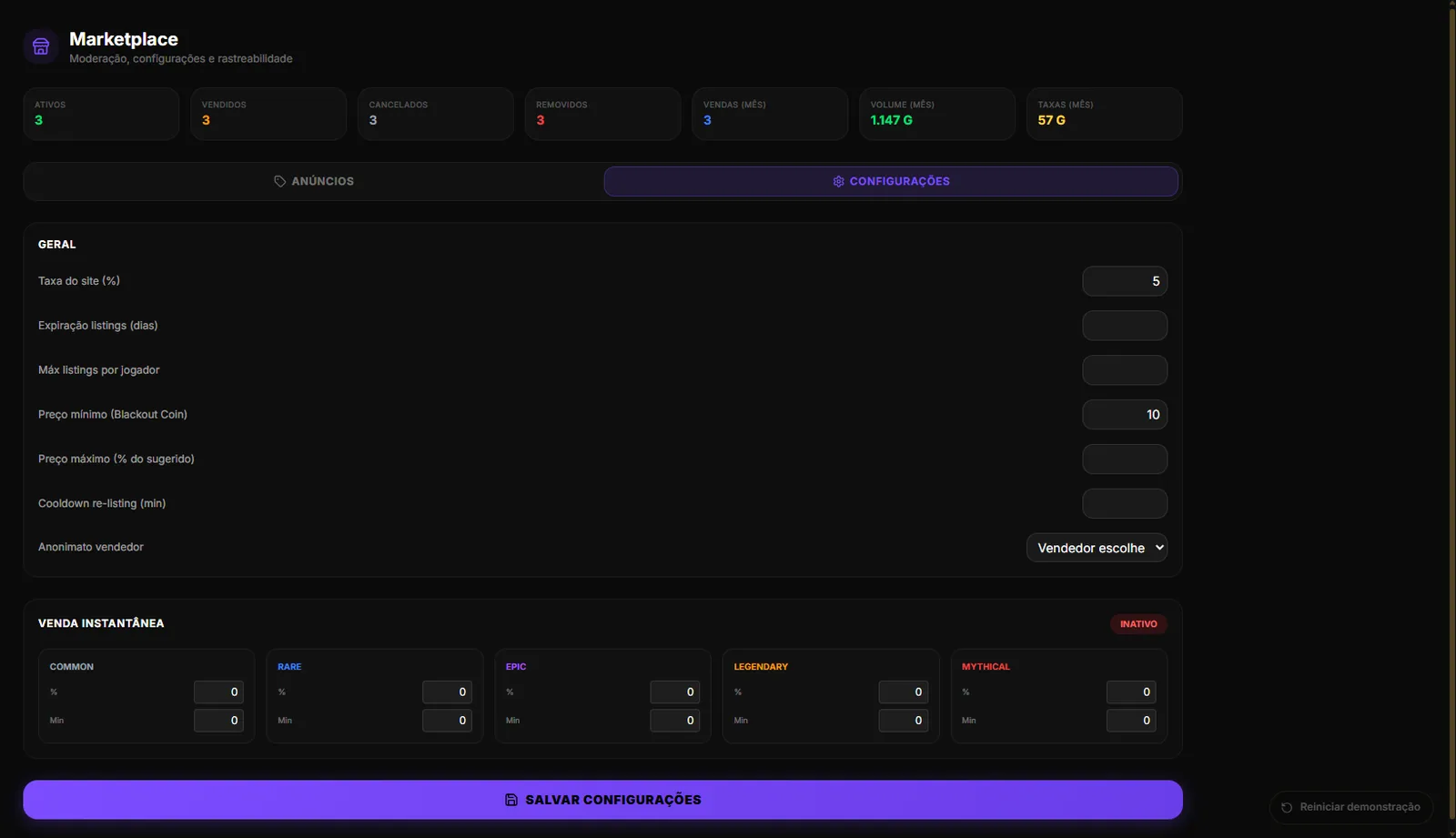
5% is the code's default fee, and the server owner can change it.
The technologies
A whole GTA RP server store: the storefront, the cart, three ways to pay, in-game delivery and the owner's panel. Pick a piece to see what it does here and which file it is in.
24technologies, in 5 layers
Screen
Server
Data
Payment
Integrations
Inside the product
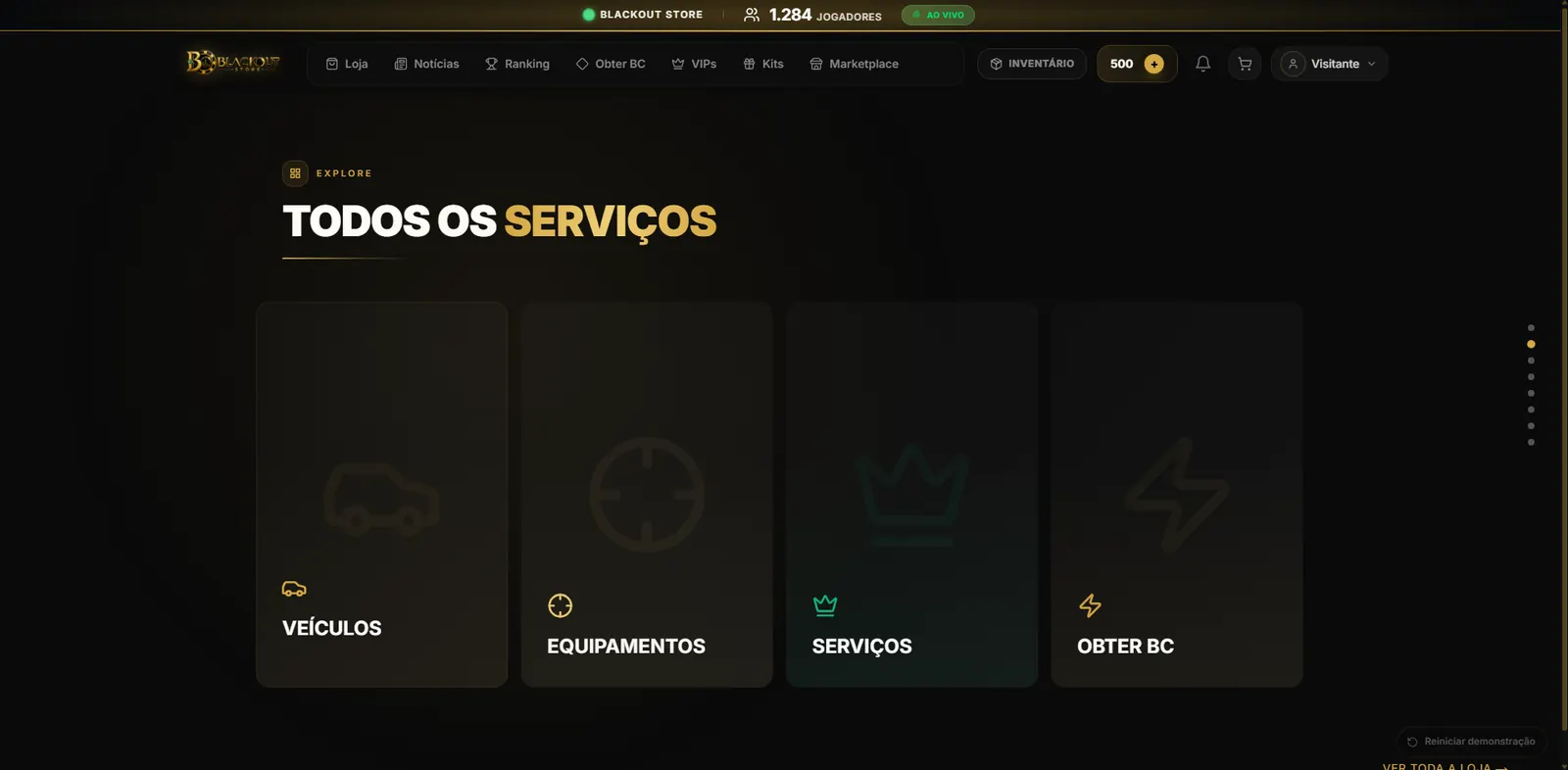
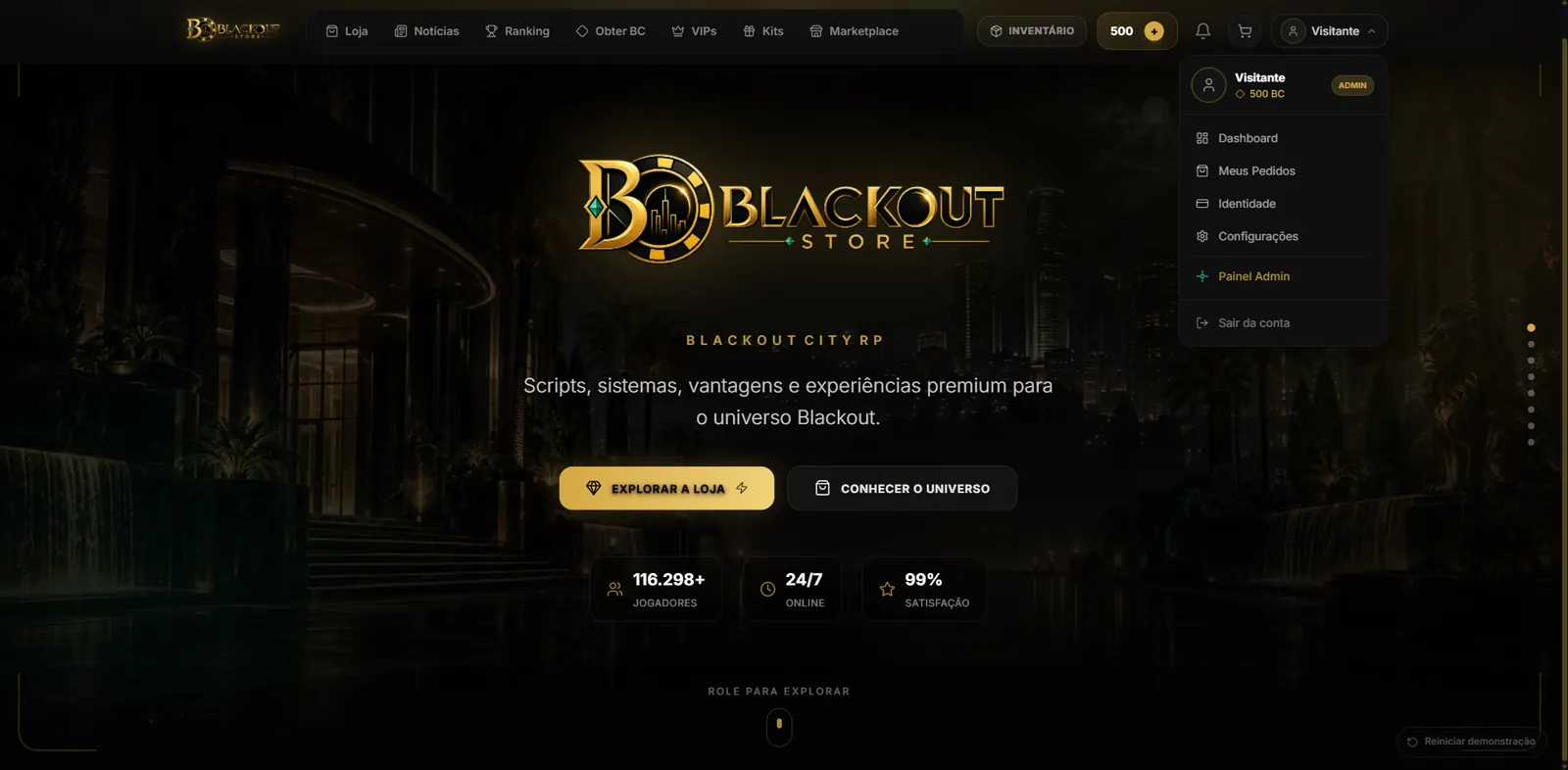
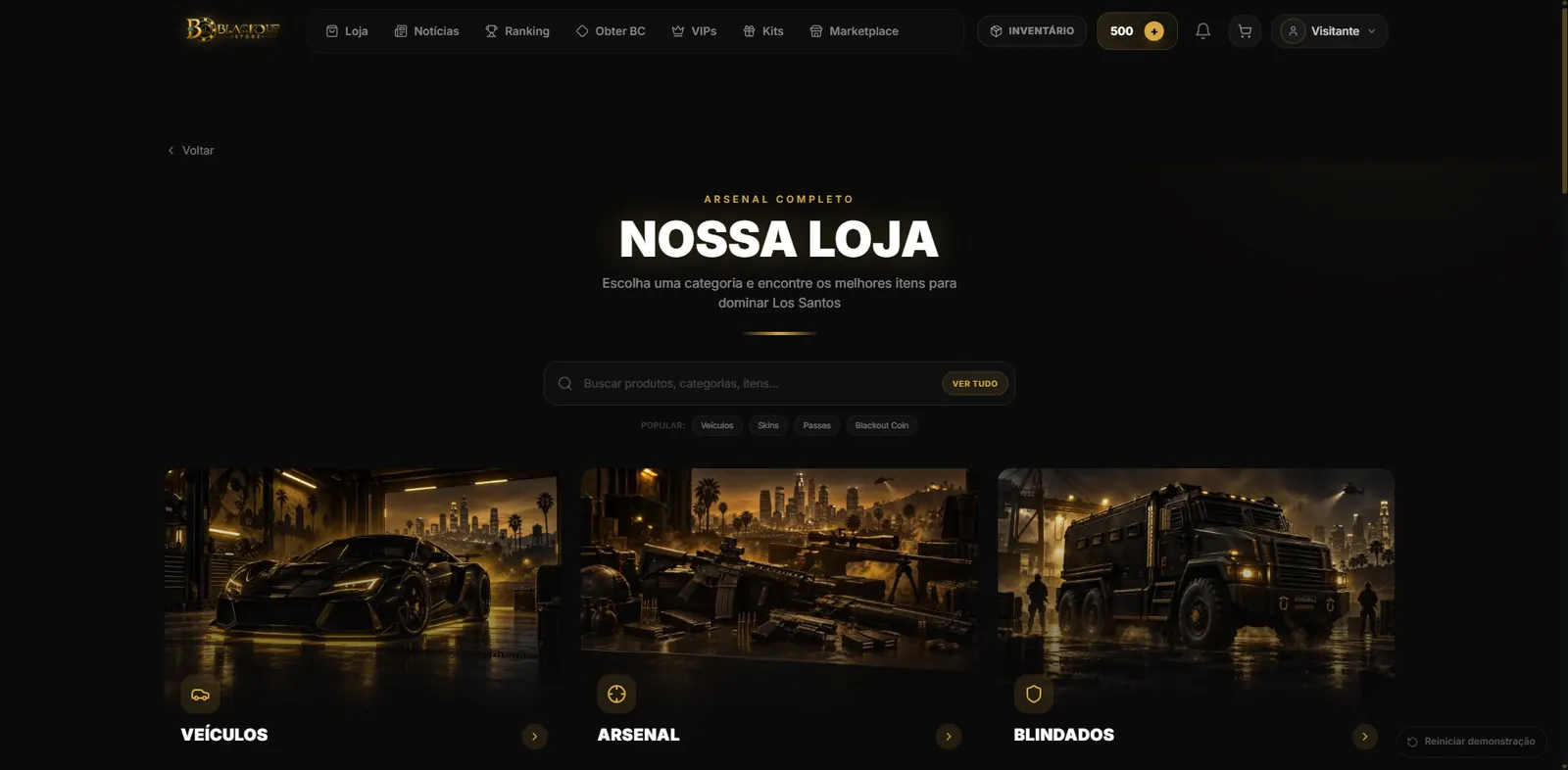
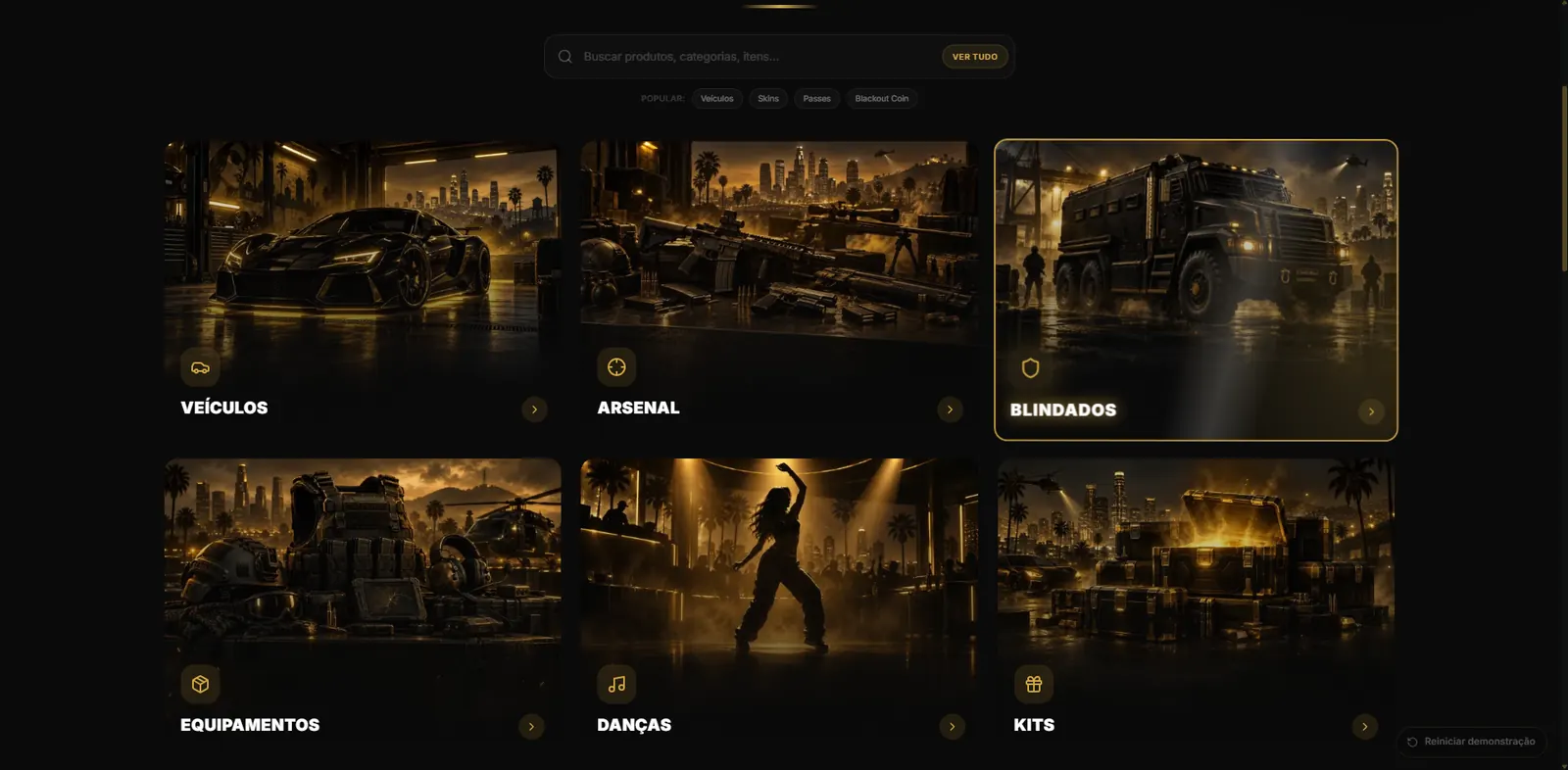
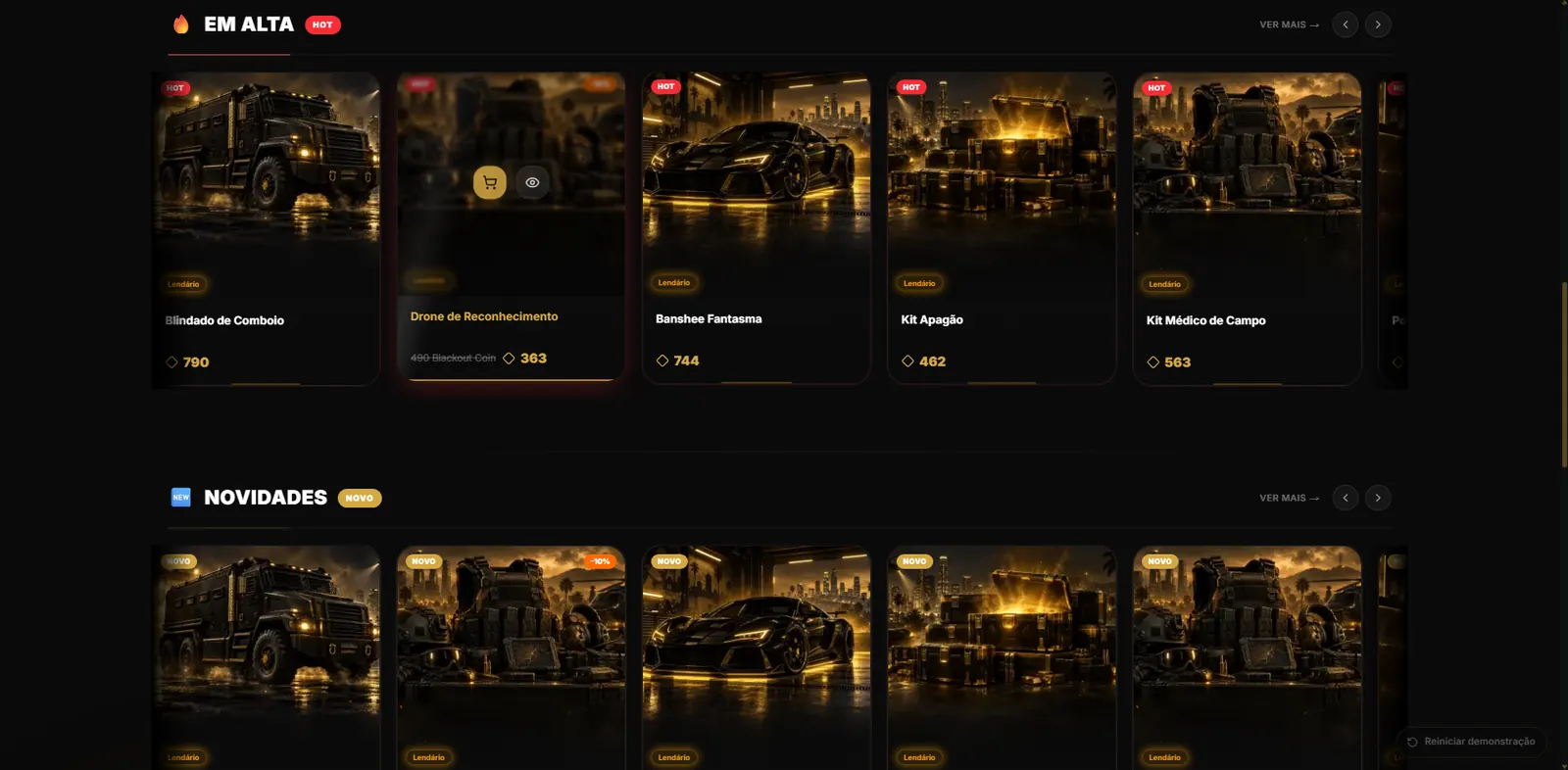
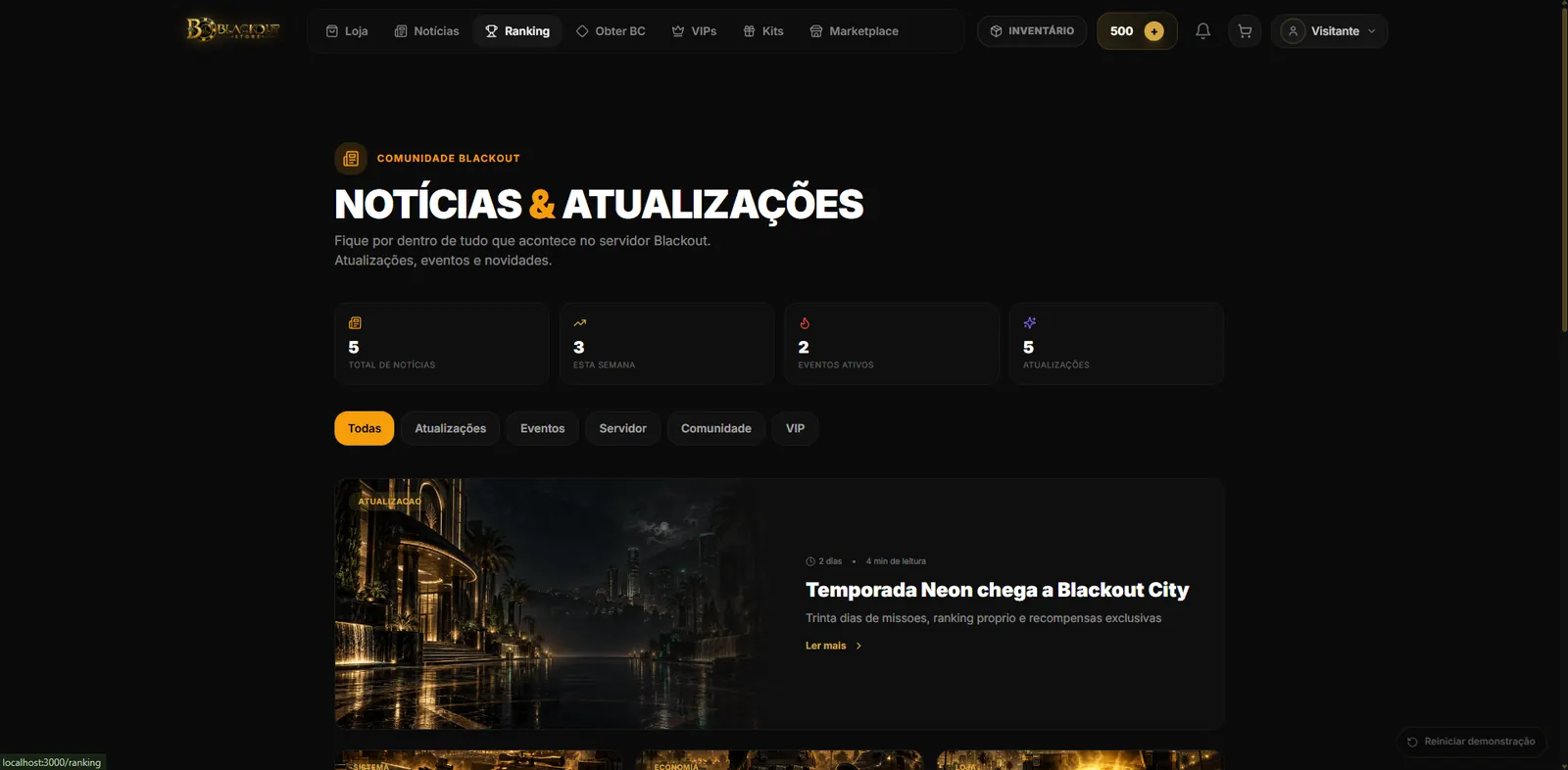
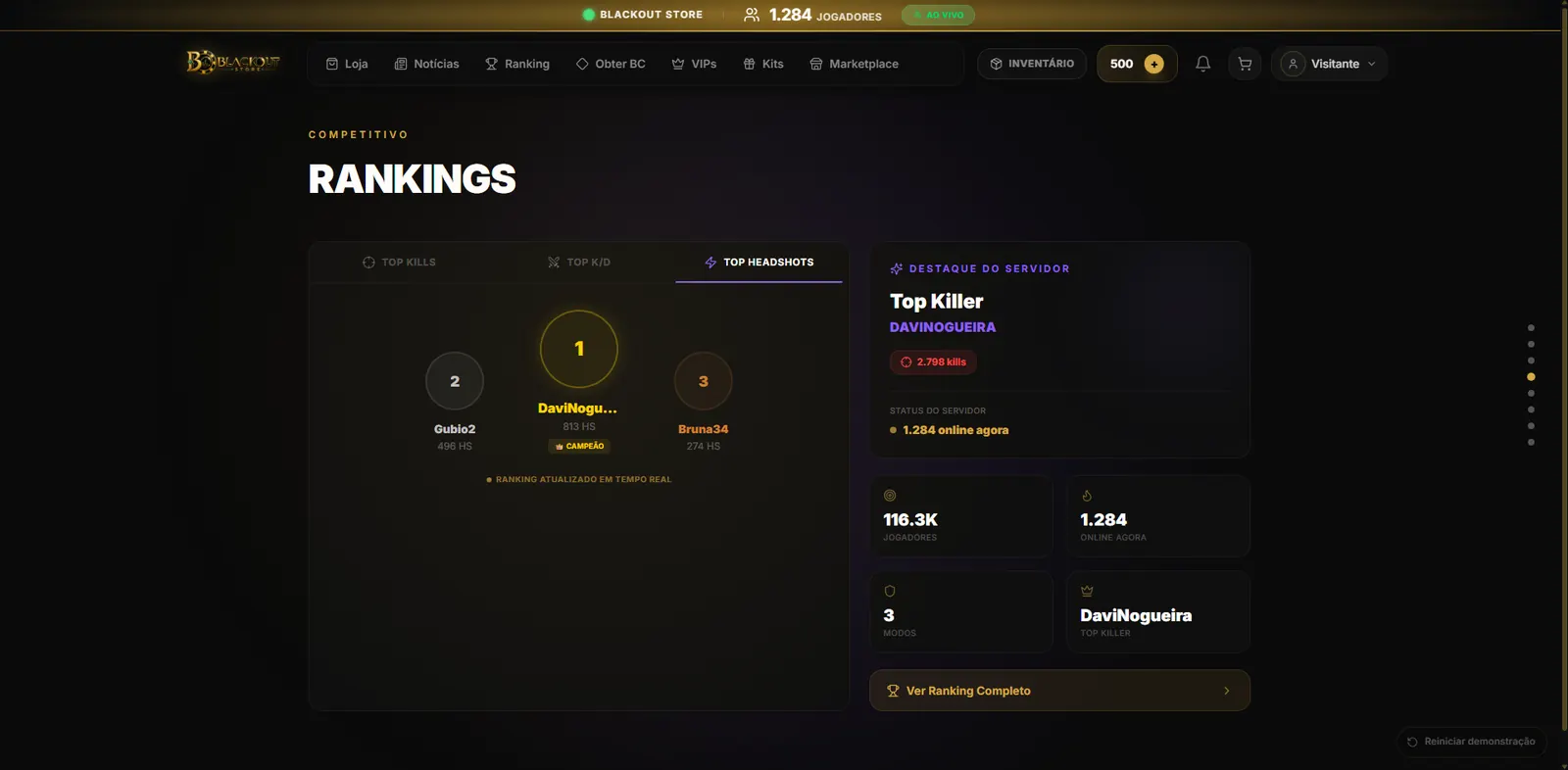
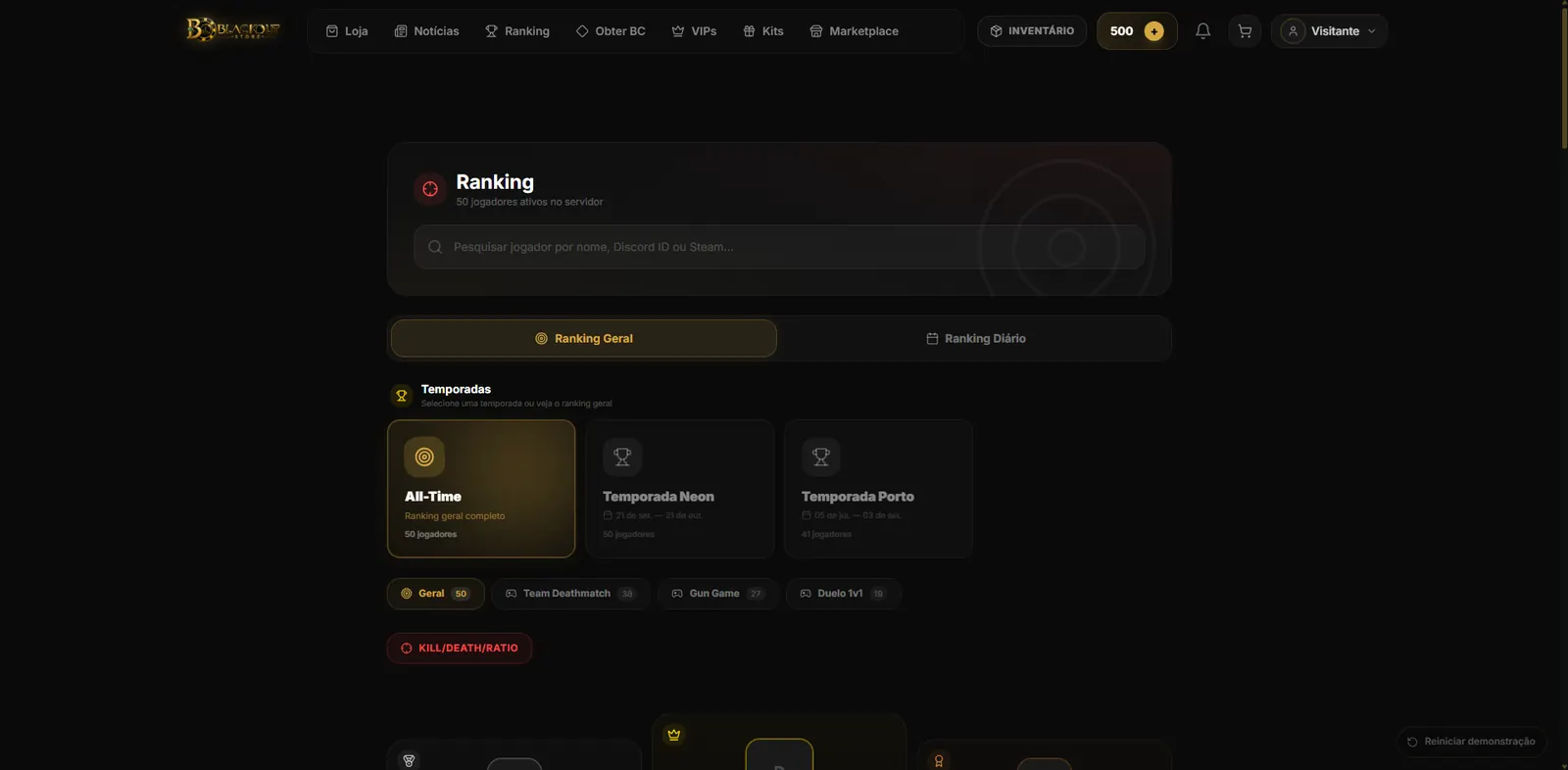
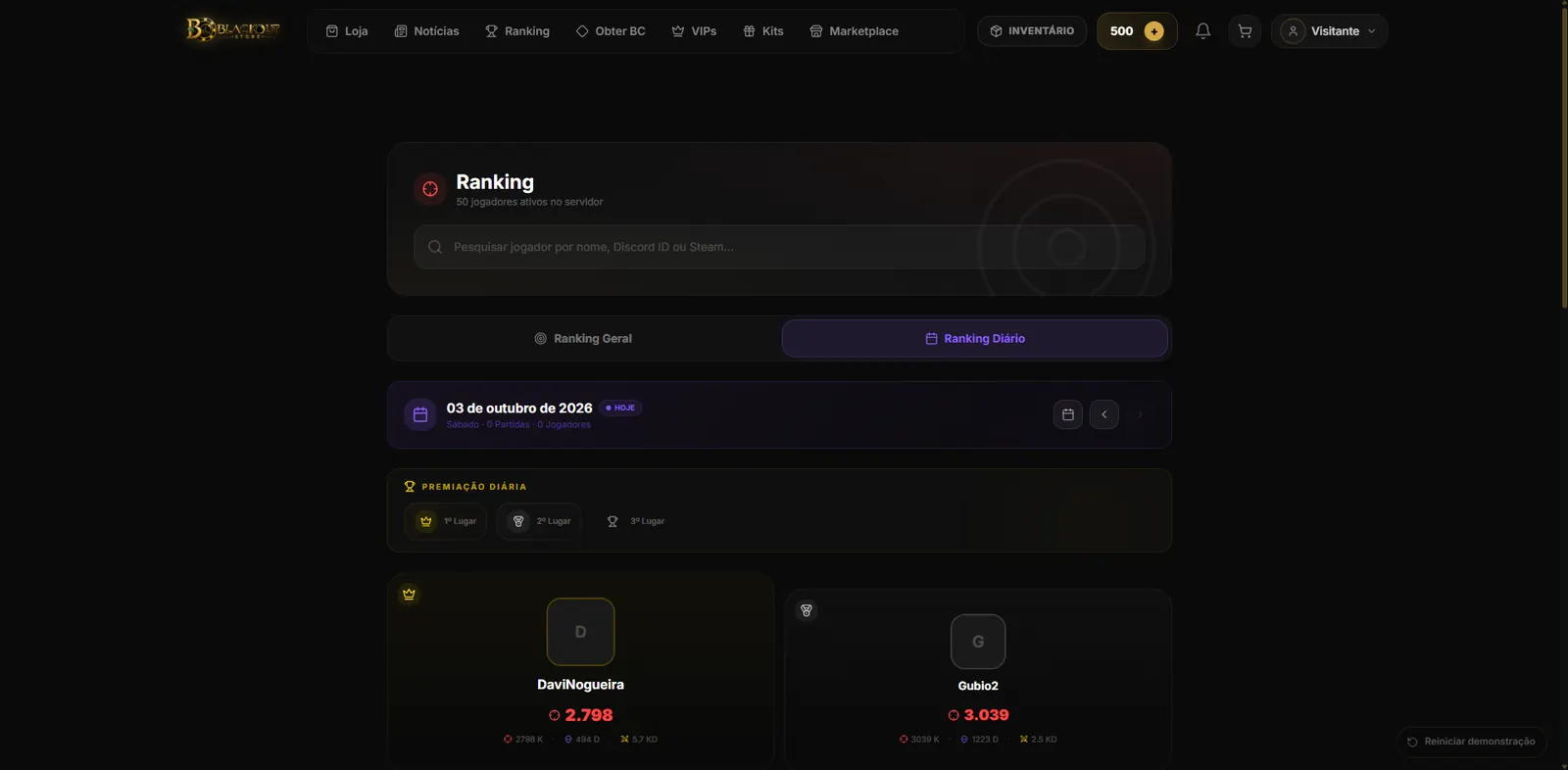
From the storefront to the panel: the product's screens, split by who uses them, the player buying, the player with their kits, the operator running the store and the owner reading the data.
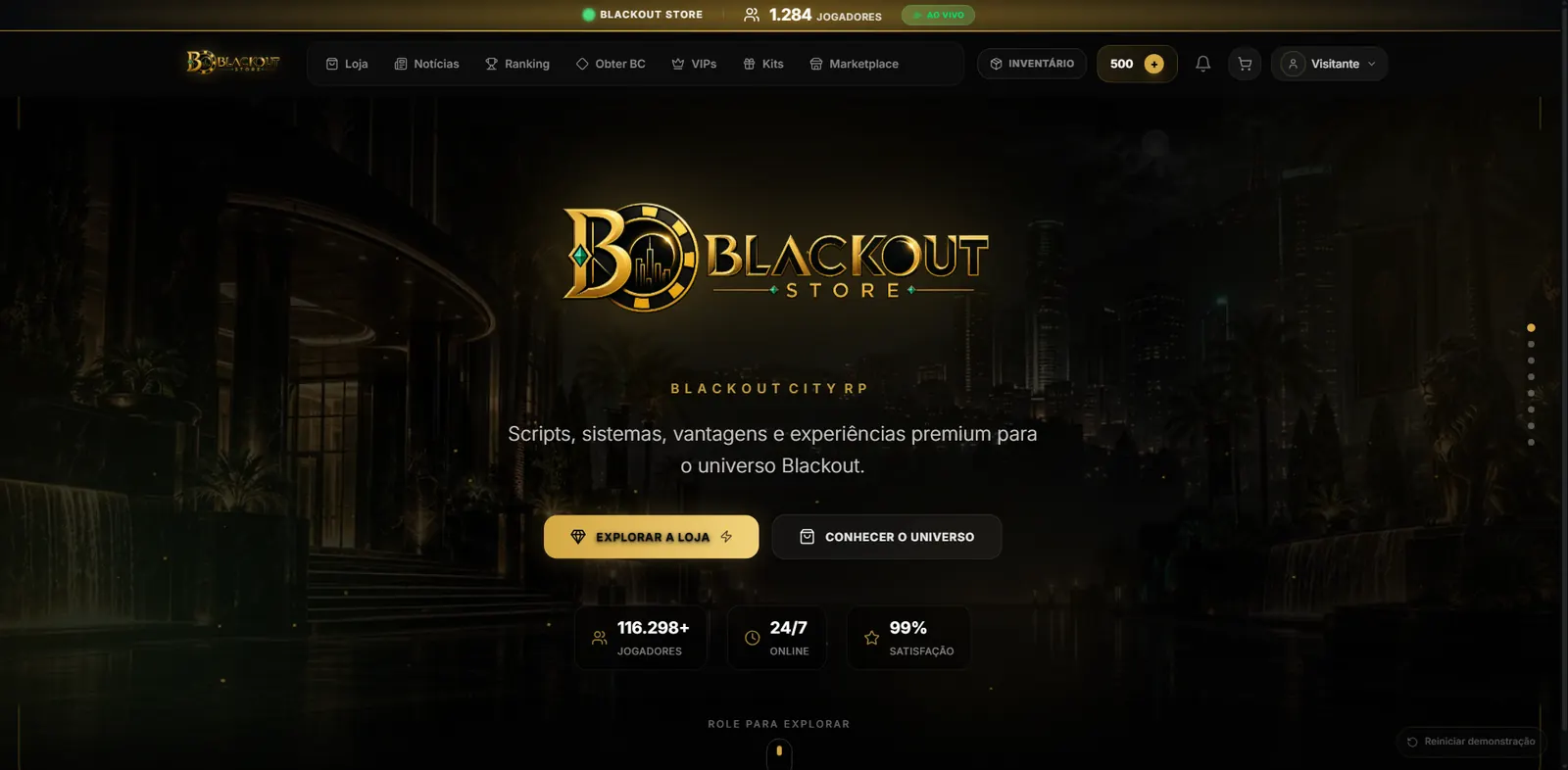
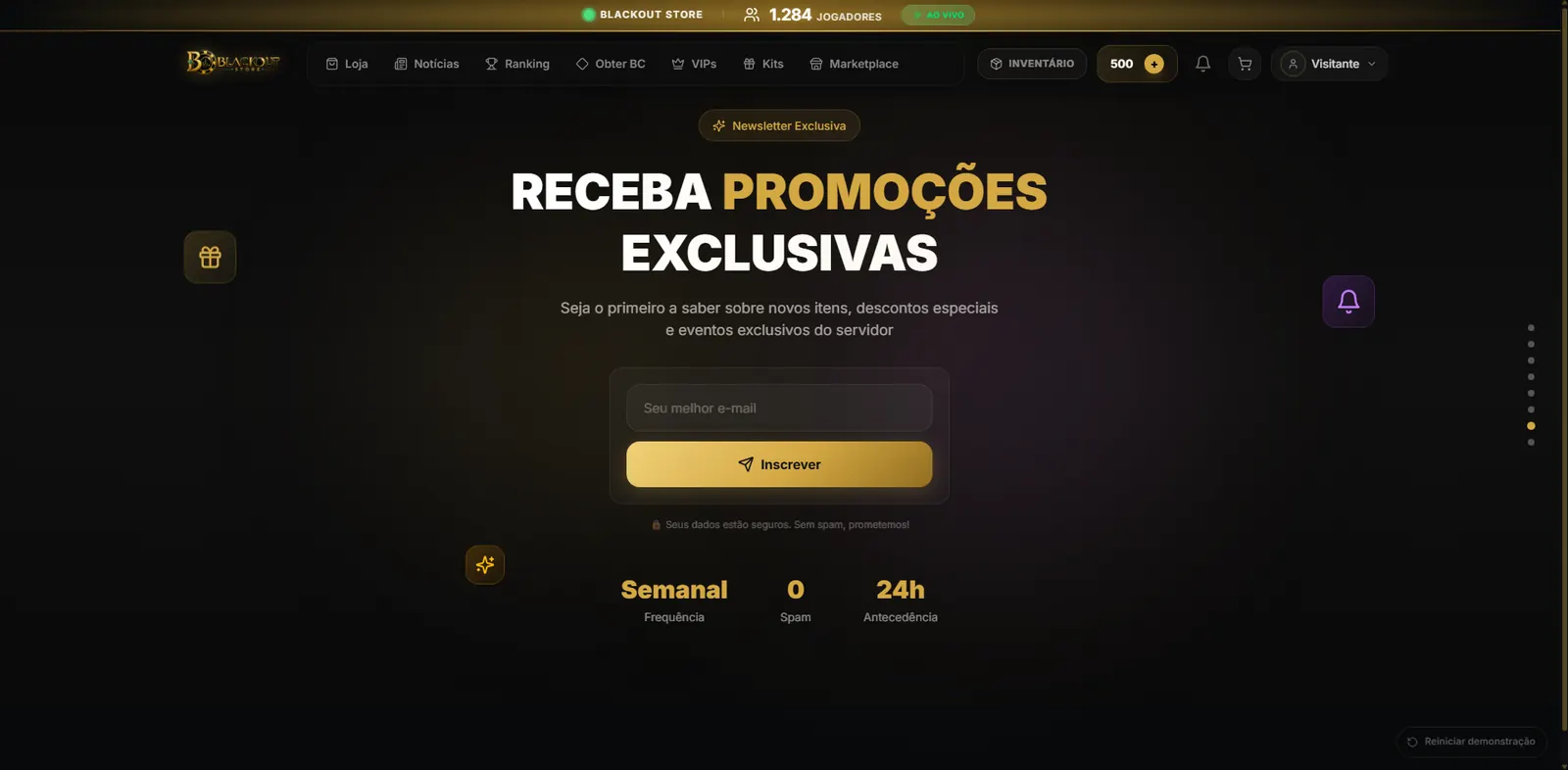
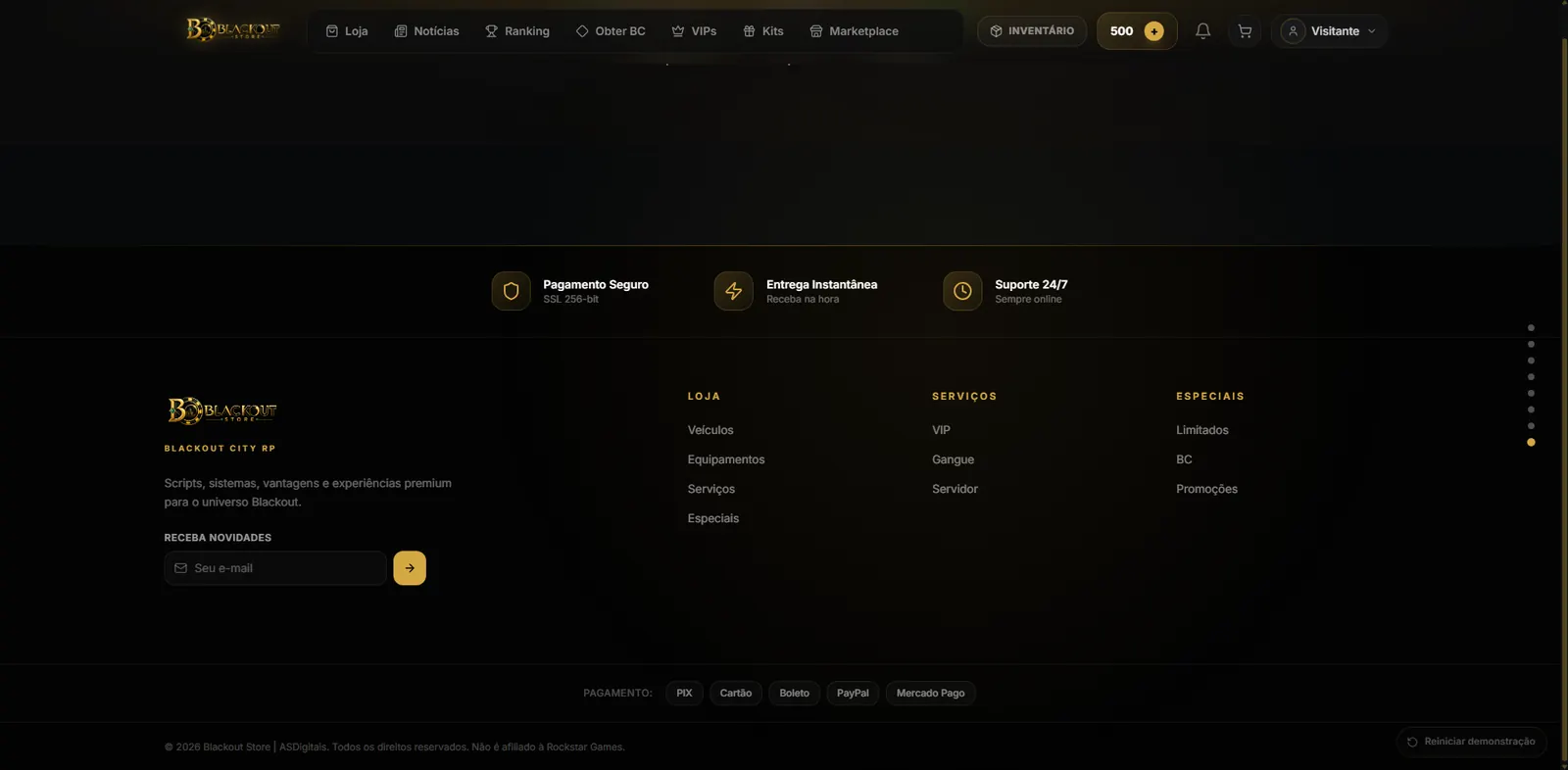
Screen 1 of 15: Home
The navigable prototype runs with no backend: a service worker intercepts the real API's own URLs inside the browser and returns a fictional database in the shape the screens already expected. That's 3,154 lines of fake data, on a fixed seed, every visitor sees the same charts.
No login: the visitor arrives already authenticated.
Fictional data, declared in the interface itself.