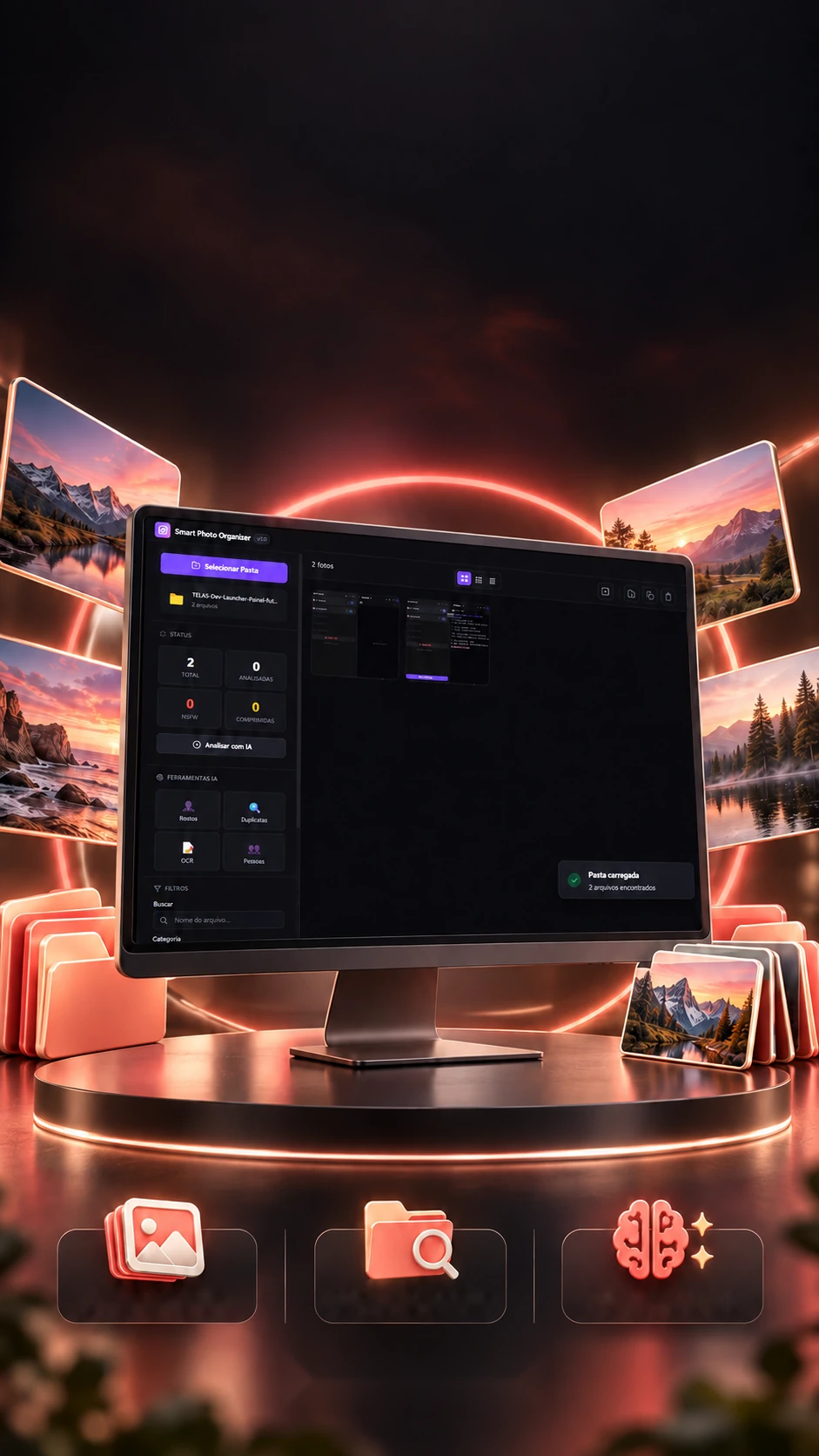
 Visual libraryFile selectionAnalysis tools
Your collection.An organized view.
Folders, thumbnails and analysis tools in a desktop app.
Organizes a photo collection on the computer itself: quality, categories, faces, text and duplicates.Organizes photos on your computer: categories, faces, duplicates.
- Electron
- JavaScript
- sharp
- Tesseract.js
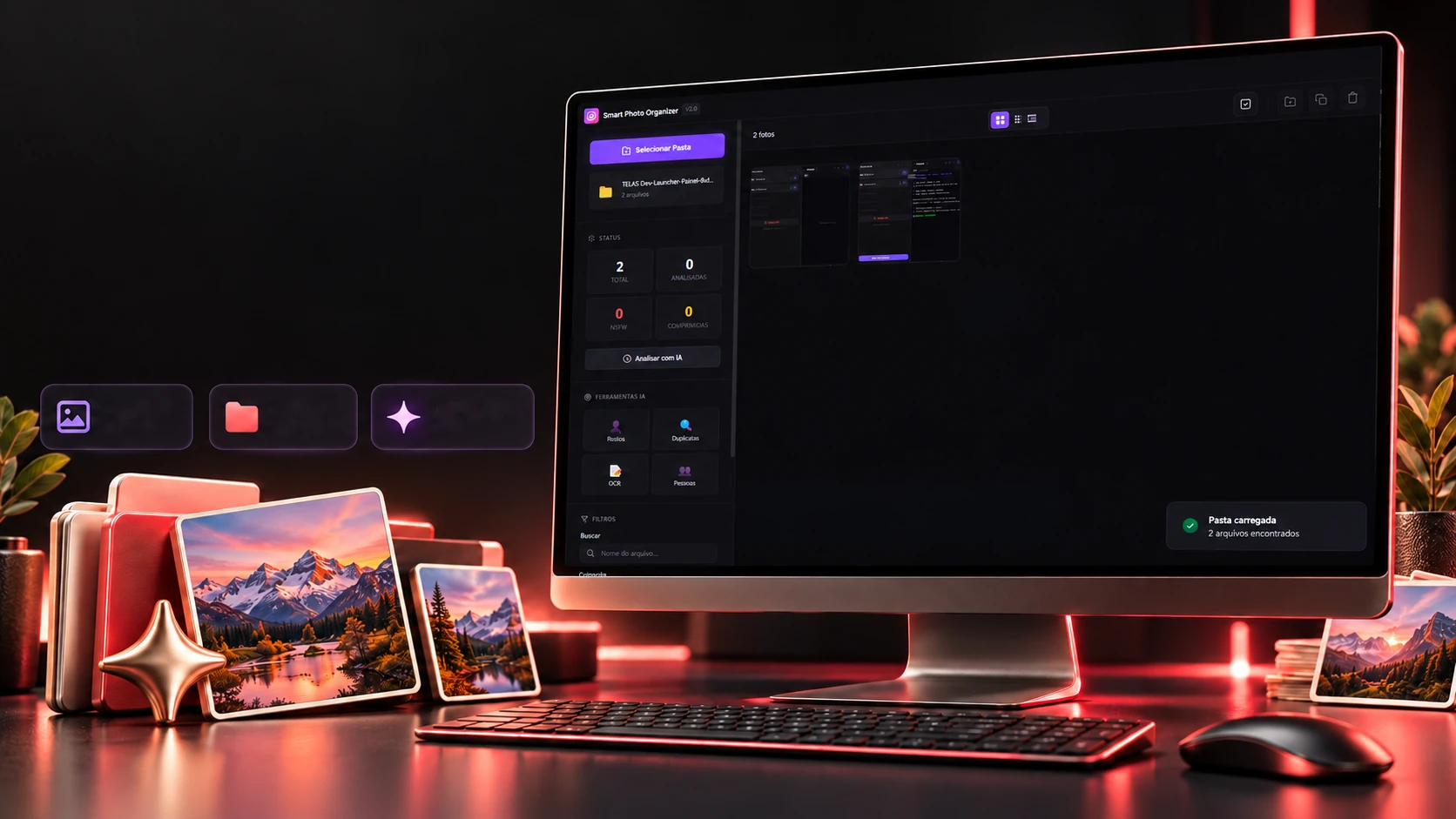 Visual
libraryFile
selectionAnalysis
tools
Your collection.An organized view.
Folders, thumbnails and analysis tools in a desktop app.
- Electron
- JavaScript
- sharp
- Tesseract.js
Organizes a photo collection on the computer itself: quality, categories, faces, text and duplicates.Organizes photos on your computer: categories, faces, duplicates.
- Electron
- JavaScript
- sharp
- Tesseract.js
The quality of each photo
How many bytes each pixel should have.
A photo can look fine as a thumbnail and be ruined by compression. The app compares the file size with what the photo should weigh and gives each one a seal. Pick an example or move the width, height and file size.
The photo
- 1:1
- 4:3
- 3:4
- 16:9
- 9:16
- 3:2
- 2:3
- 21:9
The app's calculation
- Megapixels
- 12,19
- Should weigh (pixels × 0.5 byte)
- 5,8 MB
- Ratio (file ÷ expected)
- 0,55
Where the ratio falls: below 0.15 is heavily compressed; below 0.25, medium; above that, high.
The rules are the app's (photoAnalyzer.js): resolution first, under 500 thousand pixels is a thumbnail, under 1 million is low resolution; then the ratio between the file and half a byte per pixel (below 0.15, heavily compressed; below 0.25, medium; otherwise, high). Thumbnails and heavily compressed photos get the compressed flag on the grid. The aspect ratio is the closest of 1:1, 4:3, 3:4, 16:9, 9:16, 3:2, 2:3 and 21:9. Examples are illustrative.
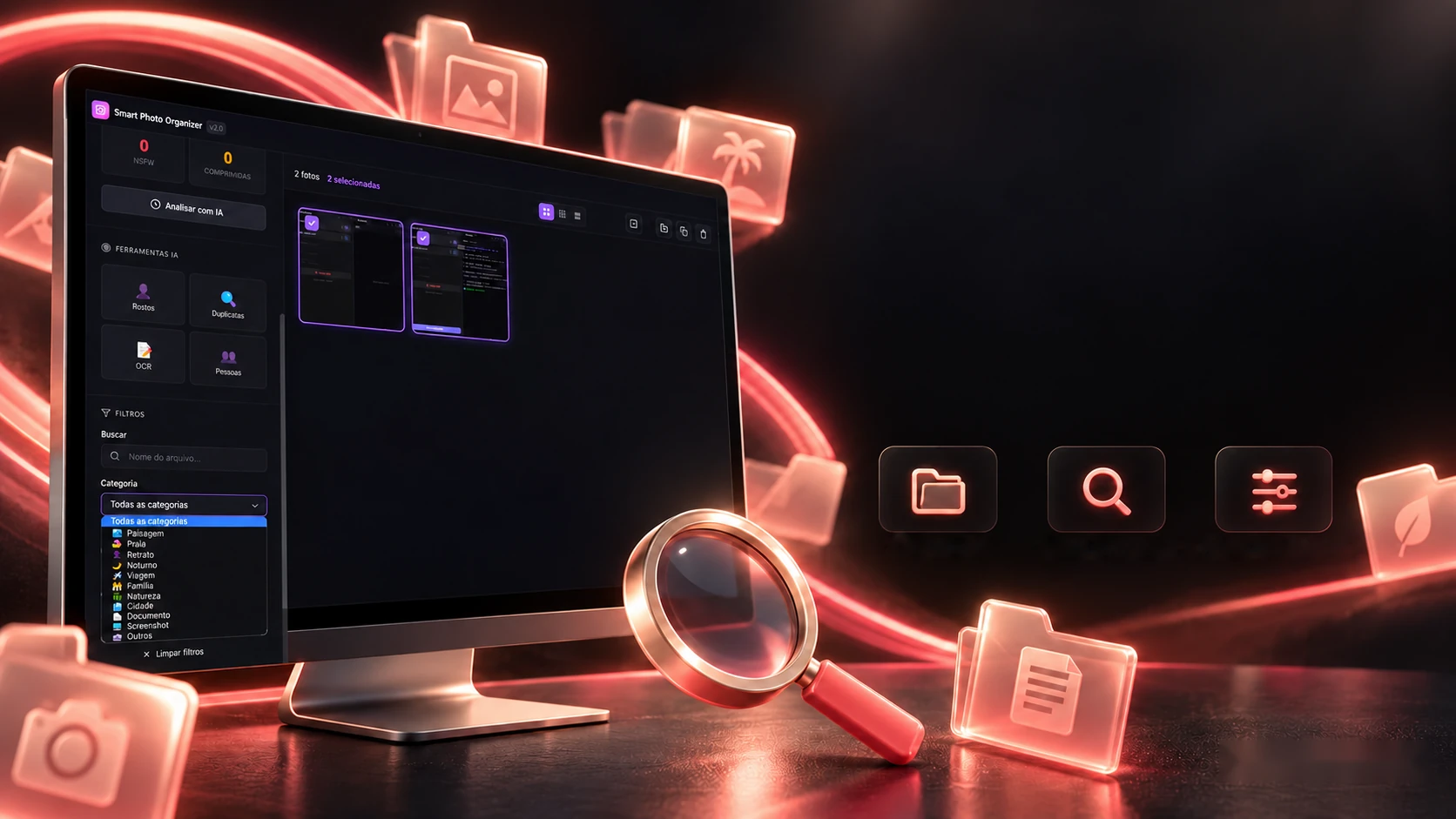
Find by category. Refine your selection.
Search, category, quality and period to explore the collection.
CategoriesSearch by nameCombined filtersTo sort beach, travel, screenshots and documents, the app doesn't need to look at the photo: it reads the file name, the folder, the aspect ratio and the dominant color, in a fixed order, the first rule that matches wins. Change the path, the ratio and the color and see which category the photo lands in.
The file
The 9 rules, in order
- ScreenshotName · screenshot · captura · screen · print
- DocumentName · doc · scan · documento · pdf
- BeachFolder · praia · beach
- TravelFolder · viagem · travel · trip
- FamilyFolder · familia · family
- NightColor · 0,299R + 0,587G + 0,114B < 50
- LandscapeRatio · 16:9 · 21:9
- PortraitRatio · 9:16 · 3:4
- OtherThe rest · —
The photo lands inTravel
The rules are the app's (photoAnalyzer.js), lowercase and in order: the file name comes before the folder, and the folder is the whole path, a grandparent folder named "Travel" counts too. The rule looks for "familia" without the accent, so a Portuguese "Família" folder doesn't match (try the last example). Brightness comes from the dominant color (0.299 red + 0.587 green + 0.114 blue). The Nature and City categories show up in the app's filter, but no rule produces them.
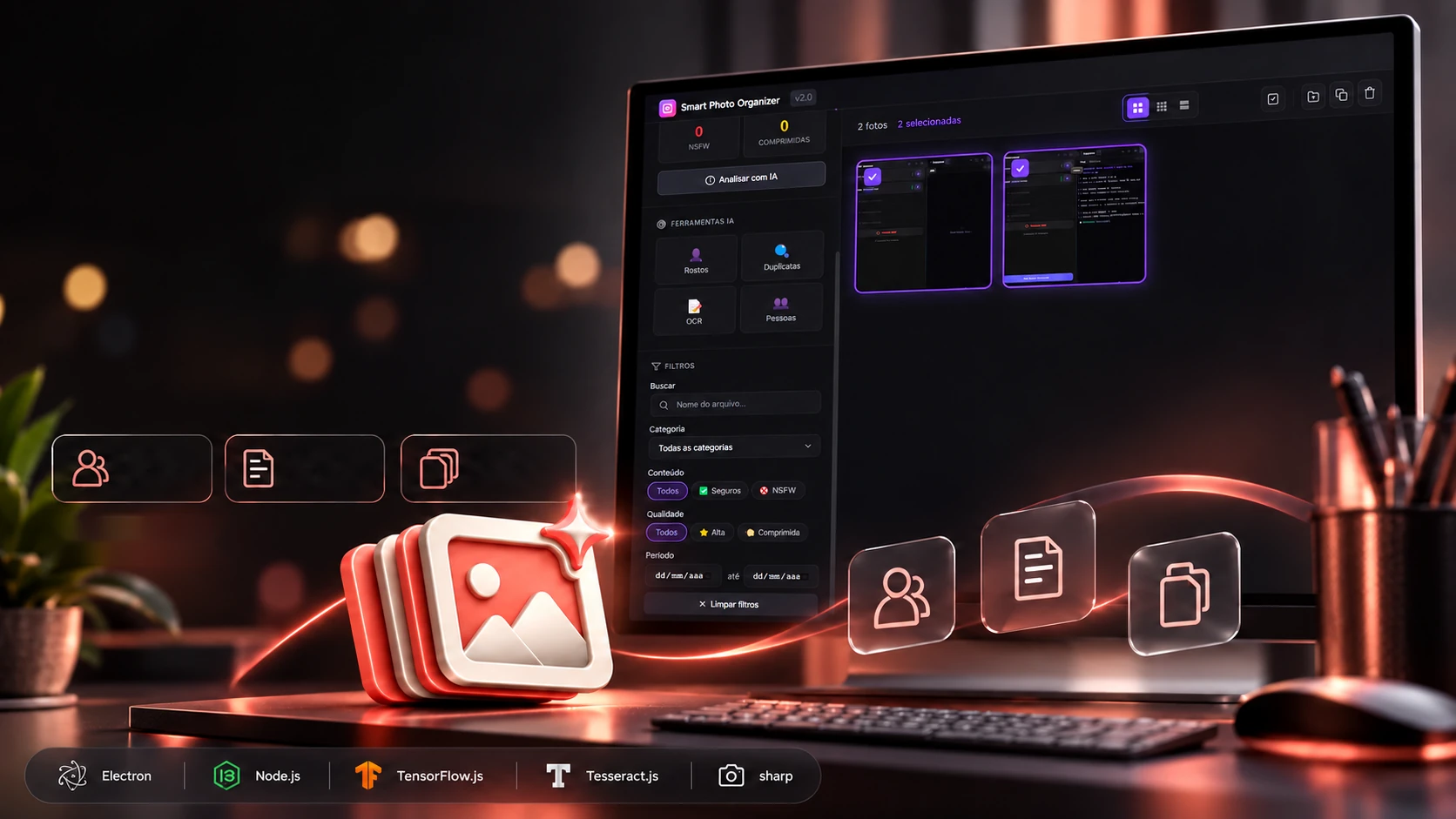
Organization and analysis. An original project.
Faces, text in photos and duplicates together in one app.
Facesand peopleText
in imagesOriginal
project
To find the same photo saved twice, or the brightened, recompressed version, the app takes a 64-bit fingerprint of each image and counts how many bits change. The calculation below really runs, in your browser. Adjust the second photo or swap it for another.
The two photos
Each one's fingerprint (64 bits)
Calculating…
The real screens
The calculation is the app's (duplicateDetector.js): the photo becomes 32 × 32 in grayscale, goes through the discrete cosine transform (DCT), the 8 × 8 slowest coefficients are kept without the first, and each becomes 1 if above the average, 64 bits, written as 16 characters. Up to 10 different bits is a duplicate; similarity is (1 − bits ÷ 64). An identical file is an exact copy (the app compares the MD5). Here the downscaling is the browser's, so the bits may differ slightly from the app's. Brightness and recompression change few bits; a big crop or mirroring separates them, the fingerprint isn't made for that.
The technologies
What it is made of, piece by piece
A desktop program that works only with the photos on the machine itself: Electron provides the window, sharp reads and shrinks the images, and face and text reading run locally, without sending any photo out. Pick a piece to see what it does here and which file it is in.
8technologies, in 2 layers
Program
Analysis
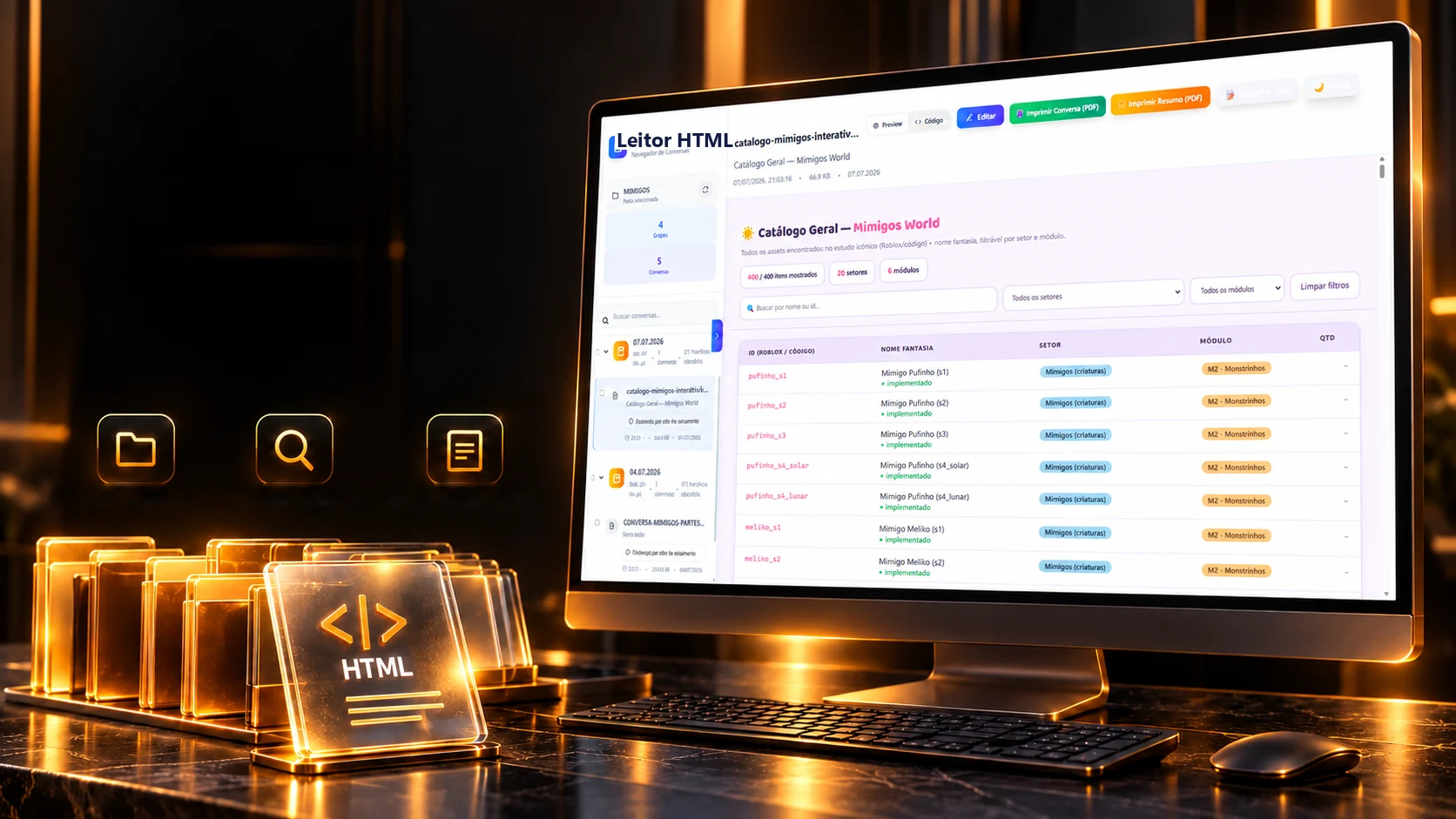
 Desktop applicationsLeitorHTML