

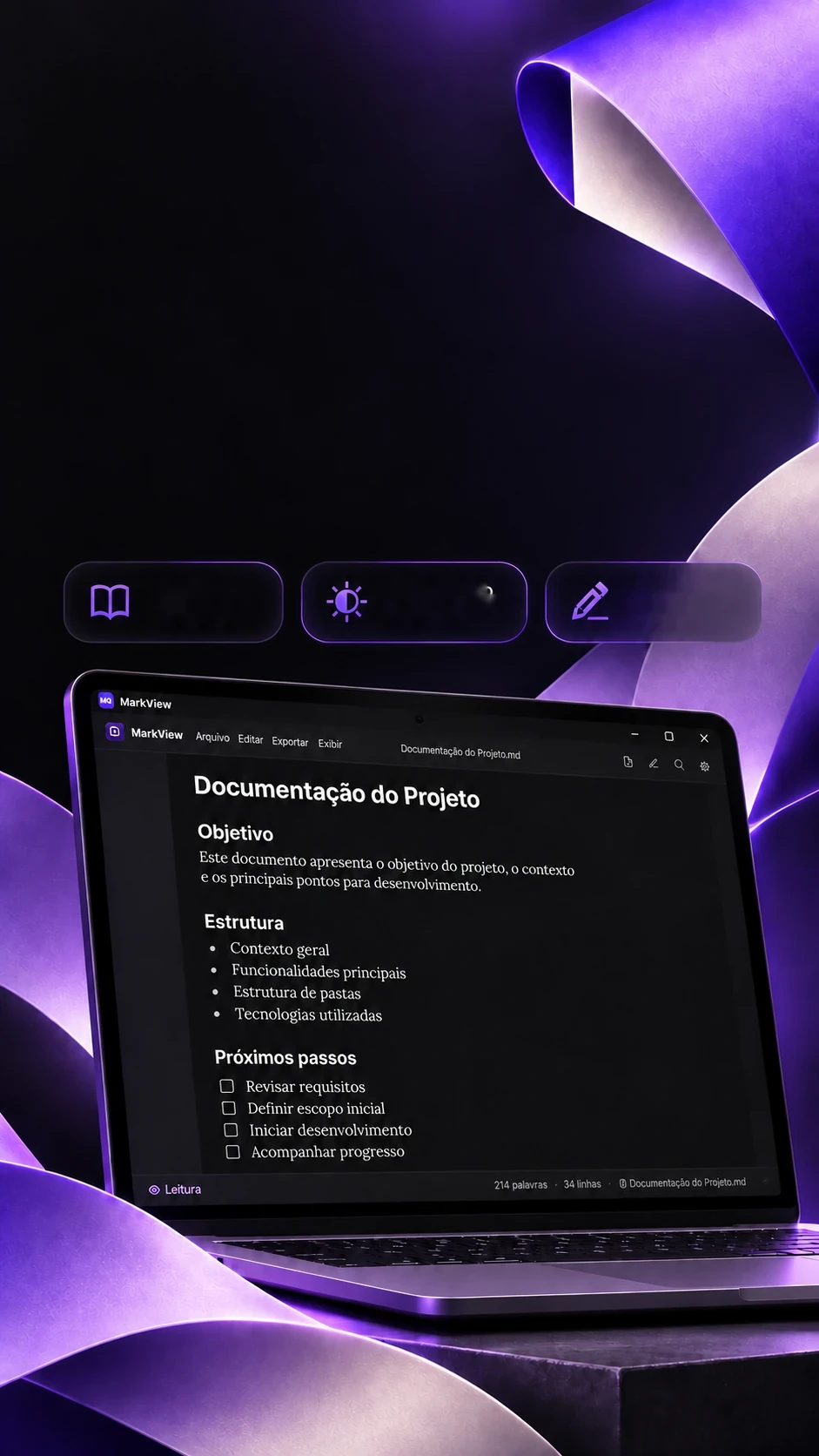
 Original projectMarkdown
readingLight and
dark themesOriginal
tool

Your Markdown.A better read.
Project documents with a clear, organized presentation.
Reads, edits, converts and exports Markdown to PDF.
- Tauri 2
- React 19
- TypeScript
- SQLite
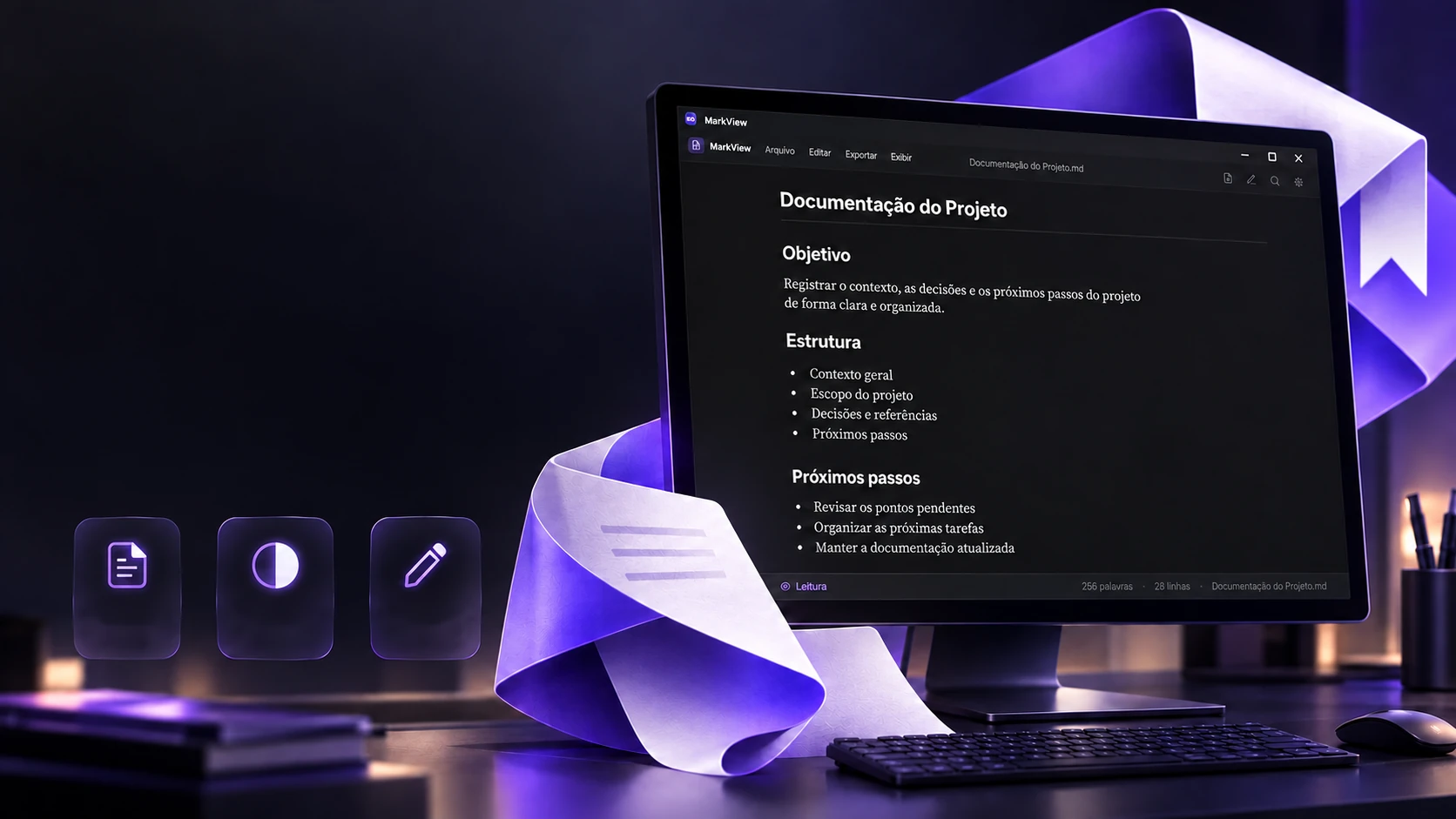 Original projectMarkdown
readingLight and
dark themesOriginal
tool
Your Markdown.A better read.
Project documents with a clear, organized presentation.
- Tauri 2
- React 19
- TypeScript
- SQLite
Reads, edits, converts and exports Markdown to PDF.
- Tauri 2
- React 19
- TypeScript
- SQLite

Reading
Open a .md and actually read it.
A Markdown file opened in a text editor is a pile of symbols. In MarkView it becomes a page: headings, lists, tasks, table and code, with book type, in dark or light. Search for a word in the document below and switch the theme.
Project Documentation
A clear record of the context, the decisions and the next steps.
Goal
Explain the project's purpose, scope and expected results.
Structure
- Overview
- Main components
- Usage flow
Every important decision is written here, with the date.
| Step | Status |
|---|---|
| Folder structure | Done |
| PDF export | In review |
Next steps
- Review requirements
- Set priorities
- Publish the release
npm run tauri buildIt accepts GitHub Markdown (tables, tasks, strikethrough). It also opens by dragging the file onto the window or double-clicking a .md, and remembers recently opened files.
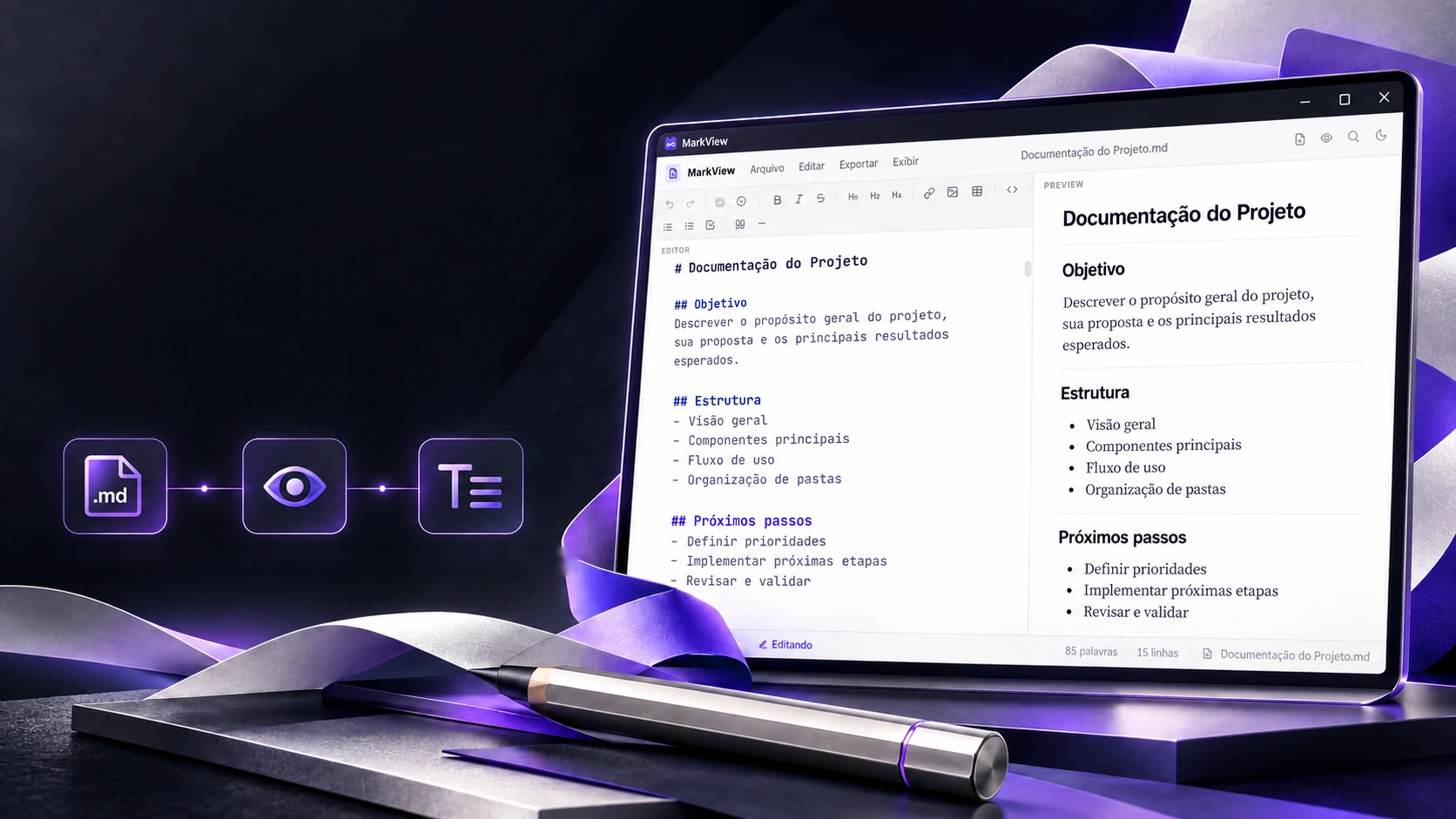
Write on one side. See it on the other.
Editor and preview side by side for working with Markdown.
Built-in editorPreviewText and formattingIn edit mode (Ctrl+E), the screen splits: text on the left, the finished document on the right, changing with every key. The bar puts the markup where the cursor is, no symbols to memorize. Try it: type, use the buttons, undo.
Monday meeting
Decided
- Launch on Thursday
- Review the cover text
Type here and watch the document build itself on the side.
In the program the editor is CodeMirror 6 (the same kind of code editor used by programming tools), with Markdown syntax highlighting; Ctrl+S saves the file.
The converter
Word, PDF or web page become Markdown.
Plenty arrives in other formats. MarkView converts it and keeps it in the library. A PDF has no written "heading": the program compares each line's type size with the body text. Move the sizes and watch the markup change.
The source file
- Quarterly report
- This document sums up the period's numbers.
- Results
- • Sales above target
- • New customers
- Notes
Body text: 10 pt. 1.8× or more = #, 1.4× = ##, 1.15× = ###.
The generated Markdown
# Quarterly report
This document sums up the period's numbers.
## Results
- Sales above target
- New customers
### Notes
A page with no selectable text is flagged as likely scanned: that would need text recognition, which is outside the program.
The rules are the code's (converter/pdf.ts and converter/docx.ts). From Word, images come along inside the Markdown itself; from a web page, tables and links become Markdown ones.
The library
Documents in one place, found as you type.
Besides opening loose files, MarkView keeps documents in its own library, in folders with an emoji and a colour, with favorites and a recycle bin. Search matches the start of each word and shows the excerpt with the term marked. Type "dea" or "cli".
Launch plan
Delivery deadline on Thursday. Review the pricing page and prepare the announcement for clients.
Edited Today
★ Favorites
- 🎯 Launch planToday
- 📄 Store proposal3 days ago
Recent
- 🎯 Launch planToday
- 📝 Meeting notesYesterday
- 📄 Store proposal3 days ago
In the program, the library is an SQLite database on the computer itself, with a full-text search index (FTS5) and a simple fallback search. The documents here are examples.
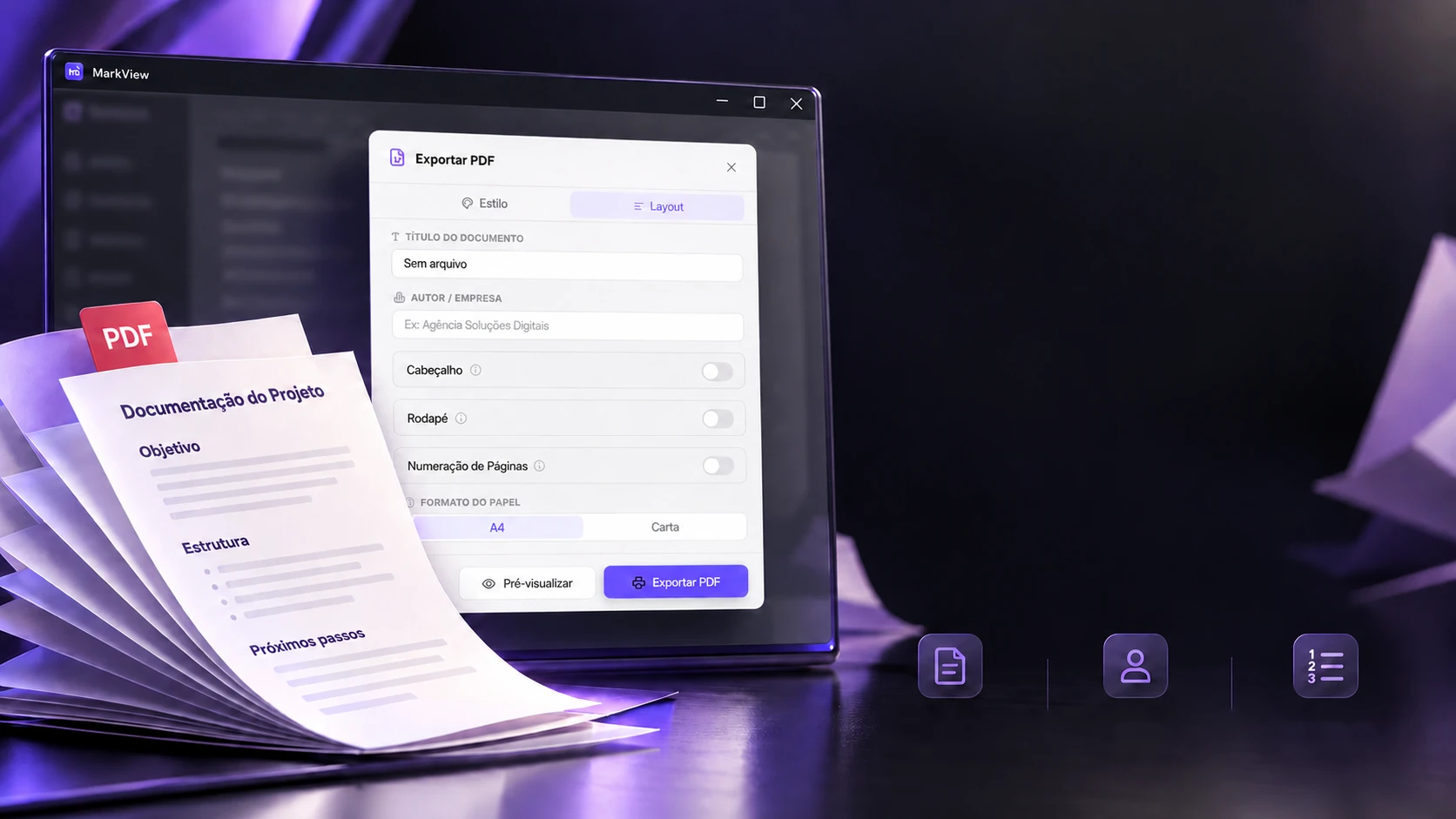
From the note to the document. Ready to present.
PDF export with style, title, author and page numbers.
Original projectConfigurablePDFAuthor and
headerPage
numbers
When it's time to send it to someone, the document becomes a PDF that looks like a delivery: title and author at the top, the brand colour, header, footer and page number. Build your sheet and export.
Internal documentProject team
Project Documentation
Project team
Goal
- Record the context and decisions
- Make the next steps clear
Structure
- Overview
- Main components
- Usage flow
Next steps
- Review requirements
- Set priorities
1 / 1
The real screens
The options are those of the program's window (ExportModal.tsx), which also accepts the exporter's logo. For a PDF with even finer typography, the program uses WeasyPrint when it's installed and helps install it.
The technologies
What it is made of, piece by piece
A lightweight desktop program: the screen is React inside Tauri 2, reading and editing are done by Markdown libraries, and the document library is an SQLite database on the computer itself. Pick a piece to see what it does here and which file it is in.
11technologies, in 3 layers
Screen
Window and data
Conversion and PDF
Next project23 / 51
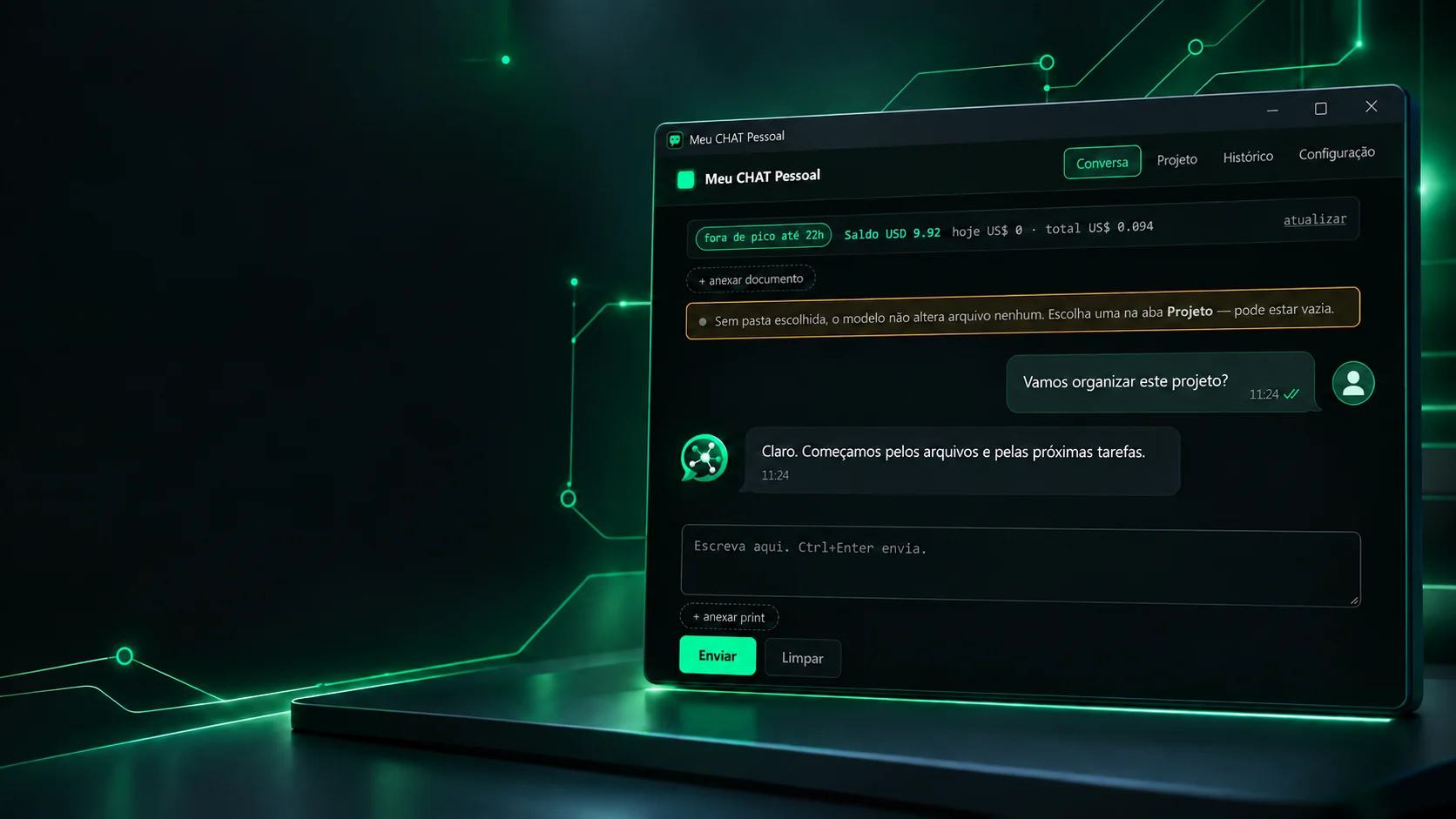
 Desktop applicationsMeu Chat PessoalA desktop client for chatting with AI models through an OpenAI-compatible API, with projects and history stored on your own computerAPI compatível com a OpenAI (/chat/completions)Configuração por projeto em .meuchat.json; histórico local
 ← PreviousLeve