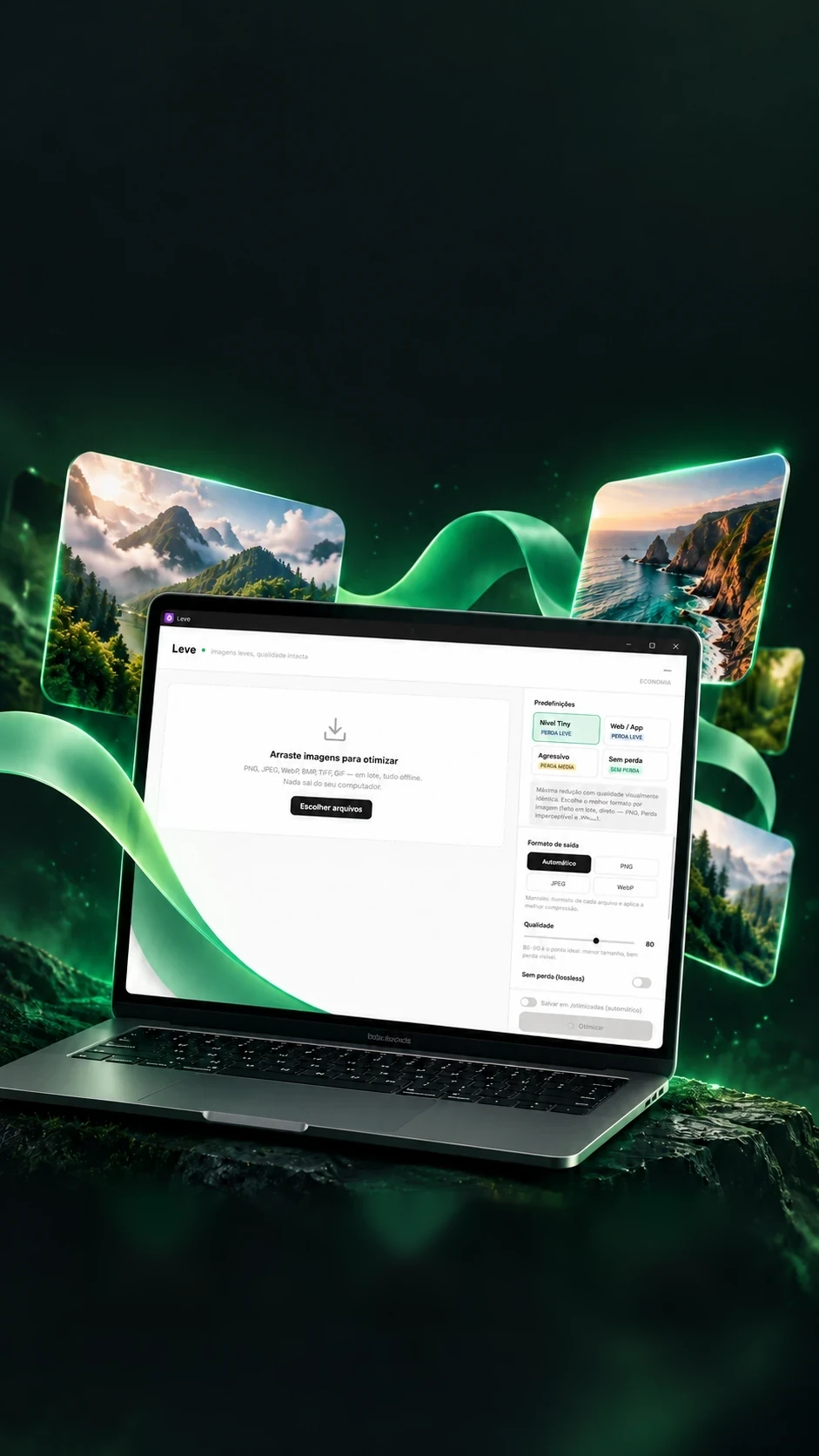

Lighter images.Faster projects.
Batch optimization, right on the computer.
Makes images and 3D models light, offline.
- Tauri 2
- Rust
- React 18
- TypeScript
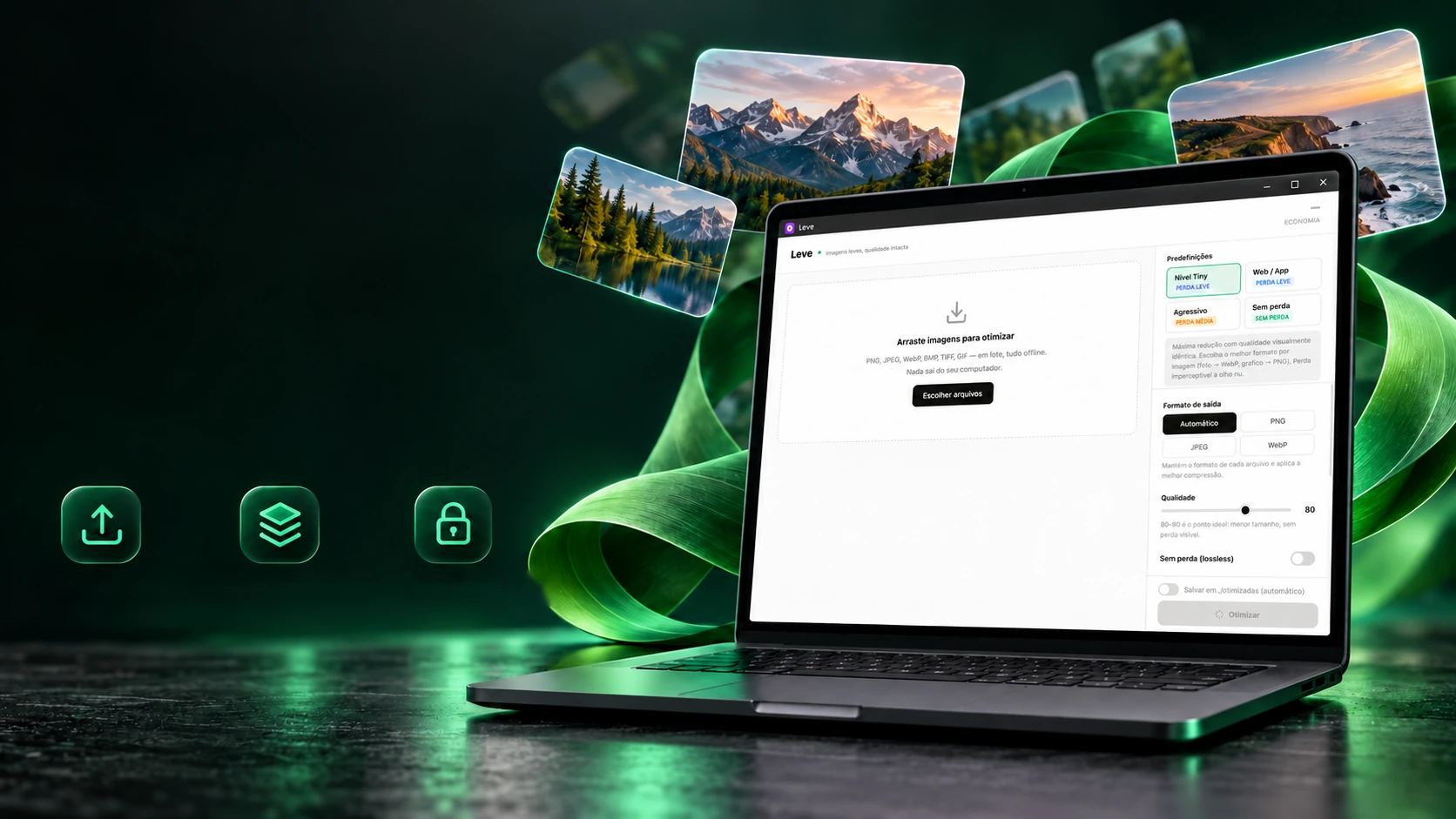 Drag and dropBatch processingFully offline
Lighter images.Faster projects.
Batch optimization, right on the computer.
- Tauri 2
- Rust
- React 18
- TypeScript
Makes images and 3D models light, offline.
- Tauri 2
- Rust
- React 18
- TypeScript
The Tiny level
Compress in all of them. Keep the smallest.
Instead of guessing which format suits each image, Leve compresses the same image in every format allowed in and keeps the smallest file. The rules about who may enter are what prevent the wrong result. Pick a situation.
- Palette PNGFew colours, small size.
- WebPAt the chosen quality.
- Lossless WebPPixel-identical to the original.The smallest stays
- JPEGFull colour, no transparency.Out of the raceThe image has transparency: JPEG would flatten the background.
- AVIFModern format, slower.Out of the raceOnly enters when requested, because of the time it takes.
On icons, lossless WebP beat them all, with identical pixels. In Tiny mode, the measured gain reaches 82% on icons over the previous mode.
The real test: a 199.8 KB JPG photo came out at 58.3 KB (−70.8%)
The rules and results are the ones Leve's code records (optimizer.rs and the ready-made modes); each situation's winner is the one it notes as measured.
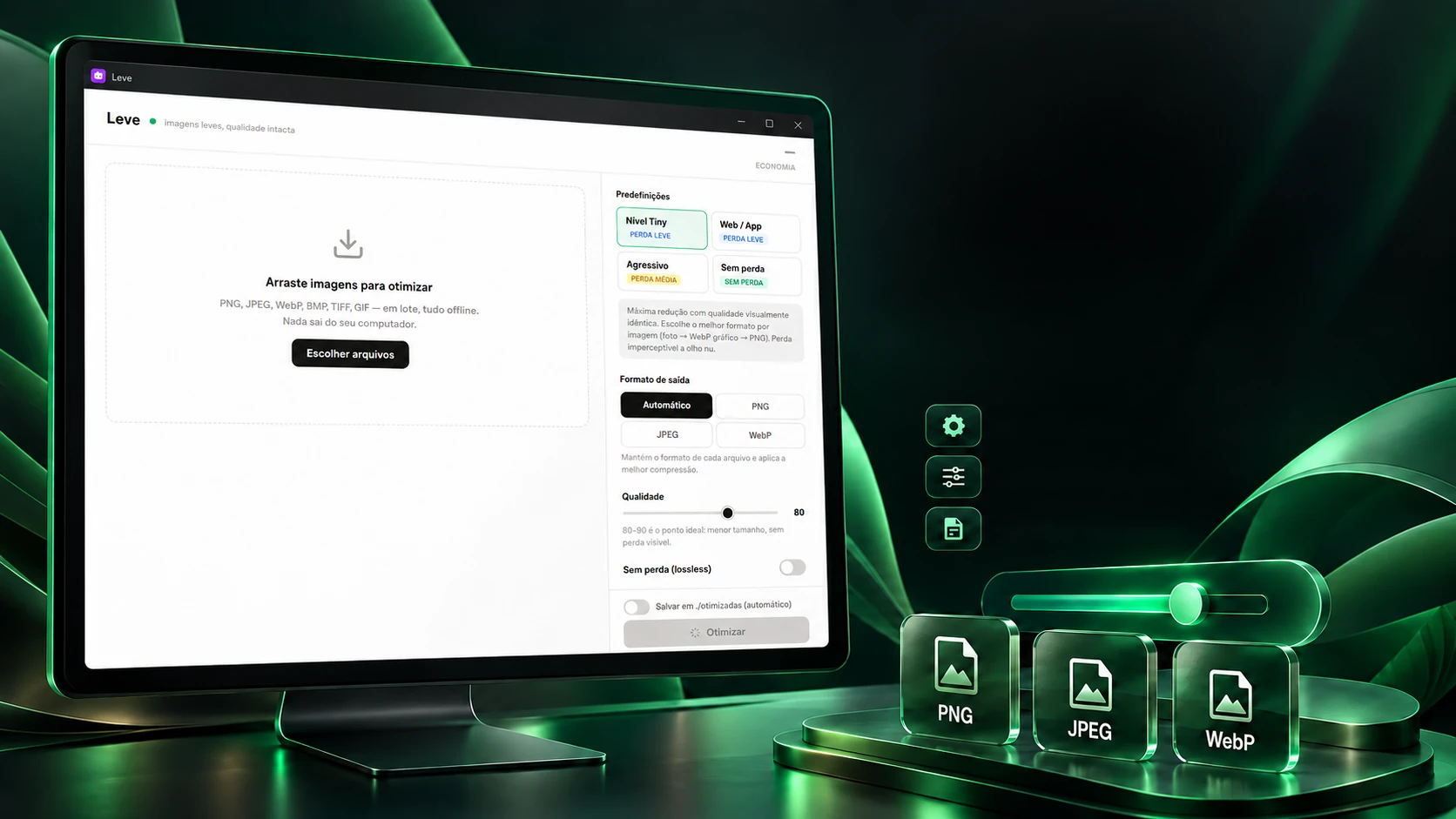
You choose the balance. Leve handles the batch.
Presets, quality and output format in the same flow.
PresetsAdjustable qualityPNG, JPEG and WebPFour ready-made modes, each with its own settings: just click, and the settings panel arranges itself. Anyone who wants can tweak each control afterwards.
The four modes
The settings panel
Light loss
Each mode's values are the program's own (types.ts). Besides these, the output can also be ICO with six sizes, BMP, TIFF or GIF, and the batch can be saved file by file or in a single .zip.
The comparer
Before and after, the way the eye sees it.
To decide whether an image came out well, Leve opens the pair in three views: side by side, one over the other with the curtain, and the map of what changed. Drag the curtain, or move the lantern over the map.
OriginalOptimized
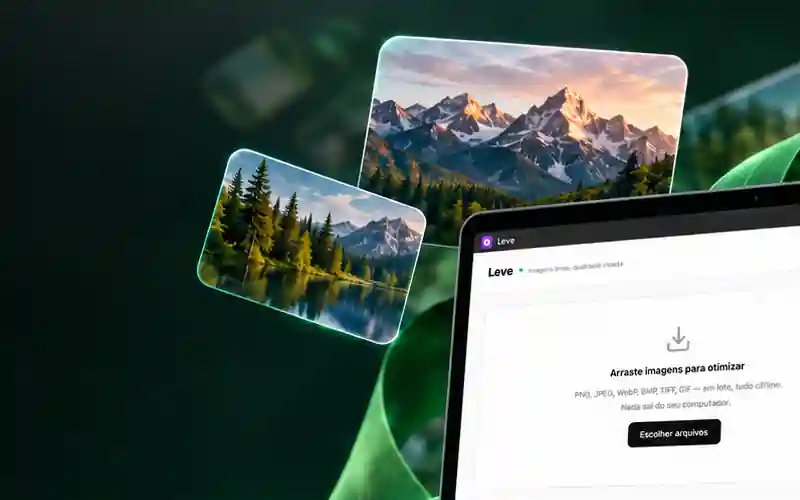
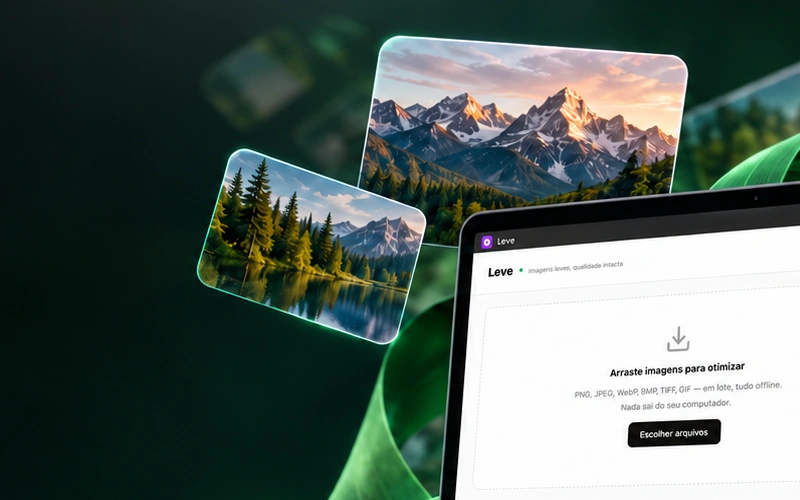
Left: original · right: optimized. Drag the curtain.
What was measured in this pair
- Size−97%From PNG to WebP at quality 18: forced, so the defect shows.
- PSNR31.9 dBOne of the measures the comparer shows; the main score lives in the report.
- Largest difference108 of 255The largest deviation in one colour channel, as the comparer reports.
The real comparer, same test: PSNR 42.1 dB and SSIM 0.9732, no visible difference
The sample was prepared for this page with heavy compression on purpose; in normal use the ready-made modes stay far from this point.
The report
Which of the three hundred came out bad?
After the batch, Leve scores each image against the original and says in words what the score means. The score is SSIMULACRA2, built to mimic the human eye. Drag the needle.
The score ruler
Score84,0Subtle
Score 84,0. High quality, but between 70 and 90 the difference shows at 1:1 if you look for it.
Why not the old score
0 / 47
Across 16 images × 3 modes (47 lossy pairs), 18 pairs, 38%, passed the old 40 dB PSNR limit, what used to be called “invisible”, while scoring below 90 on the new score. The old ruler promised more than it delivered.
What the report flags besides the score
- SeriousGot biggerThe file grew: that output format doesn't suit this image.
- SeriousBad tradeLost quality to save less than 5%: better keep the original.
- SeriousTransparency changedThe transparency channel changed: the edge looks different on a coloured background.
- WarningCrushed paletteThe colours dropped to a few: on gradients and shadows it becomes visible banding.
- WarningOne worse channelOne colour came out much worse than the others; the report gives the likely cause, without making one up.
The bands, texts and numbers are the code's (laudo.rs), anchored in the score's official documentation. Very large images are measured in strips to fit in memory, and the report warns that their score is approximate.
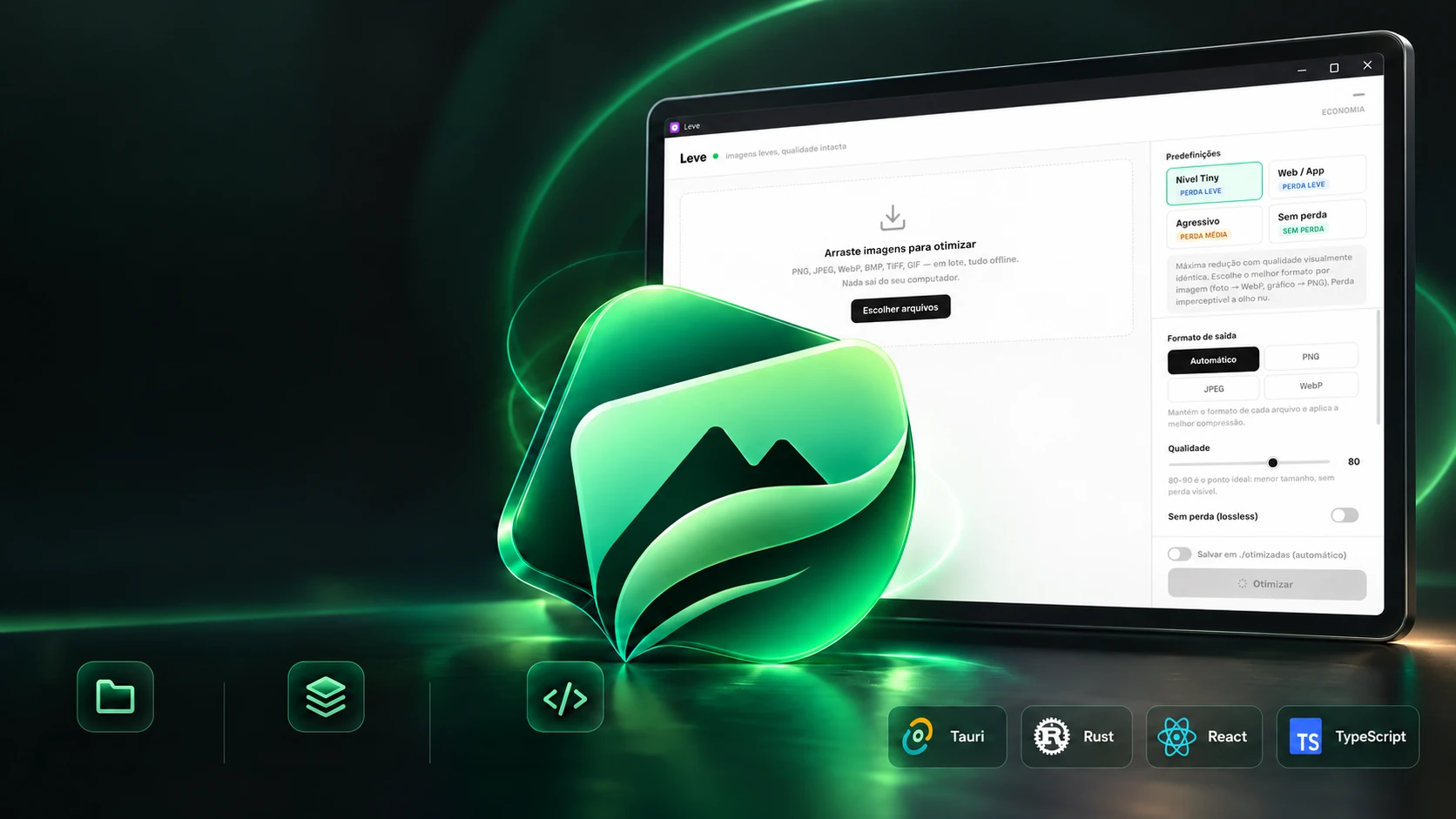
A repetitive routine. A tailor-made solution.
A tool of its own to prepare the images of every project.
A tool of its ownLocal optimizationBatch workOriginal developmentThe report says which ones came out well; triage carries out the decision. Approving moves the image to its source folder, but the original only leaves after a backup copy checked byte by byte. Try approving or discarding.
The evaluated batch
capa-site.pngInvisible−71%Waiting for a decision
foto-equipe.jpgSubtle−48%Waiting for a decision
icone-app.webpBad trade−3%Waiting for a decision
The log
No decisions yet. Each one lands here, as in the program's history.
The rule is in the code (triagem.rs): nothing is deleted or moved before the checked backup. The copy keeps the file's whole path inside the backup folder, so you can tell where each image came from. The batch's files and numbers are examples.
Also in 3D
.glb and .gltf models lighter for the web.
Leve recognizes the 3D model by its file and runs a check-up before touching it: is the mesh closed? Does it have open edges, loose points, flat triangles? Tap or hover over each item to see the defect on the mesh.
The mesh check-up
- Closed meshThe share of edges used by exactly two faces; 100% is closed.
- Open edgesEdges used by only one face: a hole in the surface.
- Loose verticesPoints no triangle uses: weight with no purpose.
- Degenerate trianglesTriangles with no area, their three points nearly on one line.
Each texture by its role
- ColourMay lose
- Relief (normal)Stays identical
- OcclusionStays identical
- Metal and roughnessStays identical
The 3D modes: how much texture remains
- Smallest fileRemains 8,2%For galleries, catalogues, thumbnails: colour loses fine detail.
- BalancedRemains 12,1%The default. The difference only shows at 1:1 if you look for it.
- Most faithfulRemains 16,5%When colour is the product: fabric, skin, fine prints.
- LosslessRemains 52,9%Colour comes out identical. If the texture was already JPEG and would grow, the original stays.
Mesh: 7,6%, is what remains of the geometry with Draco compression, measured on 3 real models (92.4% smaller).
A real model (.glb): 842,874 triangles and 30.20 MB, which came out at 6.52 MB (−78.4%)
Leve examines; it doesn't repair the mesh. The percentages are the measurements recorded in the code (9 real textures from 6 models; the mesh, on 3 models), and each file's forecast comes from its own make-up, not an average.
The technologies
What it is made of, piece by piece
A desktop program that sends nothing to the internet: the screen is React inside Tauri 2, and the Rust core compresses, measures, keeps the copies and examines 3D models, all on the machine itself. Pick a piece to see what it does here and which file it is in.
14technologies, in 4 layers
Screen
Window and core
Compression
Measuring and 3D
 Desktop applicationsMarkView