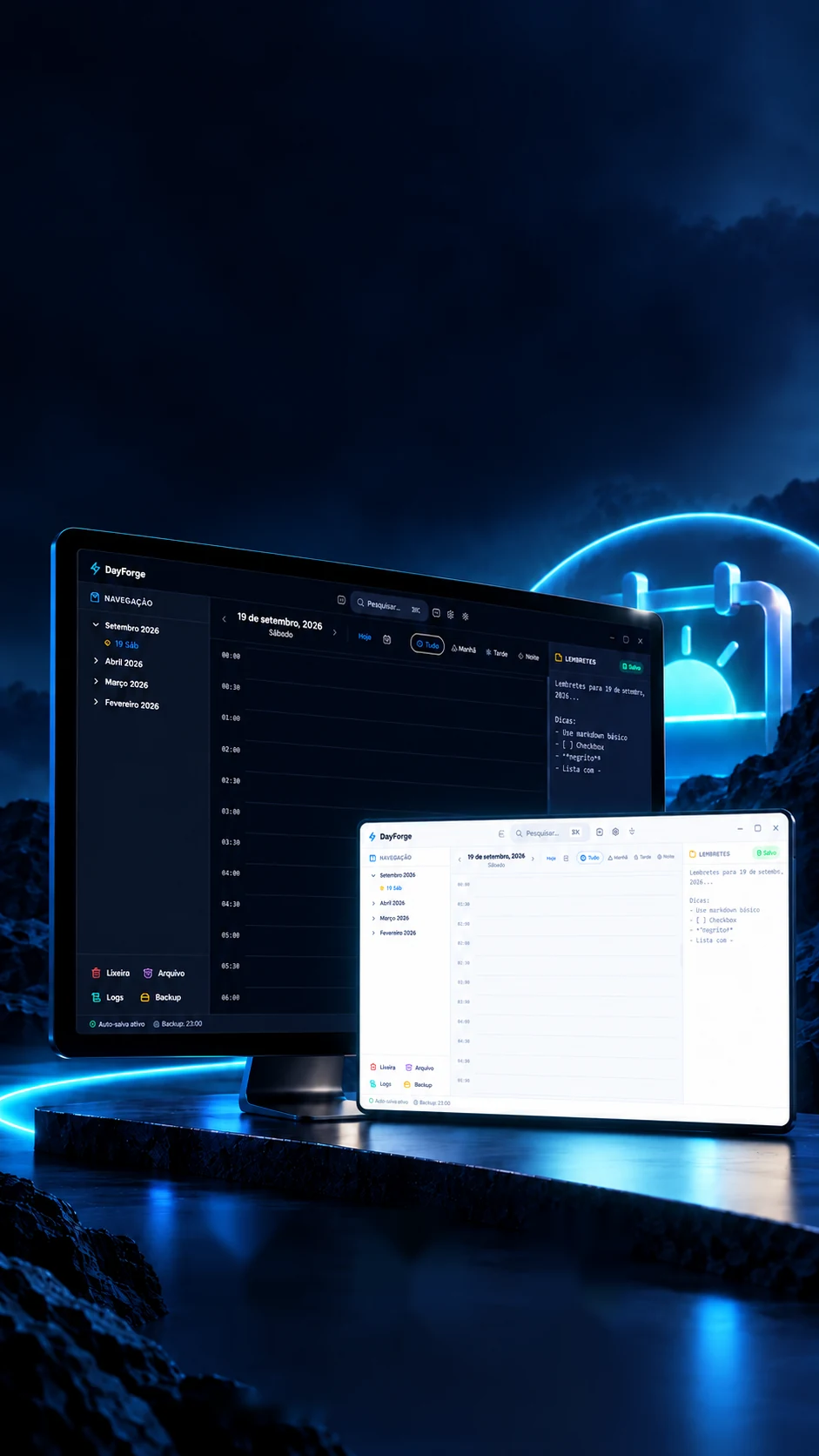
 Personal project · Desktop app
Your day,with more clarity.
A desktop planner for times, tasks and notes, offline as well.
A desktop planner with day notes and automatic backup.
- Tauri 2
- Rust
- React 19
- TypeScript
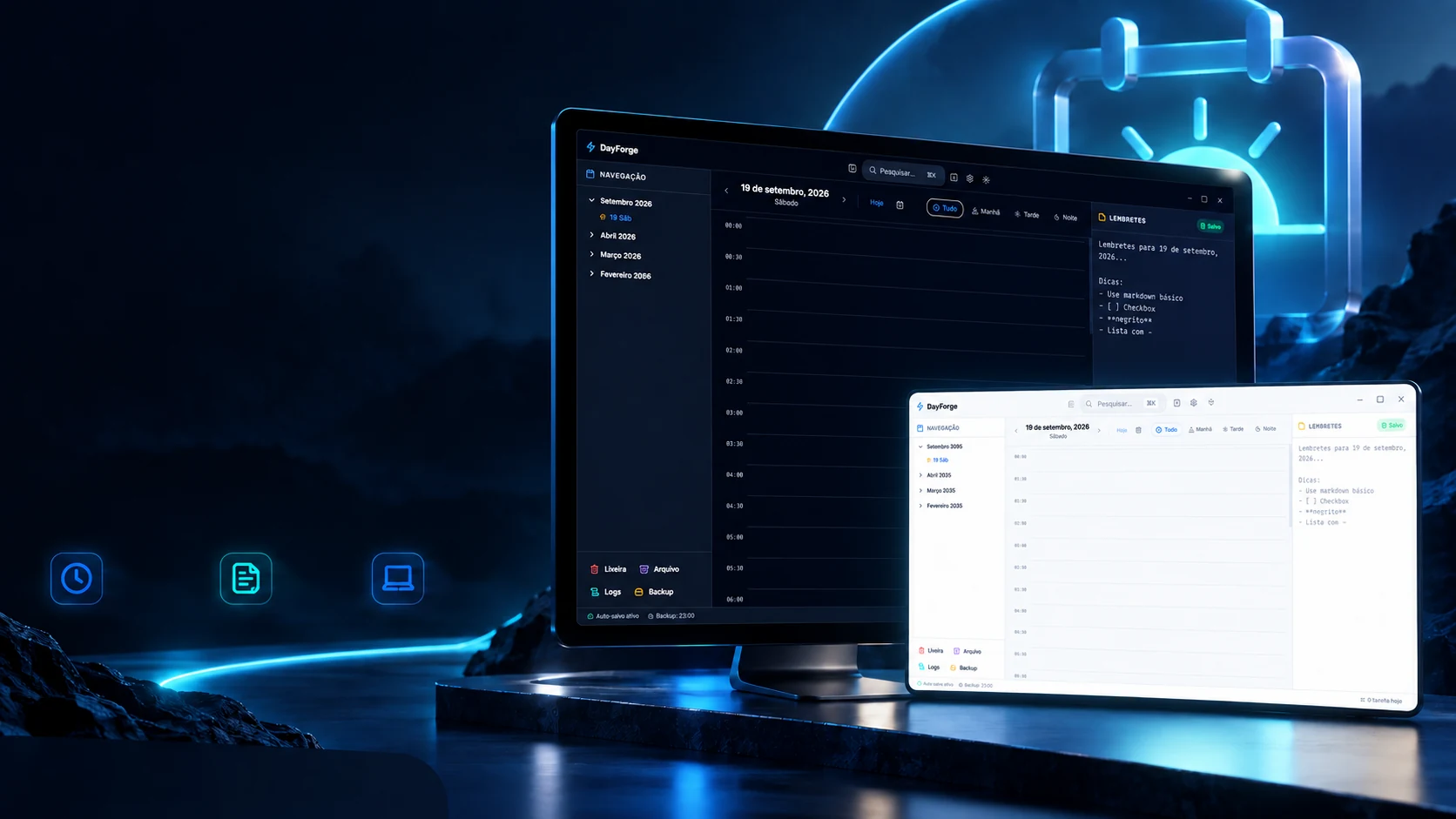 Personal project · Desktop appSchedule
by timeNotes
of the dayWorks
offline
Your day,with more clarity.
A desktop planner for times, tasks and notes, offline as well.
- Tauri 2
- Rust
- React 19
- TypeScript
A desktop planner with day notes and automatic backup.
- Tauri 2
- Rust
- React 19
- TypeScript
The day
A whole day, in time bands.
The main screen is the day in bands. The clock step goes from 15 to 30 or 60 minutes and the grid is redrawn; the period filter shortens the day to the part that matters. Move both and watch the tasks snap back in.
- 06:00
- 06:30
- 07:00Walk07:00–07:40 · HealthLow
- 07:30
- 08:00
- 08:30
- 09:00Alignment meeting09:00–10:00 · MeetingHigh
- 09:30
- 10:00
- 10:30Review the proposal10:30–12:00 · WorkMedium
- 11:00
- 11:30
- 12:00
- 12:30
- 13:00
- 13:30
- 14:00Study Rust14:00–15:30 · StudyMedium
- 14:30
- 15:00
- 15:30
- 16:00Reply to clients16:00–16:30 · WorkHigh
- 16:30
- 17:00
- 17:30
- 18:00
- 18:30
- 19:00Family dinner19:00–20:00 · PersonalLow
- 19:30
- 20:00
- 20:30
- 21:00
- 21:30Read 20 pages21:30–22:15 · PersonalLow
- 22:00
- 22:30
- 23:00
- 23:30
7 tasks in this period
The steps, the periods and the six coloured categories are the code's (src/lib/constants.ts). The tasks are examples: the app ships with an empty day.
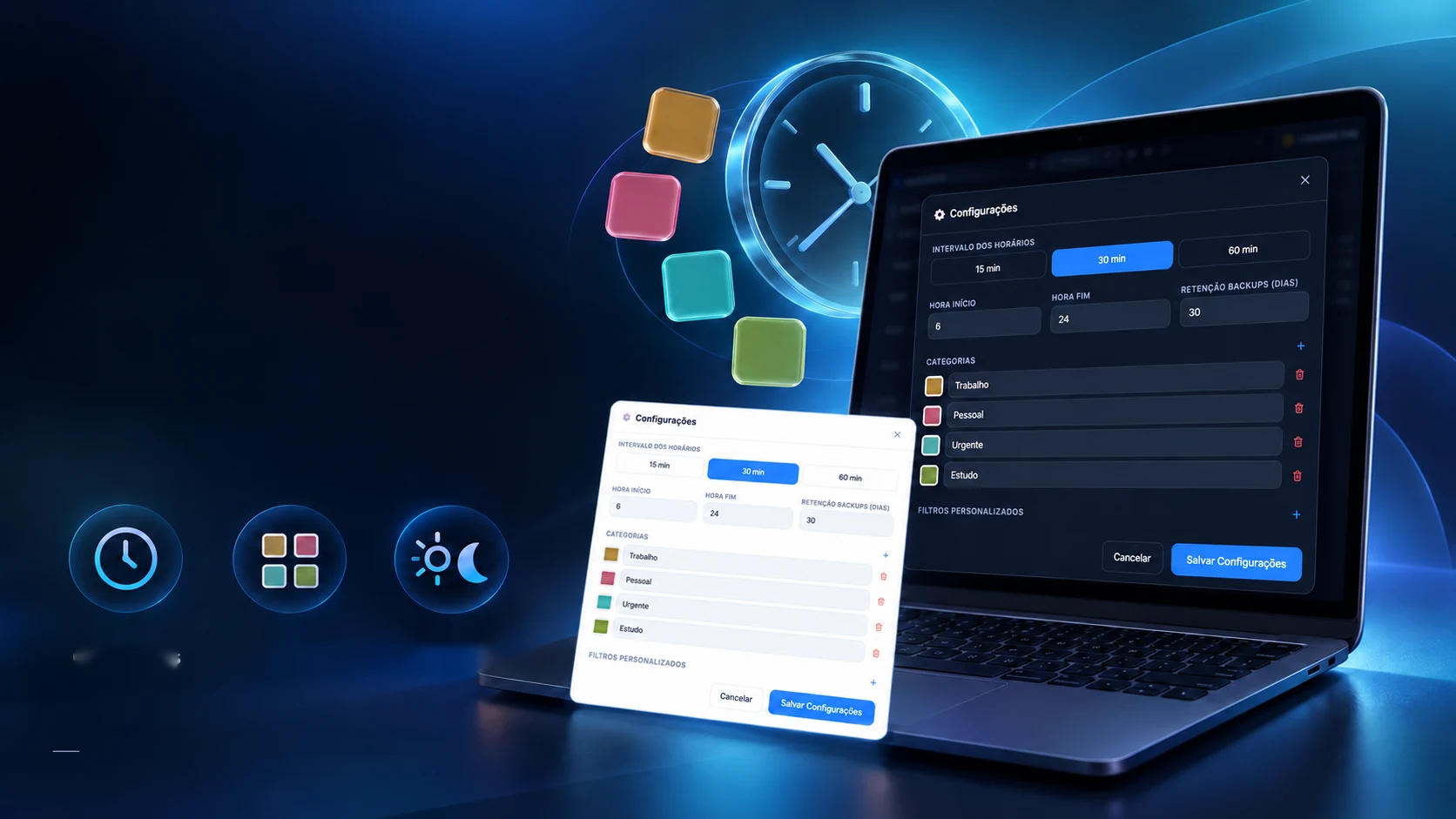
A routine that fits you.
Set times, categories and looks to organise the day your way.
15, 30 or60 minutesCategories
by colourLight and
dark themesPersonalisation · Desktop interface · Personal project
Almost everything annoying about a planner is a matter of taste: the size of the band, the name and colour of each kind of commitment, the hour the day starts, how bright the screen is. All of that is a setting, and it stays on the computer.
Time step
Day starts6
Day ends24
Copies kept30 days
Categories
Theme
Day preview
- 06:00
- 06:30
- 07:00Work
- 07:30
- 08:00
- 08:30
- 09:00
The values shown are the ones the app ships with (src/lib/constants.ts); so are the categories.
The notes
The day's note, written by hand.
Next to the schedule lives a note pad for the day. You write with dashes and brackets, like on a paper list, and what comes out the other side is already a tick list. Try it: write, dash, tick.
What you write
What comes outSaved
Today's reminders
Idea: close the day at 6pm and stop looking
The app's editor is TipTap, with task lists and bold; this is the same writing, hand-built for this page. The app saves by itself as you type.
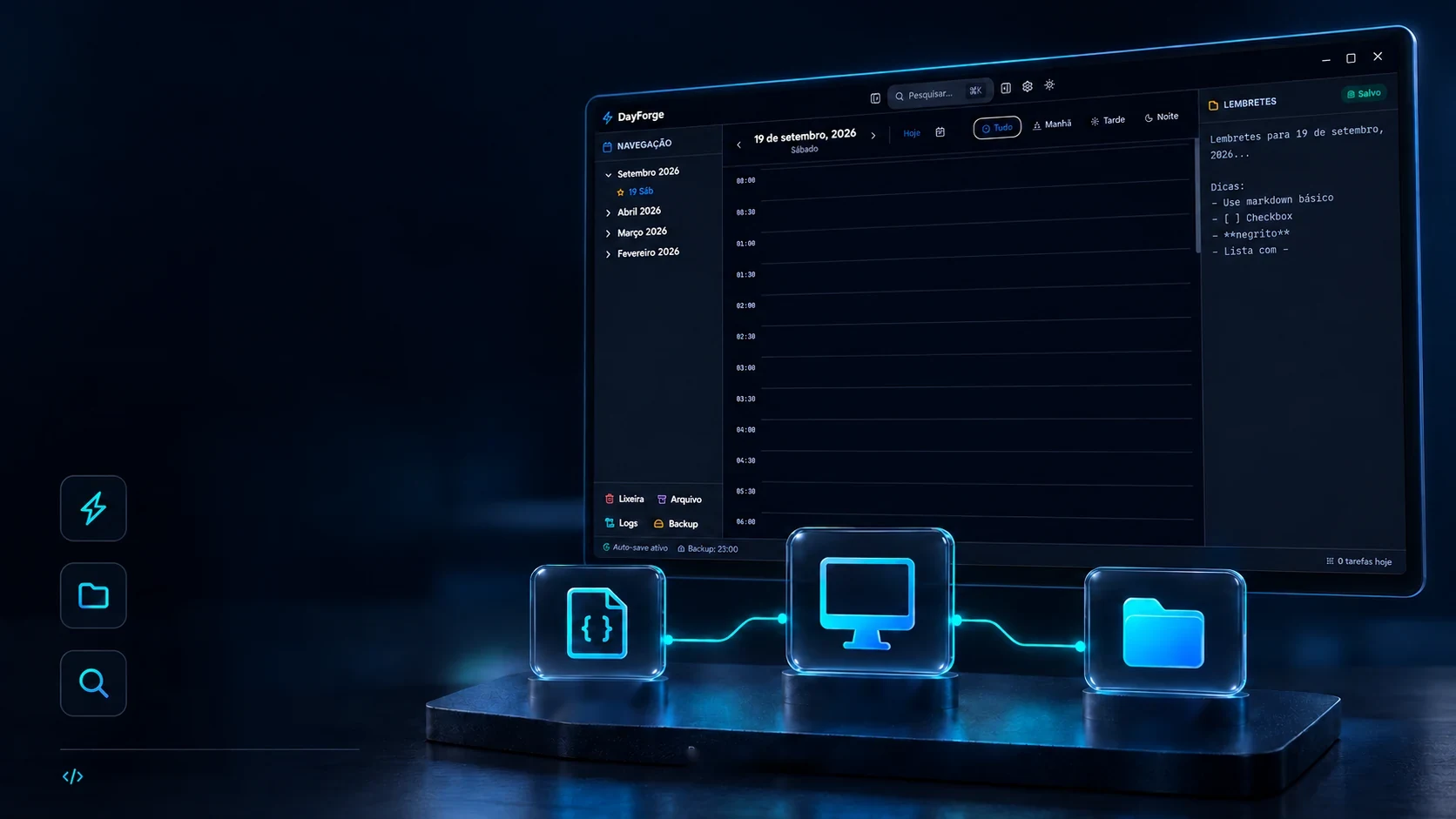
Your routine. On your computer.
An offline application with local data and a backup of the schedule.
Built with Tauri, Rust and React for personal use.Automatic savingYour changes are savedlocally.Schedule backupMake copies of your schedule
with ease.Search in tasks and notesQuickly find
what you need.31 native Rust commandsLocal data
JSONYour application
On the computerBackup
Local copiesConceptual view of the local structure
The whole schedule is a file on your computer. There is no account, no cloud and nothing to sync: the program writes where the system keeps application data. Every day, at the set time, it makes a copy, and keeps the newest ones, letting the oldest fall off.
Where the schedule lives
…/com.dayforge.app/schedule.json · backups/backup_<data>.jsonThe copy queuethe newest 6, here
- backup_09-10.json
- backup_10-10.json
- backup_11-10.json
- backup_12-10.json
- backup_13-10.json
- Trash
What you delete is kept and can come back.
- Archive
A closed day moves aside without being lost.
- Log
Every creation, change and copy is written down.
The folder, the copy names and the clean-up of old ones are in the Rust code (src-tauri/src/commands/backup.rs). Out of the box the app keeps 30 copies; here the queue shows 6 so it fits on screen.
Search
Finding it without quite remembering.
A shortcut opens the search box anywhere in the app. It looks in tasks and notes and takes the name half-typed, write "rust" or just "mtng" and see.
In the app the search is Fuse.js (src/lib/search.ts) and opens with a keyboard shortcut; this is the same idea, hand-built. The items are examples.
The technologies
What it is made of, piece by piece
A program that runs on the computer, not in the browser: the screen is React, the window is Tauri 2 and the one reading and writing files is Rust, with 31 native commands. Nothing leaves the machine. Pick a piece to see what it does here and which file it is in.
13technologies, in 3 layers
Screen
Window and files
Core
The screens
The program, hour by hour.
Real screens from the app, light theme to dark, settings to the night filter. Hover to bring one forward and click to see it large.
The captures come with an empty schedule: they are of the freshly installed app. The hours here are just the section's thread.
 Desktop applicationsLeve