 Personal project · Desktop appConversationTopicsFiles
Contextstayswith you.
A desktop reader that brings conversations, topics and files together in one place.
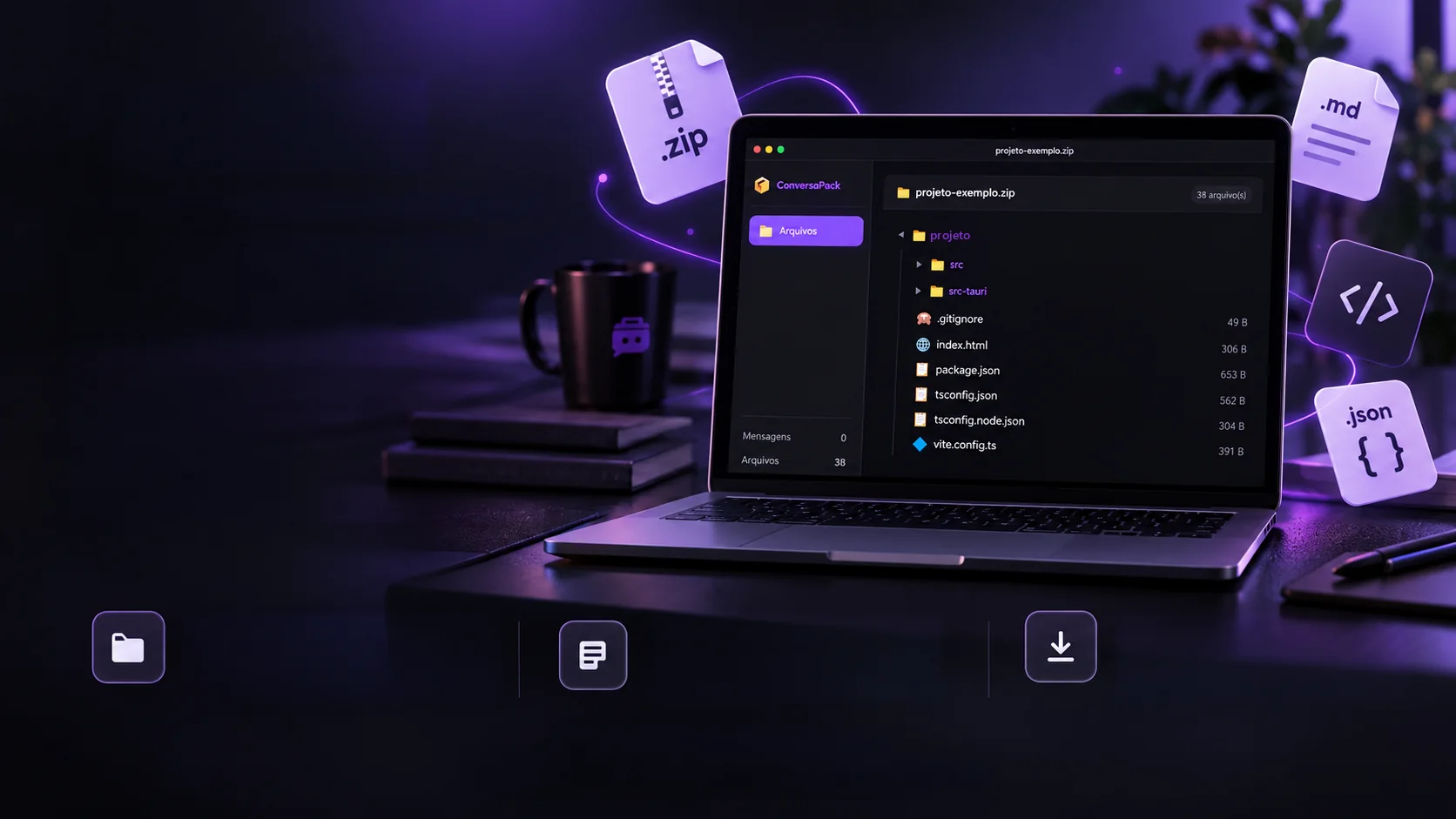
A desktop app that opens long conversations packaged with their files: the conversation with search, the topic summary and the file tree with preview.Opens long conversations with search, summary and files together.
- Electron 28
- JavaScript
- HTML
- CSS
- AdmZip 0.5
 Personal project · Desktop appConversationTopicsFiles
Contextstayswith you.
A desktop reader that brings conversations, topics and files together in one place.
- Electron 28
- JavaScript
- HTML
- CSS
- AdmZip 0.5
A desktop app that opens long conversations packaged with their files: the conversation with search, the topic summary and the file tree with preview.Opens long conversations with search, summary and files together.
- Electron 28
- JavaScript
- HTML
- CSS
- AdmZip 0.5


The format
One package that keeps the whole conversation.
A long working conversation scatters: the messages live in one place, the files in another, and weeks later nobody can find anything. The .conversapack puts it all in a single file. Inside it's an ordinary ZIP with five pieces, open it and see each one.
{
  "version": "3.0",
  "format": "conversapack",
  "created": "2026-03-12T14:20:00Z",
  "platform": "Team",
  "title": "Café Aurora website",
  "stats": {
    "totalMessages": 8,
    "userMessages": 4,
    "otherMessages": 4,
    "topics": 3
  }
}
The package shown is a sample (a fictitious website). The reader builds the tree from the package's actual files.
Own format · Local reading
One long conversation. One organized context.
Messages, topics and files together in the .conversapack format.
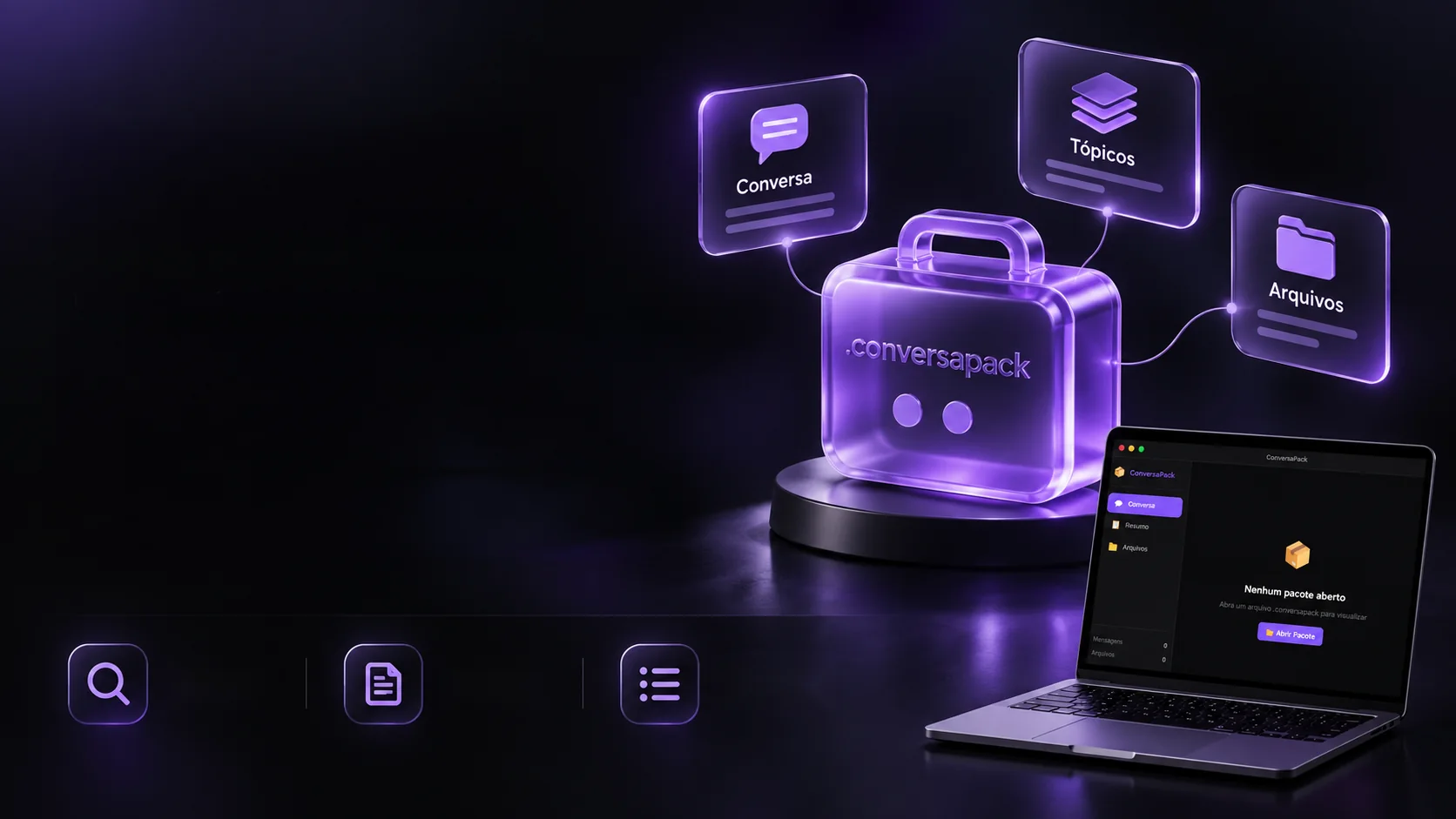
Conceptual depiction of the format.Search andhighlightMarkdown
readingTopic
navigation
Finding that one decision among hundreds of messages is usually the hardest part. In the reader the whole conversation appears formatted, with who spoke in each bubble, and search highlights the word across the whole conversation. Try one of the examples.
In 8 messages
- You
Let's start the Café Aurora site: a single page with the menu, opening hours and contact.
- Team
Agreed. I suggest four blocks:
- Opening with the shop-window photo
- Menu in cards
- Hours and address
- Contact with a message button
briefing.md
- You
Perfect. The menu changes every week, so it has to be easy to swap.
- Team
Then the menu becomes a list in
script.js: changing an item is one line. I've built the page structure.index.htmlscript.js
- You
Which colors do you suggest? The brand uses brown and cream.
- Team
Palette
- Coffee
#4a2c1dfor headings - Cream
#f6ead7for the background - Cinnamon
#c47a3afor the buttons
estilos.css
- Coffee
- You
Looks great. We still need the delivery schedule.
- Team
Schedule in the file: review on Thursday, tweaks on Friday and the site live on Monday.
cronograma.mdlogo.png
Sample conversation, from a fictitious website.
The summary
A long conversation read in chapters.
Nobody rereads a hundred messages to remember what was decided. The Summary tab splits the conversation into topics, each with the range of messages it covers. Tap or hover over a topic to see its stretch on the ruler and click to open it.
- 1
- 2
- 3
- 4
- 5
- 6
- 7
- 8
YouLet's start the Café Aurora site: a single page with the menu, opening hours and contact.
TeamAgreed. I suggest four blocks:
YouPerfect. The menu changes every week, so it has to be easy to swap.
TeamThen the menu becomes a list in script.js: changing an item is one line. I've built the page structure.
YouWhich colors do you suggest? The brand uses brown and cream.
TeamPalette
YouLooks great. We still need the delivery schedule.
TeamSchedule in the file: review on Thursday, tweaks on Friday and the site live on Monday.
In the app, topics come from the package itself (topics.json); the message count is worked out on the spot.
Organization · Reading · Productivity
The files are also part of the story.
Browse the package and check the materials that come with each conversation.
File treeBrowse the project's structurein a simple, organized way.Text and code previewCheck .md, .json, .html, .ts
and other files right away.Copy and save filesCopy the content or save the file
wherever you need it.Electron · JavaScript · HTML · CSSAn in-house tool to organize the workflow.
A working conversation produces files: a text, a page, a list. In the Files tab they appear in folders, like on the computer, each with its size. Open a folder and click a file: text shows formatted, code shows colored, and you can copy or save it.
Café Aurora website6 file(s)
// o cardápio da semana: trocar um item é mudar uma linha
const cardapio = [
  { nome: "Coado da casa", preco: 9 },
  { nome: "Pão de queijo", preco: 7 },
  { nome: "Bolo de fubá", preco: 12 },
];

const lista = document.querySelector("#cardapio");
for (const item of cardapio) {
  lista.insertAdjacentHTML("beforeend", `<p>${item.nome}, R$ ${item.preco}</p>`);
}
Sample files, from a fictitious website. "Save" downloads the sample file; in the app it opens the computer's save dialog.
What it opens
Not just the package: loose files too.
Not every material arrives packaged. Besides the .conversapack, the reader opens any ZIP and loose text, data and code files, each one with the right preview. Tap or hover over a tag.
- Packages
The conversation with topics and files, or any ZIP, shown as a tree.
- .conversapack
- .zip
- Texts
Notes and documents, with Markdown formatted.
- .md
- .txt
- Data
Lists and settings, with color highlighting.
- .json
- Code
Pages and programs, with keywords colored.
- .js
- .ts
- .jsx
- .tsx
- .py
- .html
- .css
Inside a package: 40 text types
When the file comes inside a package, the reader shows the content of these types:
- .js
- .jsx
- .ts
- .tsx
- .mjs
- .cjs
- .py
- .go
- .rs
- .java
- .php
- .rb
- .html
- .htm
- .css
- .scss
- .sass
- .less
- .vue
- .svelte
- .json
- .yml
- .yaml
- .xml
- .toml
- .ini
- .cfg
- .conf
- .env
- .csv
- .log
- .sql
- .prisma
- .graphql
- .sh
- .bash
- .md
- .txt
- .gitignore
- .dockerfile
Listed in the tree with name and size, with no preview.
List checked against the app's code (main.js).
On the computer
A real app, not an open web page.
The reader runs on the user's machine: it opens packages from the computer itself, sending nothing to a server. The window is its own, without the system frame, with the three buttons drawn by the app. Tap or hover over the window's buttons.
No package open
The three buttons belong to the app: close, minimize and maximize.
- Local reading
Packages open from the disk, through the system's open dialog. Nothing leaves the computer.
- Frameless window
The title bar and buttons are drawn by the app, in the same purple as the rest of the screen.
- The screen asks little of the system
The visual part can only ask for 7 things: open, load, save and the window controls.
- Installers not tested yet
Windows, macOS and Linux are configured, as is opening a .conversapack with a double click, but they haven't been tested yet.
Personal project, version 3.0.0.
The technologies
What it is made of, piece by piece
A desktop program built with web technology: the window is HTML, CSS and JavaScript, and Electron wraps it all into an app. Pick a piece to see what it does here and which file it is in.
9technologies, in 4 layers
App
Screen
Package
Features
The screens
The reader as it is.
The app's real screens, in the dark theme with purple. Pick a tab and click the screen to see it large.
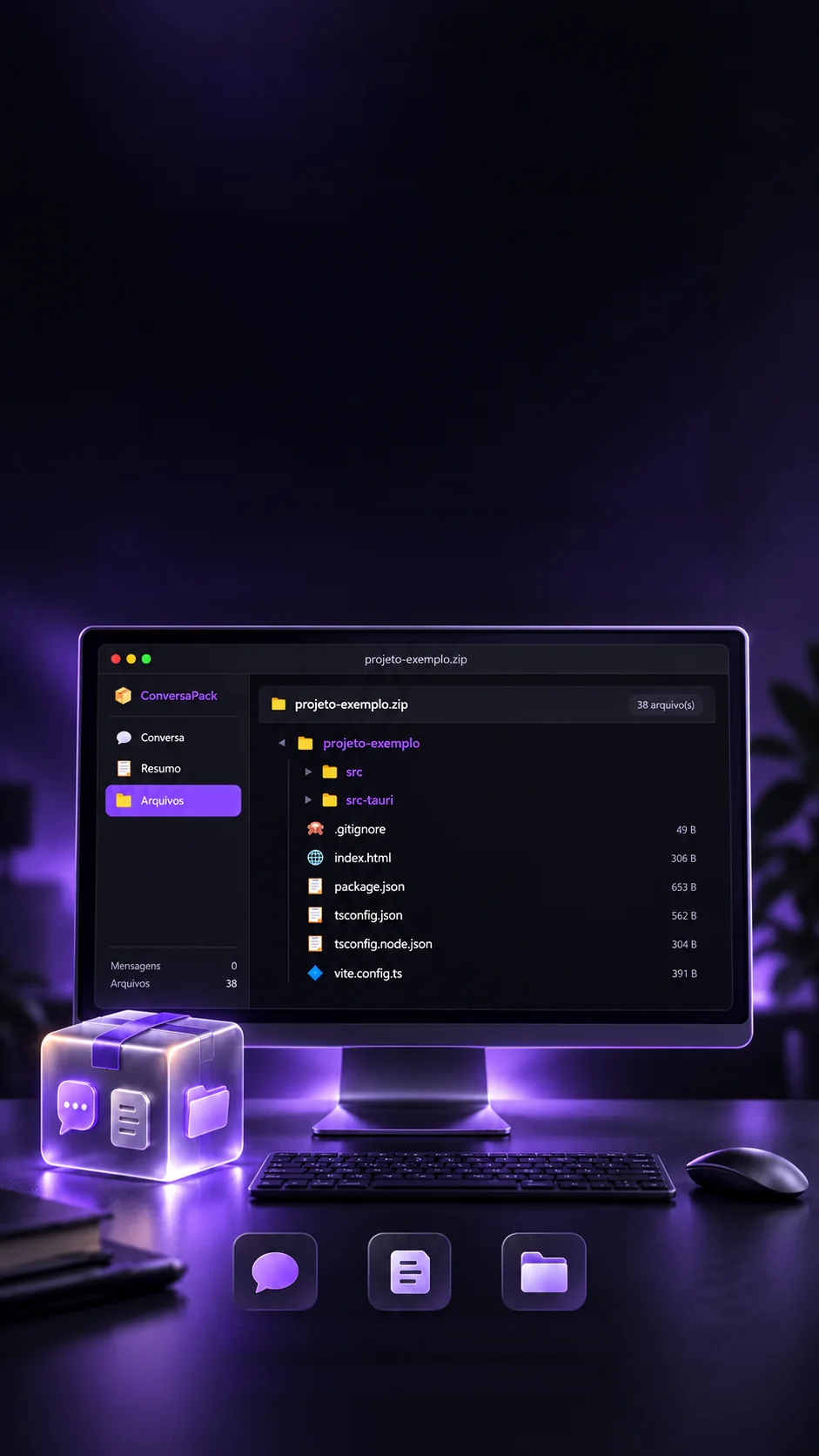
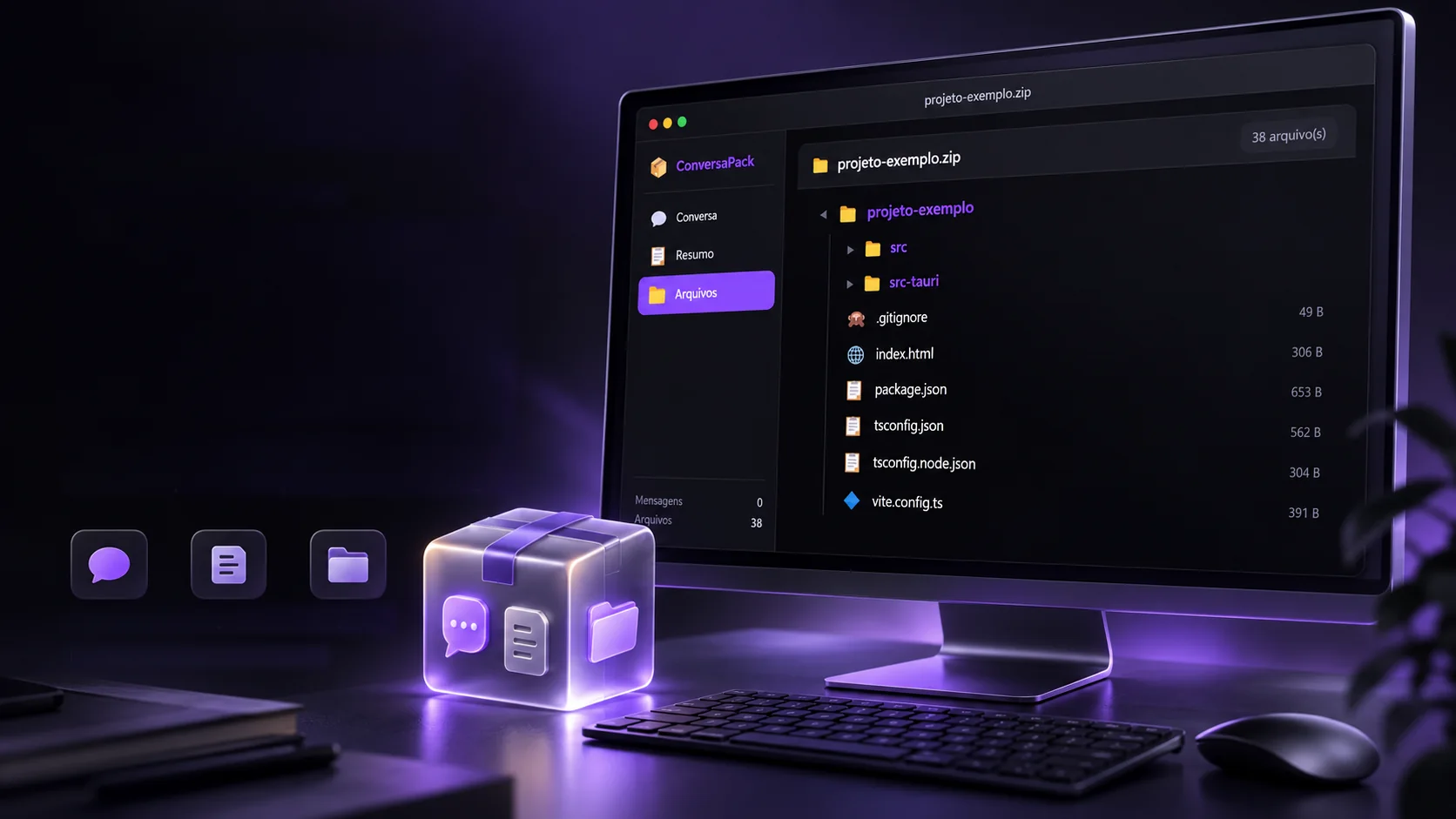
Package open: a project's folder tree, with each file's size.
Real app screens; the open package's name was swapped for a sample name.
 Desktop applicationsDayForge