Your image.Your creation.
Visual editing with tools gathered in one place.
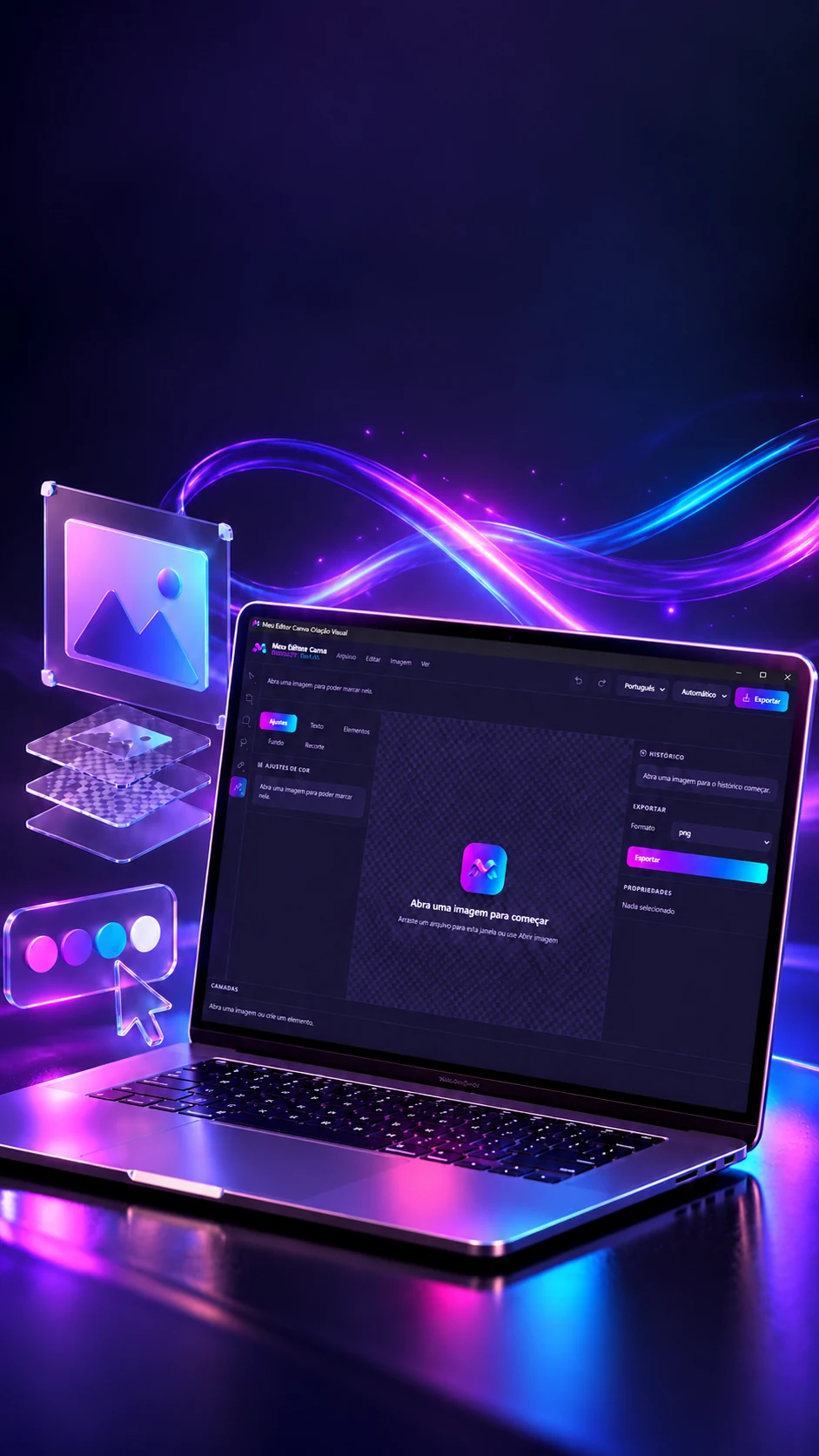
A desktop image editor: selection, color adjustments, text, shapes, layers and export, starting from a photo.Image editor: adjustments, text, shapes and layers.
- Tauri
- React
- Fabric.js
- Rust
Your image.Your creation.
Visual editing with tools gathered in one place.
- Tauri
- React
- Fabric.js
- Rust
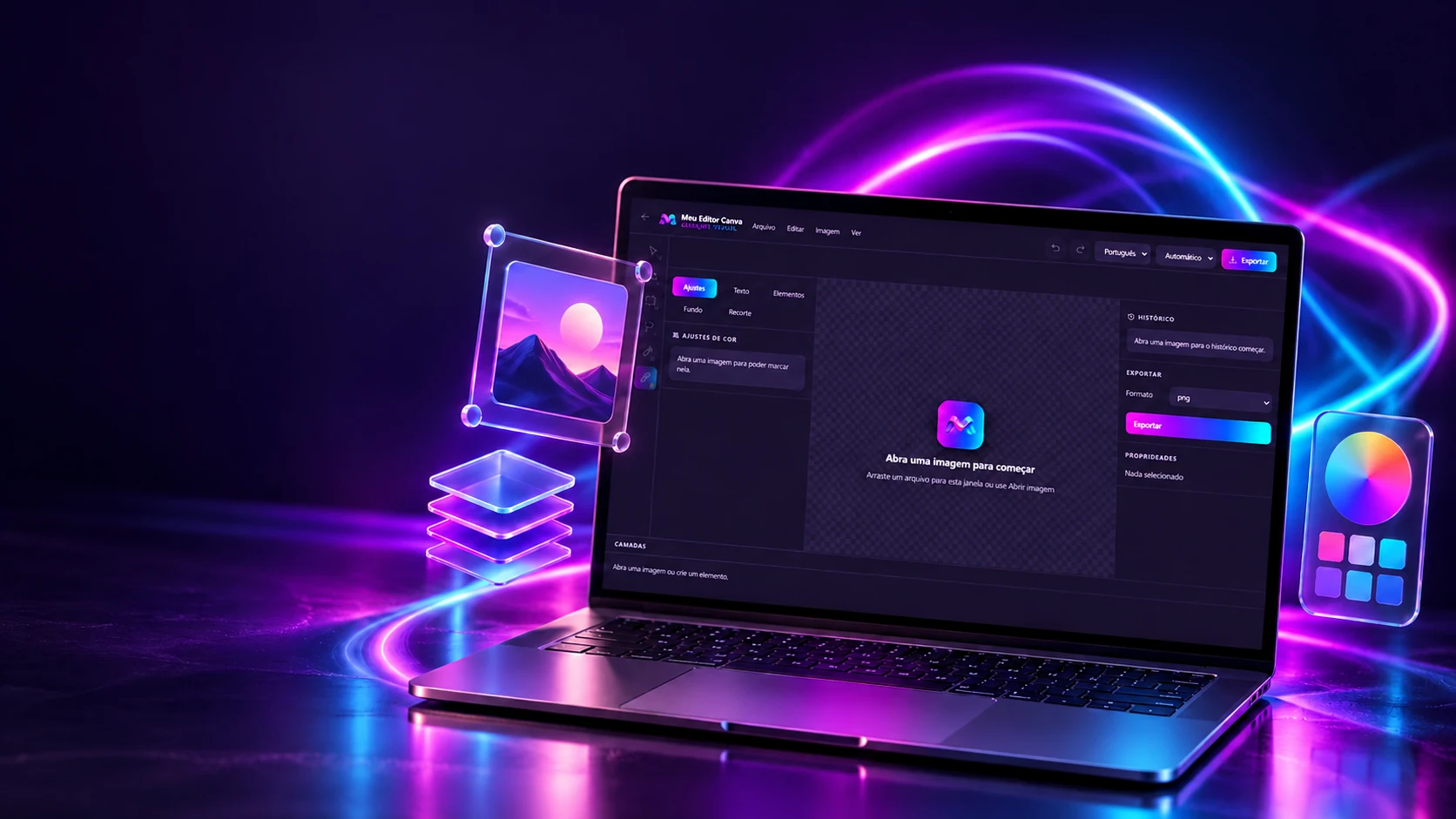
A desktop image editor: selection, color adjustments, text, shapes, layers and export, starting from a photo.Image editor: adjustments, text, shapes and layers.
- Tauri
- React
- Fabric.js
- Rust
Rulers, guides and snapping
Get close, it snaps.
Aligning things by hand is tiring and never exact. The editor helps: when an object's edge or center gets close to a guide or another object, it jumps into place and shows the line. Drag the blocks, pull new guides from the rulers and watch the snapping happen.
The artboard
Drag the blocks. Pull a guide from the top or side ruler; drop it on the ruler to delete. With a block selected, the arrows move 1 px (Shift, 10). Hold Alt to drop without snapping.
What snapped
- Block 1
- x 70 · y 70
- Snapping distance (on screen)
- 8 px
- Guides (1)
- x 300
The rules are the editor's (guias.ts): the moving object offers 3 points per axis, left, center and right; top, middle and bottom. Targets are the guides plus the edges and center of the other objects. The shortest distance wins, up to 8 px on screen (so snapping feels the same whether the artboard is big or small); on a tie, the guide wins, because it was placed on purpose. The ruler is 22 px and puts a number every ~70 px on screen, rounded to 1, 2 or 5 times a power of 10. There's no grid.
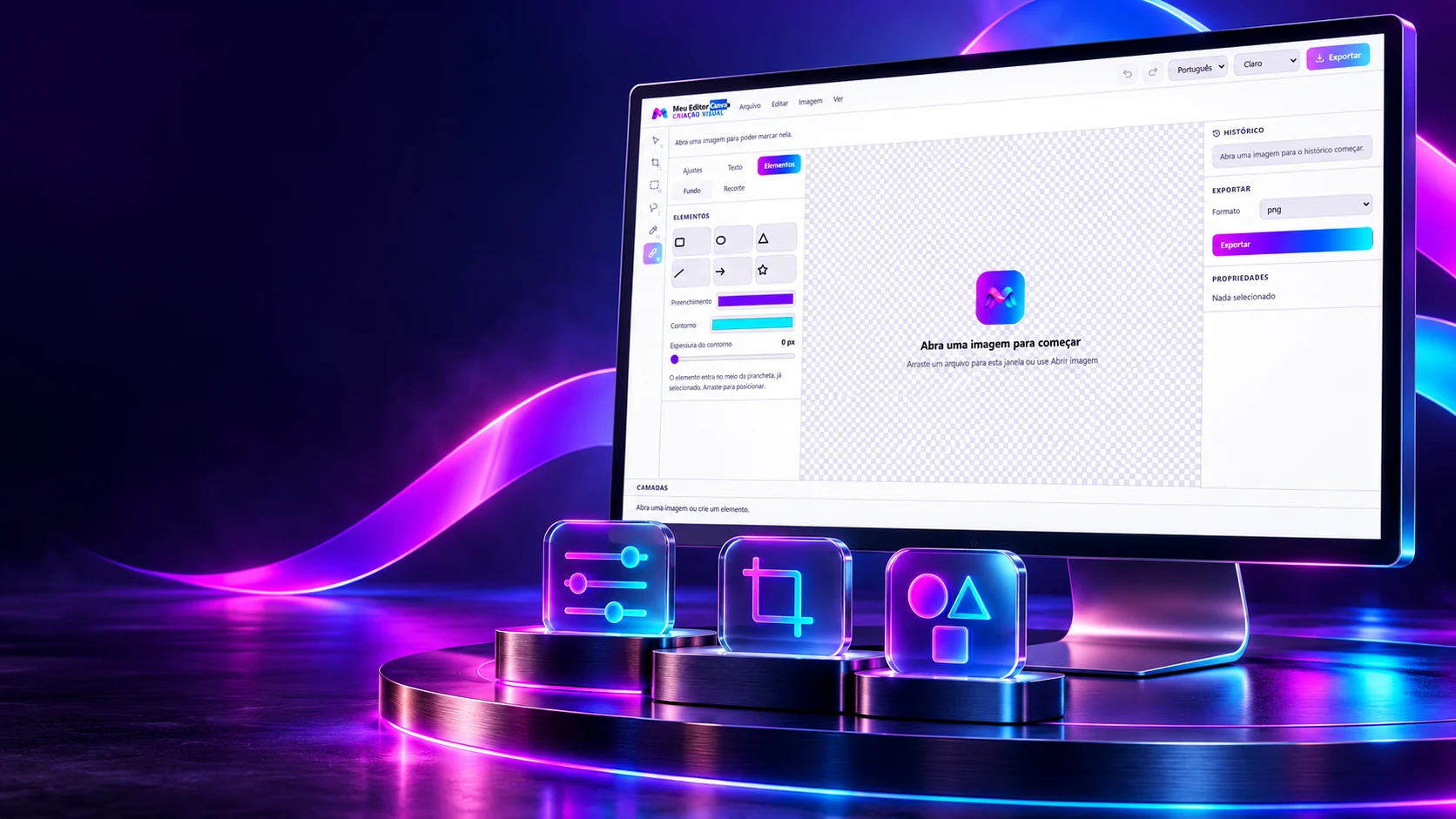
Adjust. Cut out. Transform.
Color, selection and elements to work every detail.
A preview that shows one color while the saved file has another is an editor's worst flaw. Here, the preview and the final result use the same calculation, written twice, in the app's browser view and in the Rust engine. Move the adjustments: on the left, that calculation; on the right, the browser's native filter.
Side by side
Filters and adjustments
brilho 1 · contraste 1 · inverter 0
saturação 1 · matiz 0° · sépia 0
The calculation is the editor's (ajustes.ts, and the same in ajustes.rs): a 256-entry table for brightness, contrast and negative, then a 3 × 3 matrix for saturation, hue and sepia, with the 0.213 / 0.715 / 0.072 weights from the browser filter spec. The presets are exact combinations: Sepia = sepia 1 and saturation 0.85; Cool = hue −14° and saturation 1.1; Warm = hue +14°, saturation 1.12 and brightness 1.03. The preview runs at screen size and "Apply" runs in Rust, at full size. The photo is from BabyShoes.
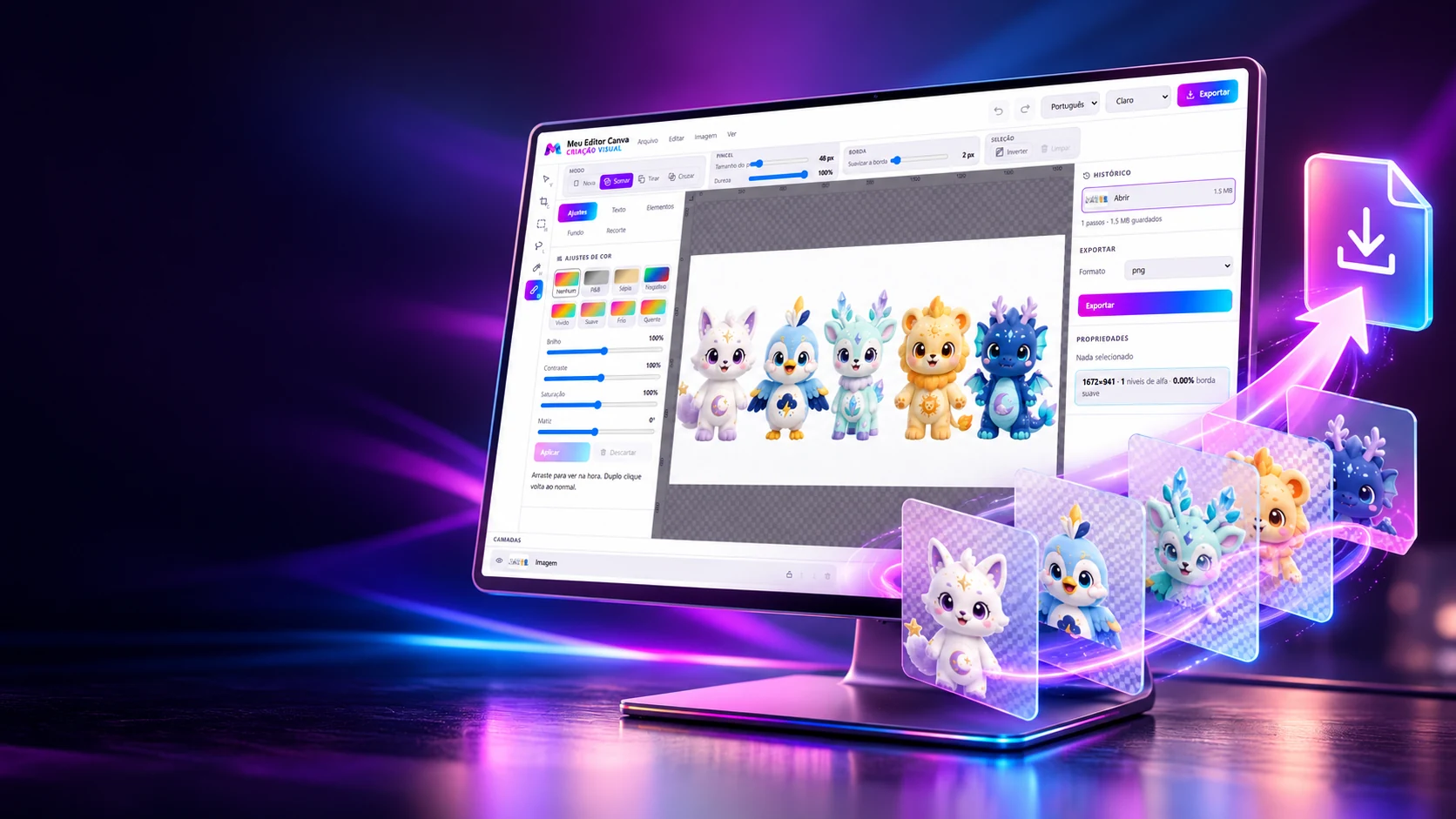
From idea to final file.
Layers, history and export in one visual flow.
A good cutout has a soft edge, with hundreds of transparency levels, and the wrong format throws all of that away without warning. The editor counts the levels before and after exporting and warns when the format will ruin the cutout. Change the edge softness and switch the format.
The cutout
The format
Little transparency (128 levels or fewer): the app doesn't even warn.
Simulated with the 83 levels the app itself measured for indexed PNG.
| PNG | 177.7 KB | 255 levels |
| WebP | 30.2 KB | 255 levels |
| Lossless WebP | 70.3 KB | 255 levels |
| Indexed PNG | 32.4 KB | 83 levels |
| JPEG | 27.1 KB | 1 level |
The real screens
The rules are the editor's (imagem.rs and PainelExportar.tsx): it counts the distinct transparency levels and how much of the image has transparency between 9 and 246 (the soft edge). Above 128 levels, it warns: PNG and WebP keep it, indexed PNG reduces it, JPEG and PDF flatten onto the background color. The table is the app's own measurement, on a 255-level cutout. Here, PNG, WebP and JPEG go through your browser's encoder, so sizes vary slightly from the app's. The app's PDF is an image on an A4 page.
The technologies
What it is made of, piece by piece
A desktop image editor in two halves: the screen, in React with Fabric.js drawing text, shapes and selection over the photo, and a Rust engine that keeps the pixels and does the full-size adjustments, the history and the export. Pick a piece to see what it does here and which file it is in.
8technologies, in 2 layers
The screen
The engine
 Creative and developer toolsProject Launcher