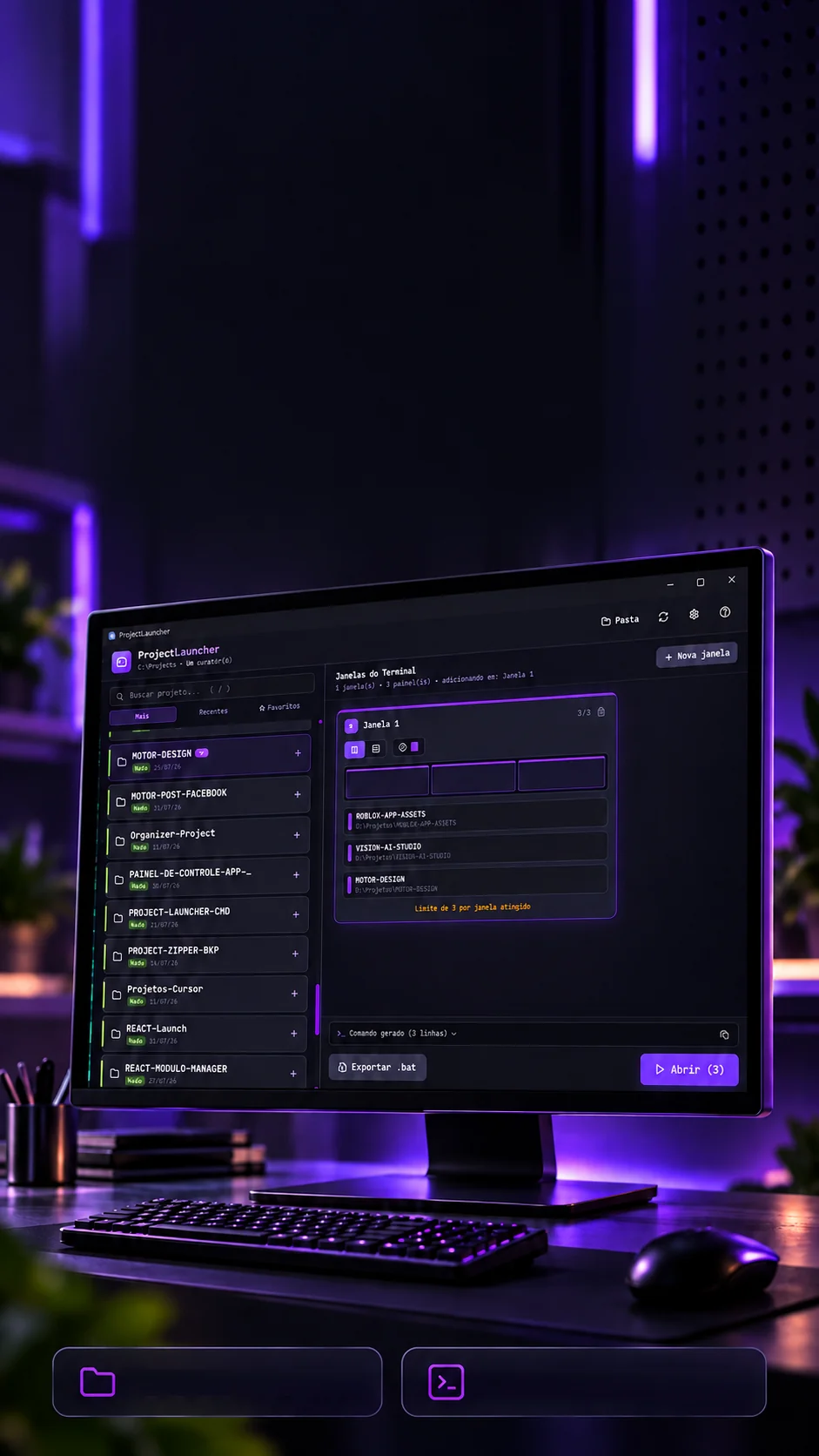
 Recents and favoritesUp to 3 projects per window
Less setup.More building.
Projects and terminals organized to get to work.
A Windows app that opens your projects in the terminal, with a name that sticks.
- Tauri 2.11
- Rust
- React 18.3
- TypeScript 5.9
- Vite 5.4
- Tailwind 3.4
- Framer Motion 11
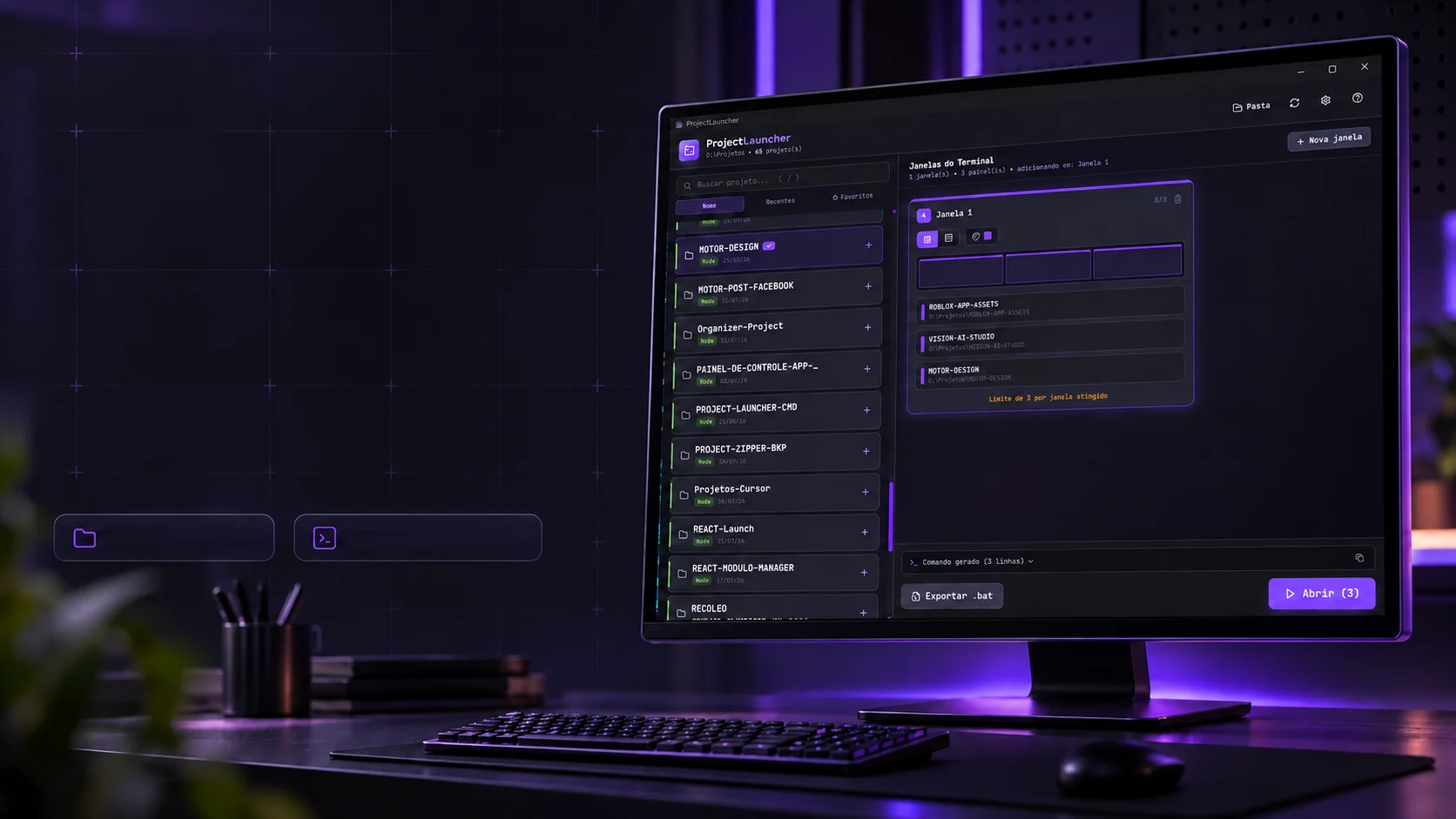 Recents and favoritesUp to 3 projects per window
Less setup.More building.
Projects and terminals organized to get to work.
- Tauri 2.11
- Rust
- React 18.3
- TypeScript 5.9
- Vite 5.4
- Tailwind 3.4
- Framer Motion 11
A Windows app that opens your projects in the terminal, with a name that sticks.
- Tauri 2.11
- Rust
- React 18.3
- TypeScript 5.9
- Vite 5.4
- Tailwind 3.4
- Framer Motion 11

The problem
The tab name that sticks.
The old .bat opened the three panes, but the tab stayed "powershell.exe" and, with every command, the shell replaced the title with something else. The .bat was not the cause: the shell rewrites the title. The app passes the two flags that hold the name.
--title "SOUZA-PAIOL"Sets the name
The project name goes to the tab and to each pane, cleaned of quotes and line breaks and cut at 40 characters.
--suppressApplicationTitleHolds the name
Stops the shell from rewriting the title. Without it, the first flag lasts until the next command.
With --title and --suppressApplicationTitle, the name stays until the tab closes.
In numbers
Small in size, precise in detail.
Every lit cell is an item the code knows: a stack marker, a folder that is never even opened, a command between the interface and Rust.
2,957lines of code
- Rust663
- TypeScript and TSX2,070
- CSS224
- Stack markers16package.json · composer.json · artisan · Cargo.toml · go.mod · pyproject.toml · requirements.txt · Pipfile · Gemfile · pom.xml · build.gradle · build.gradle.kts · pubspec.yaml · Makefile · docker-compose.yml · index.php
- Code extensions15.ts · .tsx · .js · .jsx · .php · .rs · .go · .py · .rb · .java · .cs · .lua · .vue · .svelte · .sql
- Part names21frontend · backend · client · server · api · web · www · site · app · apps · admin · painel · mobile · desktop · core · shared · services · packages · src · front · back
- Ignored folders15node_modules · .git · .next · dist · build · target · vendor · .vscode · .idea · __pycache__ · .cache · coverage · out · bin · obj
- Rust commands6scan_projects · launch_terminals · check_windows_terminal · generate_bat · open_folder · write_text_file
- Tab colors8Violet · Indigo · Cyan · Emerald · Amber · Pink · Red · Slate
- Shortcuts6Ctrl+O · F5 · Ctrl+N · Ctrl+Enter · / · Esc
- Panes per window31 · 2 · 3
The scan
Finds the project by what it is.
The app does not look for a package.json: it looks for the marker of each language and framework, up to two levels below the root folder. Once it finds a project, it stops going down, frontend and backend do not become two projects.
D:\ProjetosExample
- MOTOR-DESIGN/package.jsonNode
- CINE-CREATOR-STUDIO/package.json + Cargo.tomlNode + Rust
- LOJA-COMPLETA/One project: Node + PHP
- frontend/package.jsonPart
- backend/composer.jsonPart
- node_modules/Ignored
- SCRIPTS/backup.pyCode
- CLIENTES/Goes down
- SITE-INSTITUCIONAL/index.phpPHP
- FOTOS/Left out
16 stack markers
A package.json means Node, a Cargo.toml means Rust, a composer.json means PHP, an artisan means Laravel… and stacks add up: Node + Rust.
MARCADORESLoose code counts too
No marker, but .ts, .py, .php or another of the 15 extensions at the root: the folder comes in as Code.
EXT_CODIGOFront and back in one entry
A folder with marked frontend/ and backend/ becomes a single project, with both stacks. It recognizes 21 part names.
identificar_multipasta()15 folders never opened
Folders like node_modules, .git, dist, target and vendor: the scan skips right over them.
PASTAS_IGNORADASUp to two levels
A plain folder is crossed up to two levels below the root, and the scan runs off the interface thread, without freezing the window.
MAX_PROFUNDIDADE_SCAN = 2
Organization that becomes flow
Pick the projects. Open your workspace.
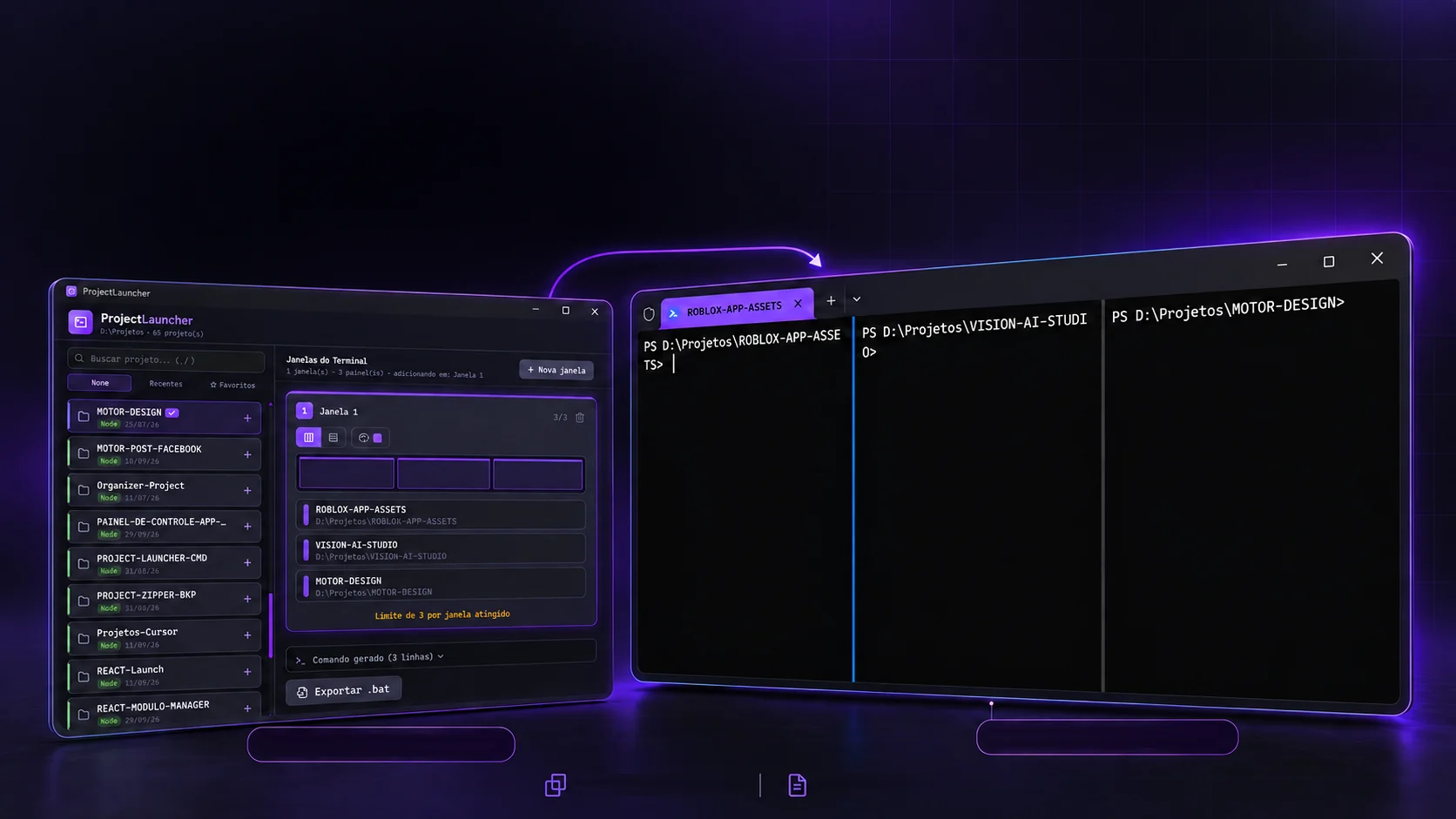
Up to three terminals side by side or stacked, each project in its own folder.
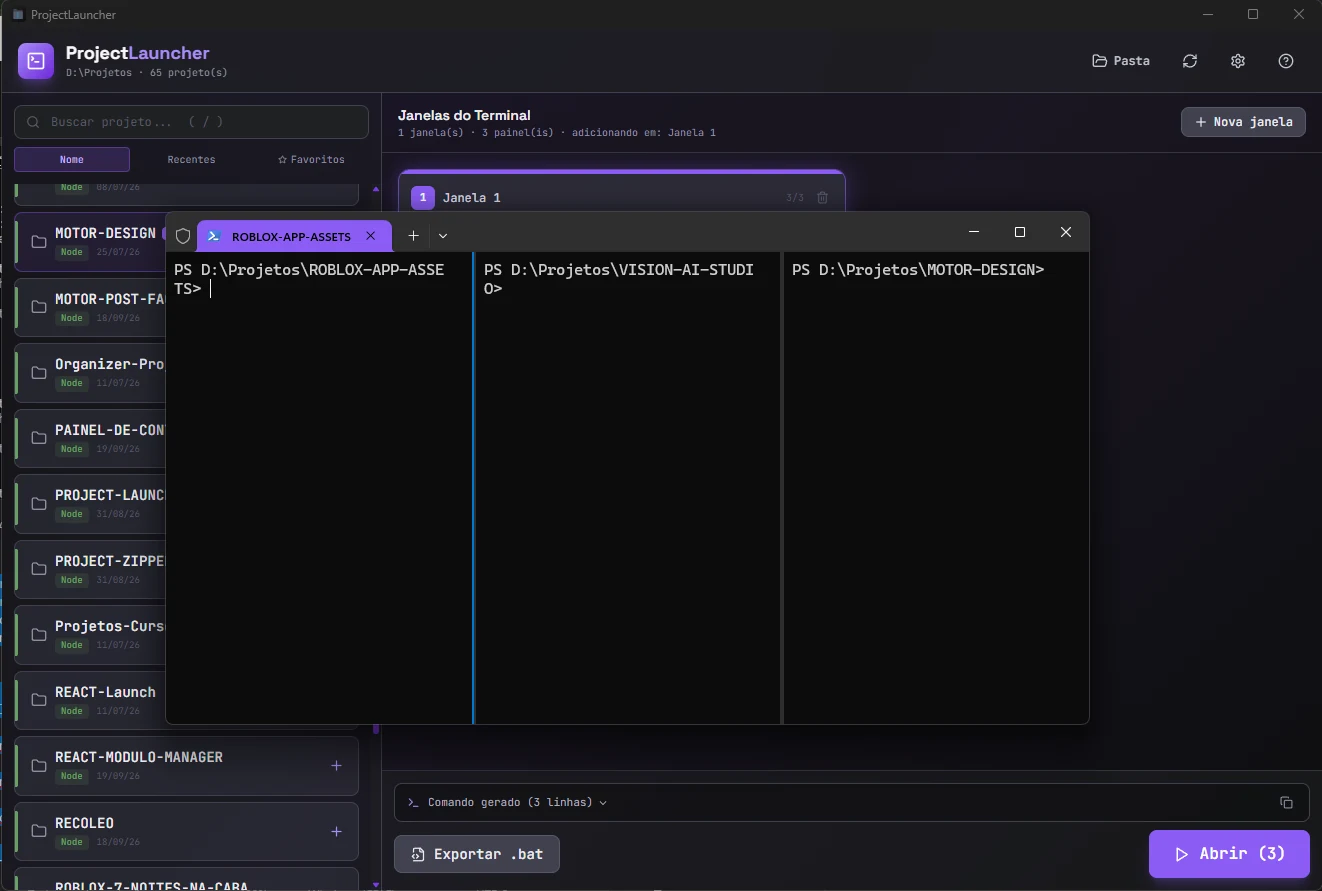
01 / Select and organize02 / Open the terminalsSide by side or stackedExport to .batEach app window becomes a Windows Terminal tab, with up to three panes. The split follows the original .bat math: the i-th pane takes remaining ÷ (remaining + 1) of the previous one (2/3 then 1/2) and all three end up with an exact third.
PS D:\Projetos\ROBLOX-APP-ASSETS>PS D:\Projetos\CINE-CREATOR-STUDIO>PS D:\Projetos\MOTOR-DESIGN>new-tab -d D:\Projetos\ROBLOX-APP-ASSETSThe 1st project opens the tab.split-pane -V -s 0.6667 -d D:\Projetos\CINE-CREATOR-STUDIOThe 2nd splits and takes 2/3 of the space.split-pane -V -s 0.5000 -d D:\Projetos\MOTOR-DESIGNThe 3rd splits that in half: three thirds.
The terminal's vocabulary is inverted: side-by-side panes are a vertical split (-V). The app translates, you choose by the drawing, not the term.
The execution
One call per pane.
One giant command, chained with semicolons, sometimes loses the titles. The app takes the stable path: one wt.exe call per pane, all aimed at the same window, with the pause the window needs to be born.
- 0ms
01Opens the tab
wt -w PL-1a2b3c new-tab -d D:\Projetos\ROBLOX-APP-ASSETS --title ROBLOX-APP-ASSETS --suppressApplicationTitle --tabColor #8b5cf6 powershell.exe -NoExit - 800ms
02Splits into 2/3
wt -w PL-1a2b3c split-pane -V -s 0.6667 -d D:\Projetos\CINE-CREATOR-STUDIO --title CINE-CREATOR-STUDIO --suppressApplicationTitle --tabColor #8b5cf6 powershell.exe -NoExit - 1100ms
03Splits in half
wt -w PL-1a2b3c split-pane -V -s 0.5000 -d D:\Projetos\MOTOR-DESIGN --title MOTOR-DESIGN --suppressApplicationTitle --tabColor #8b5cf6 powershell.exe -NoExit
Why not a single command
Windows Terminal has an intermittent bug that loses titles when several new-tab and split-pane come in a single invocation. Sequential calls, with -w aimed at the same window, are the stable path, and the app still checks each folder before calling.
microsoft/terminal#6586To go
Becomes a .bat, becomes a shortcut.
The footer button generates a .bat with the same command, to pin to the taskbar, add to Windows startup or schedule. And the whole app is used without taking your hands off the keyboard.
abrir-janela-1.bat
- @echo off
- chcp 65001 >nul
- title Lancador - Janela 1
- rem Gerado pelo ProjectLauncher
- rem --title nomeia a aba/painel
- rem --suppressApplicationTitle impede o shell de sobrescrever o nome
- set "WT=%LOCALAPPDATA%\Microsoft\WindowsApps\wt.exe"
- if not exist "%WT%" (
- echo ERRO: Windows Terminal nao encontrado em %WT%
- pause
- exit /b 1
- )
- rem --- Janela 1 ---
- start "" "%WT%" -w PL-BAT-0 new-tab -d D:\Projetos\ROBLOX-APP-ASSETS --title ROBLOX-APP-ASSETS --suppressApplicationTitle --tabColor #8b5cf6 powershell.exe -NoExit
- timeout /t 1 /nobreak >nul
- start "" "%WT%" -w PL-BAT-0 split-pane -V -s 0.6667 -d D:\Projetos\CINE-CREATOR-STUDIO --title CINE-CREATOR-STUDIO --suppressApplicationTitle --tabColor #8b5cf6 powershell.exe -NoExit
- timeout /t 1 /nobreak >nul
- exit
Search project…/
Shortcuts
- Choose the root folderCtrlO
- Scan againF5
- New windowCtrlN
- Open everythingCtrlEnter
- Focus the search/
- Clear the searchEsc
Options
- PowerShell or CMD, without the pane closing by itself-NoExit/k
- Open maximized--maximized
- One window per group or all as tabs-w
- Tab color, carried over to the terminal8
The technologies
What it is made of, piece by piece
A small Windows program: the window is built like a website, and the Rust behind it finds the projects and opens the terminal already arranged. Pick a piece to see what it does here and which file it is in.
12technologies, in 3 layers
Screen
Core
Windows
The screens
The app, window by window.
From the first empty window to the three open terminals, with each project's name on the tab.
 Creative and developer toolsProjectZipper