

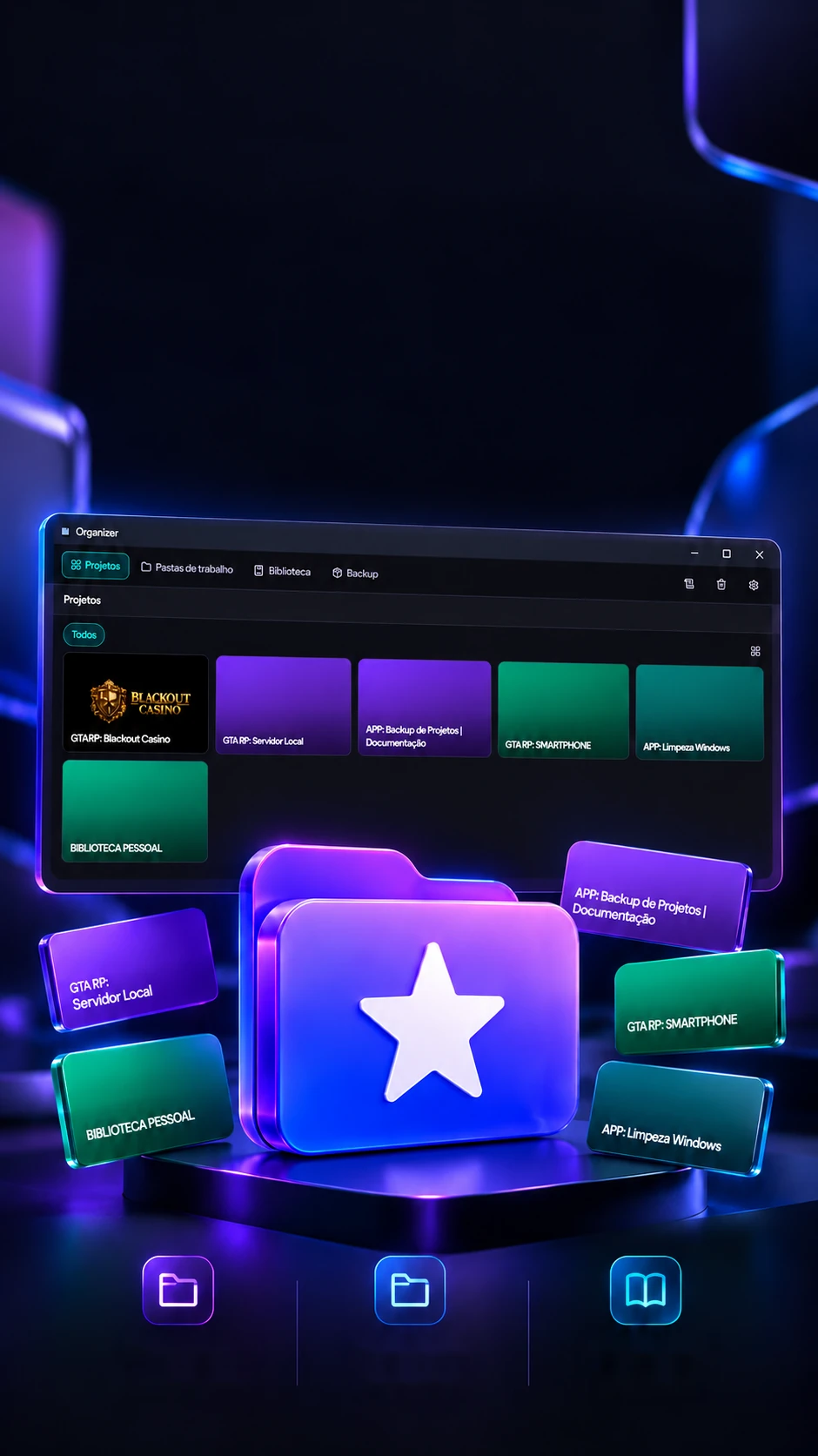
 Projects
by sectorWork
foldersPersonal
library
Every project.In its place.
Projects, files and knowledge in one local hub.
Projects, folders and notes in a local hub, with history and its own trash.
- Tauri 2
- React 18
- Rust
- TypeScript
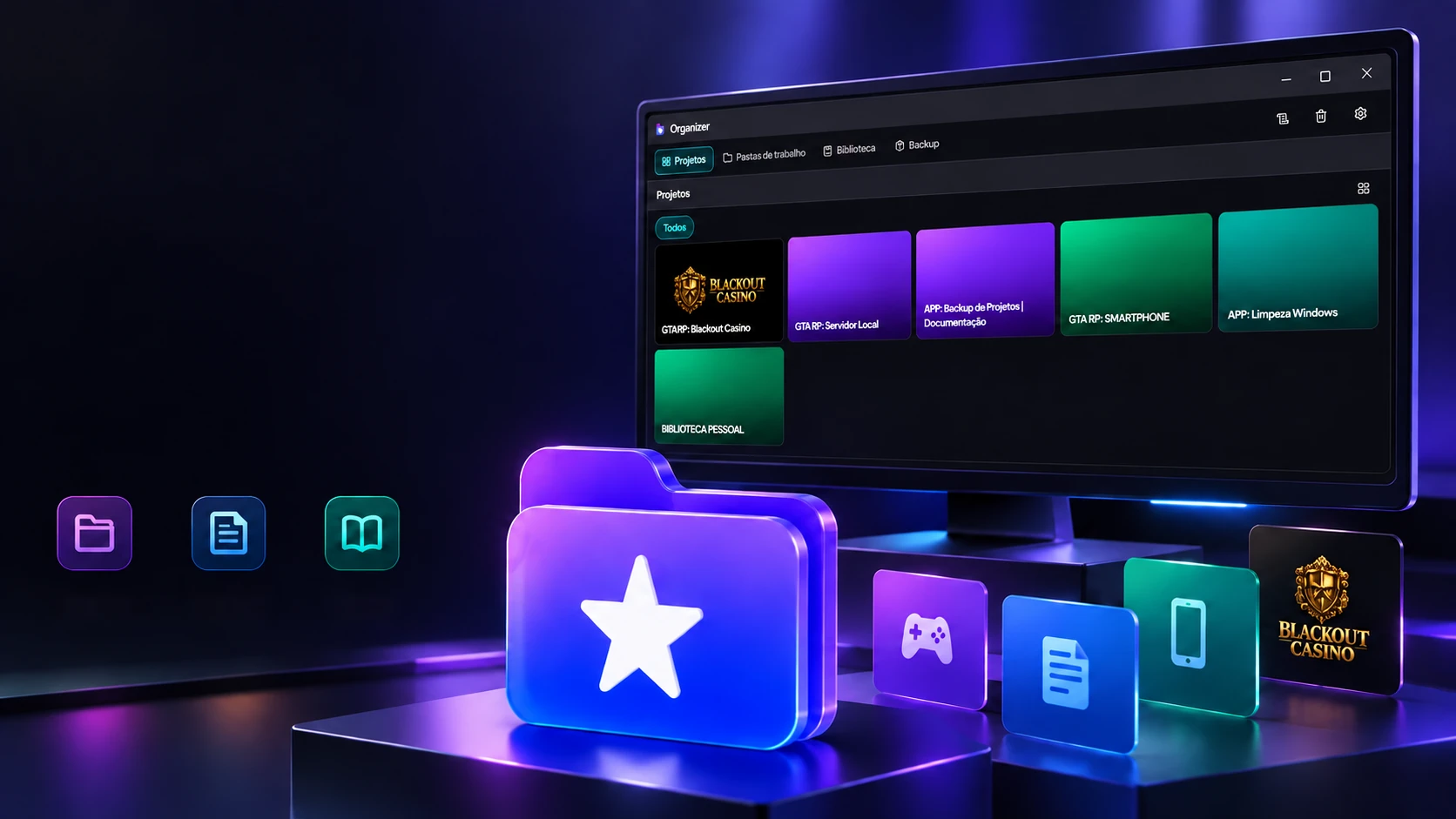 Projects
by sectorWork
foldersPersonal
library
Every project.In its place.
Projects, files and knowledge in one local hub.
- Tauri 2
- React 18
- Rust
- TypeScript
Projects, folders and notes in a local hub, with history and its own trash.
- Tauri 2
- React 18
- Rust
- TypeScript
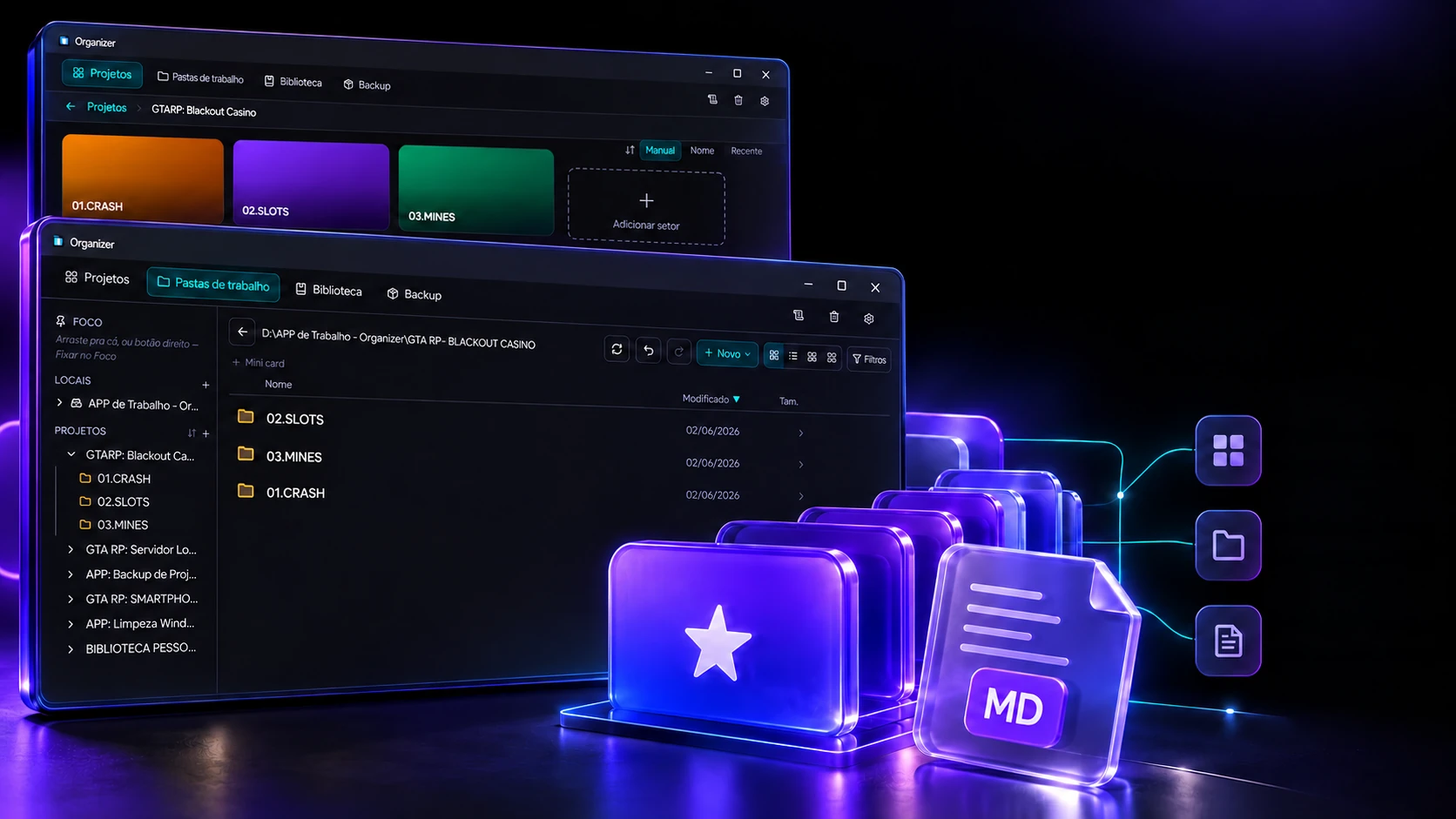
The sectors
Each part of the project on its own card.
Inside a project, each sector becomes a card with a color and a folder. Create a sector, change the order with the arrows and watch the file the program writes into the project folder itself.
GTARP: Blackout Casino
.organizer.json
{
 "version": 1,
 "cards": [
  {
   "id": "s0",
   "nome": "01.CRASH",
   "pasta": "01.CRASH",
   "cor": "#06b6d4",
   "ordem": 0
  },
  {
   "id": "s1",
   "nome": "02.SLOTS",
   "pasta": "02.SLOTS",
   "cor": "#a855f7",
   "ordem": 1
  },
  {
   "id": "s2",
   "nome": "03.MINES",
   "pasta": "03.MINES",
   "cor": "#22c55e",
   "ordem": 2
  }
 ]
}
As in the program (SectorCardsView.tsx): colors come from a wheel of 8, one per sector, in rotation; manual order moves one step at a time, with the arrows; and the choices live in .organizer.json inside the project folder, which travels with the folder.
From project to file. All connected.
Sectors, folders and notes in an organized workflow.
Cards per sectorFiles and foldersMarkdown notesThe work folder is where the project happens. The program sorts files by name (a PROMPT, a GUIA, a PESQUISA…) and keeps each action on a stack: a mistake, and it goes back. Select a file, create, rename, delete, and undo.
D:\APP de Trabalho - Organizer\GTA RP - BLACKOUT CASINO
Undo stack
- Nothing done yet. Each action lands here.
As in the program (PastasDeTrabalhoView.tsx): the type comes from the file name or extension; a name without an extension becomes a .md note; the stack keeps up to 50 actions and is gone when the program closes; a new action clears what could be redone.
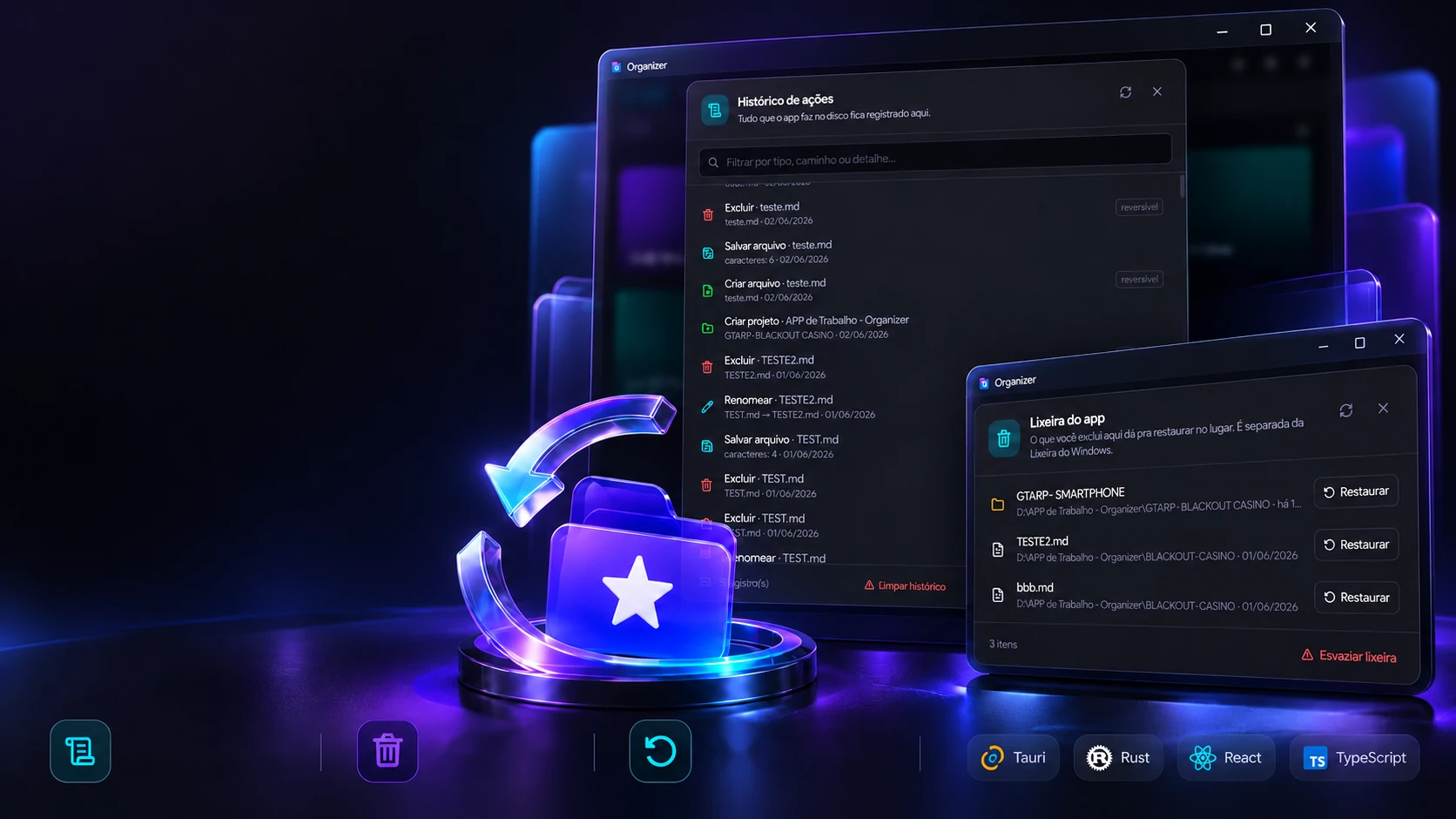
The history
Everything that touches the disk gets written down.
Every time the program creates, renames, moves or deletes something, a line goes into the history, and the ones that can be reversed get a badge. Do a few actions, filter, and see what clearing the history means.
51 record(s)Keeps up to 5,000
- Delete · teste.mdteste.md · 06/02/2026Reversible
- Save file · teste.md6 caracteres · 06/02/2026
- Create file · teste.mdteste.md · 06/02/2026Reversible
- Create project · APP de Trabalho - OrganizerGTARP: BLACKOUT CASINO · 06/02/2026
- Rename · TESTE2.mdTEST.md → TESTE2.md · 06/01/2026Reversible
- Delete · TEST.mdTEST.md · 06/01/2026Reversible
As in the program (historico.rs): the log keeps up to 5,000 lines and drops the oldest; saving text and creating a project are recorded without a badge, because they cannot be undone; and clearing only erases the record.
Organization with control. Built for everyday work.
Action history and file restoring in the same place.
Original toolAction historyIts own trashRestore in placeWhat gets deleted in the work folder doesn't vanish: it goes to the program's own trash, which remembers where it came from. Delete, restore, put an identical file in the way and watch the conflict get solved without losing anything.
The folder
- ▤ roteiro.md
- ▤ capa.png
- ▤ regras.txt
App trash
- Trash is empty. Delete something in the folder beside it.
As in the program (lixeira.rs): the trash is separate from Windows' and keeps each item's origin; it has no time limit, it only empties when you say so. It covers the work folder; on other screens, deleting sends to the Windows trash.
The backup
A ZIP of the project, without the dead weight.
At backup time, the program leaves out what is generated, swaps heavy files for a text note and can split the images into packs. Move the limit and the pack size and watch the ZIPs take shape.
The project
- node_modules/Left out
- .next/Left out
- .git/Left out
- src/2.4 MB
- package.json0.02 MB
- public/hero.mp4Becomes .txt
- public/img/cassino.pngBecomes .txt
- public/img/roleta.pngBecomes .txt
- public/img/slots.pngBecomes .txt
- public/img/fichas.png4.8 MB
- public/img/mesa.webp3.1 MB
- public/img/logo.png1.2 MB
- public/fonts/titulo.woff20.3 MB
The ZIPs that come out
The code, apart
32.4% de 29 MB
The real screens
As in the program (create_project_zip): node_modules, .next, .git, dist and the like stay out; media, fonts and documents above the limit become a .txt with name, size and date; packs are filled from the largest to the smallest, up to the chosen size (29 MB by default); the name carries day, month, hour and minute.
The technologies
What it is made of, piece by piece
A desktop program: the screen is React with Tailwind and Framer Motion, and everything that touches the disk (folders, trash, history, backup) is Rust, in 10 modules answering 59 commands. Pick a piece to see what it does here and which file it is in.
10technologies, in 2 layers
Screen
Program
Next project25 / 51
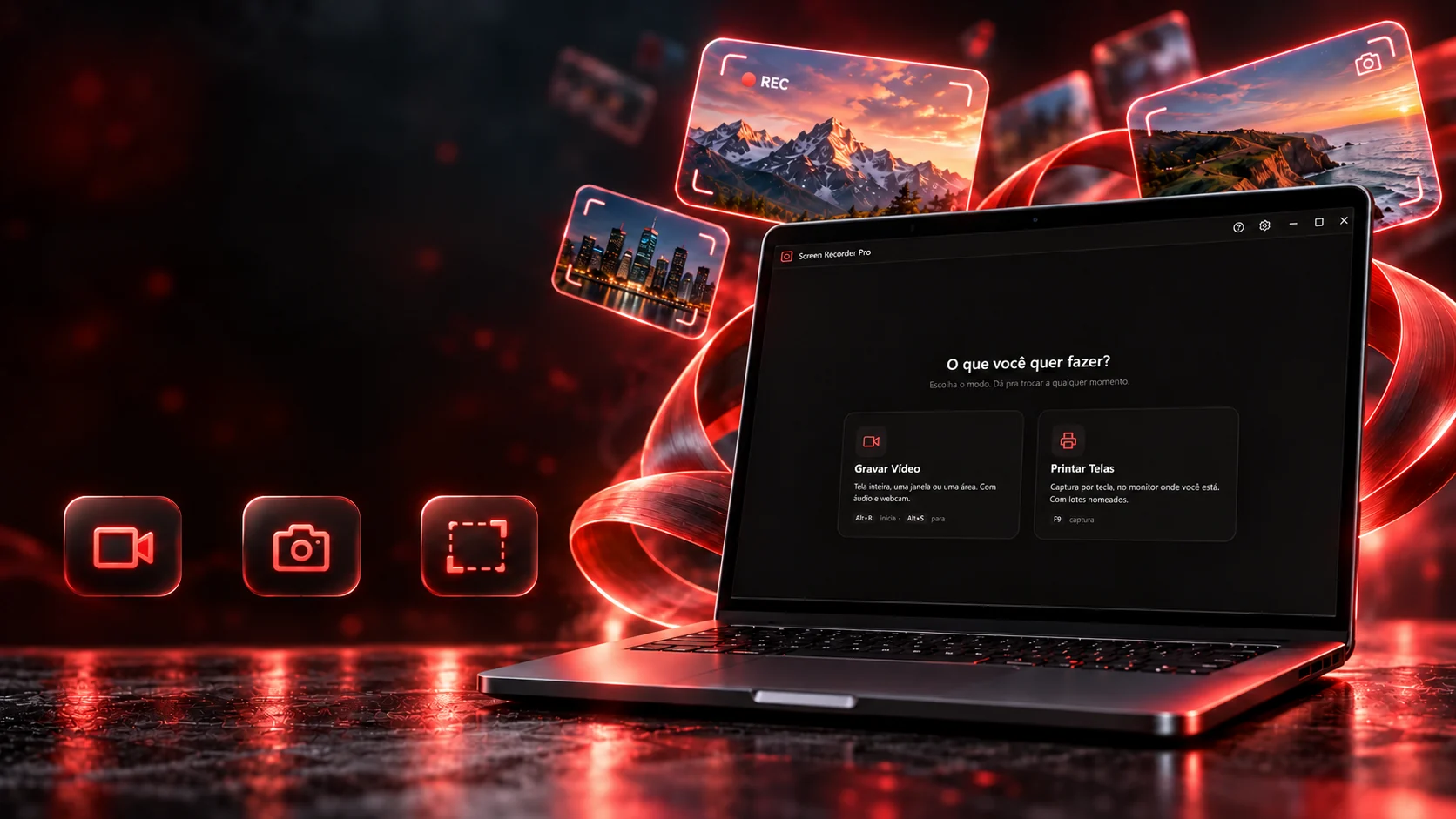
 Desktop applicationsScreen Recorder ProA desktop program that records screen video and takes screenshots of the cursor's monitor, a set monitor, a window or an area, already with the group name, numbering and folderElectron 28.3electron-builder 24.13JavaScriptHTML e CSS
 ← PreviousMeu Chat Pessoal