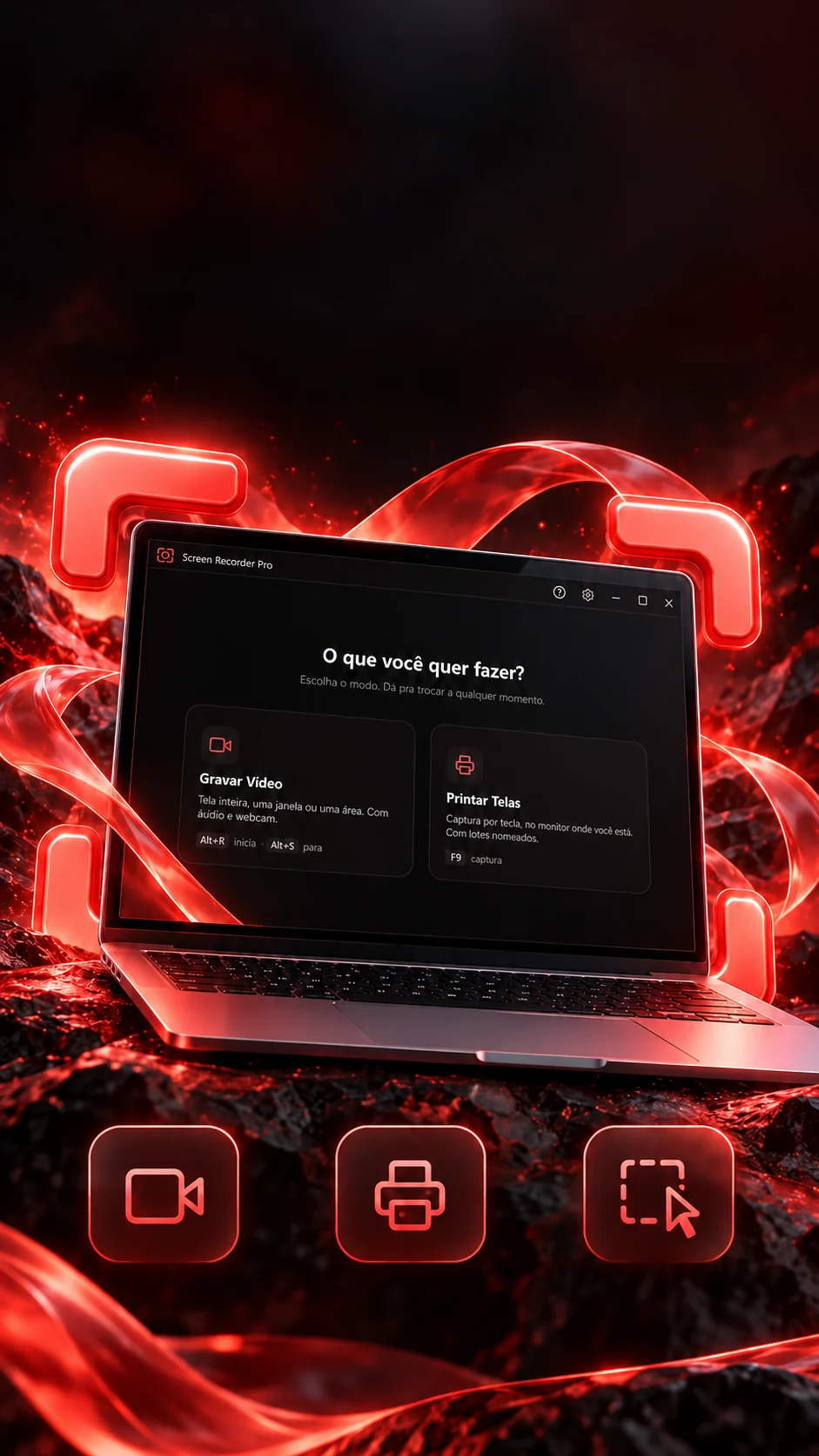
 VideosScreenshotsArea
selection

Your screen.Your way.
Videos and screenshots in one place.
Records the screen and takes screenshots, named and filed.
- Electron 28
- JavaScript
- FFmpeg
- HTML e CSS
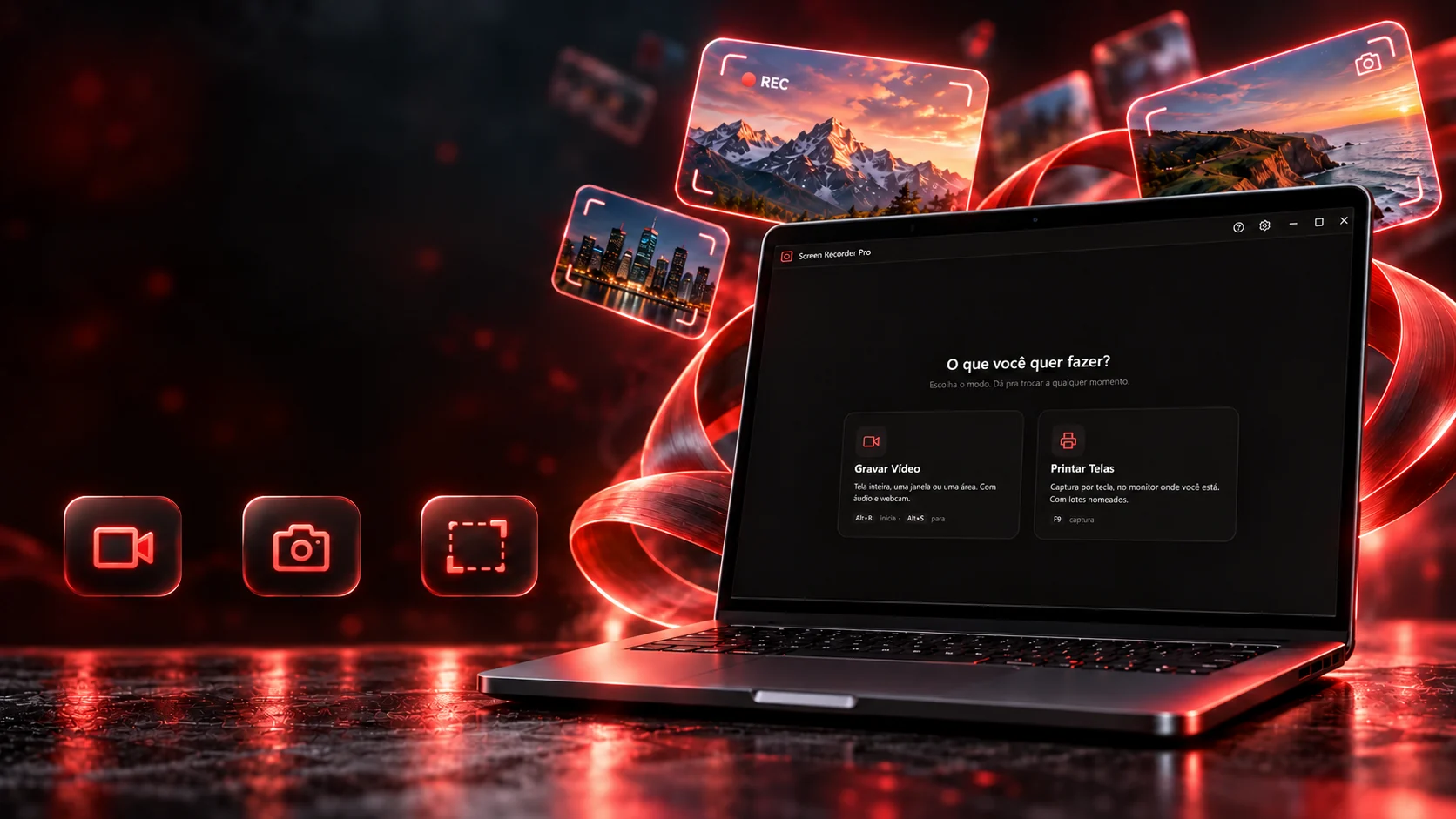 Video recordingScreenshotsArea selection
Your screen.Your way.
Videos and screenshots in one place.
- Electron 28
- JavaScript
- FFmpeg
- HTML e CSS
Records the screen and takes screenshots, named and filed.
- Electron 28
- JavaScript
- FFmpeg
- HTML e CSS

What to capture
Depends on which monitor you're on? Not anymore.
With more than one monitor, the default screenshot is of the monitor where the cursor is, tap or hover over the desk and see which one lights up. You can also pin a monitor, a window or an area. Capture with the button or with the real F9 key: before the shot, the program steps out of the way so it doesn't show up in the screenshot.
Or press F9 with this part on screen.
The screenshots, already named
No screenshots yet.
The five targets
The targets, the default and the 300 ms wait are the code's (screenshot.js). On scaled displays the screenshot comes out at real pixel size, not shrunk.
The name
Every screenshot comes out named and in place.
Name the group and the program does the rest: it strips what Windows won't accept, turns spaces into hyphens, avoids reserved names and continues the numbering from where the folder left off, even after closing the program. Type a name and see.
Not allowed on Windows: removed. Space: becomes a hyphen.
The name that goes to diskvitrine
Prints/vitrine/
- vitrine-001.png
- vitrine-002.png
- vitrine-007.png
- Next filevitrine-008.png
The rules are the code's (limparNome and proximoNumero): the numbering reads the folder and continues from the highest number, the example folder has a vitrine-007, so the next one is 008, not 003.
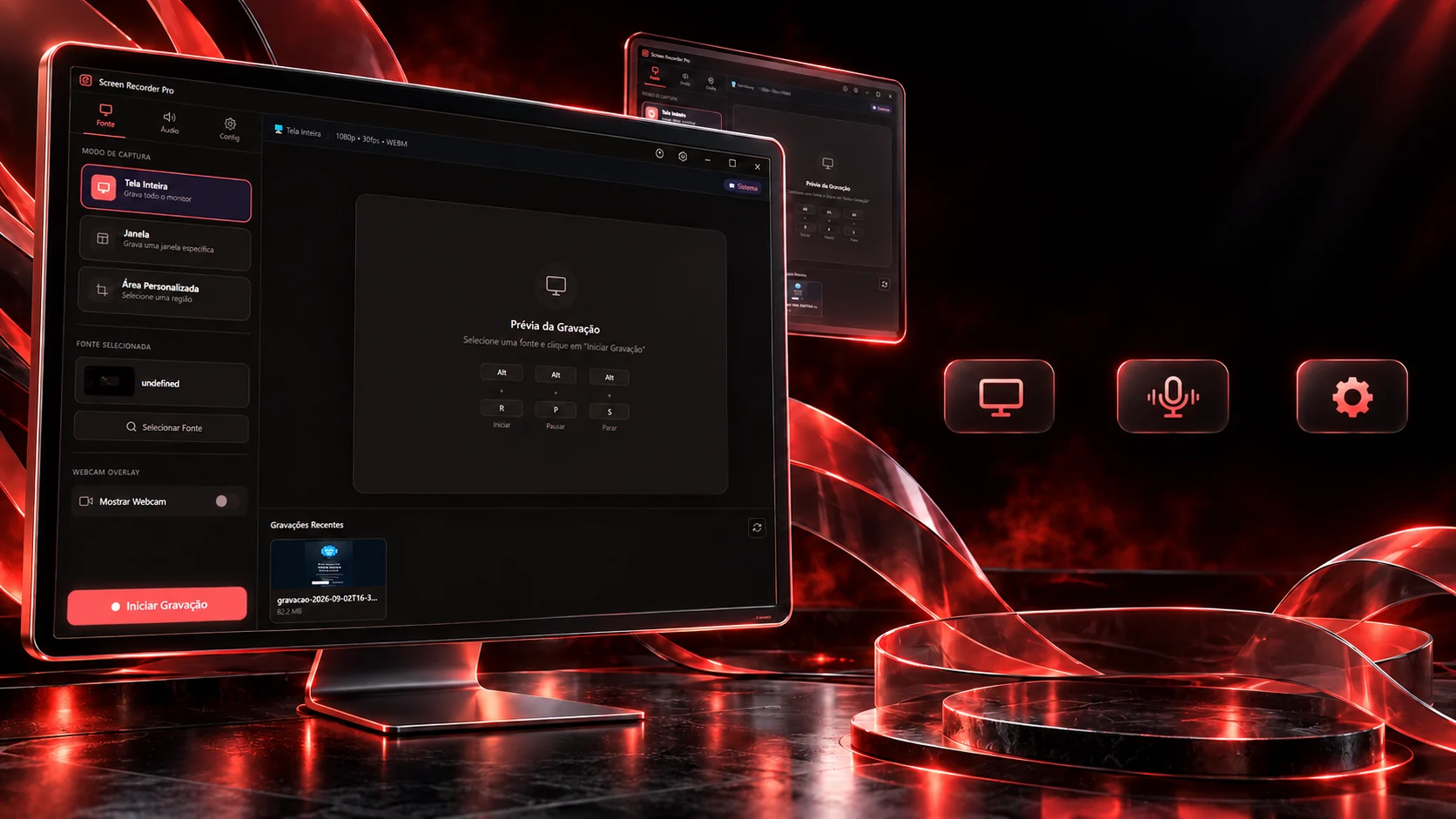
You choose the framing.
Full screen, window or area, with shortcuts for each step.
Screen, windowor areaAudio and
microphoneConfigurable
quality
Every recording option of the program is here: pick the source, the audio, the quality and where the camera sits, the preview obeys. Turn on the highlight and move the mouse over the preview; then start, pause and stop.
Source
Audio
Resolution
Frames per second
Format
Camera
Countdown before recording
Cursor highlight
Alt+R starts · Alt+S stops · Alt+P pauses or resumes
Options and shortcuts are the program screen's. Recording comes out in VP9 (or VP8 if the system lacks VP9); system and microphone audio are mixed into one. The preview here is a mock-up: nothing is recorded.
The long recording
An hour of video without filling the memory.
Instead of keeping the whole video in memory until the end, the program sends each recorded second straight to a file on disk. When it stops, it closes the file: in WebM it writes the duration the browser leaves out; in MP4 it converts. Record six seconds and choose.
temp_1760641620000.webm0 pieces · ≈ 0 MBestimated from the chosen resolution's rate
The 1-second piece, the duration fix in pure JavaScript (no external process), the FFmpeg options and the WebM fallback are the code's (main.js and webm-duracao.js). Sizes are an estimate from each resolution's target rate.
The shortcuts
A key only counts when it arrives.
The system says the key was registered even when it never reaches the program. That's why the program has a test: you press it and it confirms. Click the field and press any key, the proof happens here.
The key proof
Click here and press a key (F9, Scroll Lock, Alt+R…).
- Take a screenshotF9If refused:F8F7Alt+Shift+PCtrl+Shift+1
- Start a new groupScroll LockIf refused:Alt+Shift+GCtrl+Shift+2F10Alt+Shift+N
- Record videoAlt+RAlt+SAlt+P
On Windows 11, the Print Screen key opens the Snipping Tool by default, an outside program only gets it if that option is turned off. That's why the default here is F9, with backups the system contests less.
The keys, the backups and the reason for the test are the code's (hotkeys.js). During area selection, Esc cancels and Enter confirms, only while it's open.
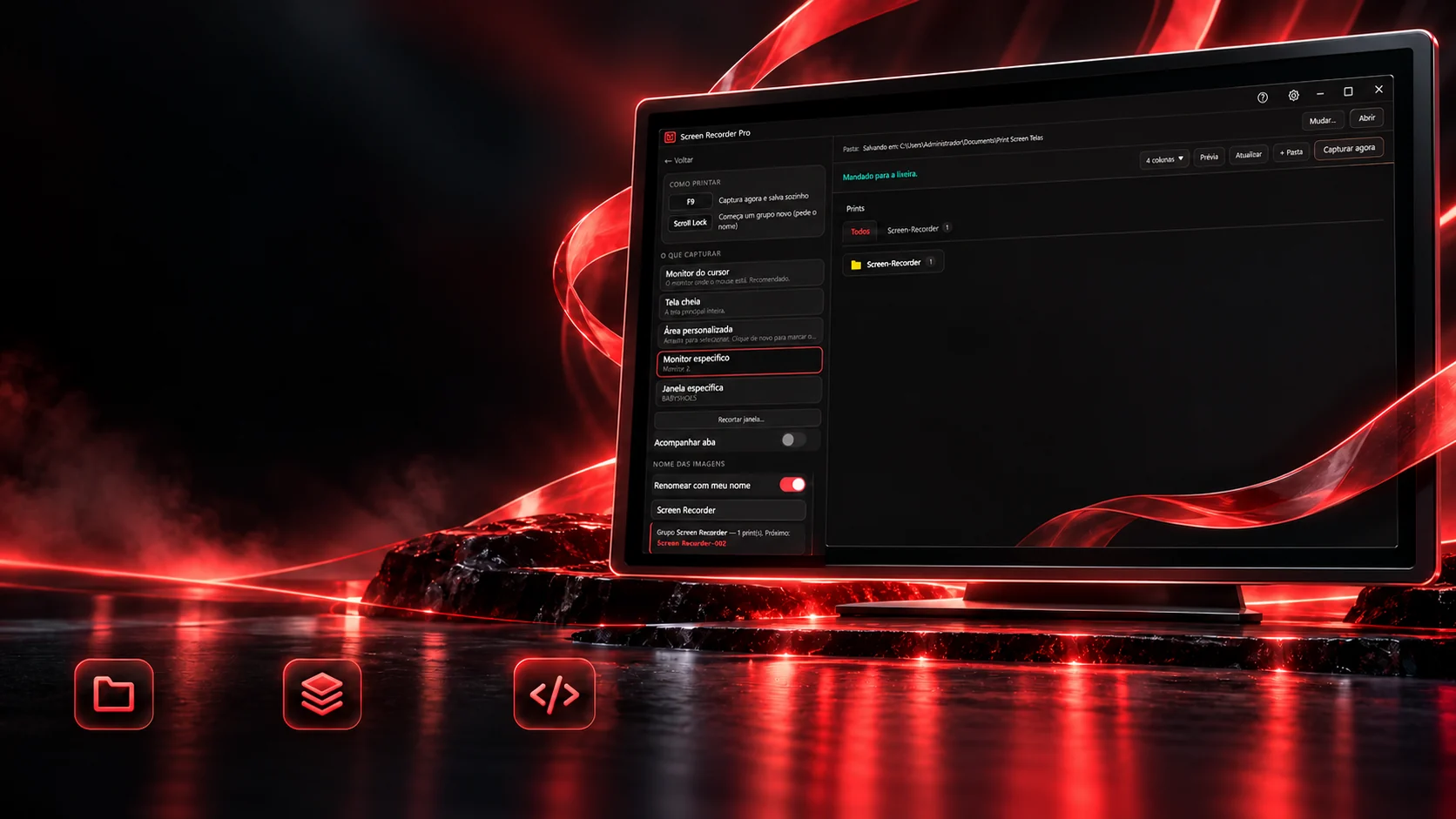
From the idea to the app.
Its own interface. Local files.
Organized captureScreenshots in groupsOriginal developmentThe program's gallery has no fake folders: creating a folder creates it on disk, dragging a screenshot moves the file, and the clicked folder becomes the destination of the next screenshots. Deleting sends to the recycle bin, a screenshot deleted by mistake can't be irreversible. Try it.
vitrineDrag a screenshot onto a folder or the bin.
The program's screens
Everything in the program's folders is a real file (screenshot.js): the folder shows up in Explorer, and the gallery refreshes on its own when something changes out there. The thumbnails here are the program's own screens.
The technologies
What it is made of, piece by piece
A desktop program built with browser technology: Electron provides the window, the tray and the global keys; Chromium itself records the screen and photographs the monitors; and FFmpeg only steps in when the video has to become MP4. Pick a piece to see what it does here and which file it is in.
10technologies, in 3 layers
Window
Screen
Files
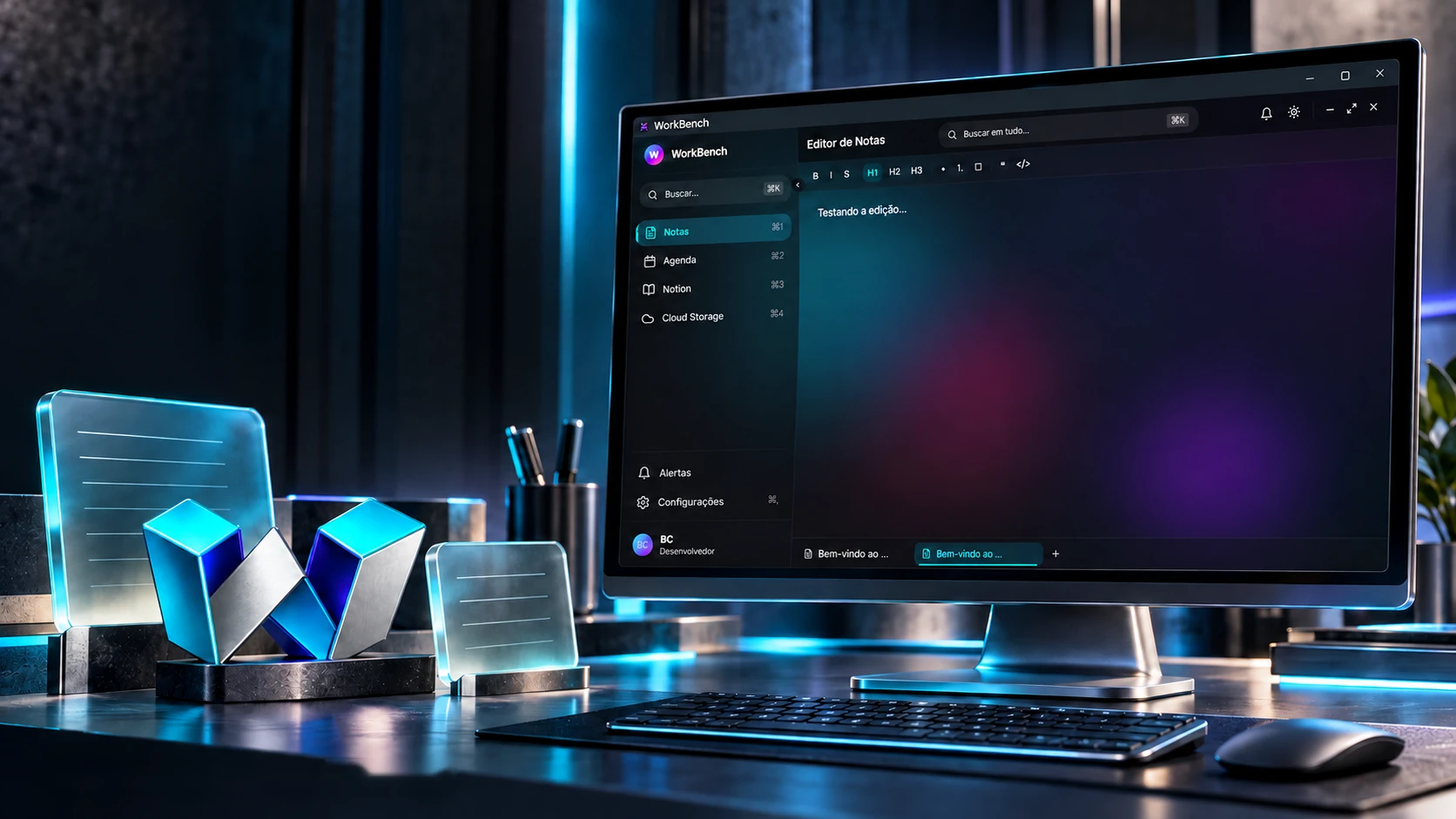
 Desktop applicationsWorkBench