 Desktop productivity app
Your workfinds a place.
Notes and planner together on a digital workbench.
Tabbed notes that save themselves, a planner by period and backups.
- Tauri
- React
- TipTap
- Zustand
 Desktop productivity app
Your workfinds a place.
Notes and planner together on a digital workbench.
- Tauri
- React
- TipTap
- Zustand
Tabbed notes that save themselves, a planner by period and backups.
- Tauri
- React
- TipTap
- Zustand


The tabbed editor
Every subject in its own tab, saved without pressing a thing.
Notes live in tabs, like in a browser, and the text saves itself half a second after the last key. Create, rename, drag and close tabs, and type to see the document the program stores.
What gets stored (TipTap JSON)
{"type":"doc","content":[{"type":"heading","attrs":{"level":1},"content":[{"type":"text","text":"Welcome to WorkBench!"}]},{"type":"paragraph","content":[{"type":"text","text":"This is your new productivity hub."}]},{"type":"bulletList","content":[{"type":"listItem","content":[{"type":"paragraph","content":[{"type":"text","text":"Use Ctrl+T to create new tabs"}]}]},{"type":"listItem","content":[{"type":"paragraph","content":[{"type":"text","text":"Double-click the name to rename"}]}]}]}]}workbench-notes-storeStored: 1.1 KB
- Ctrl+T · new tab
- Ctrl+W · close tab
- Ctrl+1 / Ctrl+2 · notes and planner
- Ctrl+K · command palette
- Double-click · rename
The program's rules (notes.tsx): a new tab is called "New Tab" plus the tab count + 1; closing asks for confirmation and the last tab never goes; the editor is TipTap (headings, lists, tasks, quote and code) and saves 500 ms after the last key. Here, # becomes a heading, - a list and [ ] a task.
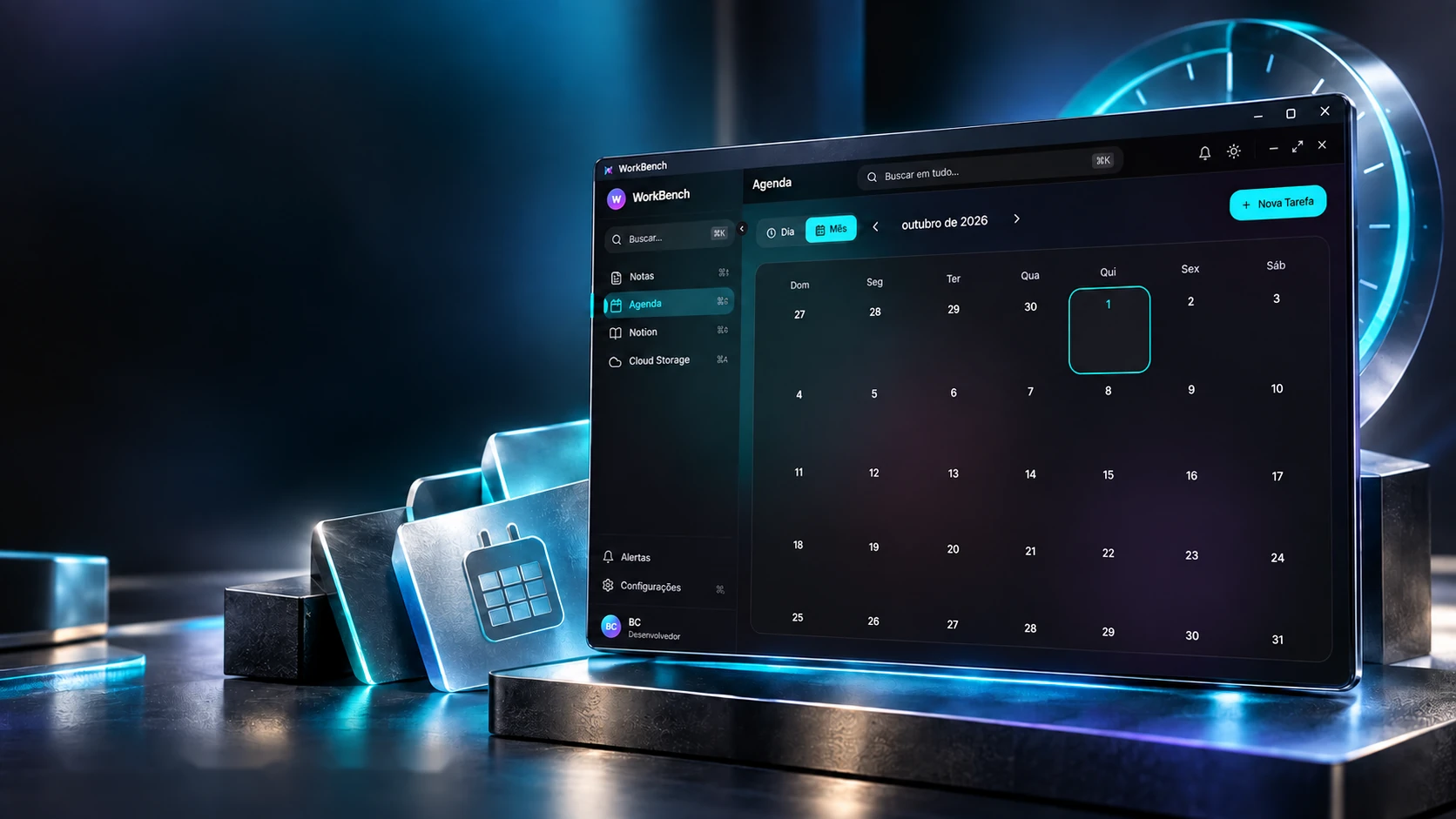
Plan the day. Organize the next step.
A planner with day and month views.
Planner · Tasks · PrioritiesIn the planner, the month starts on Sunday and the day splits into morning, afternoon and evening. Pick a day, create a task and watch it find the right period by its start time.
October 2026
Thursday, October 1
Morning6:00 – 12:001 task
Afternoon12:00 – 18:001 task
Evening18:00 – 24:001 task
The program's rules (agenda.tsx): the month runs from the Sunday before day 1 to the Saturday after the last day; Morning is 6 to 12, Afternoon 12 to 18 and Evening 18 to 24, by start time; the border shows the priority (low green, medium amber, high red). A new task starts at 09:00, medium. The tasks here are examples.

Made for the routine. With a safety copy.
Light or dark theme and JSON backups.
Tauri · React · TypeScriptEvery time it opens, the program saves a copy of everything, as long as there are notes or tasks. The copies form a queue of seven: the eighth deletes the oldest. Open the program or create a copy and watch the queue move.
Automatic copies3/7
- 10/01/202610:08 · 4.9 KB · automaticMost recent
- 10/01/202610:07 · 5 KB · manual
- 09/19/202611:01 · 2.8 KB · automatic
The backup file
workbench-backup-auto-2026-10-01_10-08-00.json
{
  "version": "1.0.0",
  "createdAt": "2026-10-01T10:08:00.000Z",
  "data": {
    "notes": { tabs and texts },
    "tasks": { tasks },
    "alerts": { alerts },
    "notion": { … },
    "settings": { settings }
  }
}
The real screens
The program's rules (backup.ts): the automatic copy runs once per session, 2 seconds after opening, and only if there are notes or tasks; "Create now" joins the same queue; the 7 most recent stay. "Export" downloads the same JSON and "Import" restores it. Dates and sizes here are examples.
The technologies
What it is made of, piece by piece
A desktop program built almost entirely in the screen layer: React with TypeScript inside Tauri, the TipTap editor for notes and Zustand keeping everything in local storage, where the backup comes from. Pick a piece to see what it does here and which file it is in.
12technologies, in 3 layers
Screen
Data
Program
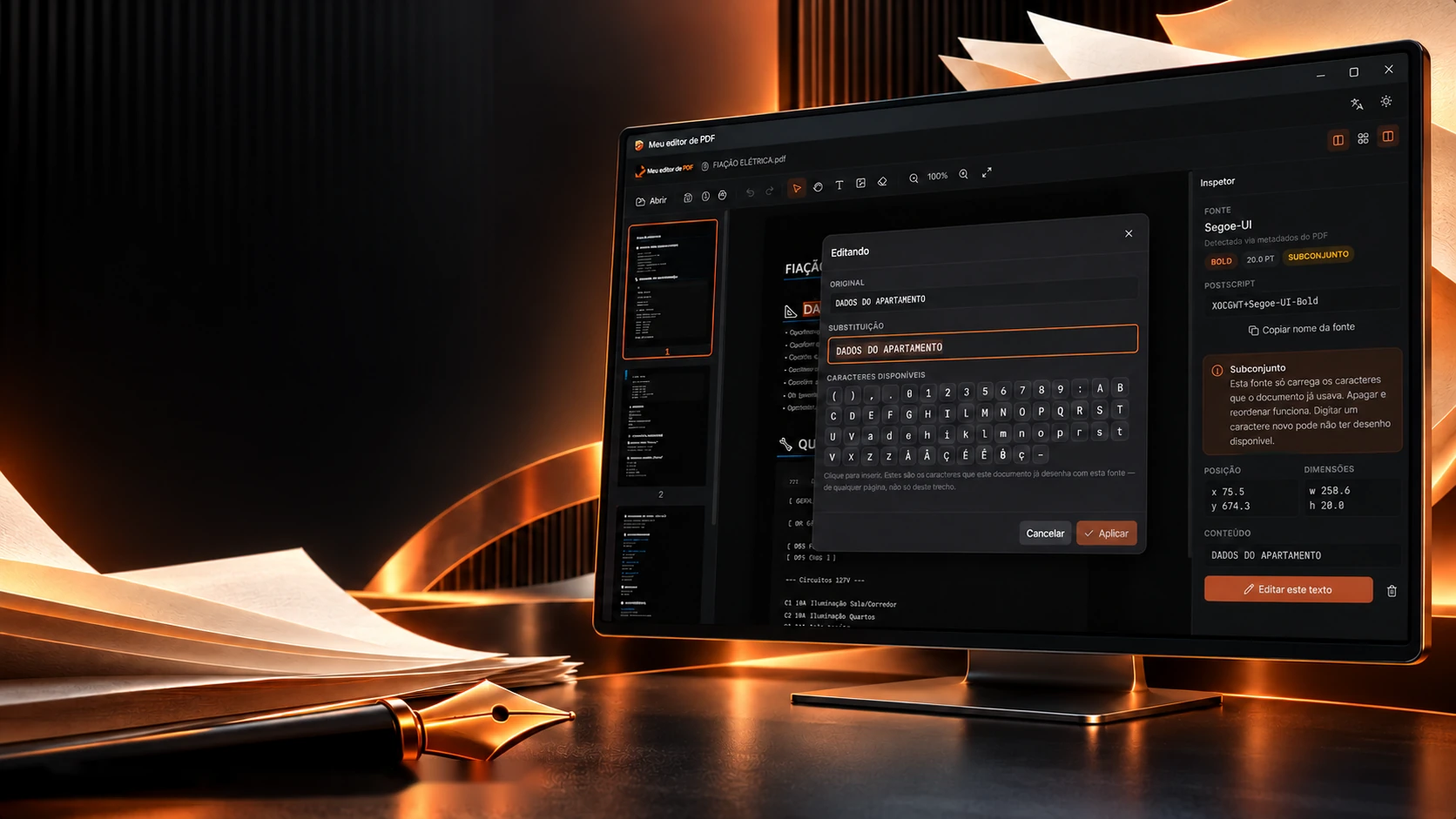
 Desktop applicationsMeu editor de PDF