 Desktop PDF editor · Local processing
Edit the text.Keep its identity.
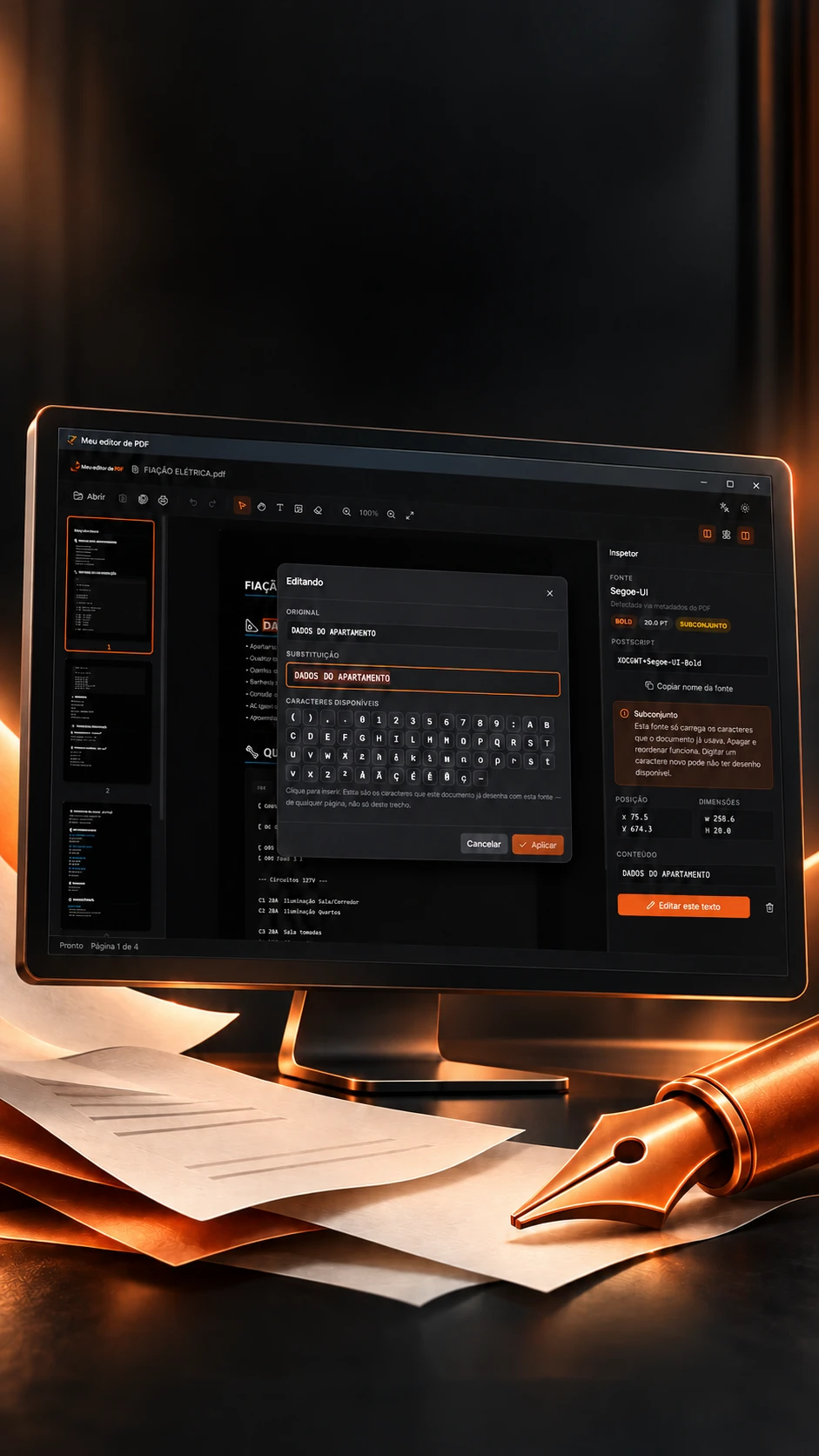
Font, size, color and position respected when editing.
Replaces a PDF's text keeping the font, and refuses when it can't.
- Tauri
- Rust
- PDFium
- React
 Desktop PDF editor · Local processing
Edit the text.Keep its identity.
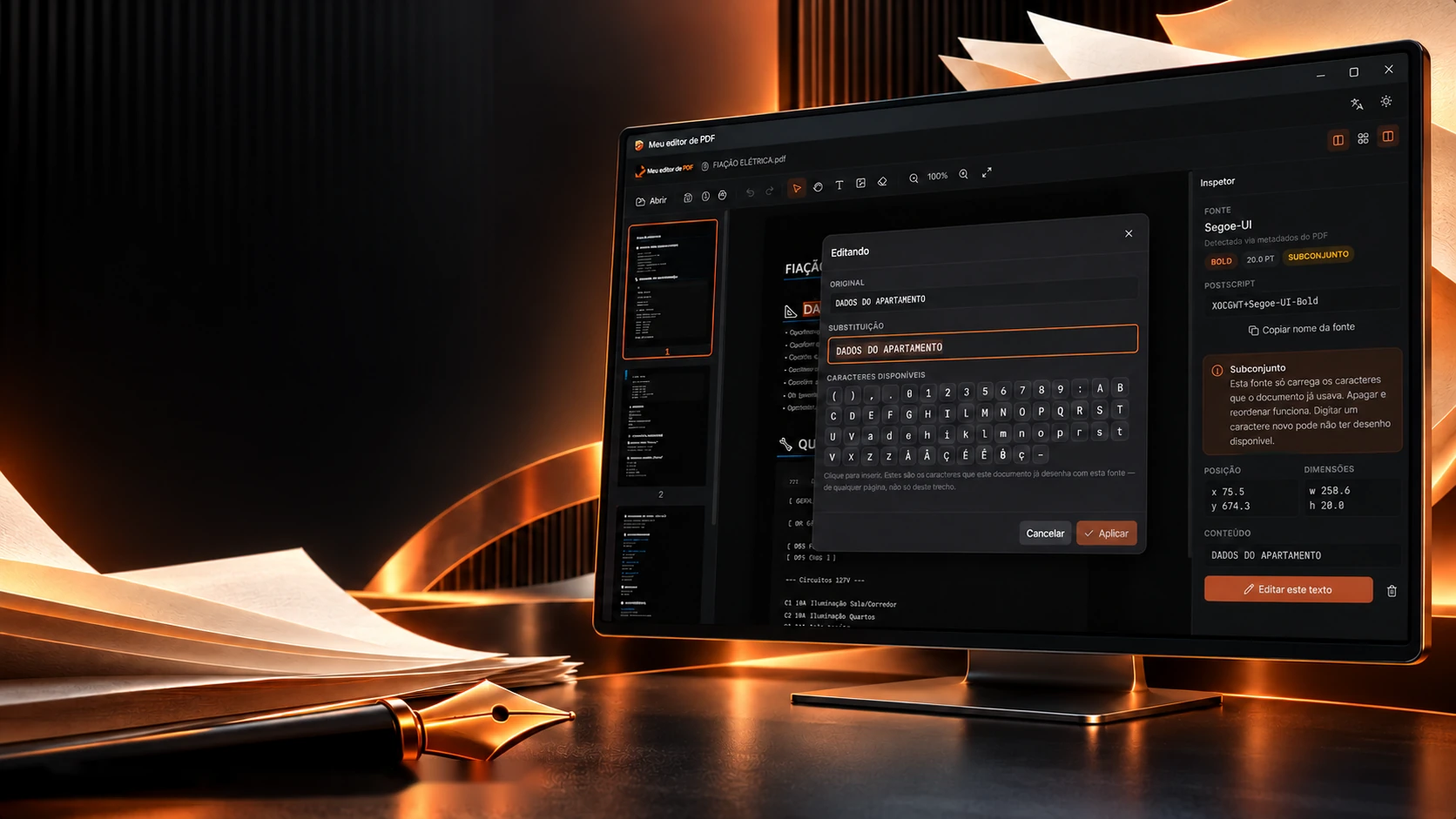
Font, size, color and position respected when editing.
- Tauri
- Rust
- PDFium
- React
Replaces a PDF's text keeping the font, and refuses when it can't.
- Tauri
- Rust
- PDFium
- React

The click on the text
The screen and the engine read the PDF differently. Geometry joins them.
What you see comes from one library; what the program edits comes from another, and they cut the text in different ways. To know which object to edit, the program doesn't guess: it asks, in three steps, which box holds the point. Drag the snippet and watch the decision change.
Drag the snippet (orange) on the page
The decision
- 1Who holds the center point (baseline + 0.32 of the size)?
- 2Who crosses the snippet's box (−0.25 to +0.9 of the size)?
- 3Who is closest (within 1.5 size and 2× better than the second)?
#0 holds the snippet's center, that's it.
- Snippet
- DADOS DO APARTAMENTO
- x · y
- 40 · 92 pt
- Objects
- 2
The rules are the program's (matchObject.ts): the point is the baseline plus 0.32 of the size; the box runs from −0.25 to +0.9 of the size; without a clear winner, it refuses instead of editing the wrong text. The page and objects here are examples, in PDF points.
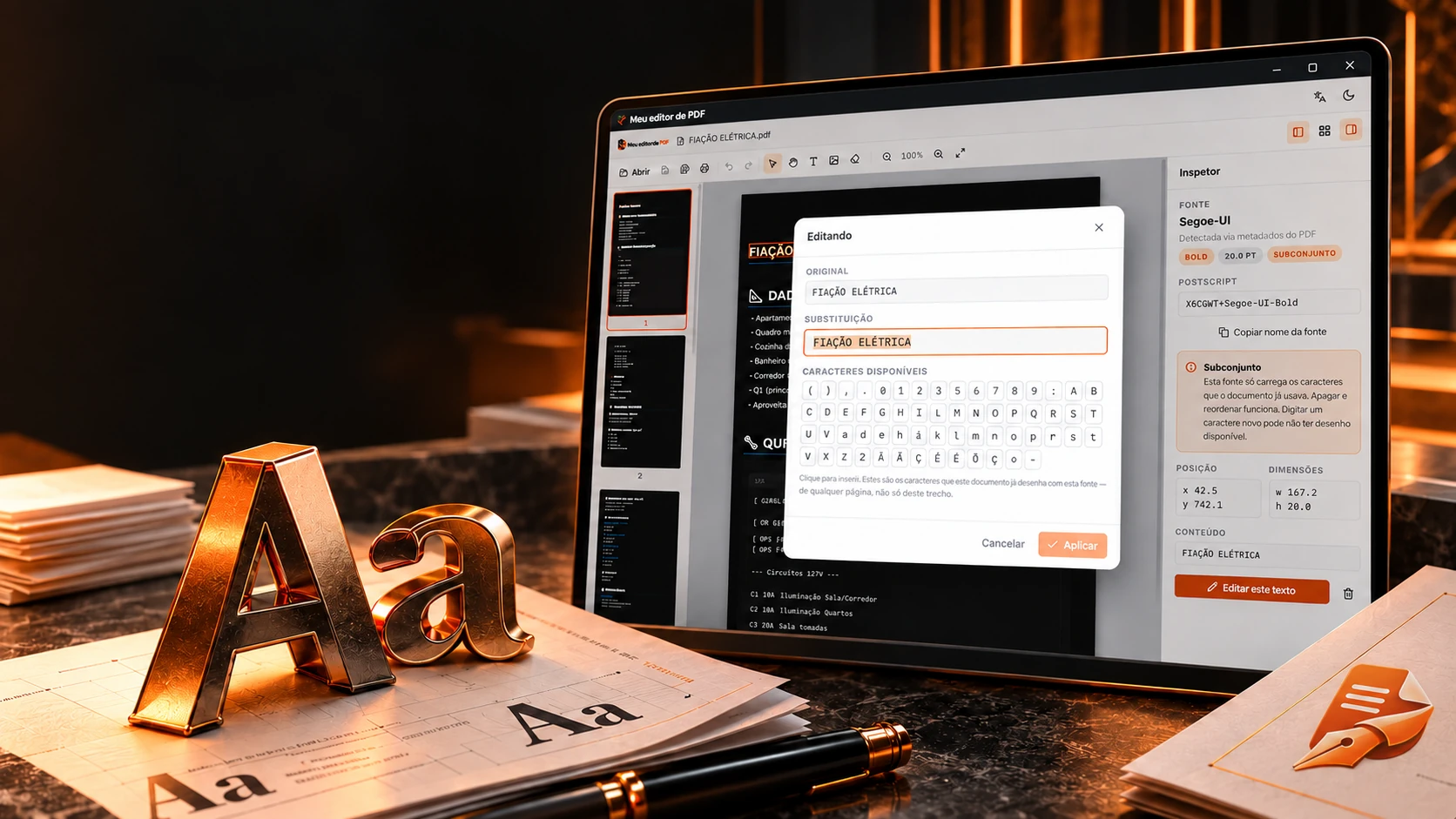
Every font has its limits. The editor shows them.
Inspect fonts and available characters before applying.
A PDF usually carries only the characters it uses from each font. Before replacing text, the program reads the font name, the maker's permission and the characters it has, and after writing, reads it back to check. Pick a font, type and apply.
The snippet's font
What the name says
- Subset
- Yes
- Family
- Segoe
- Weight
- 700
- Italic
- No
- Maker's permission (fsType)
- 0, installable, no restriction
Available characters (click to insert)
- Already in the original
- New, the font has it
- The font lacks it
The rules are the program's (pdf_engine.rs and font_rights.rs): 6 capitals and + in the name mean a subset; permission 4 or 2 only blocks new characters; after writing, the engine reads the text back and, if something didn't come out, doesn't save. Over 0.5 pt of width counts as wider. The fonts and width here are examples.
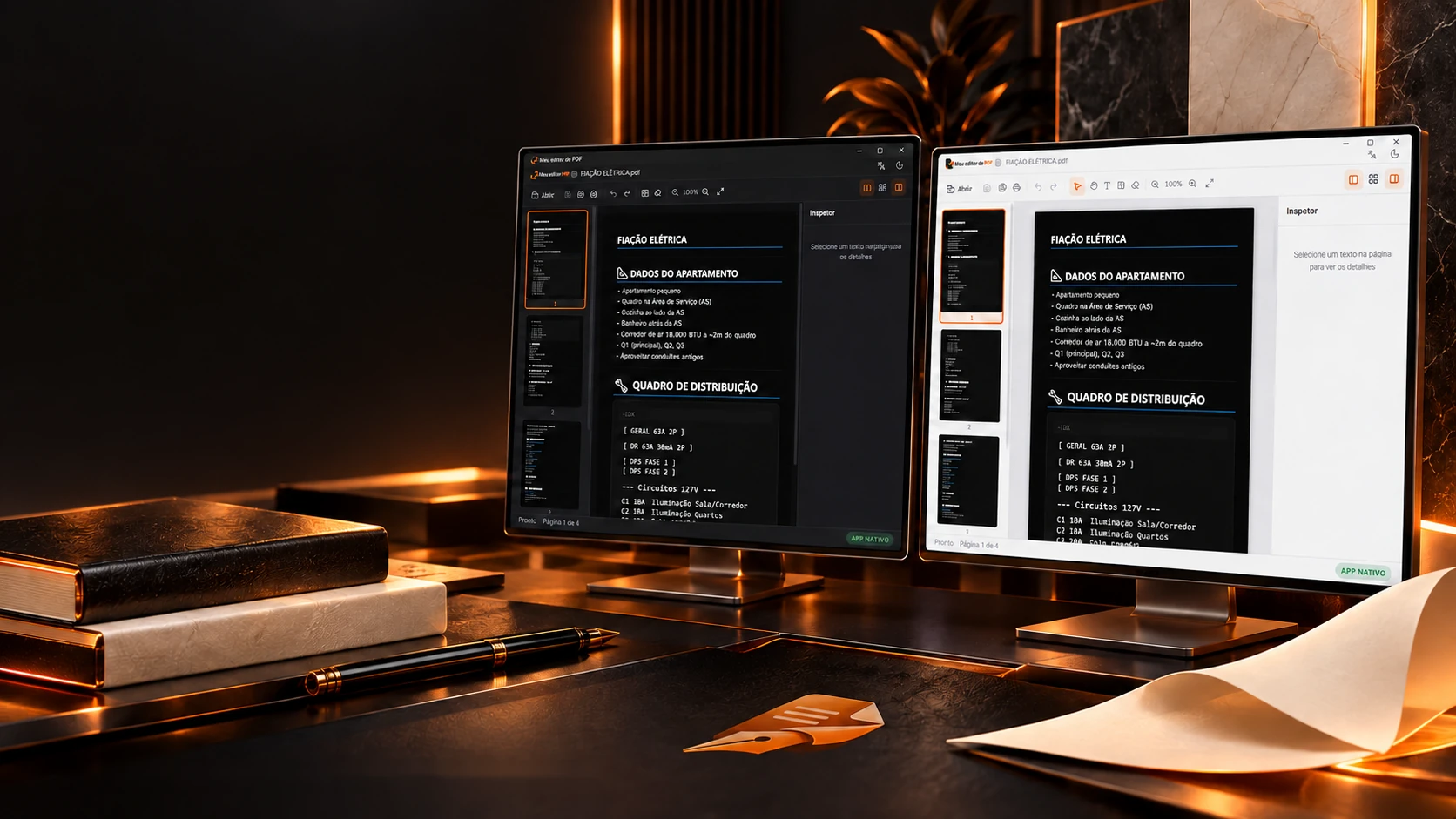
Light or dark. Undo in 20 steps.
Tauri 2, Rust and PDFium with React and TypeScript.
Original projectUndoing a PDF edit by reversing the operation doesn't give back the exact file. So the program keeps a full copy at each step, and stops at 20, so it doesn't freeze. Edit, undo with Ctrl+Z and watch the stack fill up and forget.
ELECTRICAL WIRING
APARTMENT DETAILS
Panel in the Utility Room
Kitchen next to the UR
DISTRIBUTION PANEL
C1 10A Living Room Lights
Saved copies0/20
Memory (5 MB PDF)0 × 5 MB = 0 MB
The real screens
The rules are the program's (useHistory.ts): each step stores the document's bytes; the limit is 20 and the 21st drops the oldest; editing after undoing clears what was ahead. Ctrl+Z undoes, Ctrl+Y or Ctrl+Shift+Z redo, Ctrl+S saves. Zoom goes from 25% to 400%. The document here is an example.
The technologies
What it is made of, piece by piece
Two PDF libraries working together: pdf.js draws the page on screen, and PDFium, called from Rust, does the real editing, with 23 commands between the screen and the engine. Pick a piece to see what it does here and which file it is in.
8technologies, in 2 layers
Screen
Engine

 Desktop applicationsWebRecorder Pro