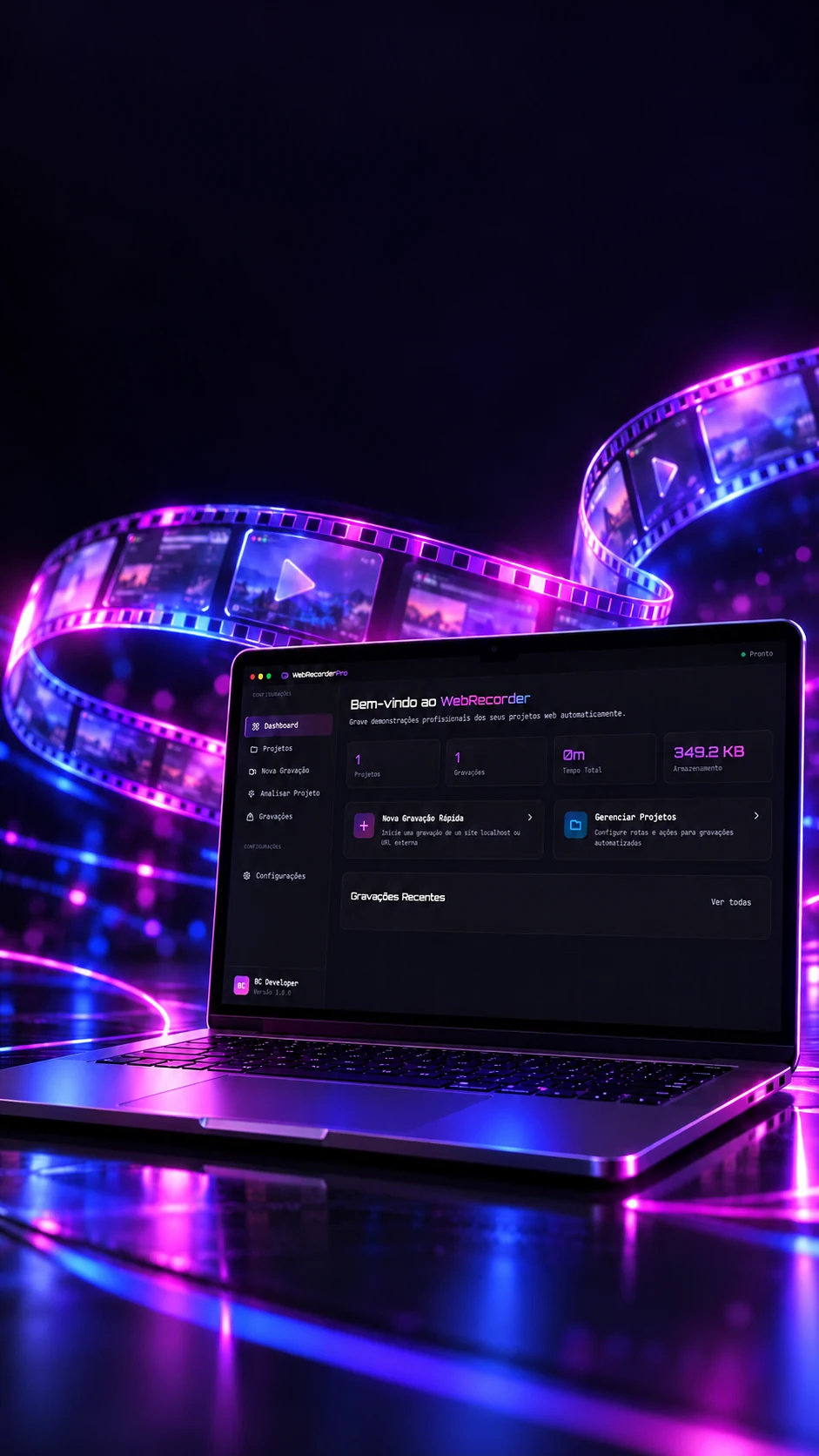
 Electron · Playwright · WebM
Your site,on demo.
Record browsing paths with configured actions.
Records website demos with a browser that follows a script.
- Electron
- Playwright
- JavaScript
- Tailwind CSS
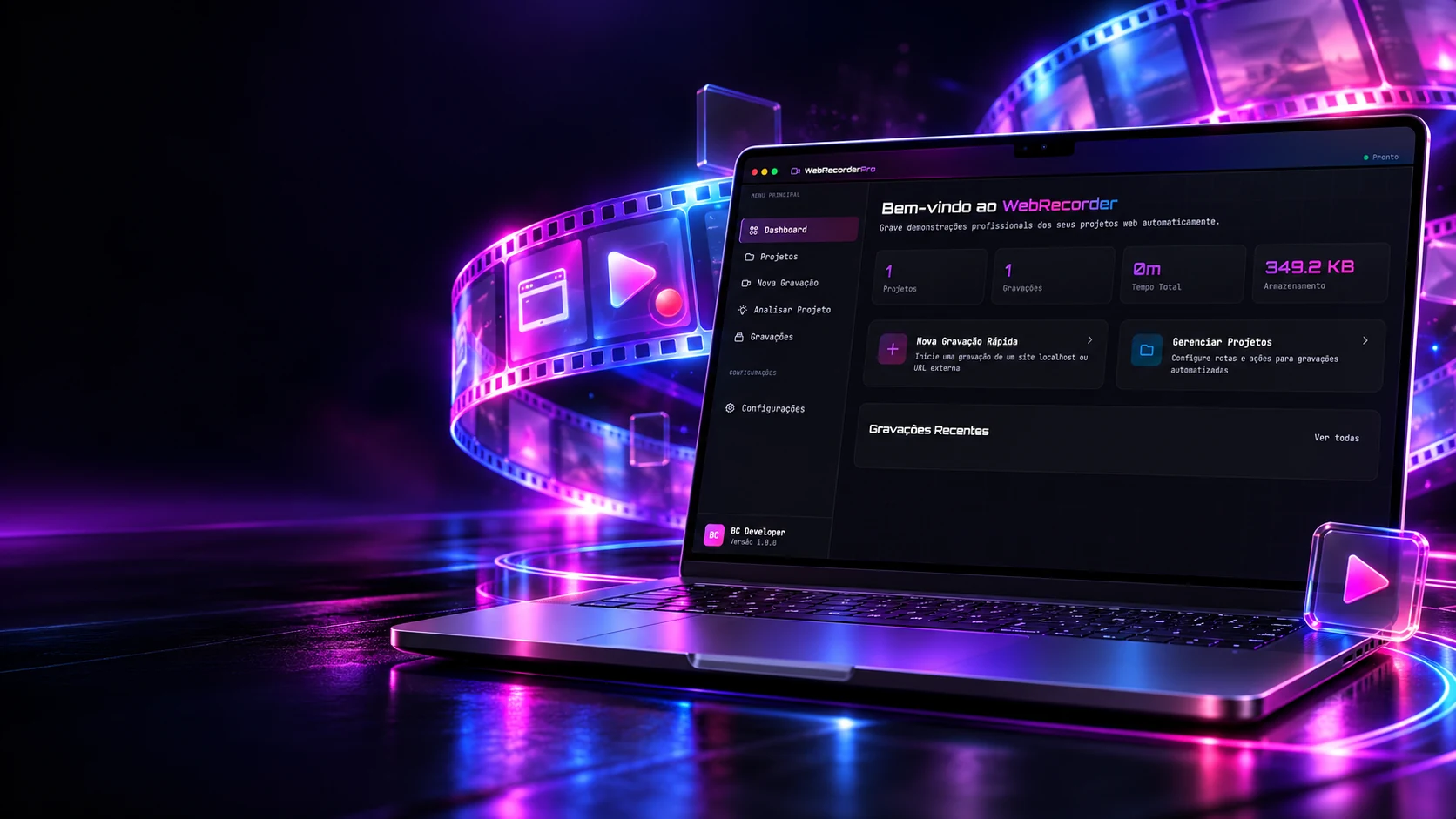 Electron · Playwright · WebM
Your site,on demo.
Record browsing paths with configured actions.
- Electron
- Playwright
- JavaScript
- Tailwind CSS
Records website demos with a browser that follows a script.
- Electron
- Playwright
- JavaScript
- Tailwind CSS

Scripted recording
You write the script. The robot records the demo.
Instead of recording the screen by hand, the program opens a browser on its own and follows a list of actions, navigate, click, scroll, highlight, with the right timing between them. Build the script and press play.
Example page
your emailfooter
Script time5 s + loading
The script
- Opens and waits for the network1000 ms
- Highlight
highlight #recursosdelay 1000 ms · t=1.0s - Scroll down
scroll-down 500delay 1000 ms · t=2.0s - Type
type #emaildelay 1000 ms · t=3.0s - Click
click #comecardelay 1000 ms · t=4.0s
The rules are the program's (main.js): after opening, it waits for the network to settle plus 1000 ms; each action waits its delay (500 ms if empty); "Wait" lasts 1000 ms if empty; "Highlight" outlines in violet for 2 s; "Type" fills in one go. The video is WebM. Here the ruler runs at half speed and the page is an example.
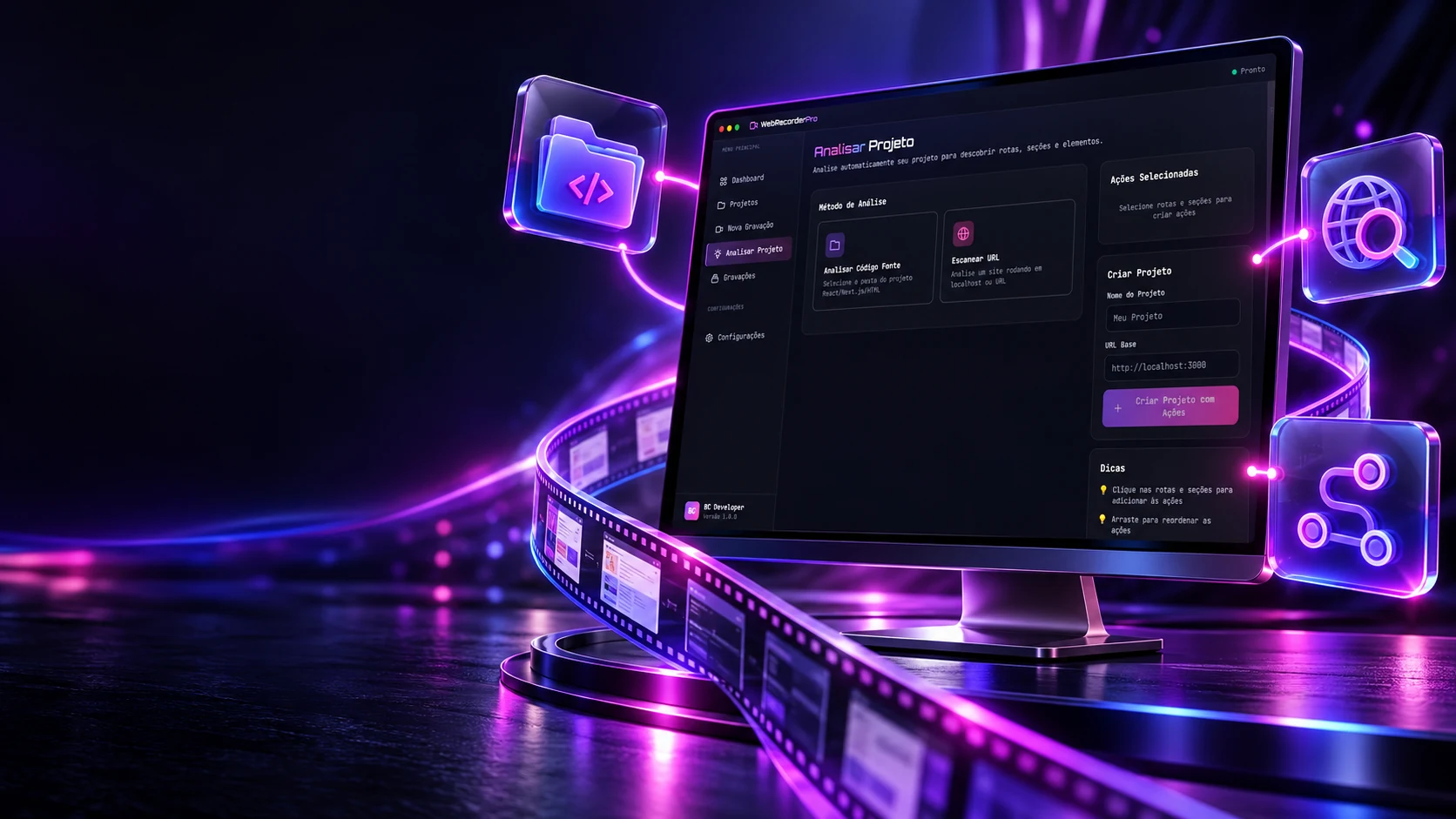
Find the way.
Analyze routes and sections from the project or the URL.
Before recording, the program can read the site's folder and find out on its own which pages exist. Turn dependencies on, check the folders that have a page and watch each one become an address, and join the script.
Dependencies (package.json)
Files at the root
Project typeNext.js · App Router
The app/ folders
app/app/(marketing)/sobre/app/precos/app/blog/app/blog/[slug]/app/_rascunho/app/api/usuarios/app/components/botao/app/conta/configuracoes/
The routes it finds
app/app/(marketing)/sobreapp/precosapp/blogNo page.tsxapp/blog/[slug]app/_rascunhoStarts with _app/api/usuariosapi folderapp/components/botaocomponents folderapp/conta/configuracoes
The script that comes out
- waitInitial wait2000 ms
- navigate/1500 ms
- navigate/precos1500 ms
The rules are the program's (analyzer.js): the type comes out in the order Next App → Next Pages → Vite + React → React → HTML; in the App Router, "(group)" disappears from the address and "[slug]" becomes ":slug". Checking a route creates "navigate" with 1500 ms, after an initial 2000 ms wait. The folders here are examples.
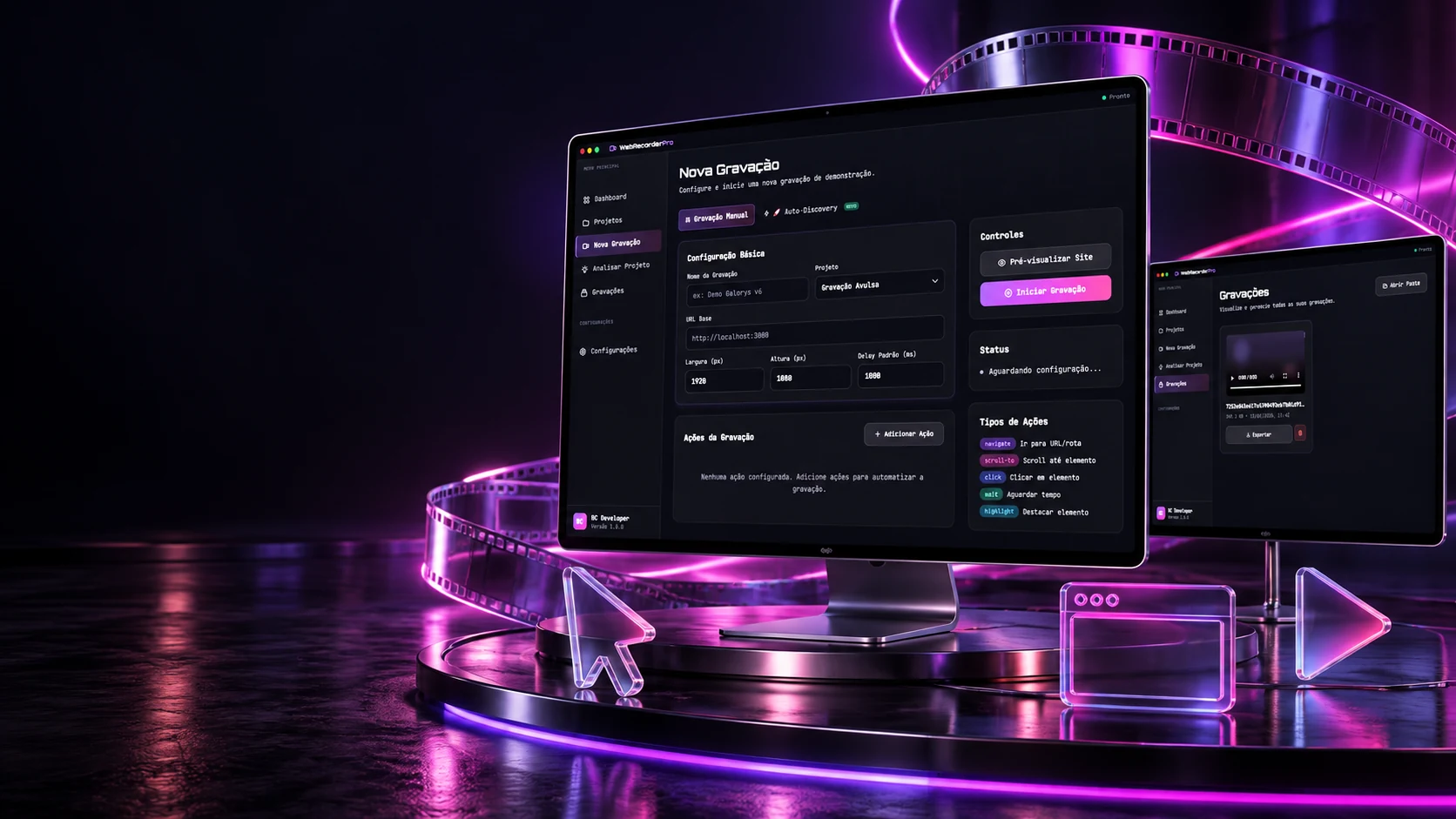
Set up. Browse. Record.
Organize actions and follow your demos.
In automatic mode you don't even need a script: the robot enters the site, follows the menu links, shows the home page sections and scrolls each page. Set the limits and hit record.
The example site
The route
- /Home, already there
- /sobre2000 ms · 3 scrolls
- /servicos2000 ms · 4 scrolls
- /portfolio2000 ms · 5 scrolls
- /contato2000 ms · 2 scrolls
- /precos2000 ms · 3 scrolls
- /blogOver the limit
- /sobreOver the limit
- /casosOver the limit
- /faqOver the limit
- /privacidadeDropped (privacy/terms)
- /termosDropped (privacy/terms)
Estimated time35,6 s
The real screens
The rules are the program's (main.js): menu links first, privacy and terms out, cut at the max, and "/" takes a slot; each page waits the chosen time and scrolls in up to 5 steps of 800 ms; home sections take 1500 ms each. The notice counts the home page, as the program does. Here the max starts at 6 so the cut shows; in the program the default is 10. The site is an example.
The technologies
What it is made of, piece by piece
A desktop program that works with a real browser: Electron provides the window, Playwright drives Chromium and records the page, and the screen is plain HTML and JavaScript, with no framework. Pick a piece to see what it does here and which file it is in.
6technologies, in 2 layers
Program
Screen
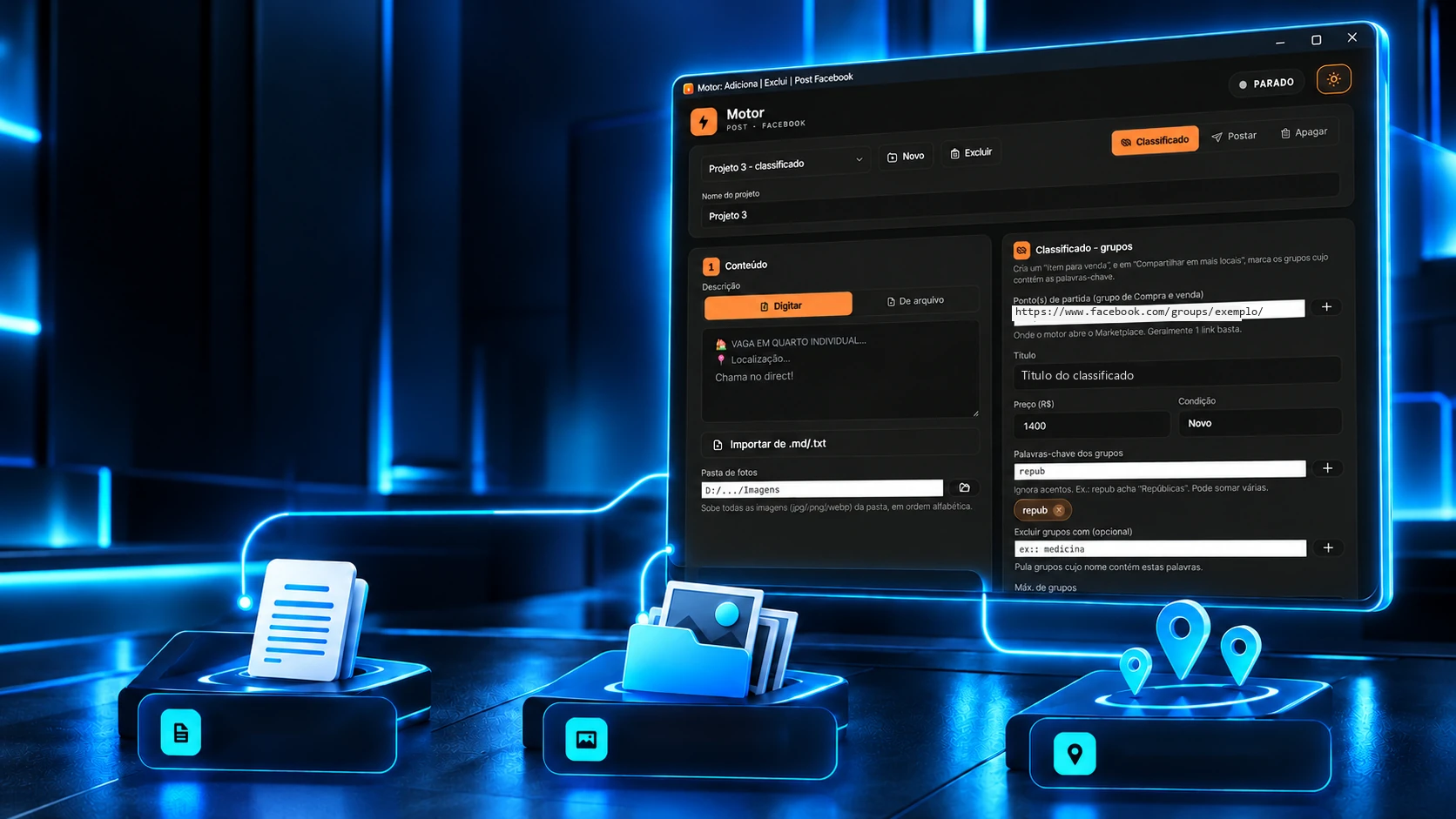
 Desktop applicationsMotor de Post pra Facebook