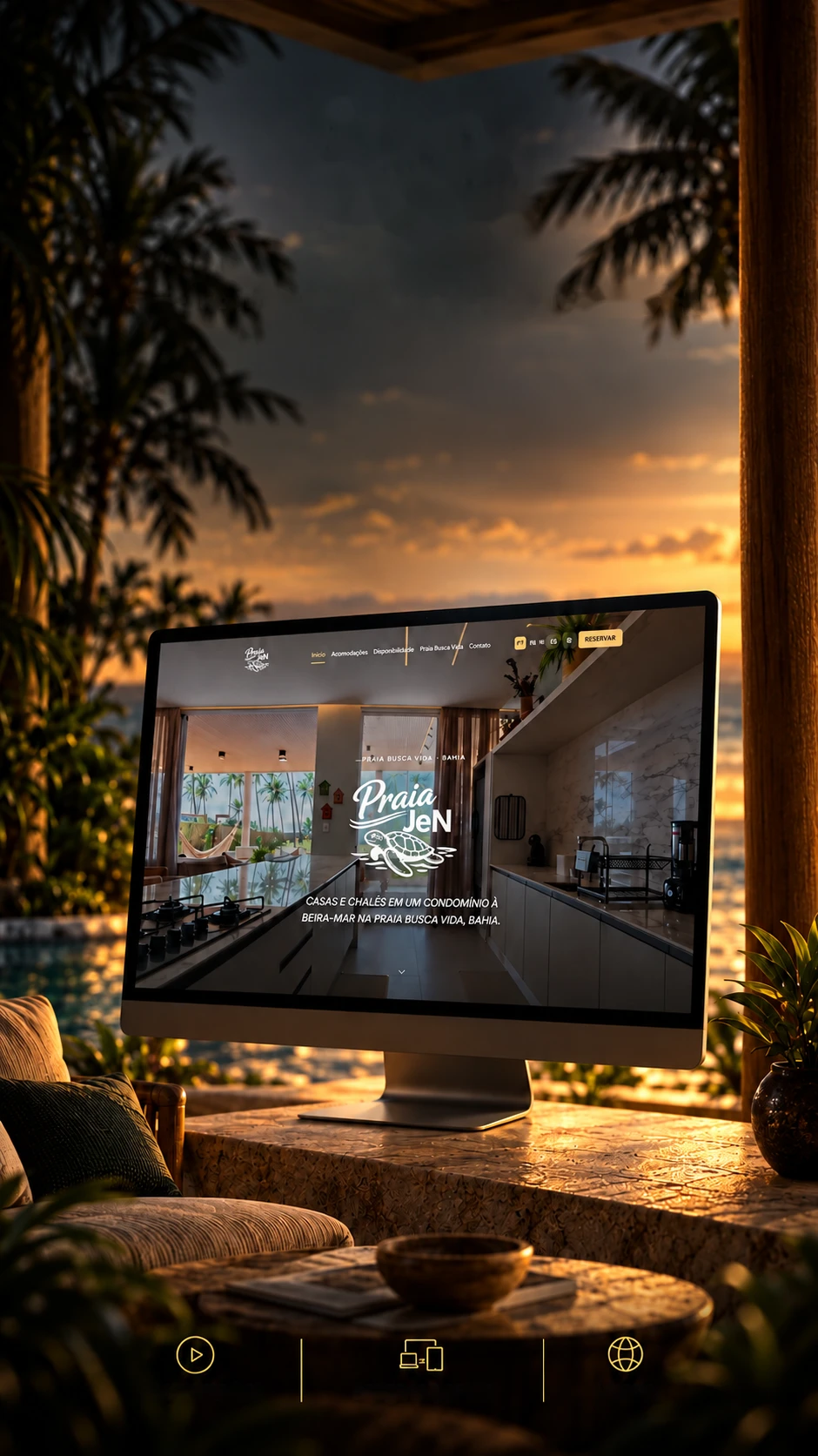
 Hospitality • Digital experienceOpening videoResponsive design3 languages
The experience beginsbefore arrival.
A site that captures the charm of staying by the sea.
A beachfront houses-and-chalets stay site, in three languages, with a 19-screen panel for the owner.Beach houses and chalets in 3 languages, with an owner's panel.
- Next.js 16.3
- React 19.2
- TypeScript 5.9
- Tailwind CSS 3.4
- next-intl 4.13
- Framer Motion 12
- Lenis 1.3
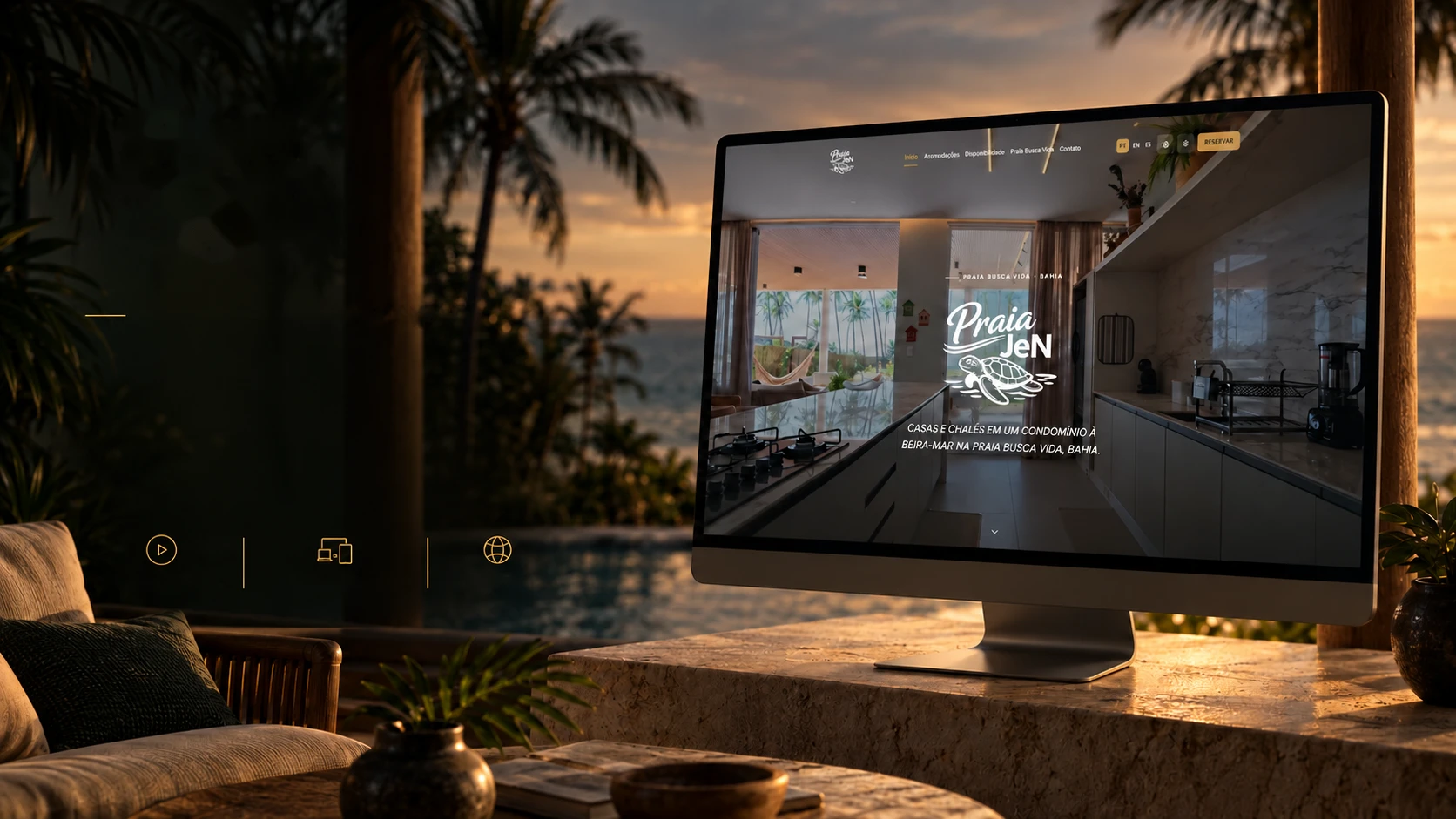 Hospitality • Digital experienceOpening videoResponsive design3 languages
The experience beginsbefore arrival.
A site that captures the charm of staying by the sea.
- Next.js 16.3
- React 19.2
- TypeScript 5.9
- Tailwind CSS 3.4
- next-intl 4.13
- Framer Motion 12
- Lenis 1.3
A beachfront houses-and-chalets stay site, in three languages, with a 19-screen panel for the owner.Beach houses and chalets in 3 languages, with an owner's panel.
- Next.js 16.3
- React 19.2
- TypeScript 5.9
- Tailwind CSS 3.4
- next-intl 4.13
- Framer Motion 12
- Lenis 1.3
Before arrival
Guests feel the beach before they get there.
People looking for a place to stay decide in seconds, and a still photo doesn't show the place. So the site moves like the beach: it opens with a video, photos drift slowly as you scroll and headlines arrive word by word. Almost everything is hand-written CSS; the animation library is used in only three places.
Opening video
The first thing you see is the place in motion, with its own video for phones and a photo instead for anyone who asks for less motion.
In the code
src/components/sections/hero.tsxLayered photos
The photo moves slower than the page and gives a sense of depth (the parallax effect).
In the code
src/components/fx/parallax-media.tsxWord by word
Headlines appear one word at a time, at reading pace.
In the code
src/components/fx/split-reveal.tsxChapters that open
Each part of the page enters like a new chapter, with a single watcher for the whole page, light on phones.
In the code
src/components/fx/chapter-reveal.tsxMagnetic button
The button is pulled toward the mouse and makes you want to click. These cards use the same effect: tap or hover over them.
In the code
src/components/fx/magnetic.tsxSmooth scrolling
The page glides without jolts, with Lenis, and turns itself off for anyone who asks for less motion.
In the code
src/components/providers/smooth-scroll.tsx
- 38
- custom animations, written in CSS
- 52
- files that respect anyone who asks for less motion
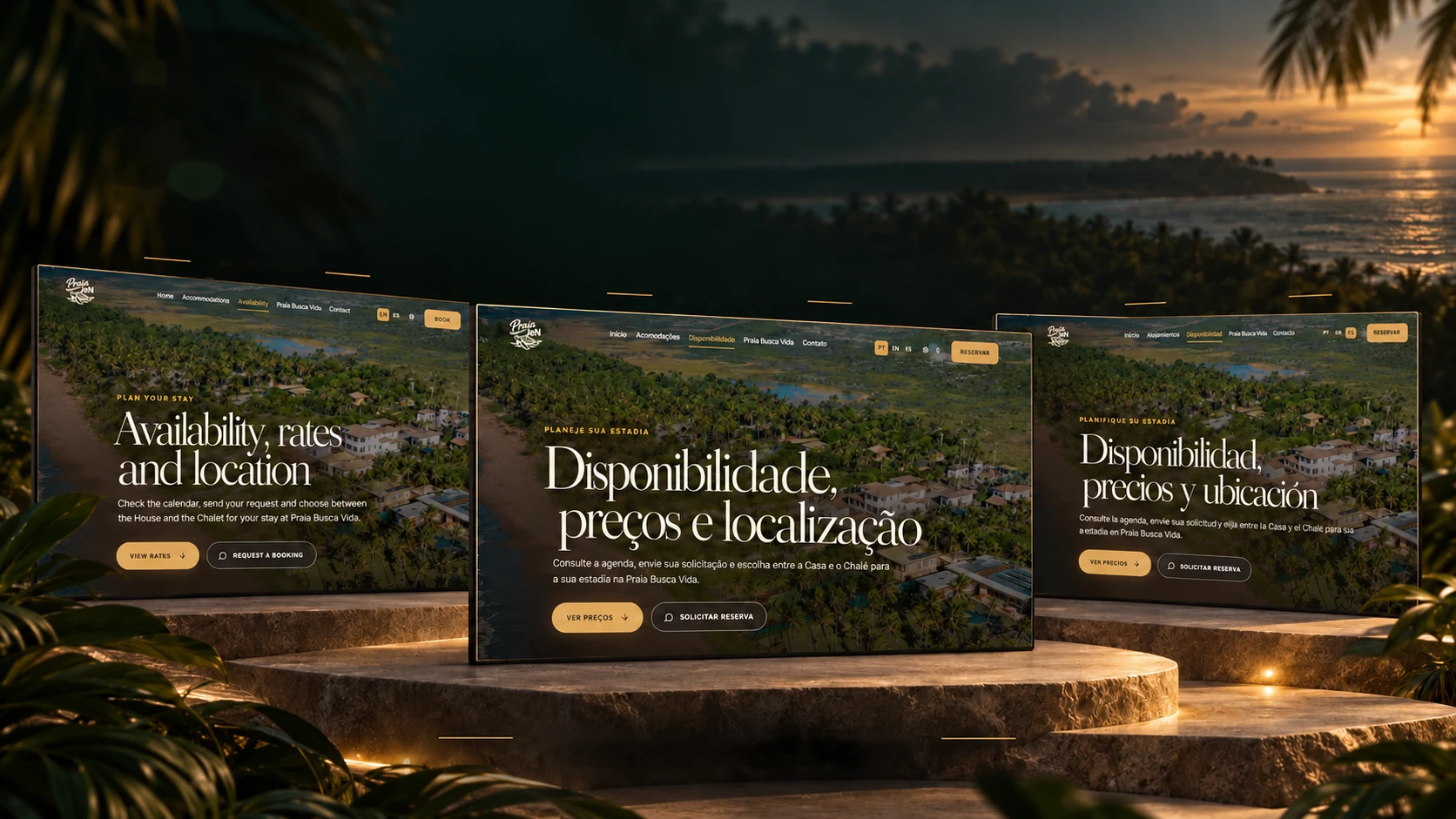
One experience. Three languages.
Stays, availability and information to plan the trip.
EnglishPortuguêsEspañolFrom the first contact to the booking request.Portuguese • English • SpanishVisitors from abroad read the site in their own language: every page has its own address in Portuguese, English and Spanish. And whoever runs the site doesn't need to translate, in the panel, one button carries new text from Portuguese into the other two languages. Tap or hover over a sign to see the phrase in all three languages.
- The eyebrow on the availability page
- The headline on the same page
- The request button
- 1,977 textsIn each language, across the site and the panel.
- One address per languageThe /pt, /en and /es addresses: Google finds each version.
- Translation in the panelOne button translates new text from Portuguese into English and Spanish (via the MyMemory service).
- The panel speaks three languages tooWhoever runs the site picks the panel's language.
The calendar
The Airbnb calendar shows up on the site by itself.
Beach houses are usually listed on Airbnb, and keeping two calendars by hand is asking to rent the same date twice. Here the site reads each stay's calendar on Airbnb and shows guests what is free. Scroll down to watch the tide fill the booked days.
- 1Free
- 2Booked
- 3Booked
- 4Booked
- 5Booked
- 6Free
- 7Free
- 8Free
- 9Booked
- 10Booked
- 11Booked
- 12Booked
- 13Free
- 14Free
- 15Free
- 16Booked
- 17Free
- 18Free
- 19Free
- 20Free
- 21Free
- 22Booked
- 23Booked
- 24Booked
- 25Booked
- 26Booked
- 27Booked
- 28Free
- 29Free
- 30Booked
- 31Booked
- Airbnb is in chargeWhat is booked there is busy here, each stay has its own calendar.
- The site fetches itThe server reads that calendar (in iCal format, the same one calendar apps use) and keeps the answer for 30 minutes, so it stays light.
- Guests see the free daysOn the availability page, in all three languages.
- They request a bookingThrough a form. There is no payment on the site: the booking is arranged afterwards.
- The request reaches the panelIt lands in the messages with the booking tag, and the Bookings screen shows only those requests.
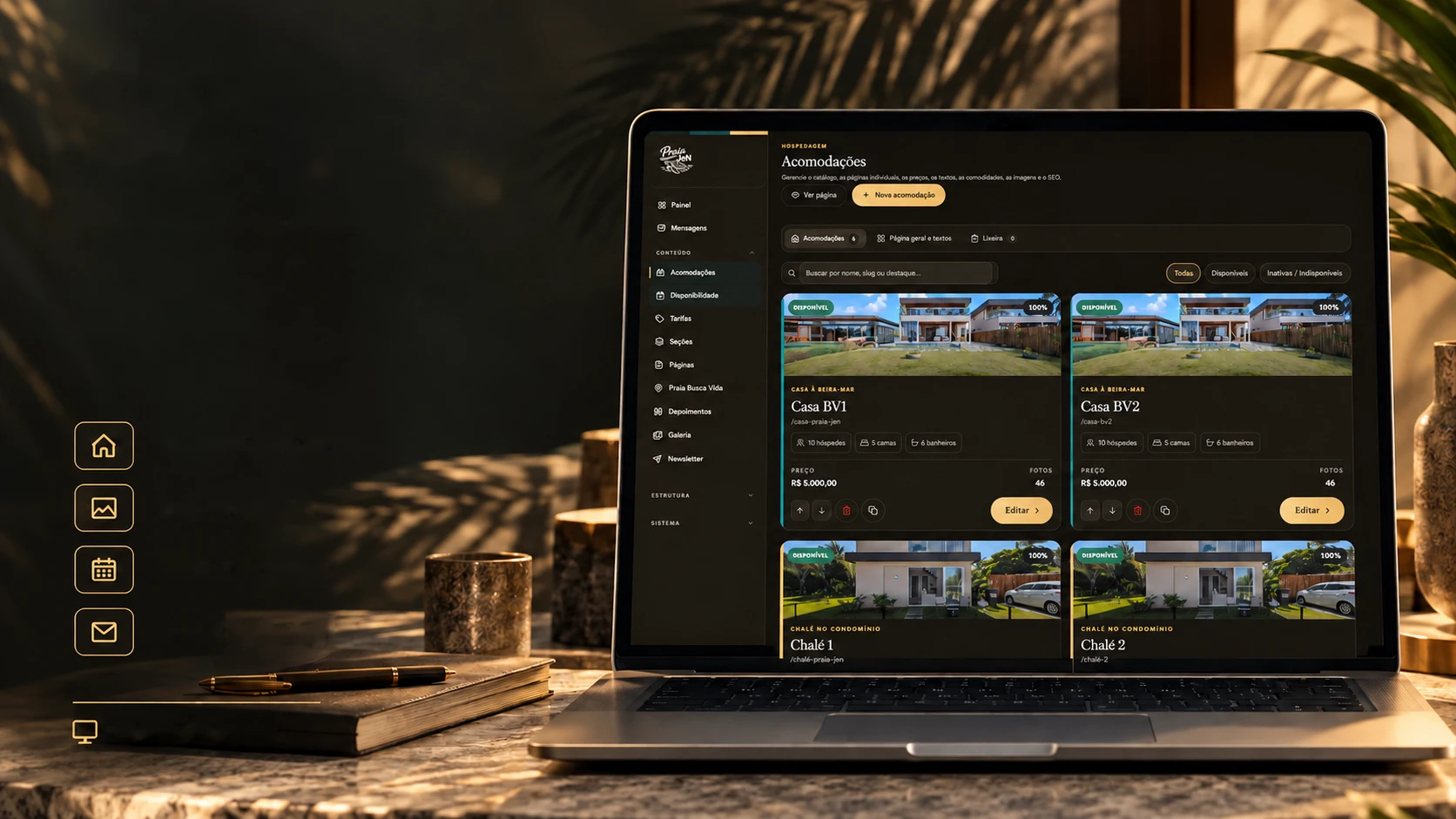
Its own admin panel
Beauty for the guest. Control for the business.
Content, stays and availability in a single panel.
Stays and ratesPages and galleryBooking requestsEmail marketing19 management screensA hospitality site that needs a developer to change a price gets stale fast. Here the owner changes everything alone, across 19 screens, each one is a key on this front-desk board. Hover to pick up a key.
Hospitality
- 01DashboardThe site overview, right at sign-in.
- 02StaysHouses and chalets: photos, texts, amenities.
- 03RatesThe prices for each stay and period.
- 04AvailabilityEach one's calendar, linked to Airbnb.
- 05BookingsOnly the booking requests, set apart.
Content
- 06PagesThe texts on each page of the site.
- 07SectionsThe order and on/off switch of the home's parts.
- 08Section editorThe text of one part, in all three languages.
- 09NavigationThe menu items.
- 10FooterWhat appears at the foot of every page.
- 11TestimonialsWhat guests said, with a trash bin.
- 12MomentsThe photo gallery, with a trash bin.
- 13Praia Busca VidaThe page about the beach and the area.
Communication
- 14MessagesContacts and requests, answered right there.
- 15Newsletter and emailSubscribers, campaigns, templates and automations.
System
- 16BackupThe copies, with a preview of what changes before restoring one.
- 17Audit logWho changed what, with before and after.
- 18SettingsThe site's brand, contacts and media.
- 19PasswordChanging the panel password.
The panel has light and dark themes and all three languages, just like the site. Sign-in is by password, with 5 recovery codes for when it gets lost.
The mailbox
An email hub inside the site itself.
To bring guests back, almost everyone pays for a separate email marketing service. Here it lives in the panel: the subscriber list, the campaigns and the templates. Sending talks straight to the mail server (SMTP), through a client written from scratch, with no ready-made package. Tap or hover over an envelope to open it.
Campaigns
Write it, pick who gets it, send it.
Templates
Built from blocks, no code.
Automations
Ready-made triggers to configure.
By language
Each subscriber in their own language.
In batches
Without choking the mail server.
History
Every send is logged.
One-click opt-out
Anyone who's done can leave on their own.
Against bots
Sign-up doesn't accept spam.
A campaign's path
- Draft
- Scheduled
- Queued
- Sending
- Sent
Nothing gets lost
What the owner writes stays safe.
Anyone who edits a site every day will one day delete what they shouldn't. So there are two safety nets: every change in the panel creates a copy, and the server also copies the content and photos every hour, only when something changed. Before restoring a copy, the panel shows what will change.
- 24Hourly copiesOn the server: the last 24 hours, one per hour.
- 14Daily copiesOn the server: one per day, over the last two weeks.
- 8Weekly copiesOn the server: one per week, over the last two months.
A copy on every change
In the panel, every change creates a copy: all from the last 48 hours and one per day up to 30 days.
The trash bin
Deleted testimonials or photos go to the trash and can come back.
What changed, and when
The audit log records every change in the panel and shows before and after.
Update without erasing
When the site gets a new version, the owner's text and photos stay: three layers of protection take care of it.
The technologies
What it is made of, piece by piece
A hospitality site with its own panel and no database: the content lives in files, written carefully so they never get corrupted. Pick a piece to see what it does here and which file it is in.
17technologies, in 5 layers
Screen
Languages
Data
Integrations
Server
The screens
A holiday photo album.
The site, the panel and the phone, in dark and light themes. Scroll down to watch the photos develop; click one to see it large.
The site
The panel
On the phone
 Websites and web experiencesRecóleo