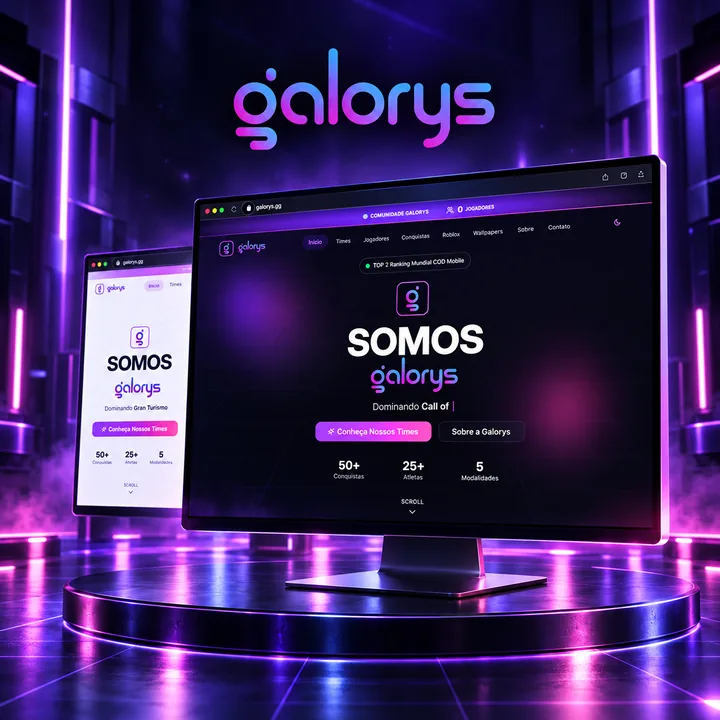
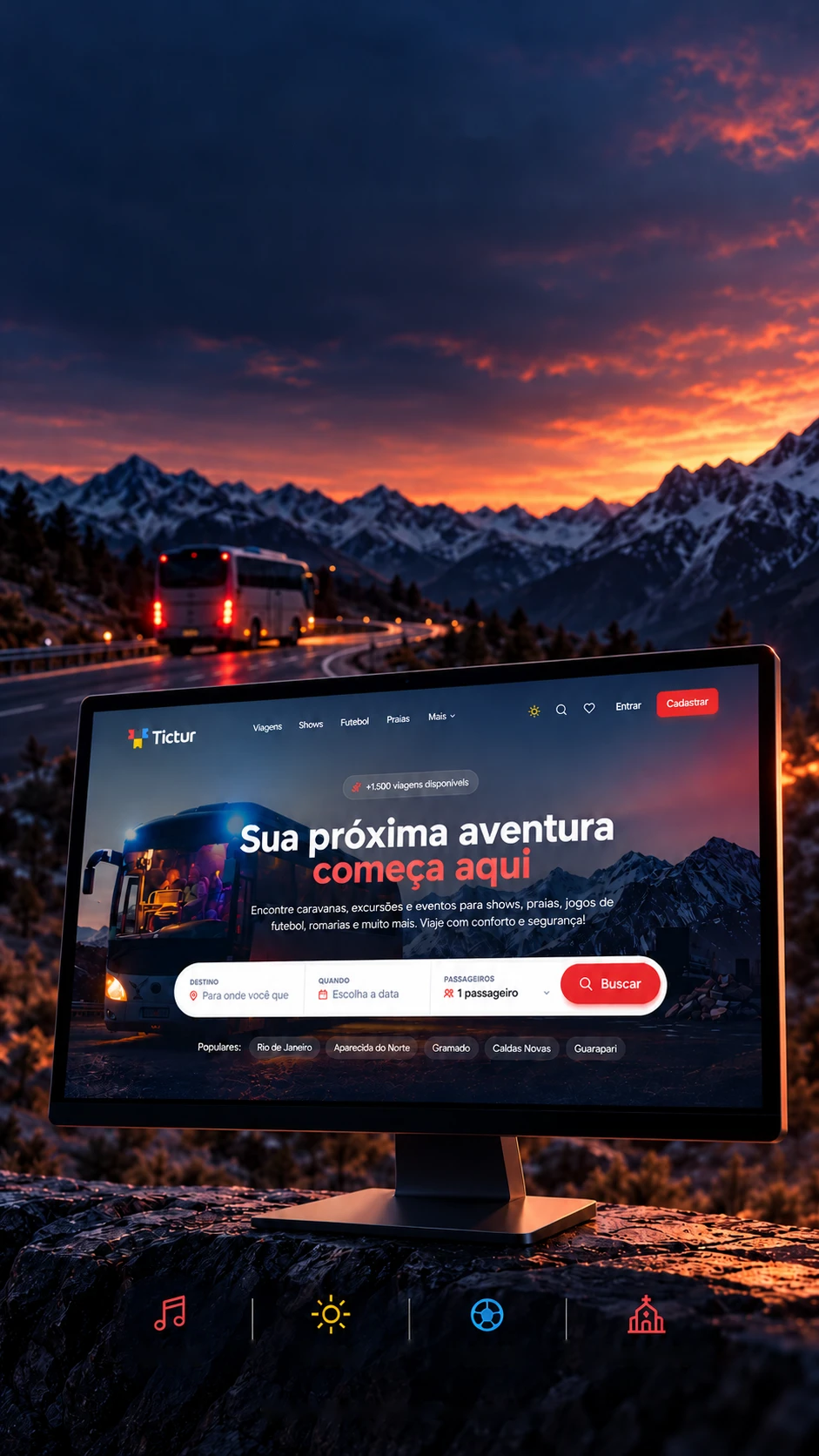
 Travel platform • PrototypeShowsBeachesFootballPilgrimagesInterface with sample data
Connecting peopleto new destinations.
A platform to discover coach trips, tours and experiences.
A prototype platform for coach trips and tours: the storefront, seat picking and a 21-screen panel for organizers.Tours and trips: showcase, seat picking and a management panel.
- Next.js 16.1
- React 19.2
- TypeScript 5.9
- Prisma 5.22
- Tailwind CSS 3.4
- Framer Motion 12
- jsPDF 2.5
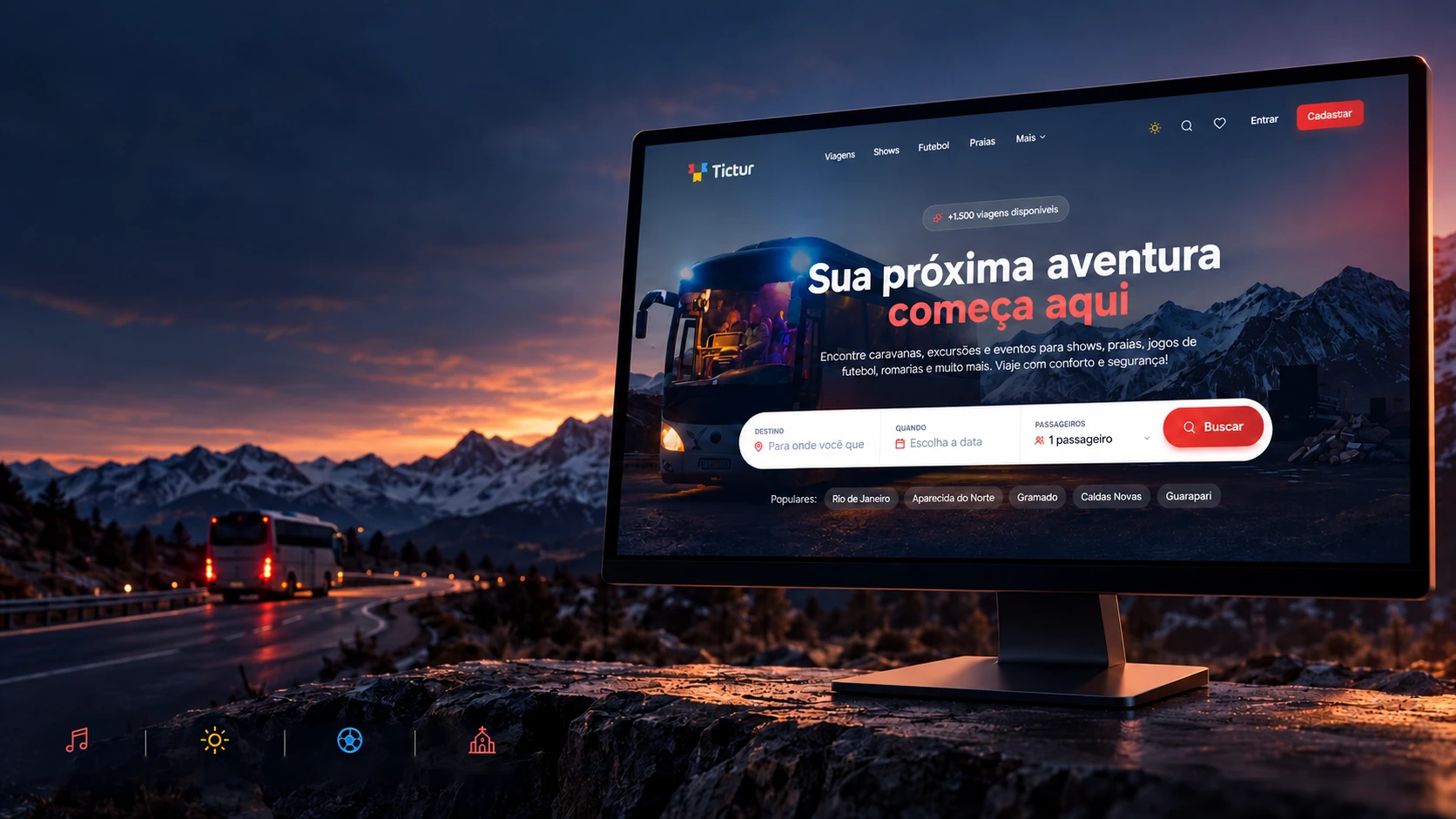 Travel platform • PrototypeShowsBeachesFootballPilgrimagesInterface with sample data
Connecting peopleto new destinations.
A platform to discover coach trips, tours and experiences.
- Next.js 16.1
- React 19.2
- TypeScript 5.9
- Prisma 5.22
- Tailwind CSS 3.4
- Framer Motion 12
- jsPDF 2.5
A prototype platform for coach trips and tours: the storefront, seat picking and a 21-screen panel for organizers.Tours and trips: showcase, seat picking and a management panel.
- Next.js 16.1
- React 19.2
- TypeScript 5.9
- Prisma 5.22
- Tailwind CSS 3.4
- Framer Motion 12
- jsPDF 2.5


What departs from here
A whole bus station, in one site.
A coach to a concert, a bus to the match, a beach tour or a pilgrimage: the people who run these trips usually sell them in group chats and keep track in spreadsheets. TicTur brings it all together, a storefront for passengers, a panel for organizers and control for the platform. Tap or hover over the board to watch the flaps turn.
- SHOWSCoaches to festivals and toursBoarding
- FOOTBALLA bus to the match, there and backBoarding
- BEACHESWeekend and holiday packagesOn time
- PILGRIMAGESFaith trips with a set departureOn time
- TOURSDay trips or longer outingsConfirmed
- EVENTSFairs, meetups and special datesConfirmed
- 1The passengerFinds the trip, picks a seat and follows their bookings.
- 2The organizerLists trips, fleet and seats, sells and runs reports.
- 3The platformAdmits organizers by invitation and handles subscriptions.
Choosing a seat
Window or aisle? The passenger picks.
On a tour coach, everyone fights for the window. On TicTur the passenger sees the bus from the inside and taps the seat they want, just like with an airline. This one works: pick up to 10 seats and switch the payment method to see the total change.
Front of the bus
- Four seats per row: window on the sides, aisle in the middle.
- Up to 10 seats in one order.
- Taken seats are locked, nobody buys the same seat twice.
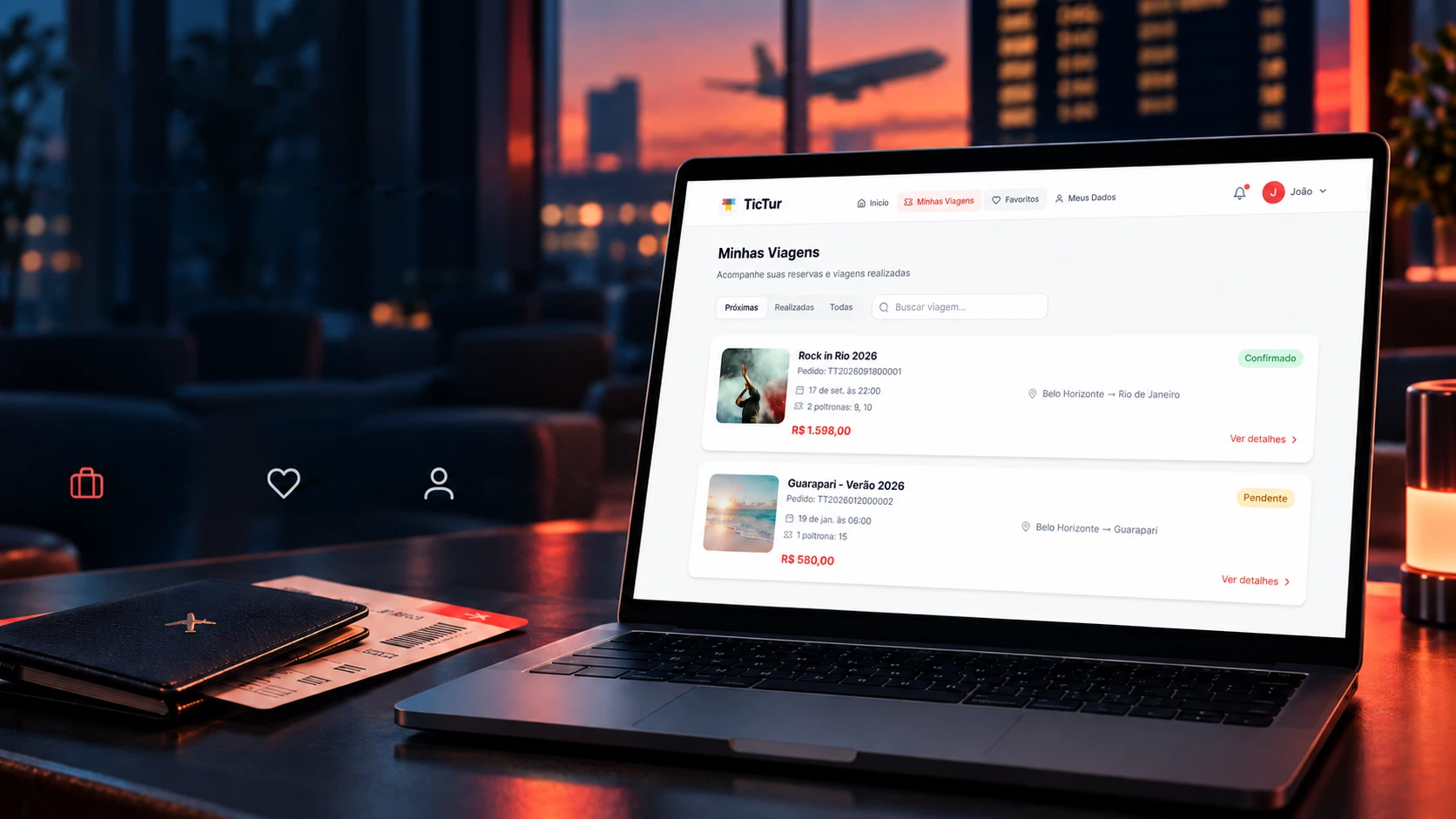
Passenger area • Prototype
Every trip, well organized.
Bookings, history and favorites in an area made for the passenger.
My tripsFavoritesPersonal detailsAfter buying, passengers don't have to dig for receipts in a chat: they have their own area, with upcoming trips, past ones, favorites and their profile. Each screen is a boarding pass, hover to clear it.
Boarding gate
Home
Upcoming trips, a discount coupon and destination ideas.
TT-01/Cleared to boardconta Boarding gate
My trips
Upcoming, past or all, with each order's status.
TT-02/Cleared to boardconta/ viagens Boarding gate
Trip details
Seats, boarding point, time and the booking receipt.
TT-03/Cleared to boardconta/ viagens/ [id] Boarding gate
Favorites
Trips the passenger saved to decide on later.
TT-04/Cleared to boardconta/ favoritos Boarding gate
My details
Profile, ID document and notification preferences.
TT-05/Cleared to boardconta/ dados Boarding gate
Sign in and sign up
Login with a scrambled password (bcrypt) and invite-only sign-up for organizers.
TT-06/Cleared to boardlogin
The screens show sample data: names, trips and prices are examples.
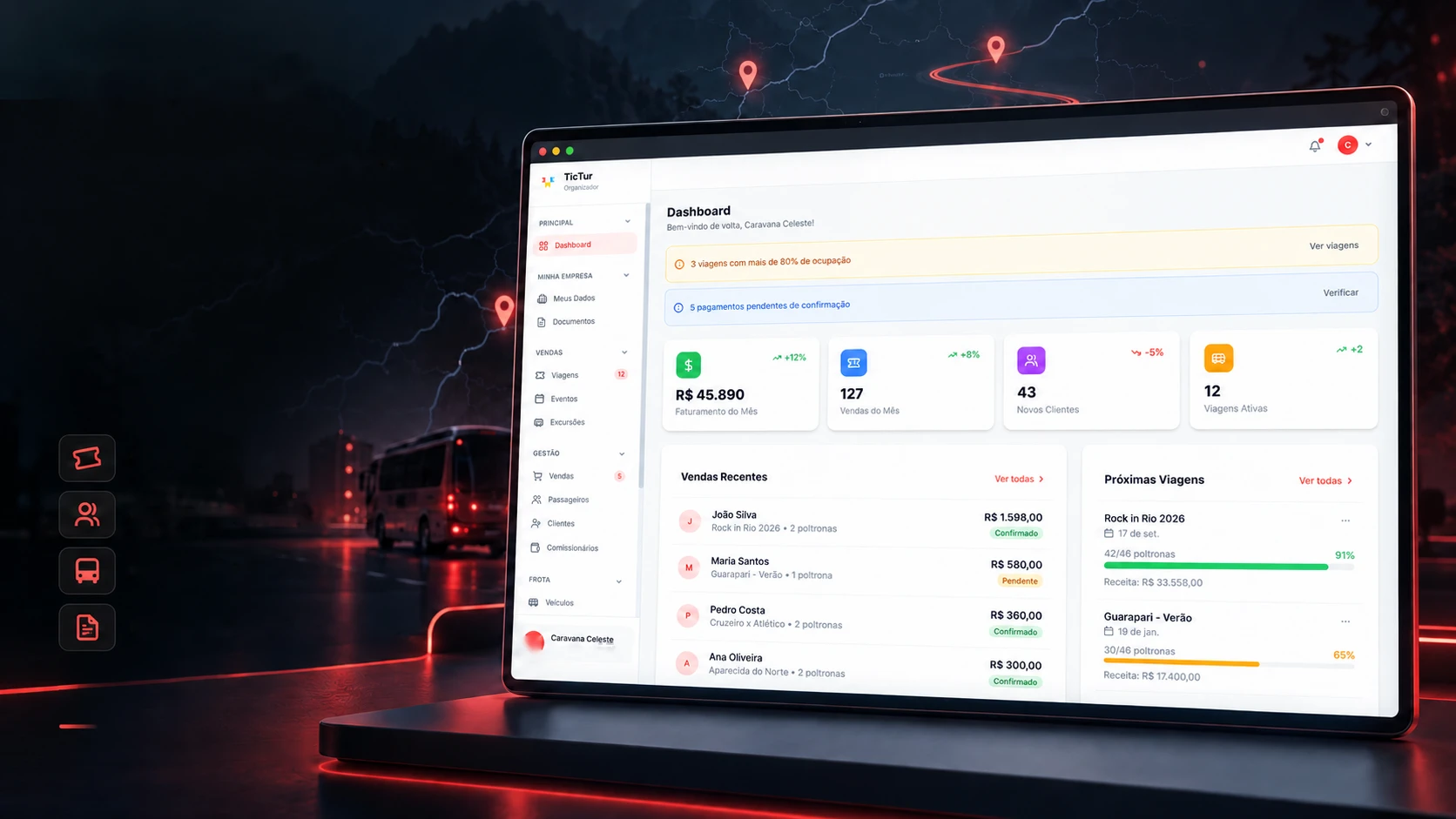
Organizer panel • Prototype
Behind the trip, a well-run operation.
A management view of trips, passengers, fleet and sales.
Trips and eventsPassengers and seatsFleet and commissionsDocuments and reportsInterface with sample data.Whoever runs the coach trip needs to know how many seats are left, who has paid and how much came in, without opening three spreadsheets. The organizer panel has 21 screens; here they are the stops of a trip. Scroll down to move the bus.
The company
Where it all starts: the day's overview and the organizer's details.
- 01Dashboard
- 02My details
- 03Documents
- 04Profile
- 05Settings
What to sell
Trips, events and tours, each with departure, price and seats.
- 06Trips
- 07New trip
- 08Trip details
- 09Events
- 10Tours
The fleet
The buses and vans, and the seat layout of each one.
- 11Vehicles
- 12Seat map
Sales
Who bought, who boards and who sold, with each one's commission.
- 13Sales
- 14Sale details
- 15Passengers
- 16Clients
- 17Client record
- 18Sales agents
The money
Prices, payment methods, bank account and the month's result.
- 19Prices
- 20Finance
- 21Bank
Reports
Five reports come out as real PDFs: finance, sales, clients, trips and the overview.
- 22Reports
Above the organizer sits the platform: 10 screens to admit new organizers by invitation code and track subscriptions.
Demo mode
Show everything, break nothing.
A prototype open to the public runs a risk: someone clicks "buy" and thinks they bought. TicTur has a demo mode that decides, path by path, what passes freely, what opens for viewing only and what stays closed, and explains why. Tap or hover over a closed path.
Free to pass
Browse and click as you like: the home page, sign-in, sign-up, help and one complete sample trip.
Look only
The page opens but the buttons save nothing: the storefront, the passenger area and the organizer and platform panels.
Closed
Doesn't open in the prototype: terms, privacy, cancellation, blog and the categories without a sample trip.
- 877
- lines just for demo mode
- 62
- screens in the prototype
- 14
- server routes
The technologies
What it is made of, piece by piece
A prototype group-travel platform, with three areas (passenger, organizer and platform) in a single project. Pick a piece to see what it does here and which file it is in.
14technologies, in 4 layers
Screen
Data
Security
Reports
The screens
Everything goes round the carousel.
The storefront, the passenger area and the organizer panel, with sample data. Scroll down: the carousel moves with the scroll. Click a screen to see it large.
 Websites and web experiencesPraia JeN