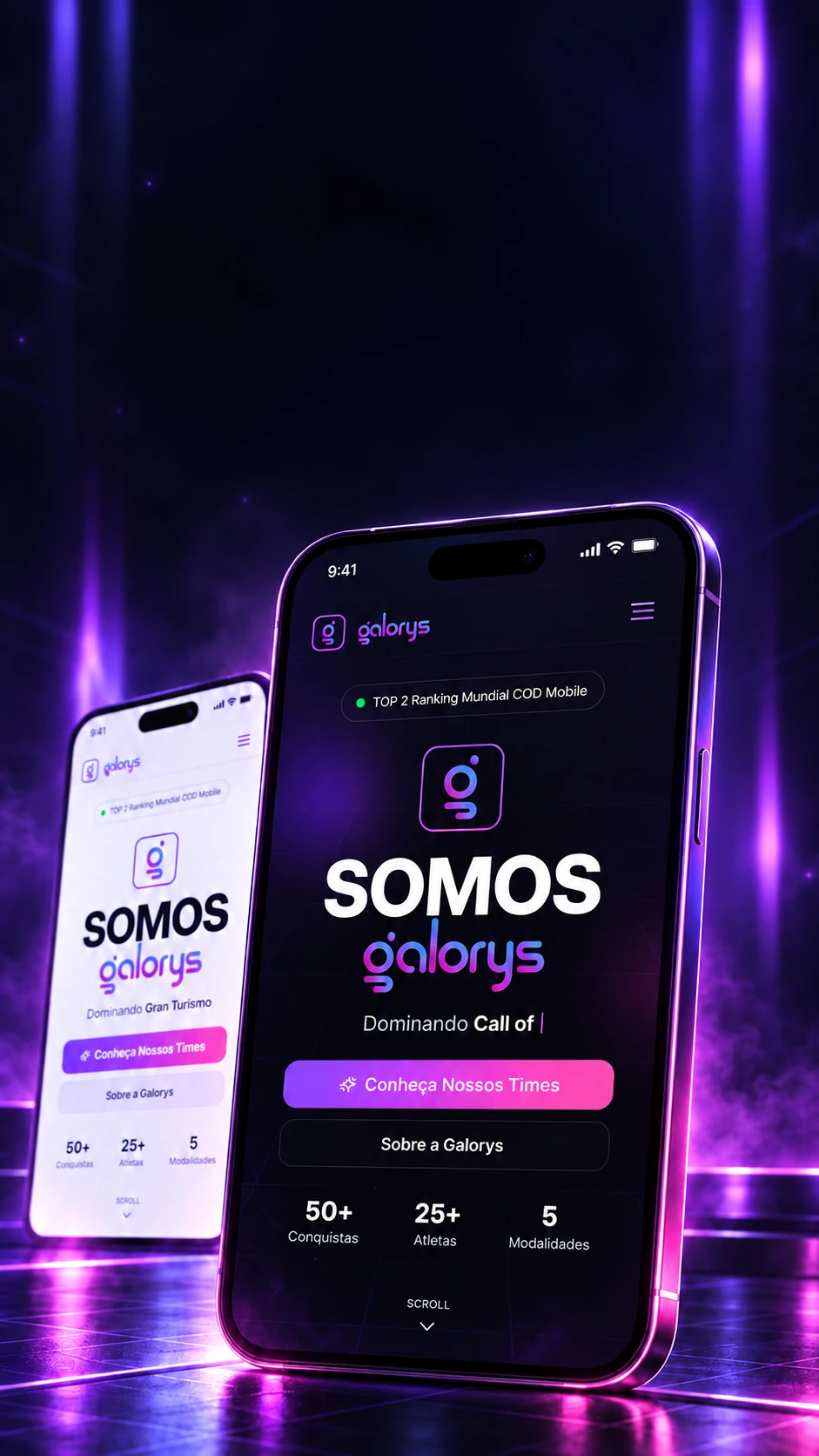

The digital arenaof Galorys
Teams, players and achievements in an experience made for the community.
An esports team's official site: live with Roblox and GTA RP, with a fan area and a 47-screen panel.An esports team's site, with a fan area and a dashboard.
- Next.js 16
- React 19
- TypeScript 5.9
- Tailwind CSS 4
- Prisma 5
- NextAuth 4
- Framer Motion 12
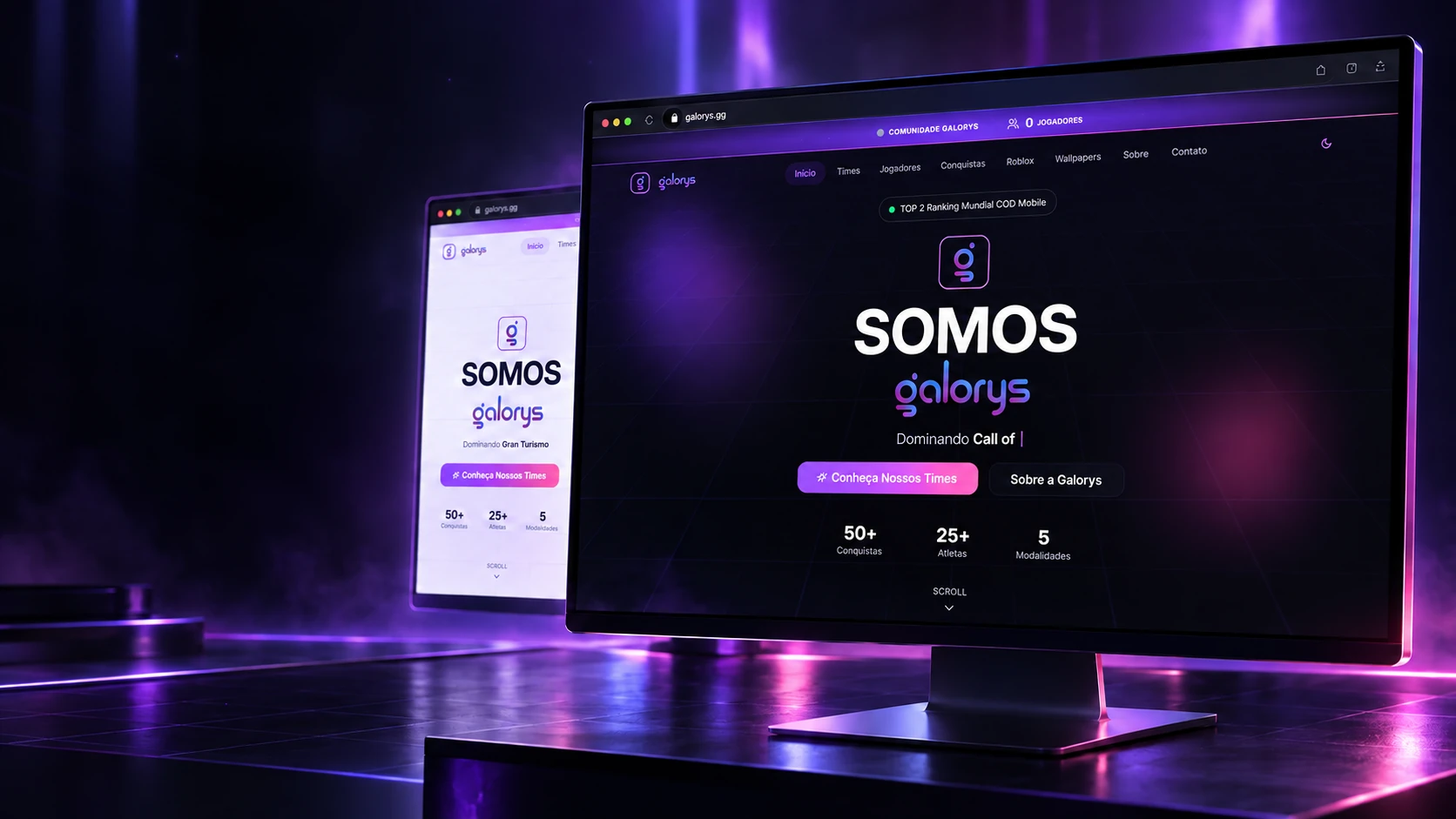
The digital arenaof Galorys
Teams, players and achievements in an experience made for the community.
- Next.js 16
- React 19
- TypeScript 5.9
- Tailwind CSS 4
- Prisma 5
- NextAuth 4
- Framer Motion 12
An esports team's official site: live with Roblox and GTA RP, with a fan area and a 47-screen panel.An esports team's site, with a fan area and a dashboard.
- Next.js 16
- React 19
- TypeScript 5.9
- Tailwind CSS 4
- Prisma 5
- NextAuth 4
- Framer Motion 12
Live
The site follows the game as it happens.
An esports team lives on its community, and a community wants to see things moving. Instead of someone updating numbers by hand, the site fetches on its own, straight from the platforms, how many people are playing right now, on Roblox and on the GTA RP server.
- RobloxThe community's games, straight from the platformPlaying nowVisitsCommunity membersEvery 1 min
- GTA RPThe community's roleplay serverPlayers on the serverServer up or downEvery 30 s
CommunityThe strip at the top of the site adds up who's playing on both platforms, on every page.
If a platform is slow or down, the site doesn't freeze: it keeps the last answer for a while and tries again later.
The lineup
Pick the discipline. The site builds the rest.
Every game the team competes in has its own page, with the roster; every player has theirs, with photo, role, story and social links. When the staff adds a new player in the panel, the pages appear on their own. Pick a discipline to see the path.
Chosen discipline
Gran Turismo
- The team pageWhat the team is, since when it plays and its titles.
/times/gran-turismo - The rosterEvery player on the team, each with their role.
/times/gran-turismo - The player pagePhoto, role, story and social links for each one. A logged-in fan can also favorite them.
/times/gran-turismo/jogador/…
Teams and players are entries in the panel: none of it is written into the page's code.
The fan portal
A reason for fans to come back.
A team's site is usually visited once and forgotten. Here fans have their own account: they save their favorite teams and players, collect points and trade them for rewards, and the staff sees every request in the panel to deliver it.
- FanCreates an accountSigns in with email and password, into an area of their own.
- FanPicks favoritesMarks the teams and players they want to follow.
- FanCollects pointsPoints are kept in their account.
- FanRedeems a rewardChooses what they want and trades the points.
- StaffDeliversThe request shows up in the panel, in the redemptions list.
- Limited rewardsYou can cap how many exist: once they're gone, they're gone.
- A reward that's a fileA wallpaper or a pack can be downloaded right when it's redeemed.
- One per personEach fan redeems each reward only once, and the database itself guarantees it, not a button.
The fan area has 4 pages: the personal dashboard, rewards, favorites and account settings.
The panel
47 screens for the staff to change the site on their own.
The team doesn't need to call a developer to swap a photo, announce a match or change the menu. Each of those has a screen in the panel, 47 of them, organized by area. Hover an area to watch its screens light up.
47screens in the panel
- Home1The day's summary, right on entering.
- Content11News, banners, home sections, the home order and incoming messages.
- Competition14Teams, players, highlights, matches and achievements.
- Games2The games and the links to play them.
- Rewards4Rewards and redemption requests.
- Partners3Partners and sponsors.
- Navigation2The site's menu and footer.
- Settings5Site details, email, the GTA RP server and security.
- Access4Panel users, login and password recovery.
- Backup1The site's backups.
Almost all of them work the same way: the list, the new button and the edit screen. Learn one, you've learned them all.
The home builds itself
The home page in whatever order the team wants.
The home is made of 9 blocks. In the panel, the staff changes their order and turns each one on or off, no developer needed. Try it: move blocks up and down, switch them off, and watch the page beside them rebuild.
In the panel
- 1Main bannerThe opening, with the brand
- 2Roblox pioneersThe team's story
- 3Elite teamsThe disciplines
- 4AchievementsThe team's numbers
- 5Featured playersWho's on a roll
- 6RobloxThe community's games
- 7MatchesUpcoming matches
- 8PartnersThe sponsors
- 9Final callThe invitation to join the community
The matches block also hides itself when no match is scheduled: the page never shows an empty section.
The backup
If something goes wrong, the site comes back.
A site with news, teams, fan accounts and rewards holds a lot that can't disappear. That's why the panel has a backup center with 9 functions, one per cartridge. Hover to slot each one in.
Function
Set upChoose where the backups are stored and how.Where the backup goes
- Google Drive
- Backblaze (cloud storage)
When a backup finishes, the system can send an email, with its own message template.
The technologies
What it is made of, piece by piece
Everything that holds up the team's site: the screen fans see, the login, the 38-table database and the links to Roblox, GTA RP and the backups. Pick a piece to see what it does here and which file it is in.
17technologies, in 4 layers
Screen
Server
Data
Integrations
The screens
The site, end to end.
The opening, the story, the teams, the achievements, the community games and the footer, in the dark theme and the light one. Click a big screen to see it large.
 Platforms and communitiesTicTur