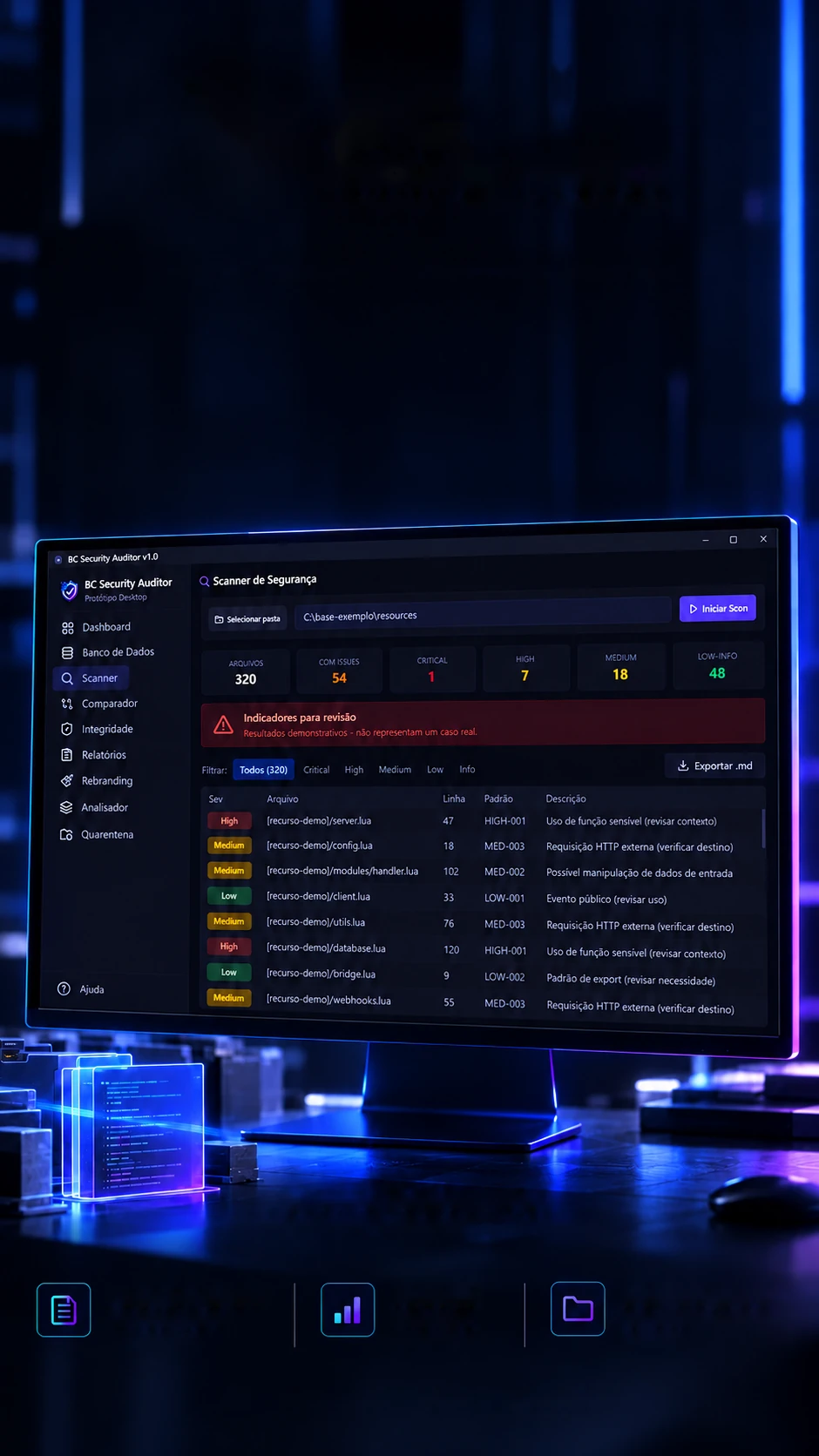
 Inspect. Compare. Document.Personal project · Desktop prototypeTriage by severitySee and prioritize what to review.Local analysisRuns in your own environment.Organized evidenceExport and document findings.Demo dataFictitious results to demonstrate the prototype.
Find the signs.Understand the risks.
Resource auditing and support for reviewing FiveM bases.
A desktop app that scans GTA RP server bases for warning signs, compares versions, watches file integrity and writes the report.Scans GTA RP server bases for red flags and writes the report.
- Tauri 2.10
- Rust 2021
- React 19.2
- TypeScript 5.9
- Vite 6.4
- SQLx 0.8
- Recharts 2.15
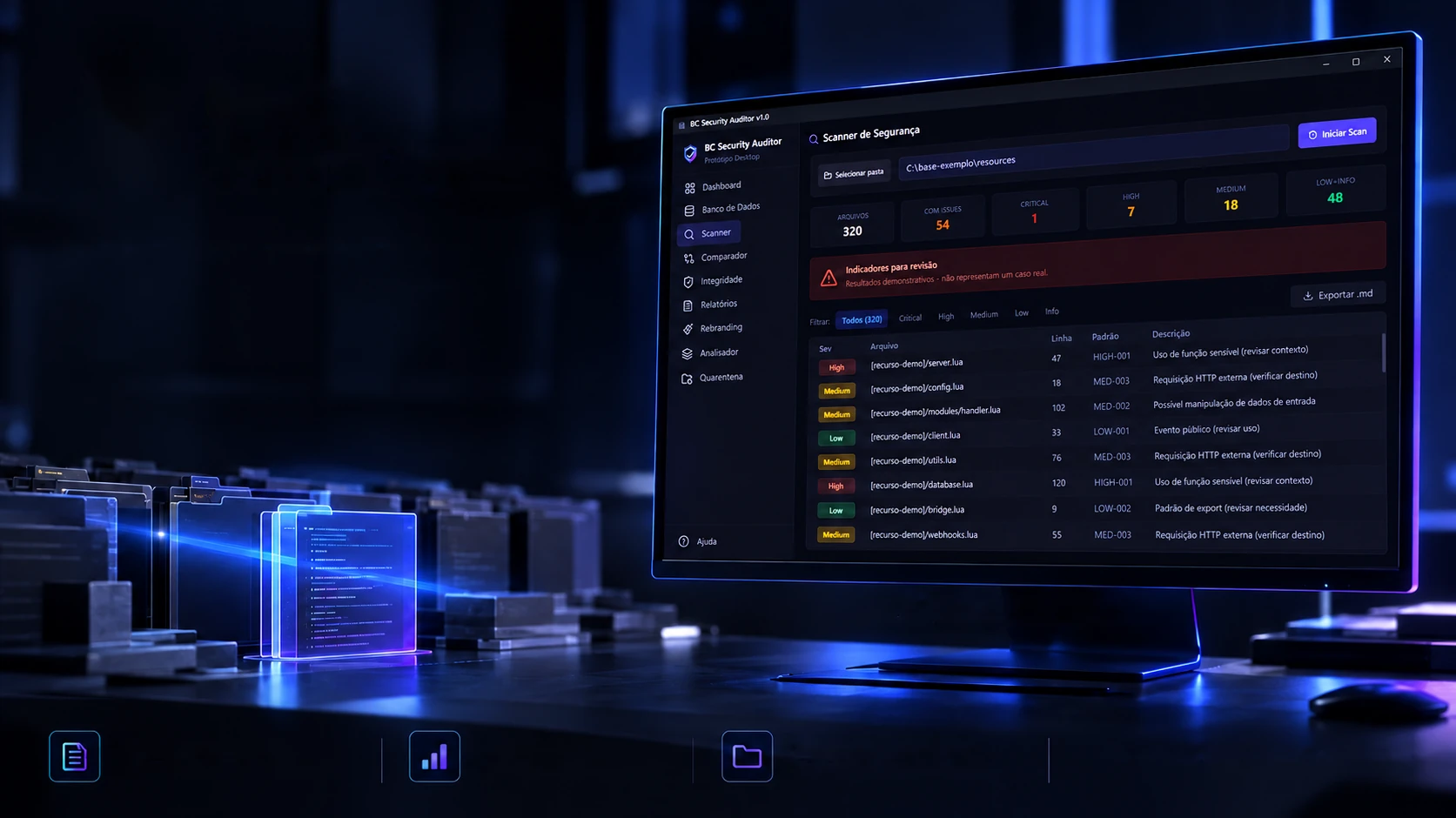 Inspect. Compare. Document.Personal project · Desktop prototypeTriage by severitySee and prioritize what to review.Local analysisRuns in your own environment.Organized evidenceExport and document findings.Demo dataFictitious results to demonstrate the prototype.
Find the signs.Understand the risks.
Resource auditing and support for reviewing FiveM bases.
- Tauri 2.10
- Rust 2021
- React 19.2
- TypeScript 5.9
- Vite 6.4
- SQLx 0.8
- Recharts 2.15
A desktop app that scans GTA RP server bases for warning signs, compares versions, watches file integrity and writes the report.Scans GTA RP server bases for red flags and writes the report.
- Tauri 2.10
- Rust 2021
- React 19.2
- TypeScript 5.9
- Vite 6.4
- SQLx 0.8
- Recharts 2.15
Triage
A thousand files, what to check first.
Whoever buys or inherits a server base gets hundreds of scripts from different authors, and nobody can read them all by hand. The auditor scans the folder, flags what looks suspicious and puts the most serious on top. This scan is fake, but it works like the real one: filter by severity and click a finding to see why.
- Files
- 320
- With findings
- 10
- Critical
- 1
- High
- 2
- Medium
- 3
- Low
- 2
Signs to review, demo results, not a real case. · scanned in 1.8 s
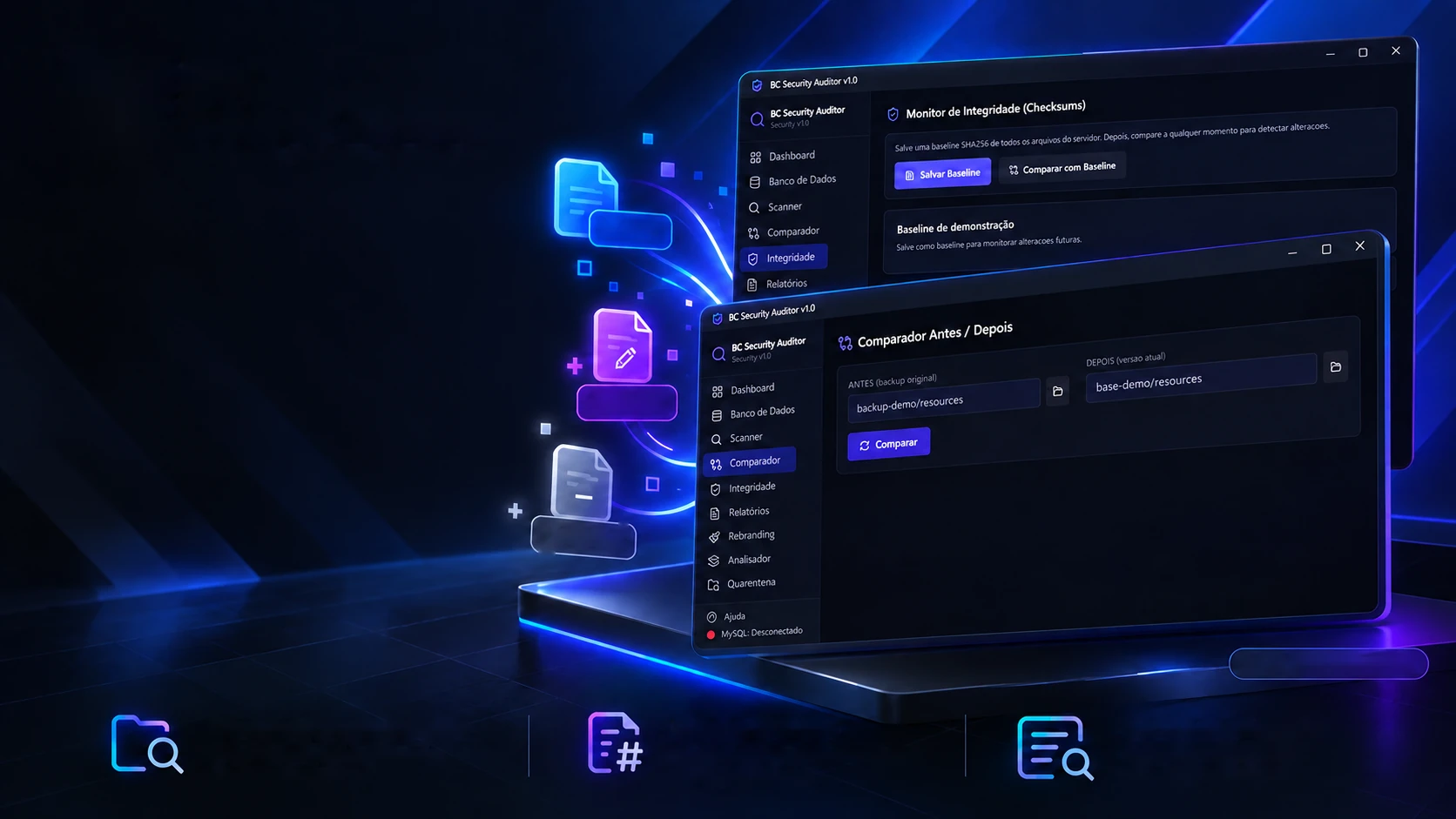
Personal project · Desktop prototype
What changed in your base?
Folder comparison and SHA-256 integrity to support the investigation.
NewChangedRemovedDemo screensBefore/after comparisonSee what was added,changed or removed.SHA-256 baselineTrack file integrity
over time.Change reviewMore context for an
efficient investigation.
Installed a new script and something weird started happening? The comparer puts the earlier copy next to today's base and tells you, file by file, what came in, what changed and what disappeared. Here both folders are examples, but each file's fingerprint is computed for real. Click compare and tap or hover over a file.
Beforebackup-demo/resources
Afterbase-demo/resources
FingerprintTap or hover over a file to see both fingerprints.
Integrity
Change one letter, the whole fingerprint changes.
A file can be swapped without anyone noticing, from the outside it looks the same. That's why the auditor stores the fingerprint (SHA-256) of every file in the base, the baseline, and compares later. Try it here: change anything in the file, even a space, and see how many characters of the fingerprint change.
server/config.lua
Fingerprint SHA-256
Computing…
The fingerprint is computed right now, in your browser, with the same SHA-256 the app uses in Rust. Nothing leaves the page.
Rebranding
Rename the city without losing anything.
A bought base usually comes with the old city's name scattered across comments, plates, addresses and permissions. The auditor finds every occurrence, tells you what kind it is and, before writing, keeps a copy of the file. If something goes wrong, it rolls back. Follow the three steps.
Start by finding the old name.
server/config.luaAurora → Horizonte
-- Aurora RP · configuração principalConfig.Nome = "Aurora RP"Config.Site = "https://aurora-rp.exemplo"Config.Placa = "AURORA"Config.Grupo = "aurora.admin"local servidor = "aurora"Config.MaxJogadores = 64
Backup copy
The copy shows up here before anything is written.
As in the app, the replacement applies to the whole file and ignores case, that's why the copy comes first. Example city names.
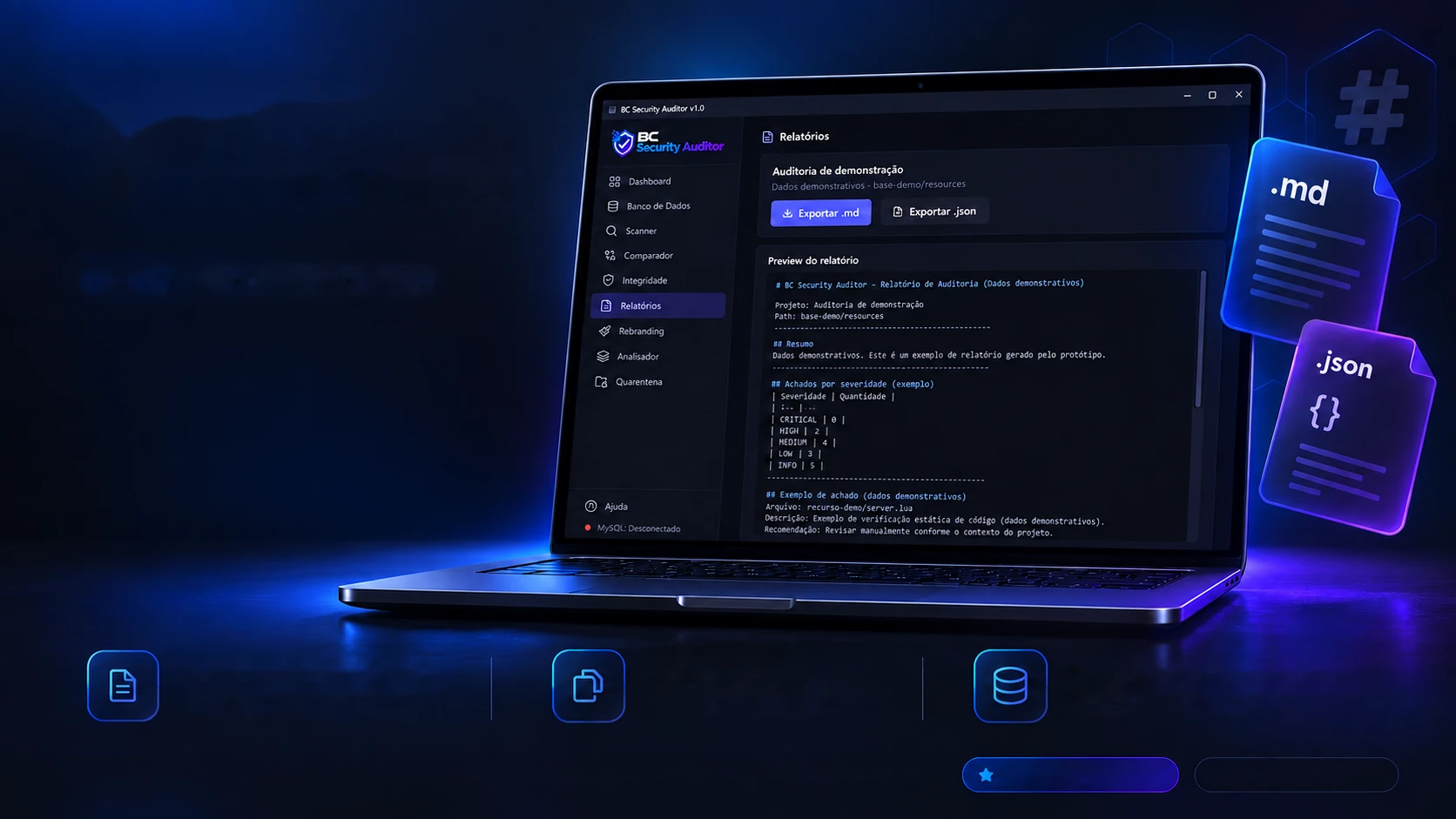
Personal project · Desktop prototype
From suspicion to documentation.
Findings organized into reports to guide the technical review.
Markdown and JSON reportsExport findings in the right formatto share and document.Evidence copyCode snippets and organized
information for analysis.MySQL lookupLists the database's tables and columns,
without changing anything.An in-house tool to centralize the auditing of FiveM bases.Advanced prototypeDemo screen
Finding the problem is half the job; the other half is explaining it to the city owner or the team. The report brings together the summary, the count by severity and every finding with what to do, in Markdown to read and in JSON for other tools. This one is an example: pick the format and watch it come out of the printer.
# BC Security Auditor, Audit report > Demo data, not a real case. - **Project:** Demo audit- **Folder:** base-demo/resources- **Date:** 2026-10-16 10:30- **Files read:** 320 · **with findings:** 10 ## Findings by severity | Severity | Count ||:--|--:|| CRITICAL | 1 || HIGH | 2 || MEDIUM | 3 || LOW | 2 || INFO | 2 | ## Findings ### [CRITICAL] recurso-demo/server/loader.lua, L88DEMO-RULE-01: code downloaded from outside and executed**Recommendation:** remove the line and investigate the source ### [HIGH] recurso-demo/server/utils.lua, L214ENTROPY: scrambled text in a local variable**Recommendation:** decode it in a separate environment ### [MEDIUM] loja-demo/server/webhooks.lua, L55DEMO-RULE-02: webhook sending data out**Recommendation:** check what data goes out The real report keeps code snippets; before sharing it, check there are no passwords in them.
The limits
What it does and what it doesn't promise.
A security tool that over-promises is dangerous: it gives a false sense of protection. So here, honestly, is what the auditor does and what it doesn't (or doesn't yet).
What it does
Flags signs to review
Ranks what it found by severity, with the file and the line.
Runs on your computer
The base is read on your machine; it doesn't need to be uploaded anywhere.
Compares and watches for changes
With each file's SHA-256 fingerprint.
Copies before touching
Rebranding keeps a copy of each file before writing.
Documents
A report in Markdown or JSON, with what to do for each finding.
What it doesn't
Doesn't guarantee a clean base
The rules flag suspicions; a person's review makes the call.
Accuracy hasn't been measured yet
The hit rate and false alarms haven't been tested on a real base.
Doesn't show the rules
The detection patterns are kept off this page on purpose: they would teach how to hide.
No installer yet
It's a prototype: the app hasn't been packaged for installing yet.
The database depends on the account
The app only lists tables and columns; "read-only" is guaranteed by the MySQL account's permissions.
A personal project, in prototype. Everything on this page uses demo data.
- 41 + 1
- detection rules, plus one for entropy
- 30
- commands in the Rust engine
- 9
- modules on screen
- 9
- file types read
The technologies
What it is made of, piece by piece
A desktop app that runs on the auditor's own machine: a React screen and a Rust engine, with no server in between. Pick a piece to see what it does here and which file it is in.
16technologies, in 4 layers
App
Screen
Engine
Data
The screens
The evidence, sealed.
The app from the inside, as it is: dark, with the modules on the left. Tap or hover over an envelope to break the seal and click to see the screen large.
The usage guide, step by step
The scanner, ready to scan
The result of a scan
The before-and-after comparer
The integrity monitor
The audit report
Real prototype screens. Paths, script names and connection details have been blurred.

 GTA RP scripts and toolsBlackout Store