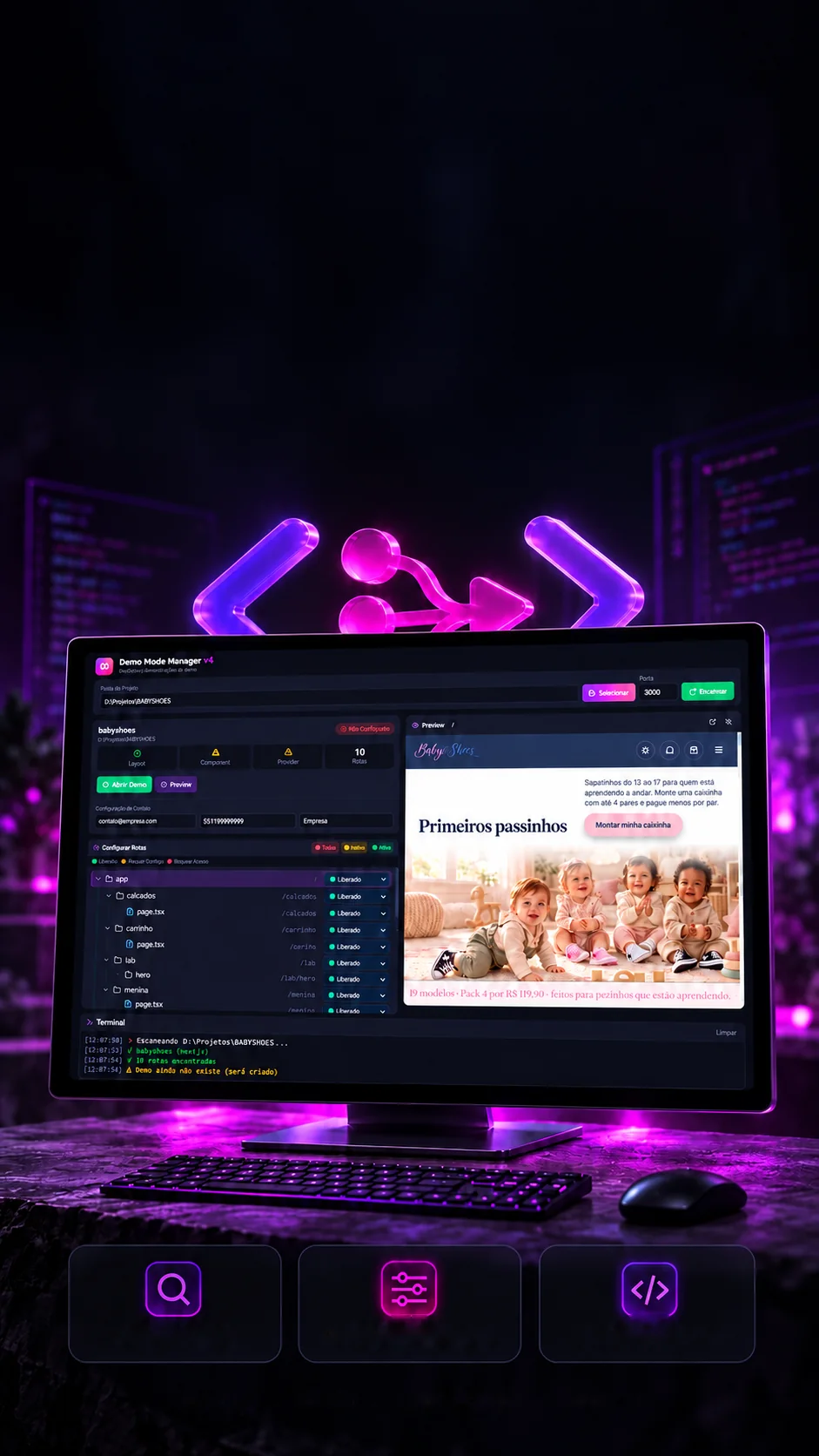
 Personal project · Working prototypeScan routesSet interactionsGenerate component
Your project.In demo mode.
An in-house tool to prepare demos of Next.js projects.
Puts any Next.js project into demo mode.
- Next.js 14
- React 18
- TypeScript
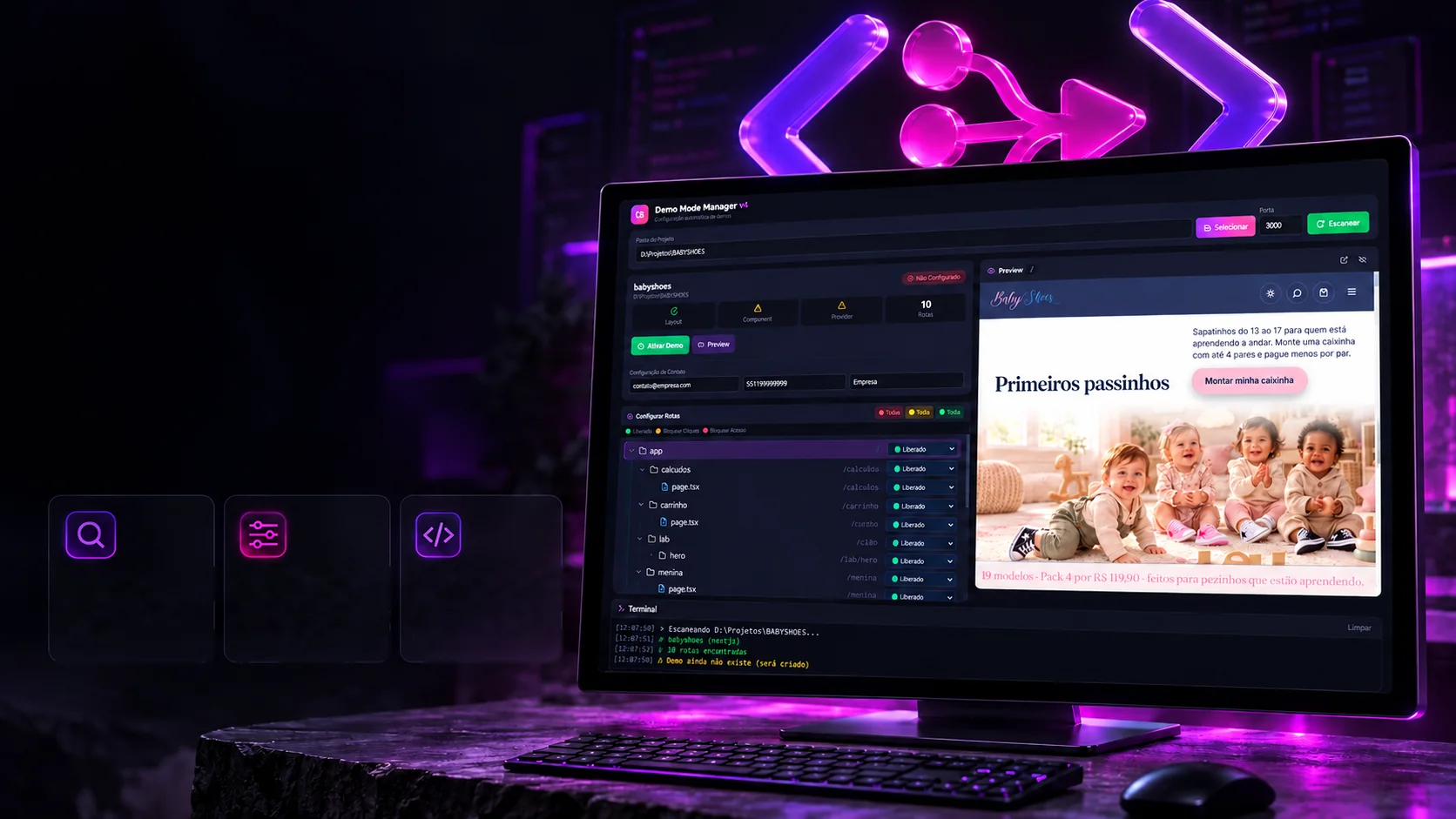 Personal project · Working prototypeScan routesMaps the Next.js
project's routes.Set interactionsDecides what stays open,
click-free or access-free.Generate componentWrites the file and wires
it into the project's layout.
Your project.In demo mode.
An in-house tool to prepare demos of Next.js projects.
- Next.js 14
- React 18
- TypeScript
Puts any Next.js project into demo mode.
- Next.js 14
- React 18
- TypeScript

Every route. A defined experience.
Set what the client can see and how they interact during the demo.
OpenNavigation and interactions available.Block clicksPage visible, interactions intercepted.Block accessVisual block on entering the route.Interface control for demos.Showing a system that's still being built has a risk: the client clicks "Checkout" or opens the admin panel and finds something half done. The tool reads the project's pages and lets you decide, page by page, what stays open, what can be seen but not clicked and what doesn't open at all. Flip the switches and watch the code come out.
- Home (/)
/ - produtos
/produtos - [id]
/produtos/[id] - carrinho
/carrinho - checkout
/checkout - admin
/admin - pedidos
/admin/pedidosInherits the rule of the folder above - produtos
/admin/produtosInherits the rule of the folder above
2 open · 0 with clicks blocked · 0 with no access
What goes into the code
// 🟡 a página aparece, os cliques abrem o aviso
const BLOCKED_ROUTES: string[] = [
  "/carrinho",
  "/checkout"
]

// 🔴 a página nem abre
const IMMEDIATE_BLOCK_ROUTES: string[] = [
  "/admin"
]
Sample project. In the app, the tree comes from the chosen project's app folder; pages with parameters (like [id]) show up too.
What the client sees
Browse freely. As far as you allow.
This is the sample site with demo mode on. The storefront is open, the cart shows but its button doesn't work, and the admin panel doesn't even open. Instead of an error, the client sees a notice with your contact. Click the pages and the buttons; change the rules on the side.
Home
Autumn collection with free shipping over R$ 150.
Rules for this sample's pages:
- Home
/ - Cart
/carrinho - Admin
/admin
The notice's contact
Sample site. The notice is the one the tool installs in the project (translated here); the contact and company name are configurable.
From visual setup to the demo's code.
Route scanner, component generation and integration into the project's layout.
An in-house tool to speed upputting demos together.Layout
backupActivate
demoDeactivate
demo modeConceptual depiction of the integrationWorking prototype
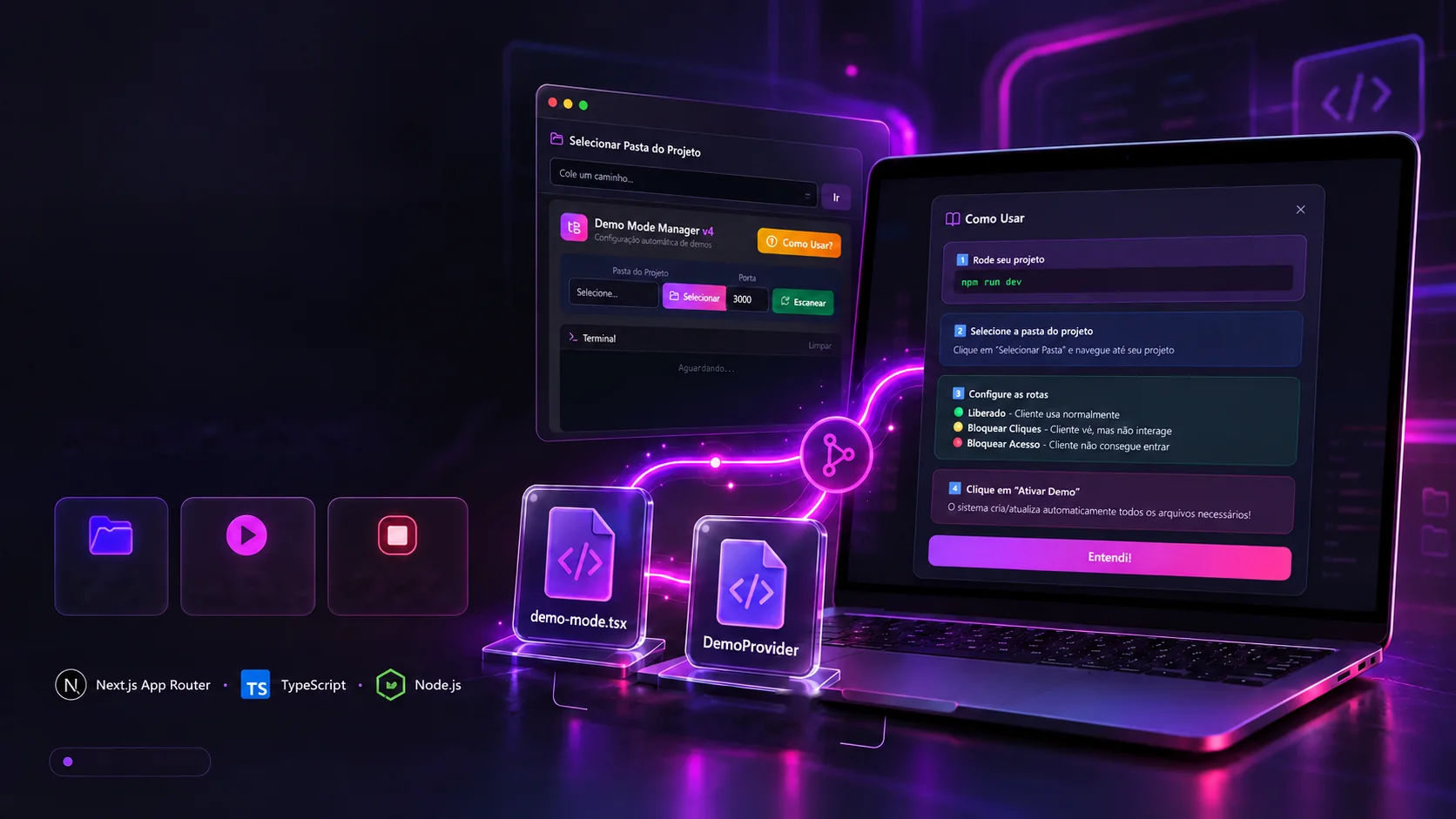
Once the rules are set, nobody has to open the code. The tool asks whether to keep a copy, writes the component and adds two lines to the project's layout. To go back to normal, one button changes a single word. Activate and deactivate to see what changes in the files.
Project files
_Backup/components/demo-mode.tsximport "./globals.css" export default function RootLayout({ children }) { return ( <html lang="pt-BR"> <body> {children} </body> </html> )}Terminal
- Waiting…
A simulation of the steps the app takes in the chosen project. The backup keeps the layout, the component and an info.txt in a timestamped folder.
The limits
A showcase, not a lock.
Demo mode is for presenting, not for protecting. It hides and locks what the person sees on screen, but the whole site is still in the browser. That's why it's worth saying, just as clearly, where it helps and where it shouldn't be used.
Where it helps
- Prevents clicking in the wrong place
Buttons on marked pages open the notice instead of doing the action.
- Hides unfinished areas
Marked pages show the notice right on entry.
- Turns the block into a contact
The notice carries the email, WhatsApp and company name.
- Barely touches the project
One new file and two lines in the layout; a backup first, if you want.
Where not to use it
- It isn't data protection
The block is visual, in the browser; anyone who knows code can get around it.
- It doesn't cover the Pages Router
It reads the app folder; projects in Next's older structure don't show up fully.
- It doesn't handle React without Next
The project is accepted, but without an app folder there are no routes to set.
- It hasn't been tested in depth
It's a personal prototype: it works in day-to-day use, without a test suite.
Limits checked against the tool's code (app/api).
The technologies
What it is made of, piece by piece
A panel that runs on the developer's computer, on port 4000. The screen is React; behind it, five Next.js server routes read the folders and write the chosen project's files. Pick a piece to see what it does here and which file it is in.
10technologies, in 3 layers
Screen
Server
Features
The screens
The panel as it is.
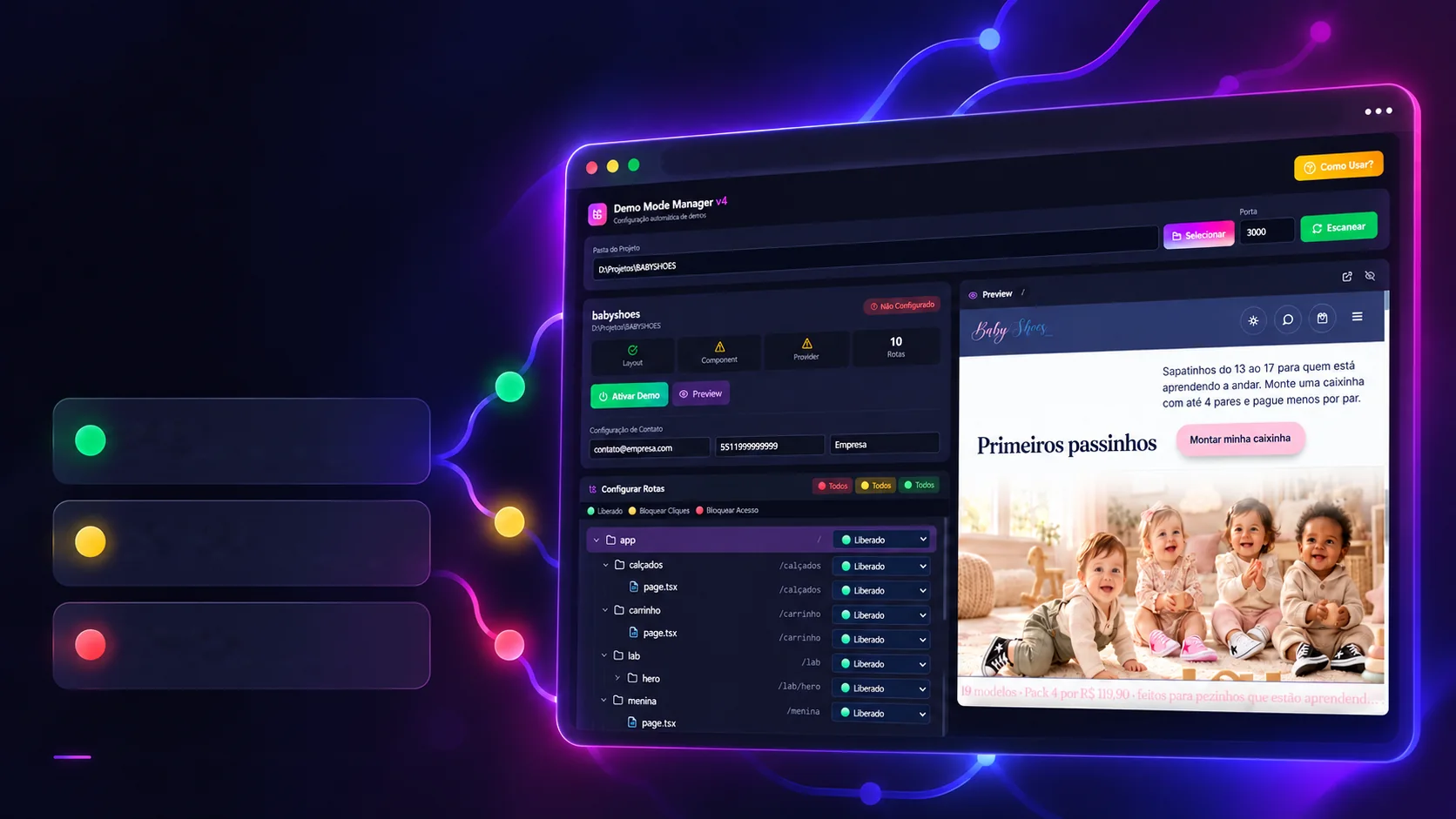
The tool's real screens, in the dark theme with purple. Hover to straighten a photo and click to see it large.
Real app screens; the preview shows another project by the same author.
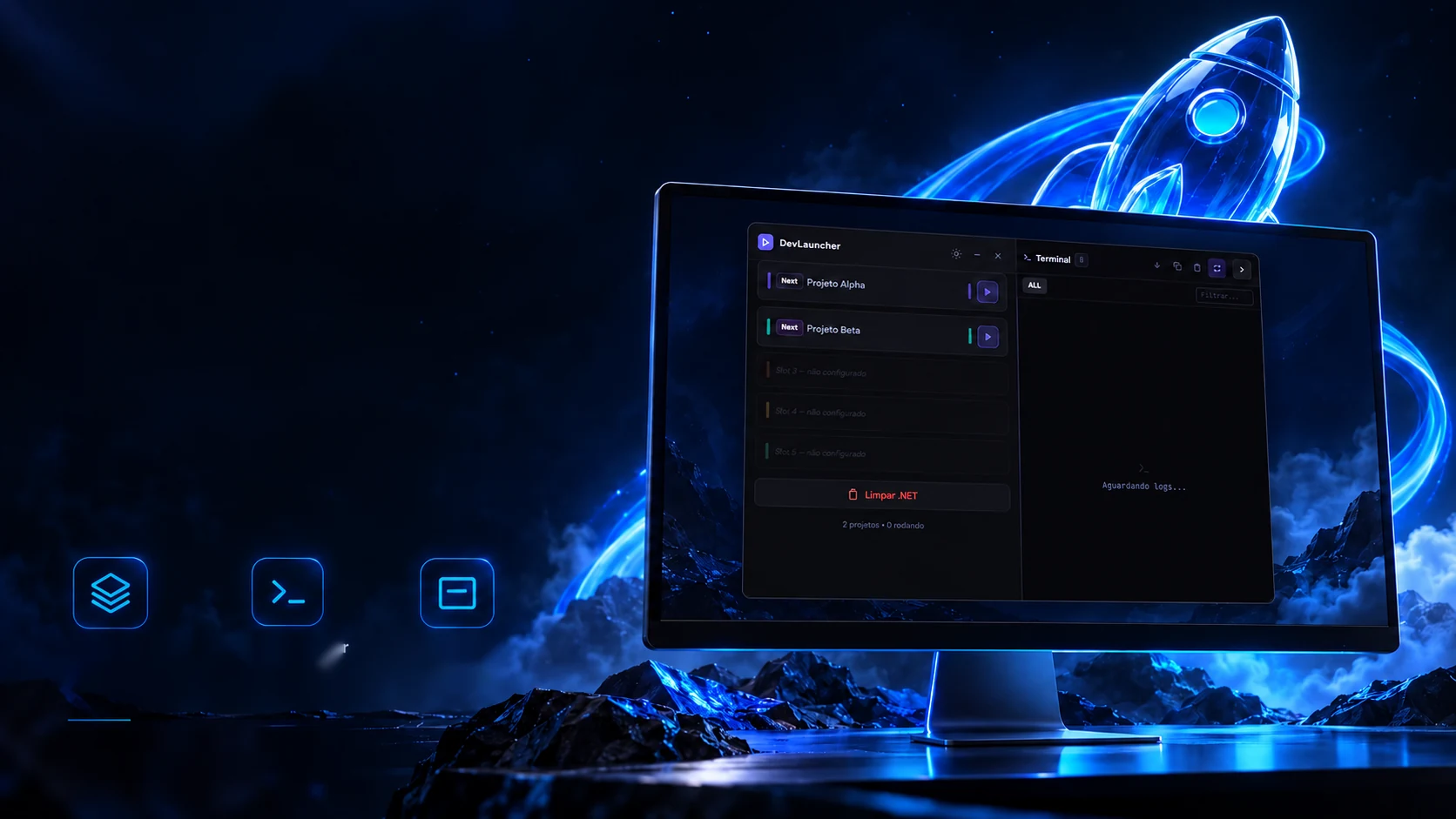
 Creative and developer toolsDev Launcher