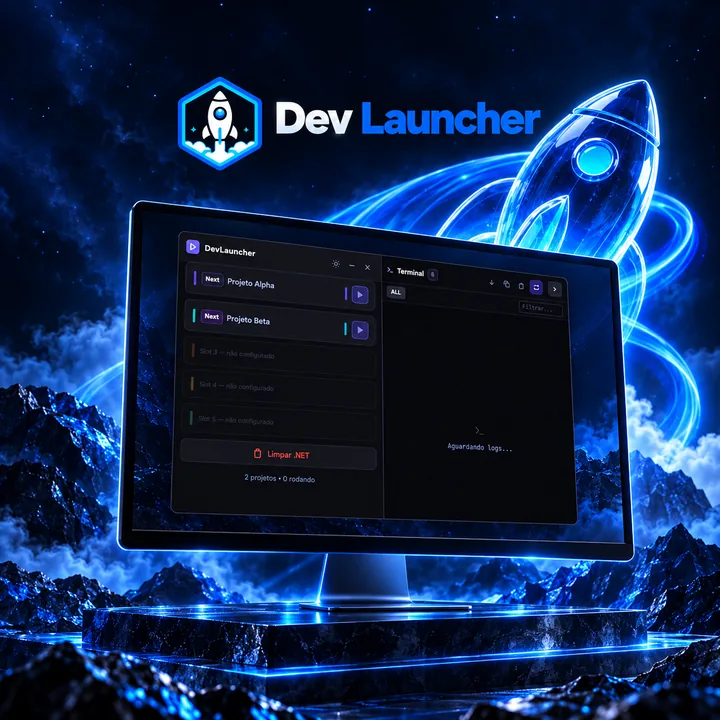
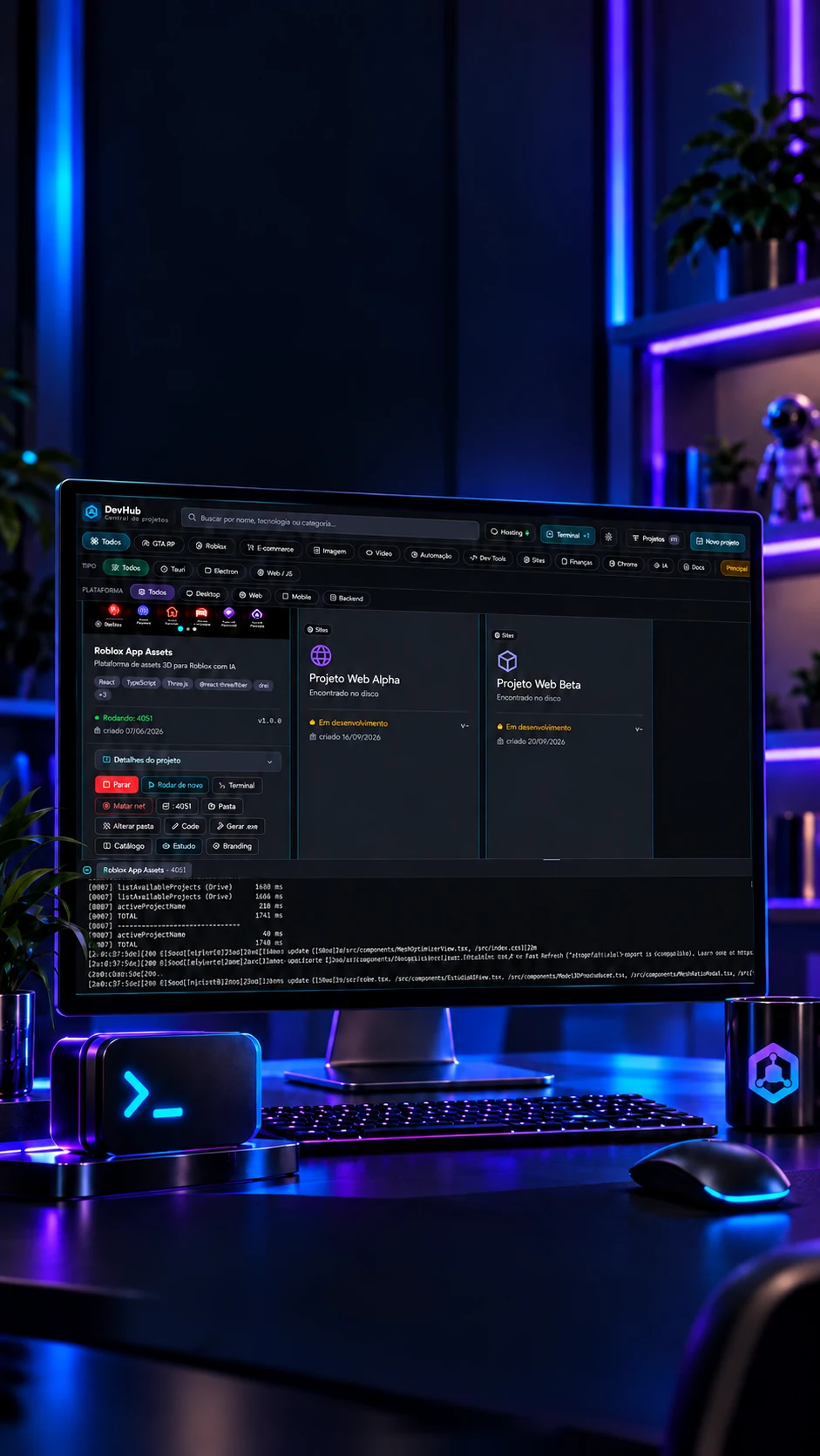
 DevHub · Running and terminal
Open. Run.Follow along.
Project actions and a built-in terminal in the same place.
One hub to open, run and look after every project.
- Tauri 2
- Rust
- React 18
- TypeScript
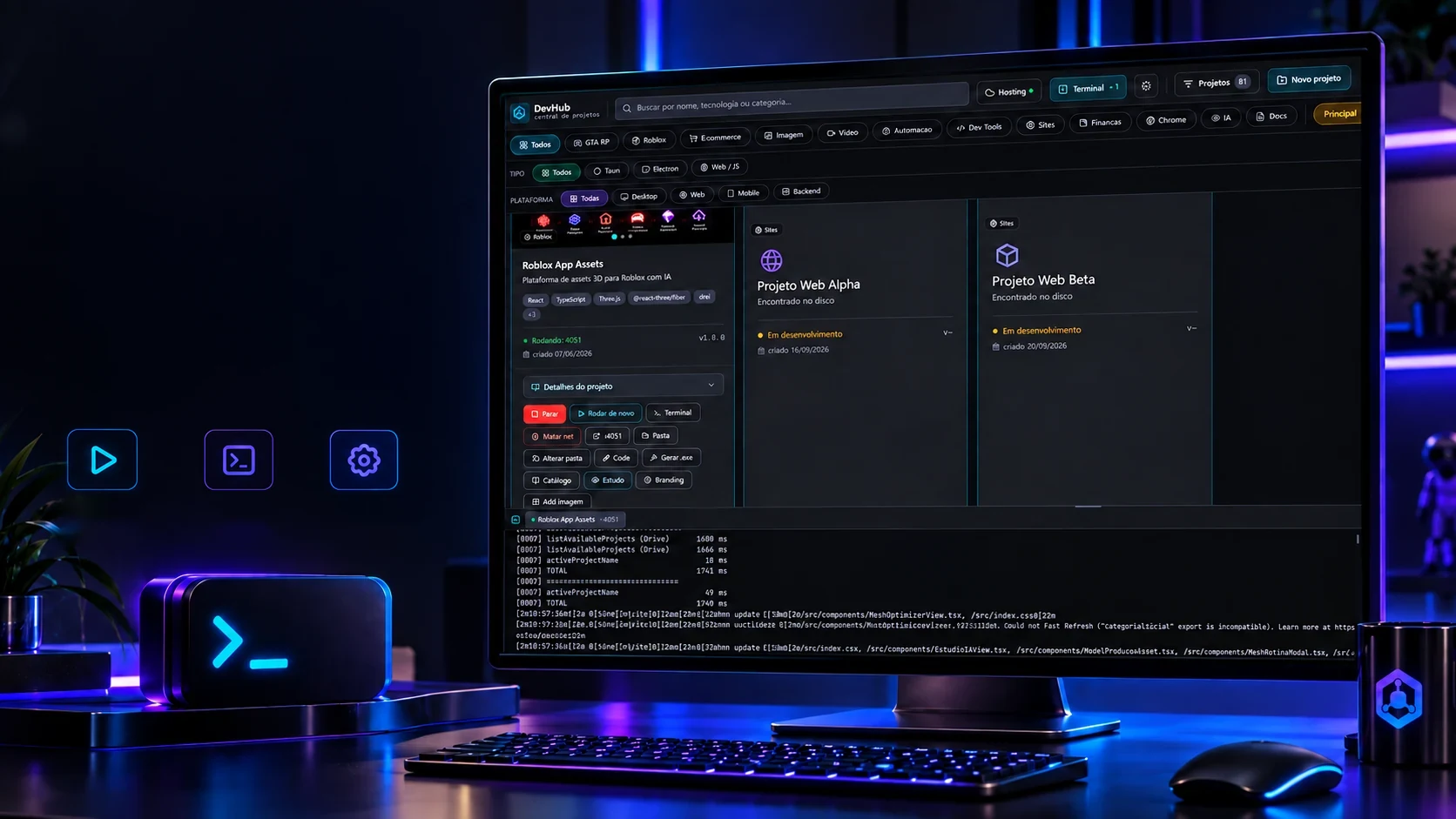 DevHub · Running and terminalLocal
runningBuilt-in
terminalProject
tools
Open. Run.Follow along.
Project actions and a built-in terminal in the same place.
- Tauri 2
- Rust
- React 18
- TypeScript
One hub to open, run and look after every project.
- Tauri 2
- Rust
- React 18
- TypeScript
The catalog
Dozens of projects, a single window.
Working across many projects, you lose time just looking for the right folder. The hub lists them all, with search by name or technology, filters by category and platform, favourites and two ways of looking. Try it here.
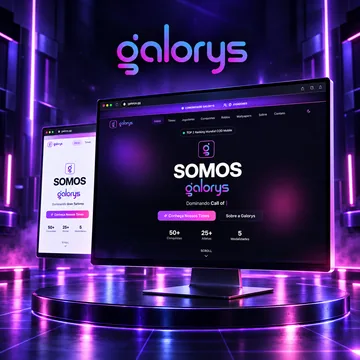 Next.jsGalorysWebsites · WebRunning · :3000
 Next.jsBabyShoesE-commerce · WebStopped
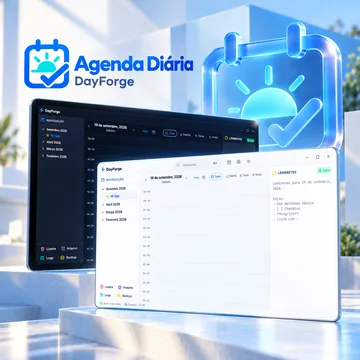 TauriDayForgeDev Tools · DesktopStopped
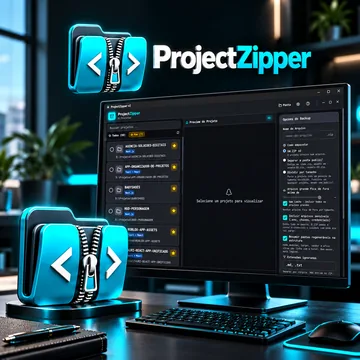 TauriProjectZipperDev Tools · DesktopRunning · Tauri
 Next.jsRecóleoWebsites · WebStopped
 TauriMarkViewDev Tools · DesktopStopped
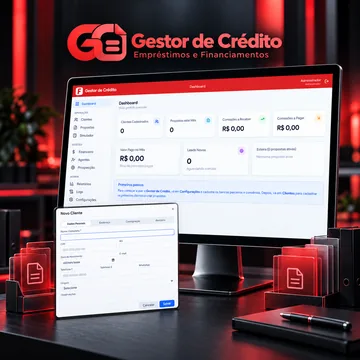 TauriCredHubFinance · DesktopStopped
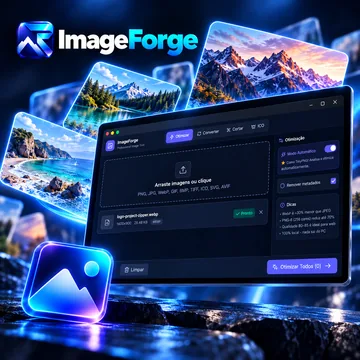 TauriImageForgeImage and video · DesktopStopped
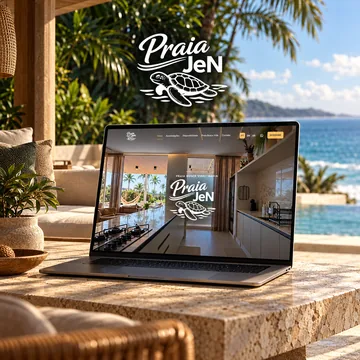 Next.jsPraia JeNWebsites · WebStopped
 TauriVideoForgeImage and video · DesktopStopped
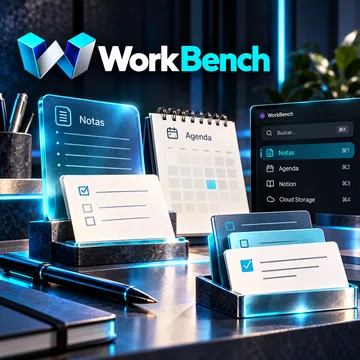 TauriWorkbenchDev Tools · DesktopStopped
 Next.jsTicTurE-commerce · WebStopped
The search, the filters, the favourites and the grid/list switch are the program's; the covers are the projects' own catalog art. A sample of 12 is shown here.
The actions
Each project with its own buttons.
Once a project is open, the hub shows what can be done with it without opening another window. Click a button: the console beside it shows the command the program has the computer run.
 React · Vite
A 3D model platform, built with React and Three.js.
taskkill /PID 18432 /T /F
What happensEnds the project's process and every process it started, and frees the port.
The buttons are the program's card buttons and the commands are the ones the code runs (process_manager.rs, port_owner.rs). The process number and the folder are examples.
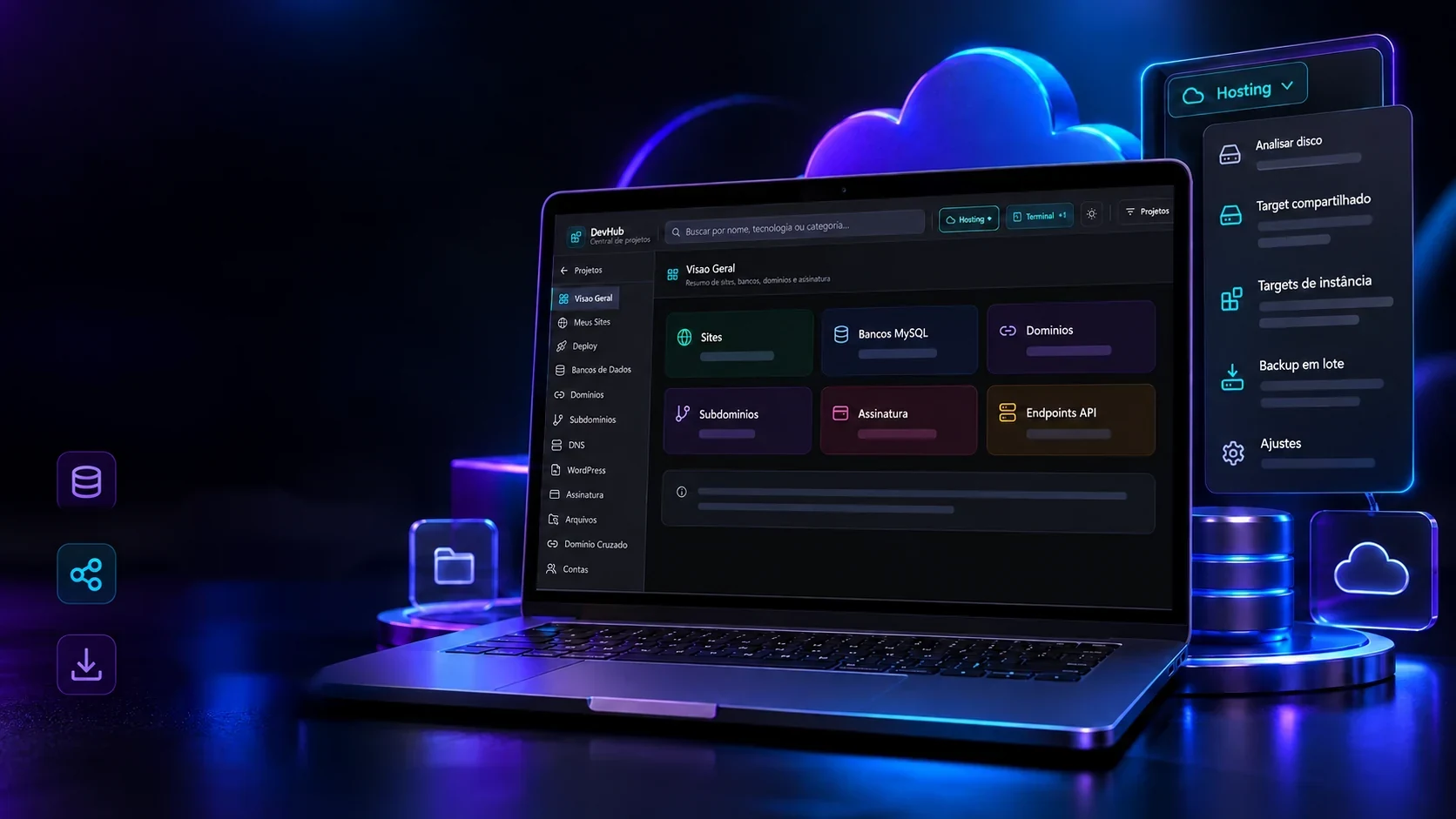
DevHub · Tools and hosting
More control. Less scatter.
Maintenance and hosting tools brought together in my project hub.
Disk analysisFind heavy foldersand free space easily.Shared targetsFree projects without
breaking the others.Batch backupManage backups of several
projects at once.A hub built to hold up my development routine.
Once the project is up, the other half of the work starts: hosting, measuring space, keeping copies. The hub puts all of that in one tab, so there's no second panel in another window.
- SitesThe published sites, with domain and state.
- DatabasesEach site's databases.
- DomainsDomains and subdomains attached.
- DNSEach domain's DNS records.
- DeploySending the files live.
- FilesWhat sits in the server folder.
Disk analysis of one project
- node_modules4.2 GB
- .next1.2 GB
- dist640 MB
- target2.8 GB
- public210 MB
All together: 9.0 GB, and almost all of it comes back by itself on a fresh install.
The tabs and the tools are the program's. The sizes here are a typical example; the real measuring is done folder by folder on the computer.
The start
A new project doesn't start from zero.
Opening an empty folder is the slowest part of starting. In the hub you pick the sector and the program copies a base that already works, strips the old brand and leaves the project ready for the new content.
Pick the sector
The base
Base shopCart, catalog and checkout already built.The new project
New ProjectE-commerceWhat the program does
- Copy the base into the new folder
- Change the name and the icon
- Strip the old brand from the files
- Install the dependencies
- Open the project in the hub
The sectors and the idea of starting from a base come from the code (NewProjectModal). The new project's name is chosen at creation time.
The technologies
What it is made of, piece by piece
One window for every project: the screen is React inside Tauri 2, and the Rust behind it reads the folders, starts the processes, copies, zips and measures the disk. Pick a piece to see what it does here and which file it is in.
14technologies, in 3 layers
Screen
Window and files
Features
The screens
The hub from inside.
Real screens from the program, in the order it is used: find the project, get it running, host it and look after it. Pick a group; hover to bring a screen forward and click to see it large.
Screens with the hosting account and balance, and variations of the same filter, were left out. The projects on the cards are the author's own.
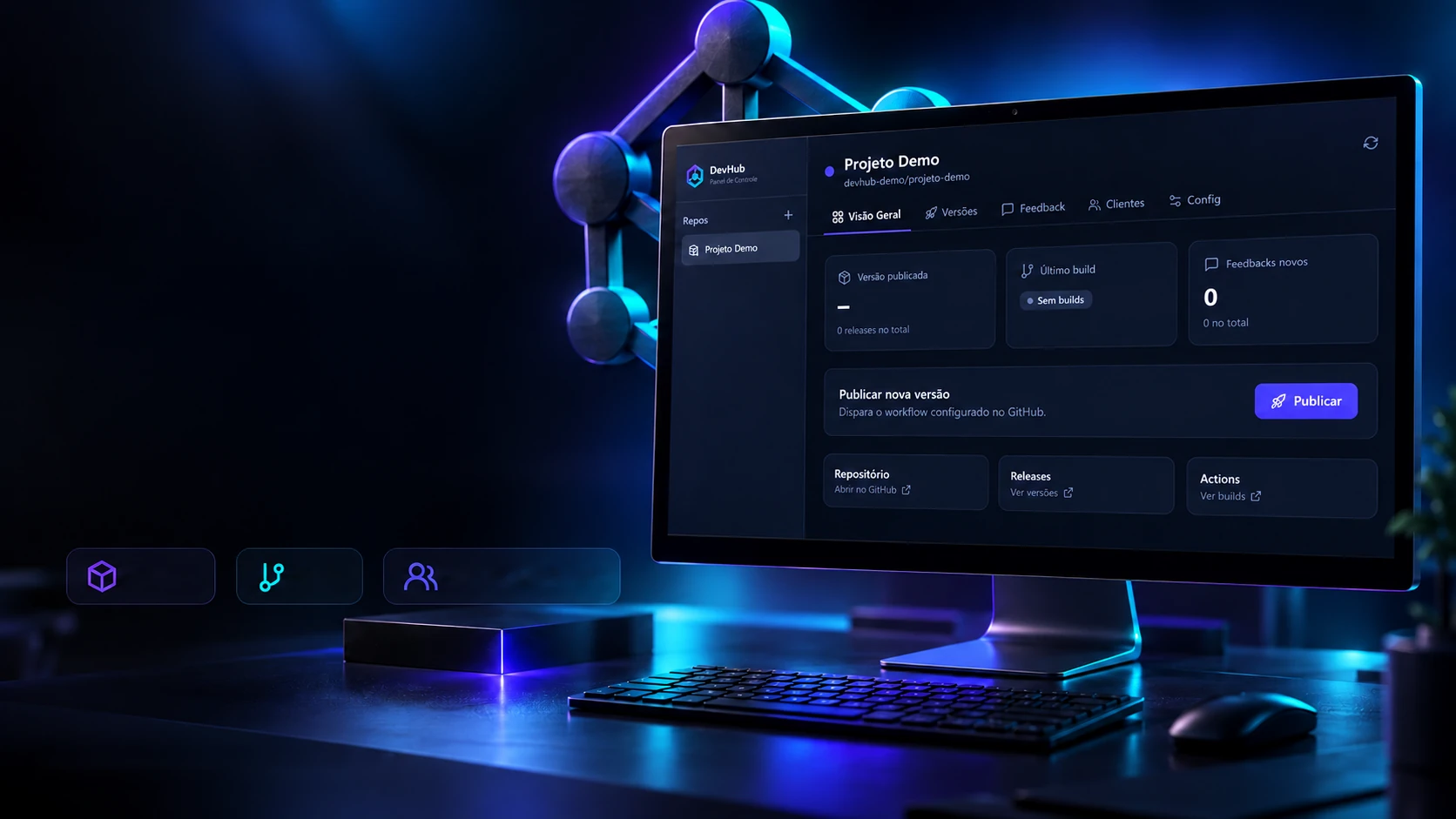
 Creative and developer toolsDevHub GitHub