

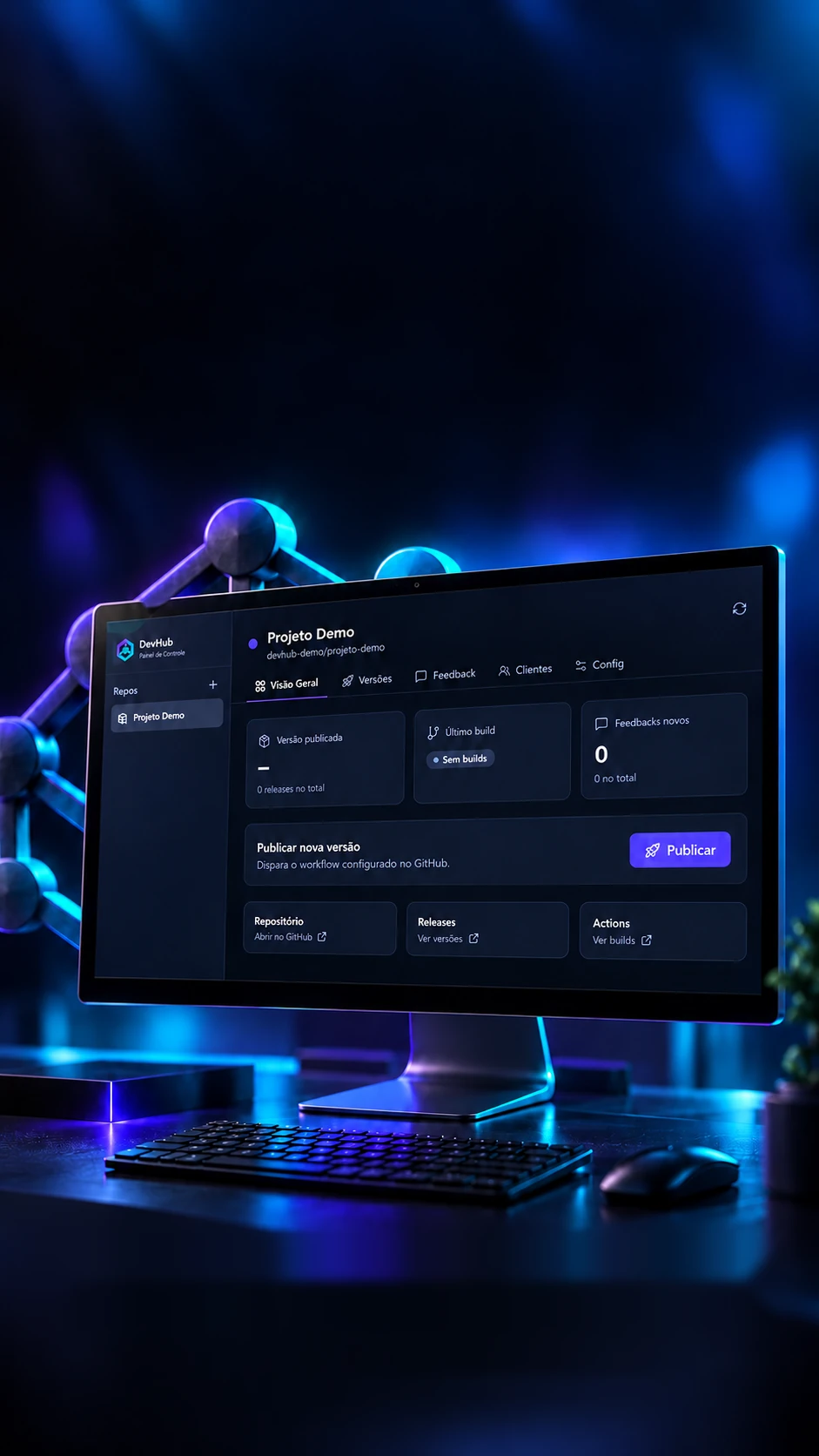
 Personal project · Software operationsVersions, builds and products
Your products.One central view.
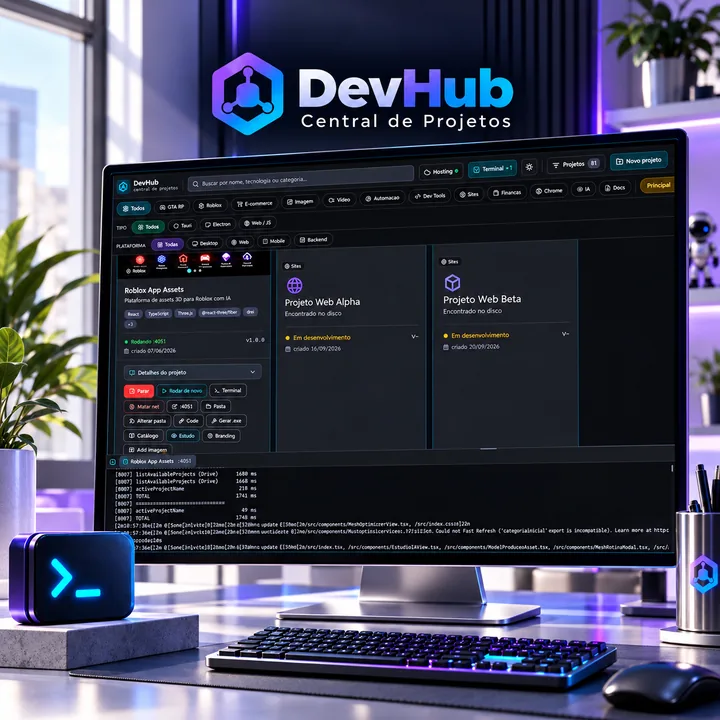
A desktop app to follow releases, builds, clients and feedback.
Releases, builds and feedback in one panel.
- Tauri 2
- Rust
- React 19
- SQLite
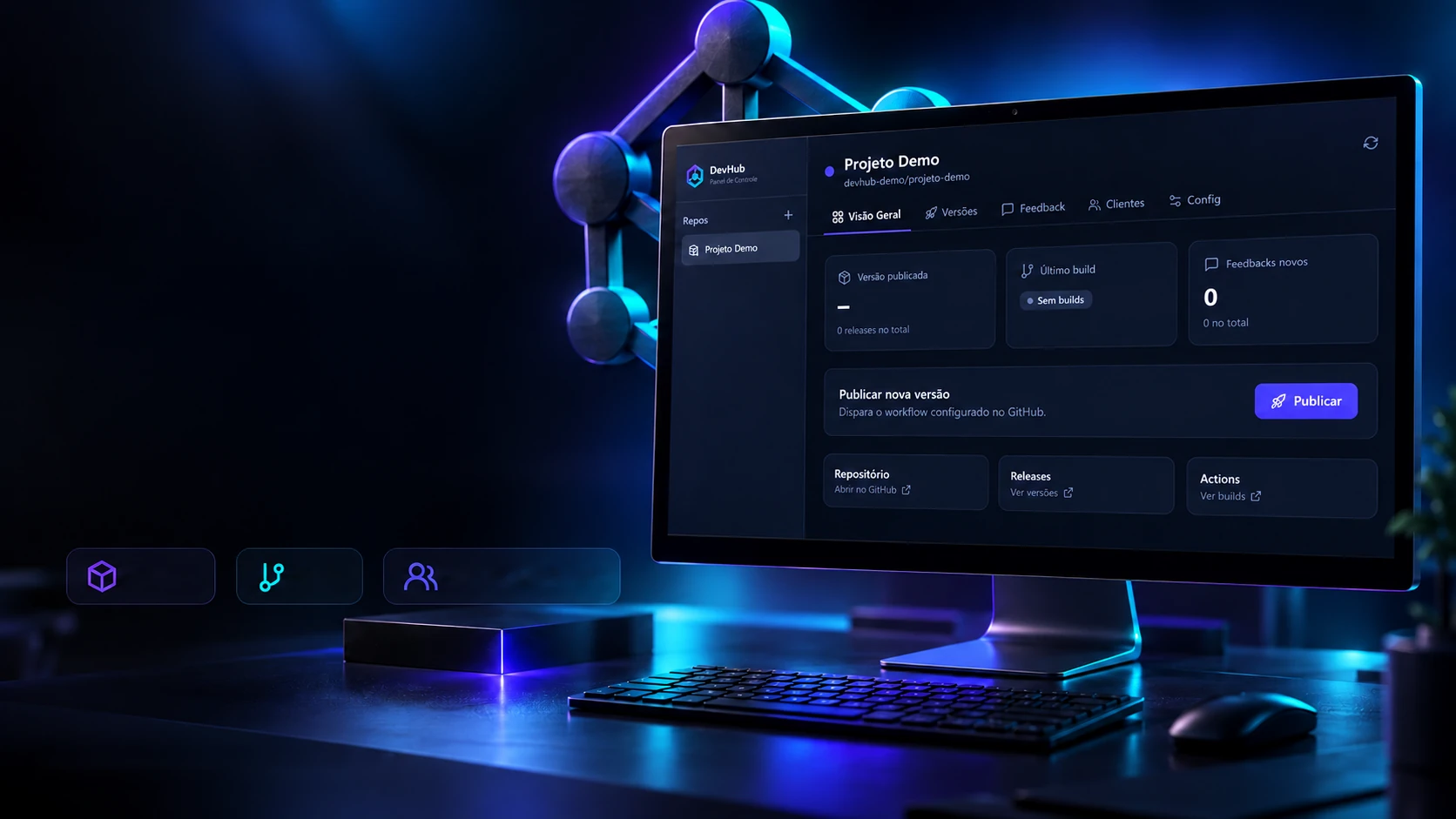 Personal project · Software operationsVersions, builds and productsReleasesBuildsClients and feedback
Your products.One central view.
A desktop app to follow releases, builds, clients and feedback.
- Tauri 2
- Rust
- React 19
- SQLite
Releases, builds and feedback in one panel.
- Tauri 2
- Rust
- React 19
- SQLite


The panel
Every product, at a glance.
Anyone looking after several programs keeps opening GitHub to check which version each one is on and whether the last build passed. Here every product has its own page: the live version, the build status and how many new requests came in, all in one place.
DevHub · Control Panel
BabyShoes
collin-labs/babyshoes
- Published versionv1.6.2The latest one out of draft.
- Latest buildPassedThe newest in the repository.
- New feedback29 in all, stored on the computer.
Publish a new versionStarts the cloud build and creates the version.
Publish- RepositoryOpens on GitHub
github.com/collin-labs/babyshoes - ReleasesThe versions
github.com/collin-labs/babyshoes/releases - ActionsThe builds
github.com/collin-labs/babyshoes/actions
Where each number comes from
- The versionThe program asks GitHub for the versions and shows the first one already published. Drafts don't count.
- The buildComes from the repository's build log: queued, running, passed or failed.
- The requestsCounted in the computer's own database, keeping the new ones apart from those already seen.
The products belong to the owner; versions and counts here are examples. In the program they come from GitHub the moment the project is opened.
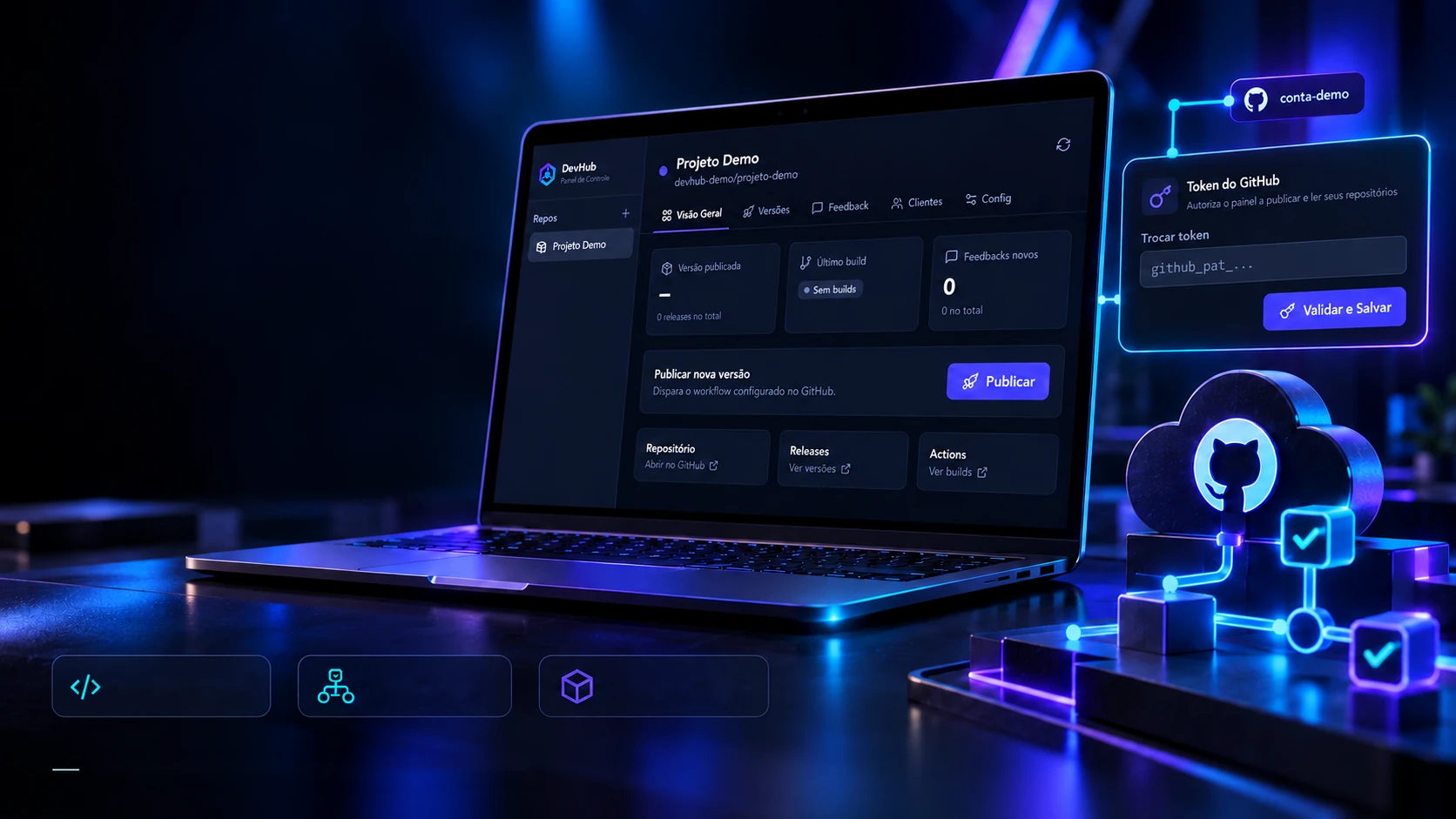
DevHub GitHub · Integration and publishing
From version to workflow.
Check releases and builds. Trigger publishing from the panel.
GitHub REST APIGitHub ActionsReleases and buildsPublishing through the workflow set up in the repository.The program doesn't open the GitHub website: it talks straight to the service, through four calls. One checks who you are, two bring the versions and the builds, and the last one tells the cloud to start a new version.
The four calls
First of all, the program checks whether the access key (the token) is valid and whose it is.
The request
GET api.github.com/user
- Authorization
- Bearer github_pat_…
- Accept
- application/vnd.github+json
- X-GitHub-Api-Version
- 2022-11-28
- User-Agent
- DevHub-Panel
The reply200 OK
- { "login": "collin-labs", … }
What the panel does with it
If the key is valid, the account name shows up in green in the settings and the panel unlocks the projects. If not, an invalid-key warning appears.
The addresses, headers and content sent are the ones in the Rust core (github.rs). The replies are shortened.
Publishing
One number, one click.
Releasing a new version of a program is usually a checklist kept in your head: change the number in three files, build, sign, upload. Here you type the number and what changed; the cloud does the rest on its own, always in the same order.
Publish a new version
When you publish, the build starts in the GitHub cloud (about 10 minutes). The version stays as a draft for you to review and publish.
Publishing triggered! The build is running in the cloud.
What the cloud doesv1.6.3
- Download the codeThe cloud takes the project from the repository.GitHub Actions
- Install Node.jsThe tool that builds the screen.
- Install RustThe language of the program's core.
- Keep what's already builtNext time, Rust doesn't build everything again.
- Set the versionThe new number goes into the three files, without the invisible character that breaks the build.
- Install the dependenciesThe pieces the screen uses.
- Build, sign and publishCreates the installer, signs it and makes the version with the update file.GitHub Actions
The steps are the ones in the project's automation file (publicar.yml). The suggested version follows the program's own rule: add 1 to the last number.
The feedback
Nothing gets lost along the way.
Client requests come from everywhere and get lost among the messages. Here each one becomes a card in the right project (bug, suggestion, improvement or note), with a priority and the version where it showed up, and moves across columns until it's solved.
2 new · 7 in all
New2
BugUrgent
Report won't open after the updateLoja Aurora
v2.2.0SuggestionNormal
Export the contract list to a spreadsheetEscritório Prisma
v2.3.0
Reviewing2
ImprovementHigh
Faster search on the clients screenLoja Aurora
v2.2.0NoteLow
Asked for a step-by-step videoConfecção Vale
v2.1.4
Solved2
BugHigh
Date showing in English on the receiptConfecção Vale
v2.1.4SuggestionNormal
Keyboard shortcut to saveEscritório Prisma
v2.3.0
Dropped1
ImprovementLow
Print button on the card itselfMercado Bom Dia
v1.9.0
Requests and companies are examples. In the program, each card is logged in the project and stored in the computer's database; the panel counter reads from there.
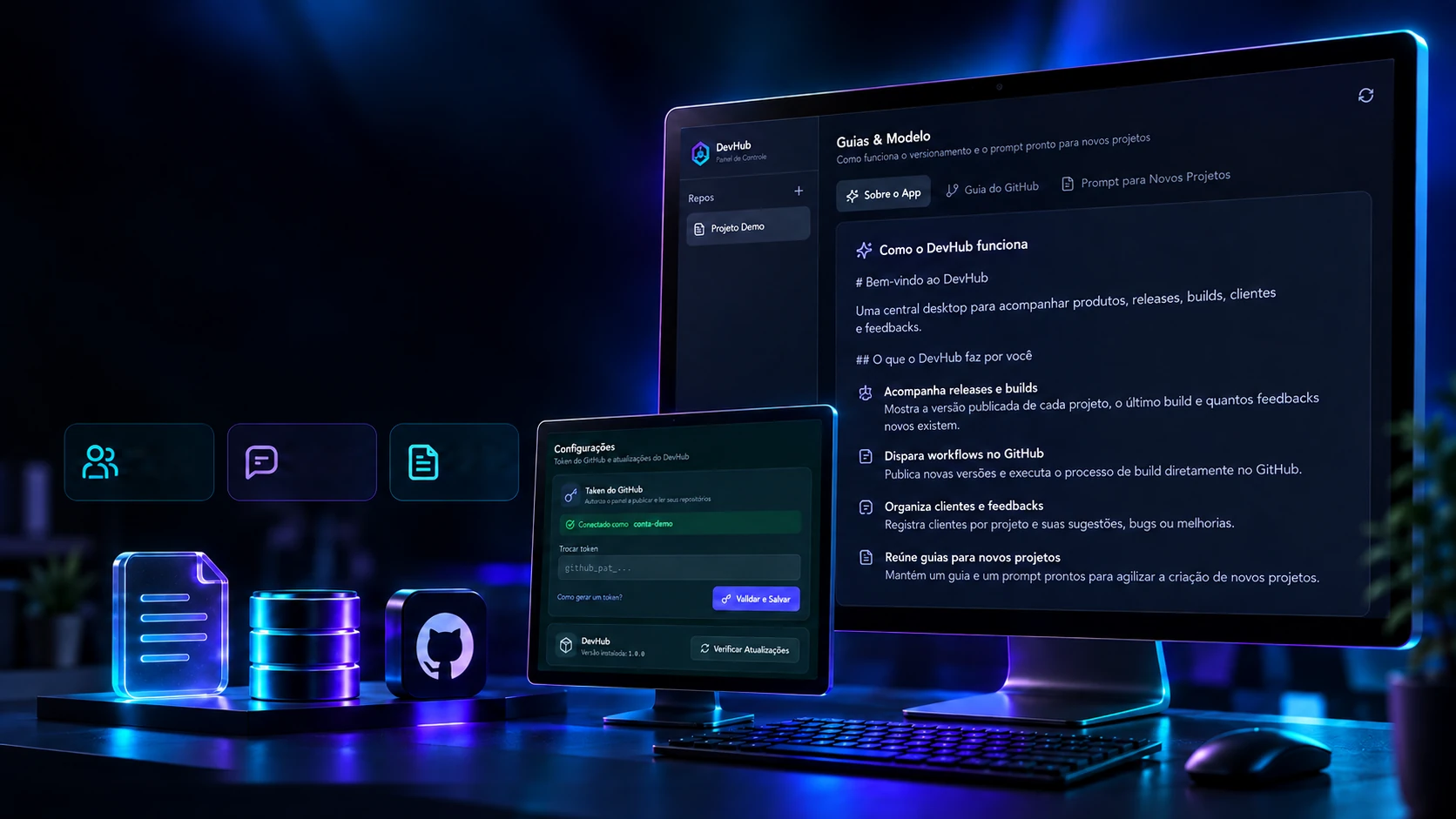
DevHub GitHub · Organization and know-how
The process is part of the product.
Internal guides, clients and feedback follow how each project is run.
Clientsper projectOrganized
feedbackGuides and
templatesLocal data in SQLite · Publishing through GitHub Actions
The way of working lives inside the program itself: how it works, how GitHub numbers and publishes versions, and the recipe every new program follows so it's born already updating itself. Written for people outside the field.
Welcome to DevHub
Anyone looking after several systems controls everything from here, without opening a terminal, remembering commands or touching files.
A car dashboard
You look and know right away how each project is doing: which version is live, whether the last build worked and whether a client is asking for something.
What it does
- Shows each project's status, brought from GitHub.
- Publishes new versions with one button.
- Keeps feedback by project and by status.
- Lists the companies using each system and the version each one has.
On the client's side
The client never sees DevHub. They use the program they received; when a new version comes out, their program says so on opening, updates and restarts.
Day to day
Improved the code, open DevHub, click Publish and write what changed. Done.
The first time
The first installer is delivered by hand; from then on, new versions arrive on their own.
The guides are the program's own texts, summarized here. In DevHub they have their own tab, to read and copy.
The core
Five tables, twenty functions.
Under the window, a small database keeps everything on the computer itself: nothing sits on someone else's server. There are five tables, and the Rust core has twenty functions the screen calls; every button in the program is one of them.
config3
The program's settings, such as the connected GitHub account.
PKchaveTEXTvalorTEXTRequired (NOT NULL)atualizado_emTEXTDefault: the time it was saved
projetos8
Each product being tracked: the owner and name of the GitHub repository, the colour and the automation file.
PKidINTEGERnomeTEXTRequired (NOT NULL)github_ownerTEXTRequired (NOT NULL)github_repoTEXTRequired (NOT NULL)corTEXTDEFAULT '#6366f1'workflow_arquivoTEXTDEFAULT 'publicar.yml'ativoINTEGERDefault: 1 (leaving the list doesn't delete)criado_emTEXTDefault: the time it was saved
clientes7
Who uses each product and on which version.
PKidINTEGERFKprojeto_idINTEGERGoes away with the project (ON DELETE CASCADE)nomeTEXTRequired (NOT NULL)emailTEXTtelefoneTEXTversao_instaladaTEXTativoINTEGERDefault: 1 (leaving the list doesn't delete)
feedbacks6
Each product's requests, with type, status and priority.
PKidINTEGERFKprojeto_idINTEGERGoes away with the project (ON DELETE CASCADE)tipoTEXTOnly accepts: bug · sugestao · melhoria · notastatusTEXTOnly accepts: novo · em_analise · resolvido · descartadoprioridadeTEXTOnly accepts: baixa · normal · alta · urgenteversao_appTEXT
publicacoes5
The log of every version triggered from the panel.
PKidINTEGERFKprojeto_idINTEGERGoes away with the project (ON DELETE CASCADE)versaoTEXTRequired (NOT NULL)notasTEXTstatusTEXTDefault: 'disparado'
The black light shows the rules the database itself enforces.Tied to the project: goes away when the project is deleted.
Tables, columns and rules come from the database file (schema.rs); the functions, from the core registry (lib.rs). Four indexes speed up searching by project and by status.
The technologies
What it is made of, piece by piece
A desktop program that talks to GitHub: the screen is React inside Tauri 2, and the Rust core keeps everything in a SQLite database on the computer itself and makes the GitHub calls. Pick a piece to see what it does here and which file it is in.
15technologies, in 3 layers
Screen
Window and core
Data and GitHub
Next project43 / 51
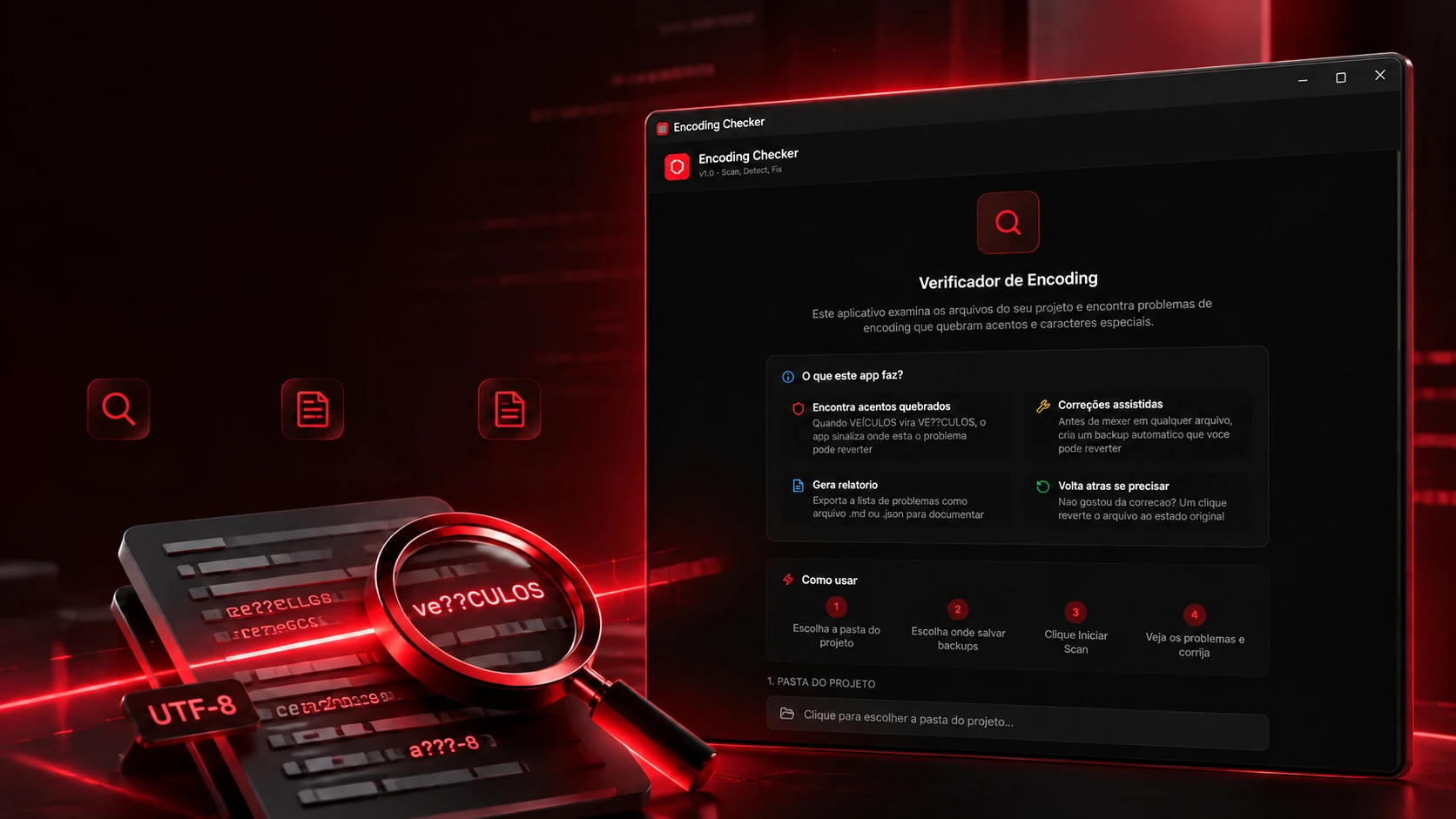
 Creative and developer toolsEncoding CheckerA desktop program that reads a project byte by byte, points to every broken accent by file, line and column, fixes with a copy first and compares the original folder with the fixed one.React 18.3TypeScript 5.9Tailwind CSS 3.4Vite 5.4
 ← PreviousDevHub Central de Projetos