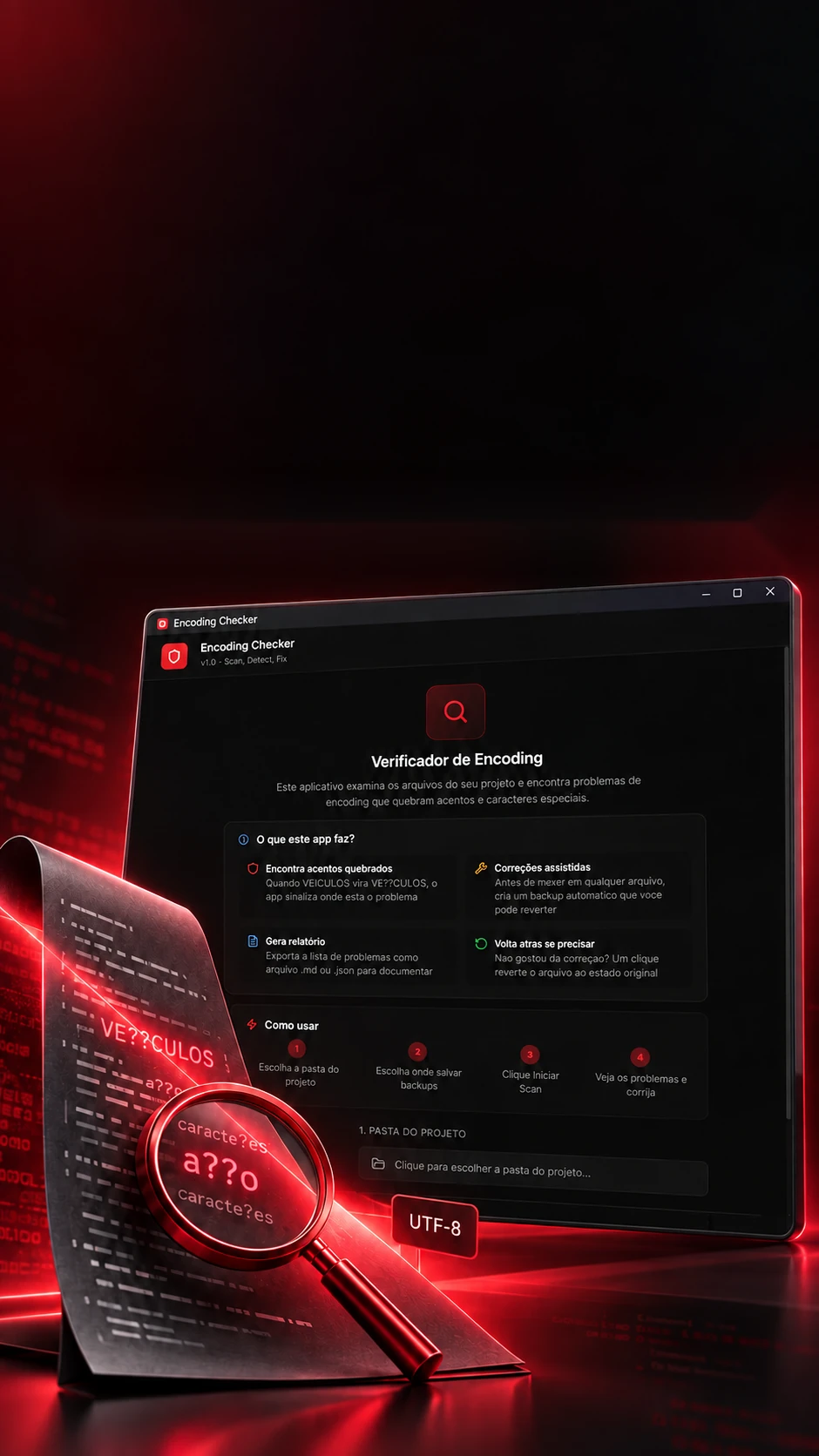
 A tool of its own
Broken accents.Organized diagnosis.
A tool of its own for investigating text-encoding problems in projects.
Finds and points to every broken accent in a project.
- Tauri 2
- Rust
- React 18
- TypeScript
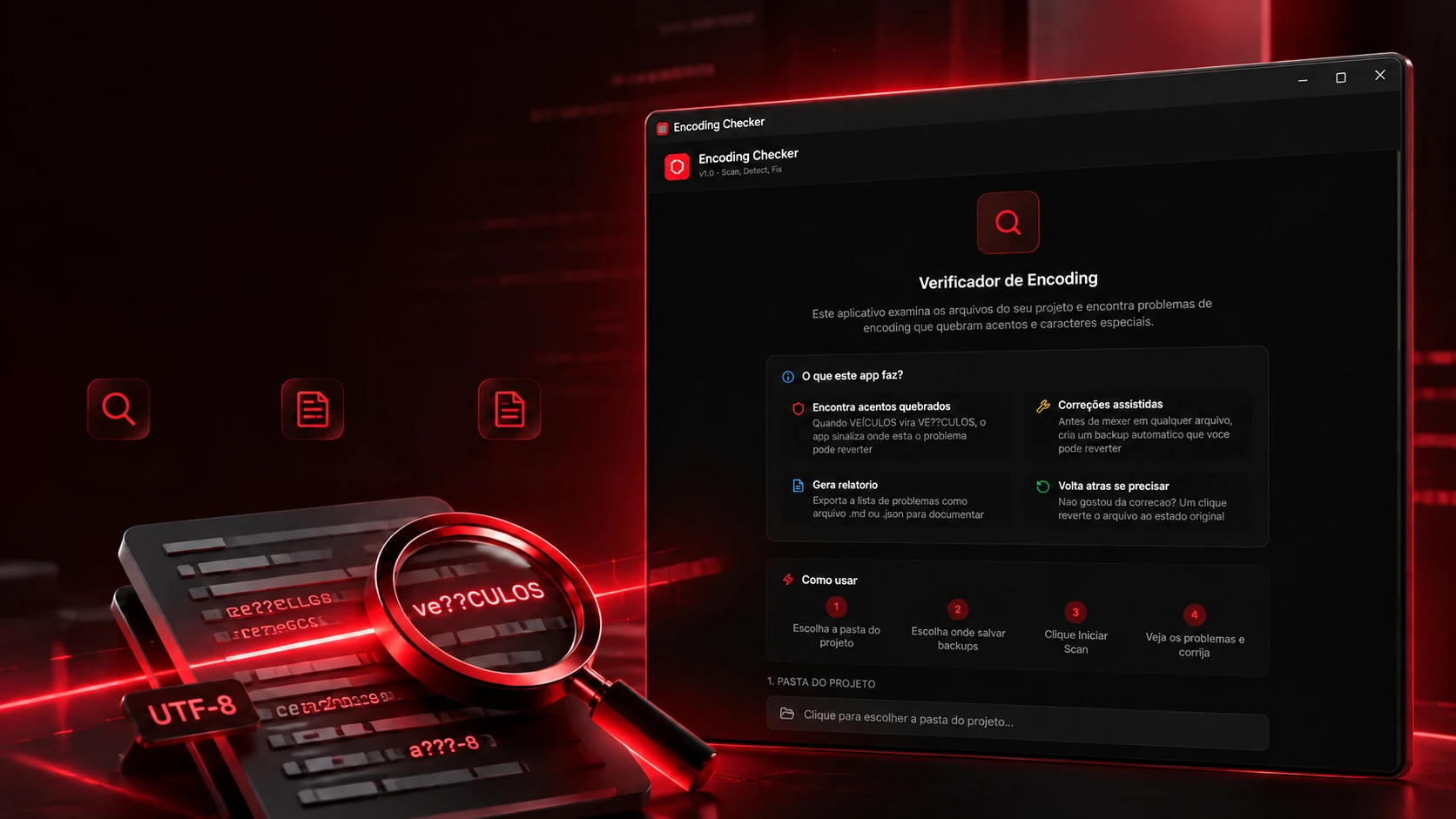 A tool of its ownProject
scanOccurrences
in contextDiagnostic
reports
Broken accents.Organized diagnosis.
A tool of its own for investigating text-encoding problems in projects.
- Tauri 2
- Rust
- React 18
- TypeScript
Finds and points to every broken accent in a project.
- Tauri 2
- Rust
- React 18
- TypeScript

The problem
VEÍCULOS turned into VE?CULOS.
A broken accent is almost never a typo: it's a file saved in one character standard and read in another. On the outside the word just looks odd; inside, the bytes tell what happened. Pick a situation and tap or hover over the letters.
Four situations
LetterBytes in the file
What the program says
- OKValid UTF-8. The Í takes two bytes (C3 8D), as it should.
Today's standard: every accented letter becomes two bytes, and any program reads it the same.
The bytes are the real ones for each standard; the messages follow the Rust core's checks (analyze_file).
From file to context. See where to look.
Occurrences by file, line and column to support maintenance.
File, line and columnContext of each occurrenceFilters by severityA project has hundreds of files, and the broken accent can be in any of them. The program reads them all and hands over the list: which are fine, which need attention and, in each one, the line, the column and the surrounding text, so you go straight to the spot.
- 12 <label>Ve�culo</label>FFFD_REPLACEMENTLine 12 · column 18
- 27 placeholder="Endere�o"FFFD_REPLACEMENTLine 27 · column 23
The report comes in three formats
# HUNT Encoding Checker - Report

**Scan Date:** 2026-10-16 15:42:07

**Path:** D:/Projetos/loja-exemplo

**Total:** 6 files | **Critical:** 3 | **Warning:** 1 | **OK:** 1

---

## src/pages/cadastro.tsx [CRITICAL]

- Encoding: windows-1252
- BOM: No
- Line ending: CRLF

| Line | Type | Context |
|------|------|---------|
| 12 | FFFD_REPLACEMENT |   <label>Ve�culo</label> |
| 27 | FFFD_REPLACEMENT |   placeholder="Endere�o" |
The files are examples. The occurrence types, severities and report format are the ones in the code (analyze_file and export_report_md); the report's text is in English, as in the program.
The safety net
Before touching it, a copy.
Fixing project files is scary: what if it gets worse? That's why the program requires a backup folder. Before any fix it copies the files into a folder with date and time and writes a manifest of where each one came from. If you don't like the result, one click puts everything back.
Pick the fixes
Saved copies
_manifest.json
{
  "id": "snapshot-20261014-092611",
  "timestamp": "2026-10-14 09:26:11",
  "files": [
    { "original_path": "D:/Projetos/loja-exemplo/src/pages/cadastro.tsx",
      "backup_name": "D__Projetos_loja-exemplo_src_pages_cadastro.tsx" },
    { "original_path": "D:/Projetos/loja-exemplo/README.md",
      "backup_name": "D__Projetos_loja-exemplo_README.md" }
  ]
}
The folder and manifest names are the ones the program writes (create_snapshot); the fixes are those in apply_corrections. The backup folder is required to fix.
Desktop tool
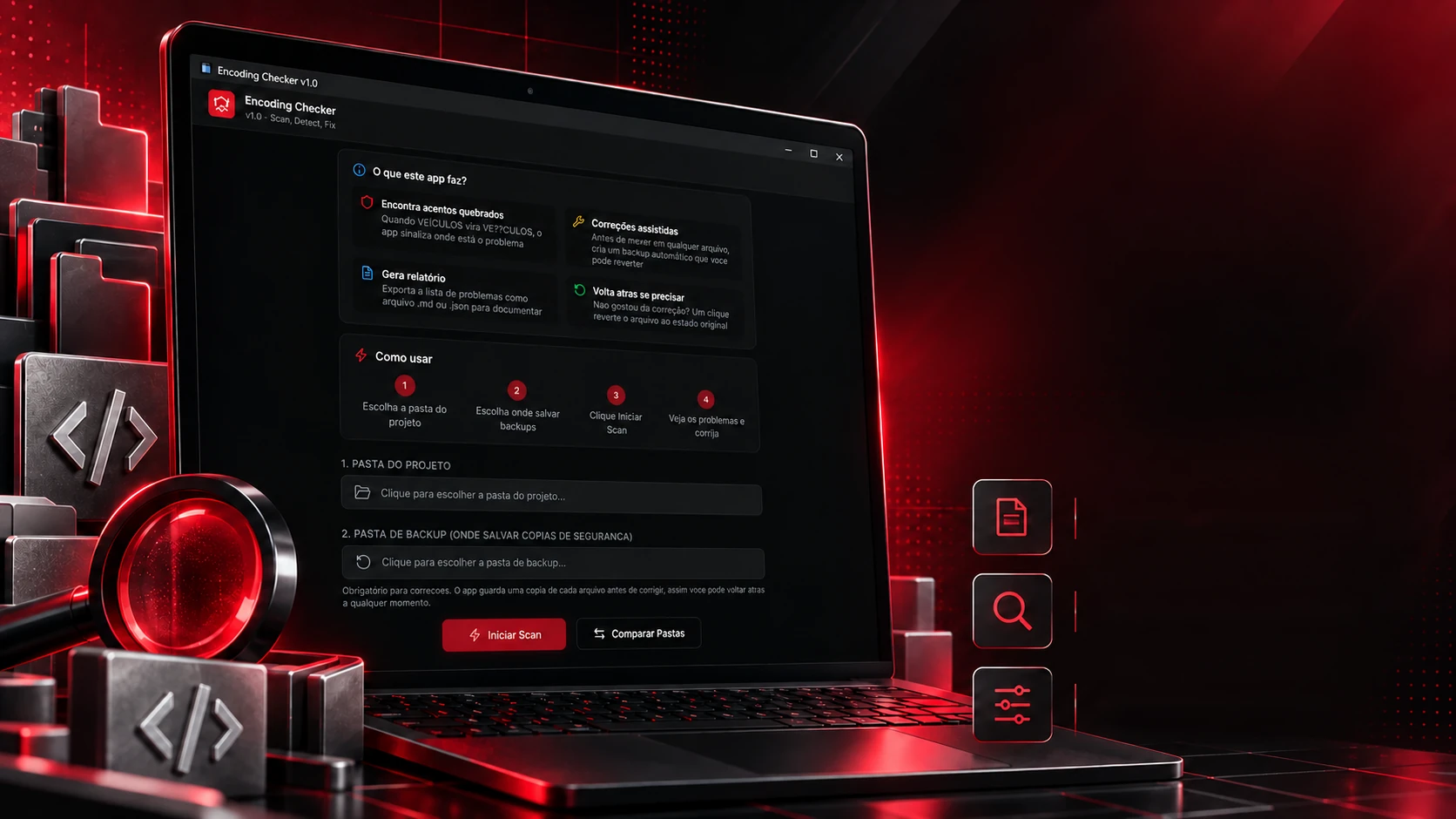
A tool of its own. A lighter routine.
Built in-house to support the quality of the projects.
ReportsEncodingcomparisonAssisted
fixes
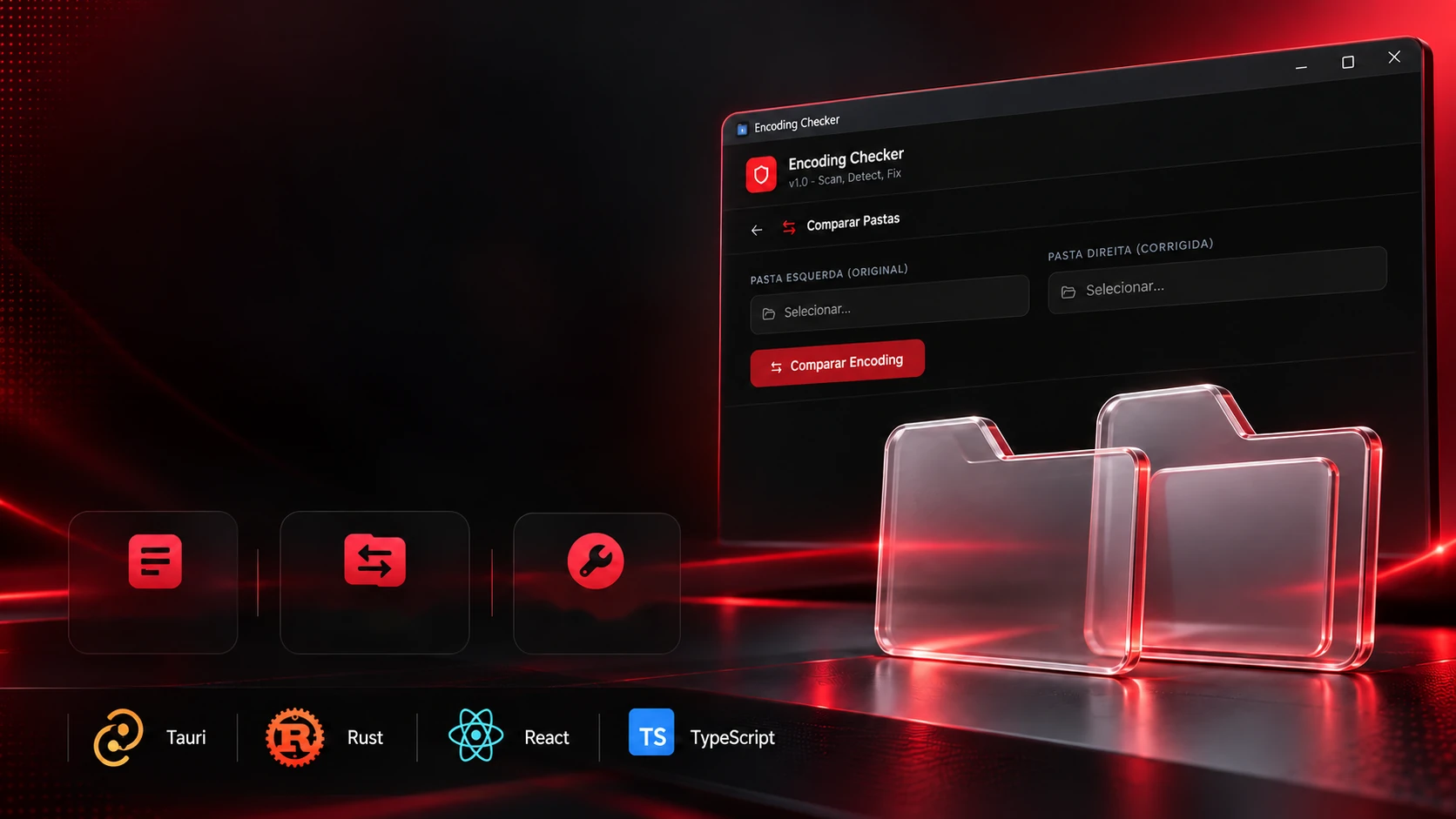
After fixing, the question is: did it work? The program puts the original folder and the fixed one side by side and points out, file by file, what changed in the character standard, where the diamond disappeared and what exists on only one side.
5 differences in 7 files
loja-exemplo/Fixed folderloja-exemplo-corrigida/src/pages/cadastro.tsxwindows-1252�Standard changedsrc/pages/cadastro.tsxUTF-8docs/manual.txtUTF-8�Diamond gonedocs/manual.txtUTF-8README.mdUTF-8 BOMStandard changedREADME.mdUTF-8src/styles/tema.cssASCIISamesrc/styles/tema.cssASCIIsrc/utils/log.tsUTF-8Samesrc/utils/log.tsUTF-8notas-antigas.txtUTF-8Only in originaldocs/changelog.mdUTF-8The comparison looks at each file's detected character standard, replacement character and size (compare_directories); it doesn't check the text line by line. The folders are examples.
What it reads
Reads what's text, skips the dead weight.
A project folder carries a lot nobody wrote by hand: downloaded libraries, built versions, history. The program runs the folder through a sieve: it reads text and code file types and skips the heavy folders that would only slow the scan down.
A project folderSkipped
.tsnode_modules.tsx.next.js.git.jsxdist.htmlbuild.css.cache.md.vercel.json.turbo.sqlcoverage.prisma__pycache__.envtarget.txt.svn.yml.hg.yaml
Read
- 14file types read
- 13folders skipped by name
- 12Rust core functions
Folders whose name starts with { are left out too. Before reading, the program counts how many files it will look at.
The lists are the core's (SCAN_EXTENSIONS and EXCLUDED_DIRS in main.rs); the functions, those in generate_handler.
The technologies
What it is made of, piece by piece
A desktop program that reads projects byte by byte: the screen is React inside Tauri 2, and the Rust core walks the folders, estimates the character standard, points to each occurrence and keeps the copies. Pick a piece to see what it does here and which file it is in.
14technologies, in 3 layers
Screen
Window and core
Reading the files
 Creative and developer toolsMotor Design