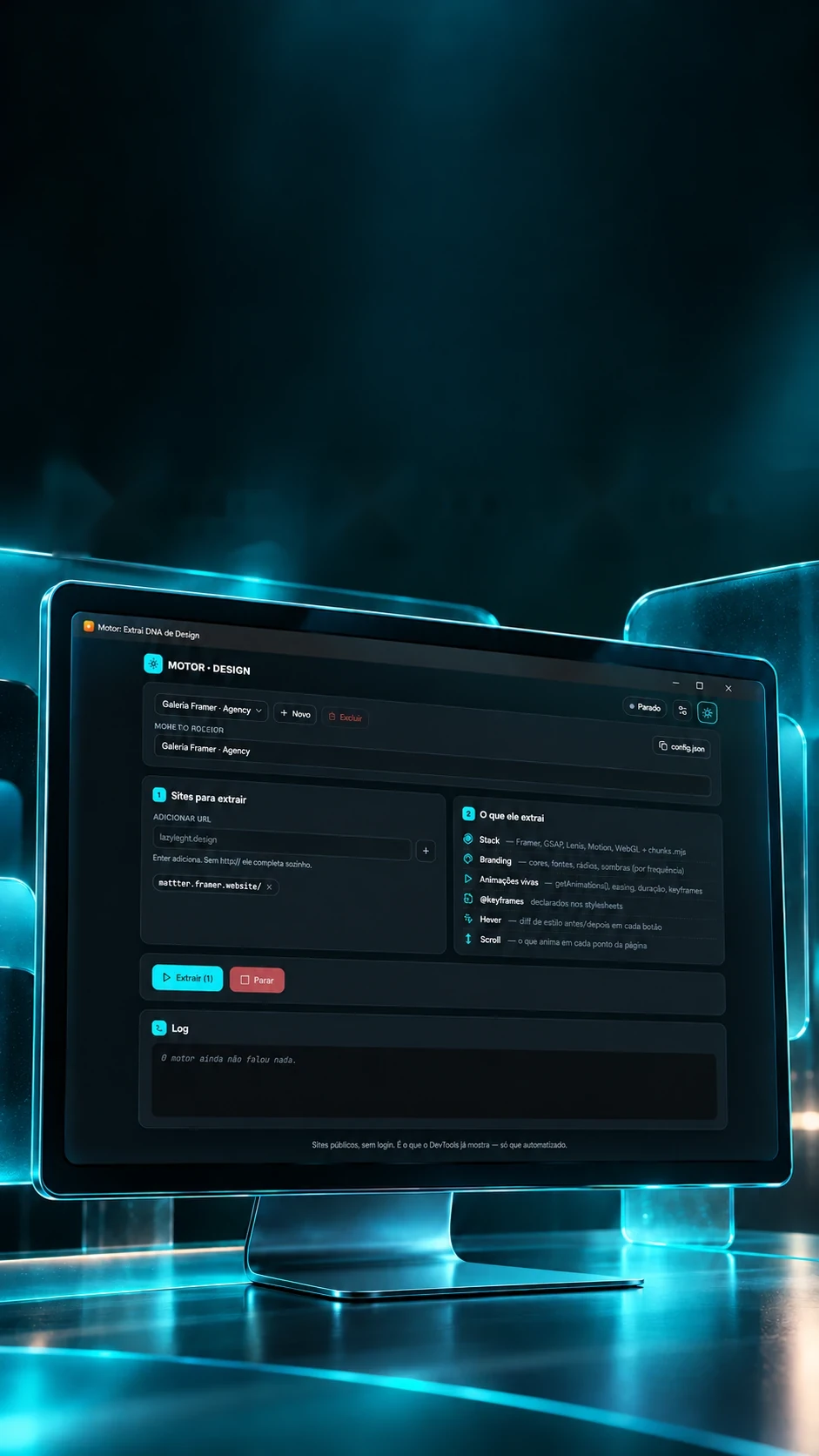

A beautiful reference.A design to understand.
Organize sites and investigate their visual language.
Reads reference sites' design and measures their motion.
- Tauri 2
- React 19
- Node.js
- Playwright
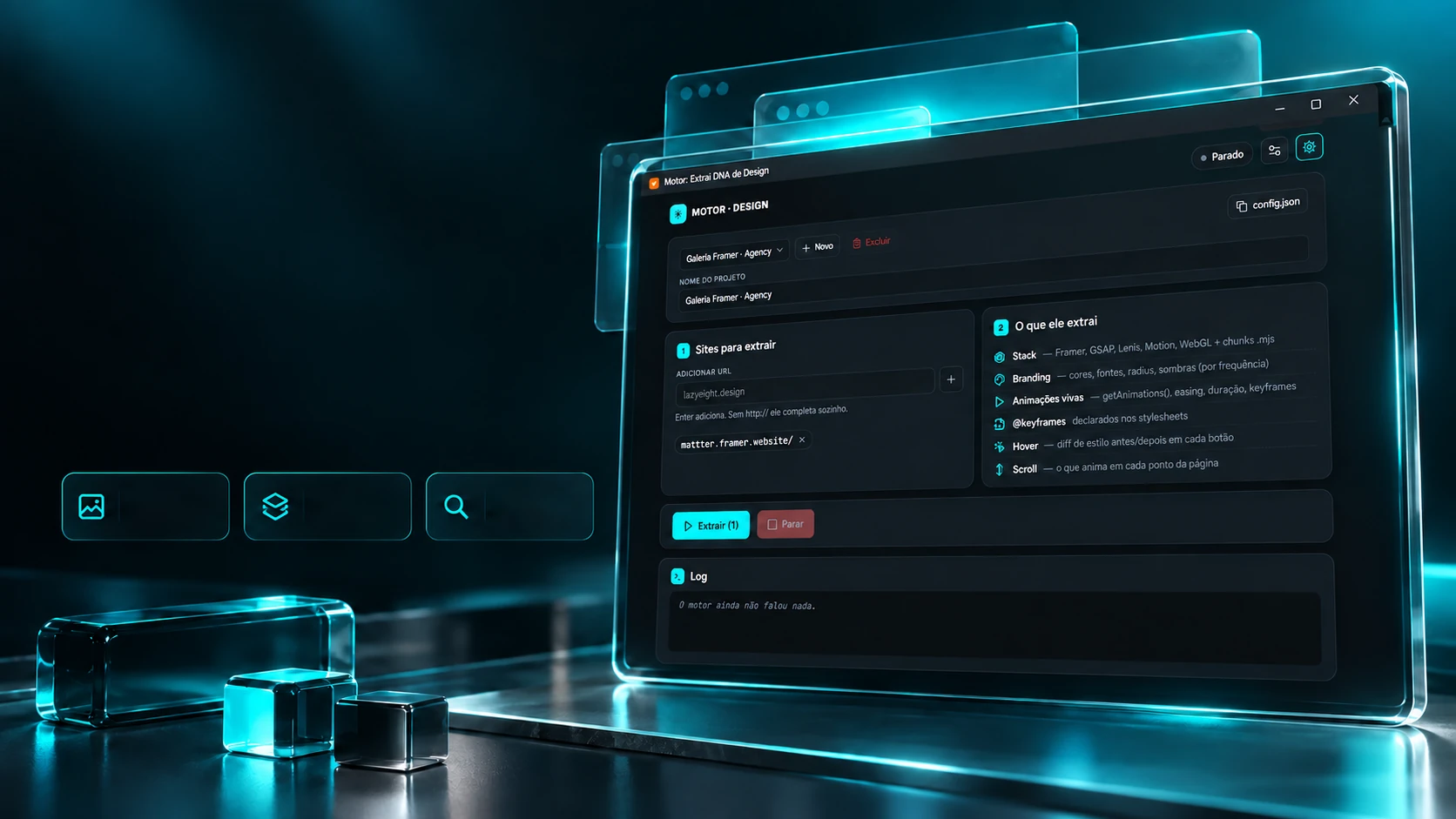 Reference
galleriesStack and
brandingOrganized
research
A beautiful reference.A design to understand.
Organize sites and investigate their visual language.
- Tauri 2
- React 19
- Node.js
- Playwright
Reads reference sites' design and measures their motion.
- Tauri 2
- React 19
- Node.js
- Playwright
The recording
A screenshot doesn't show how a page moves.
Part of a site's animations runs through a path the browser doesn't list, springs, mainly. So the engine reads each piece's position every frame and measures what it saw: how long it lasted, whether it overshot and which curve it is. Record one of the three curves: the measurement below happens right now, on this page, with the same rule.
Live measurement
Pick a curve: the piece moves and the trace appears while it travels.
What the project's test recorded
- Spring, 600 ms600 ms · 15.1% overshoot
- Linear, 300 ms300 ms · high confidence
- Cubic ease-out, 400 ms367 ms · about 8% short
The ease-out comes out short on purpose: it reaches 99.9% of the way at 90% of the time, and the engine measures when the motion stops, not the number someone typed. The reading has one frame of uncertainty (16.7 ms).
The passes
Each site, read layer by layer.
For each address in the queue, the engine opens the page and goes over it several times, each time looking for one thing. Pick a pass to see what it reads and the format its result takes in the report.
- Structure
- Colour and type
- Motion
The nine passes
What it readsWhat the page was built with: Framer, GSAP and ScrollTrigger, Lenis, Motion, Three.js, WebGL, Lottie and the tag of whatever generated the site.
Report excerpt (example values)
{"tipo":"stack","dados":{"framer":true,"gsap":false,
 "scrollTrigger":false,"lenis":true,"motion":true,
 "three":false,"webgl":false,"lottie":false,
 "generator":"Framer"}}
Each site produces a folder with the readable report, the full data, a full-page picture and the design tokens file. The excerpts above show the format; the values are examples.
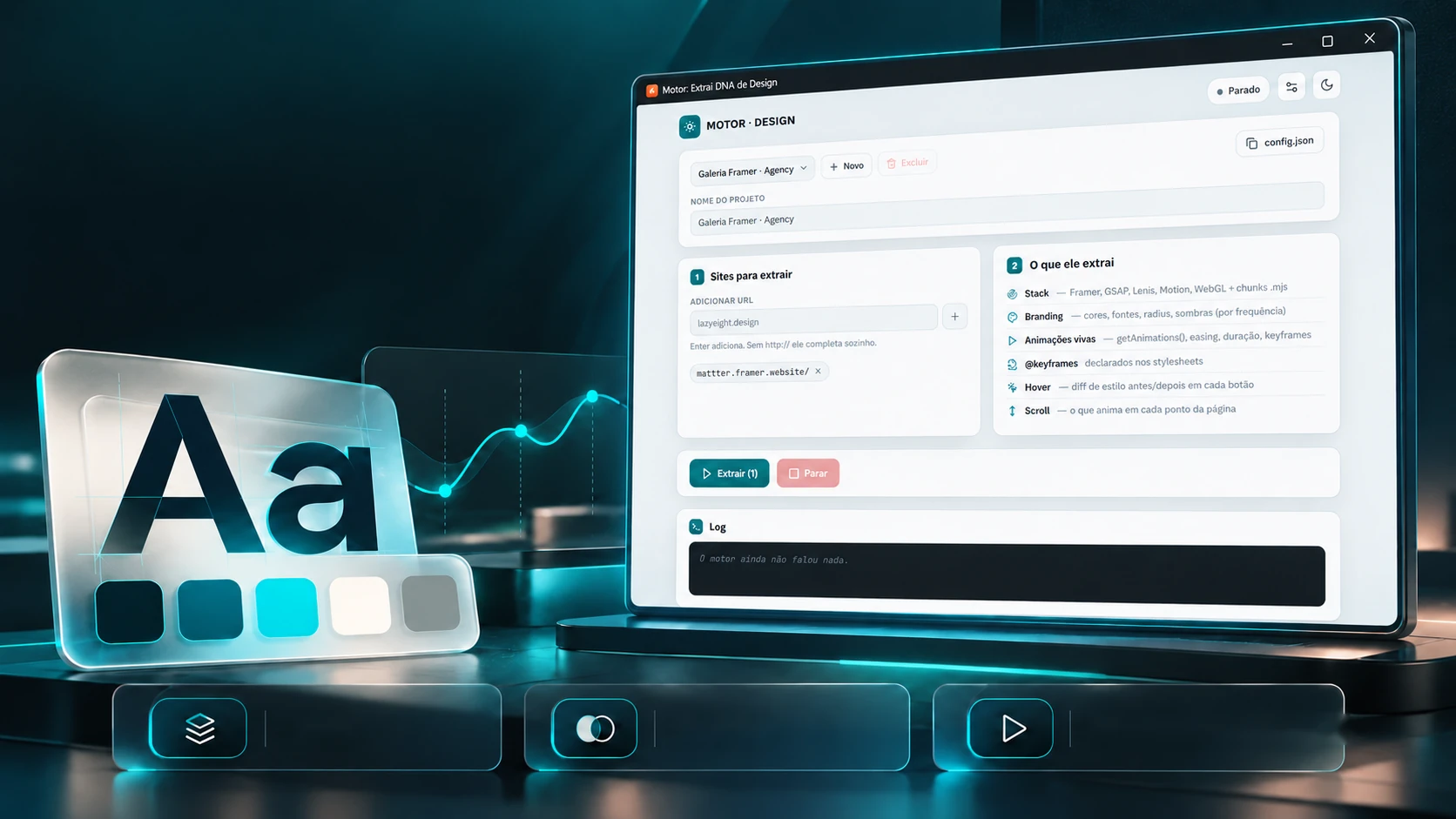
Colour. Type. Motion. Every detail counts.
A reading of stack, branding and interactions.
StackBrandingAnimations and interactionsThe identity pass counts every colour, typeface and corner on the page, and the engine writes the result to a tokens file in the open format design tools read. Below, the same reading done right now, on this page.
This page's colours, by use
Reading the page…
The type
The corners
design-tokens.json
The engine doesn't invent roles for the colours ("primary", "accent"): the name is the ranking position and the colour code, because assigning a role would be a guess.
The cursor
Four stops to find the effect.
Cards that move with the mouse don't show up standing still. The probe takes the cursor to the centre, the left, the right and the left again, and compares: did it move between left and right and come back the same? It follows the cursor. Did it move but not come back the same? It moves on its own. Tap or hover over the stage, then run the probe.
- Centre
- Left
- Right
- Left again
What the probe concluded
- The background lightsWaiting for the probe.
- The cardWaiting for the probe.
- The ringWaiting for the probe.
- The text linesWaiting for the probe.
The maths and thresholds are the project code's (minimum reaction of 1.5 px or 0.4°; the second left must repeat within half of that). Running here, it measures this stage's layers.
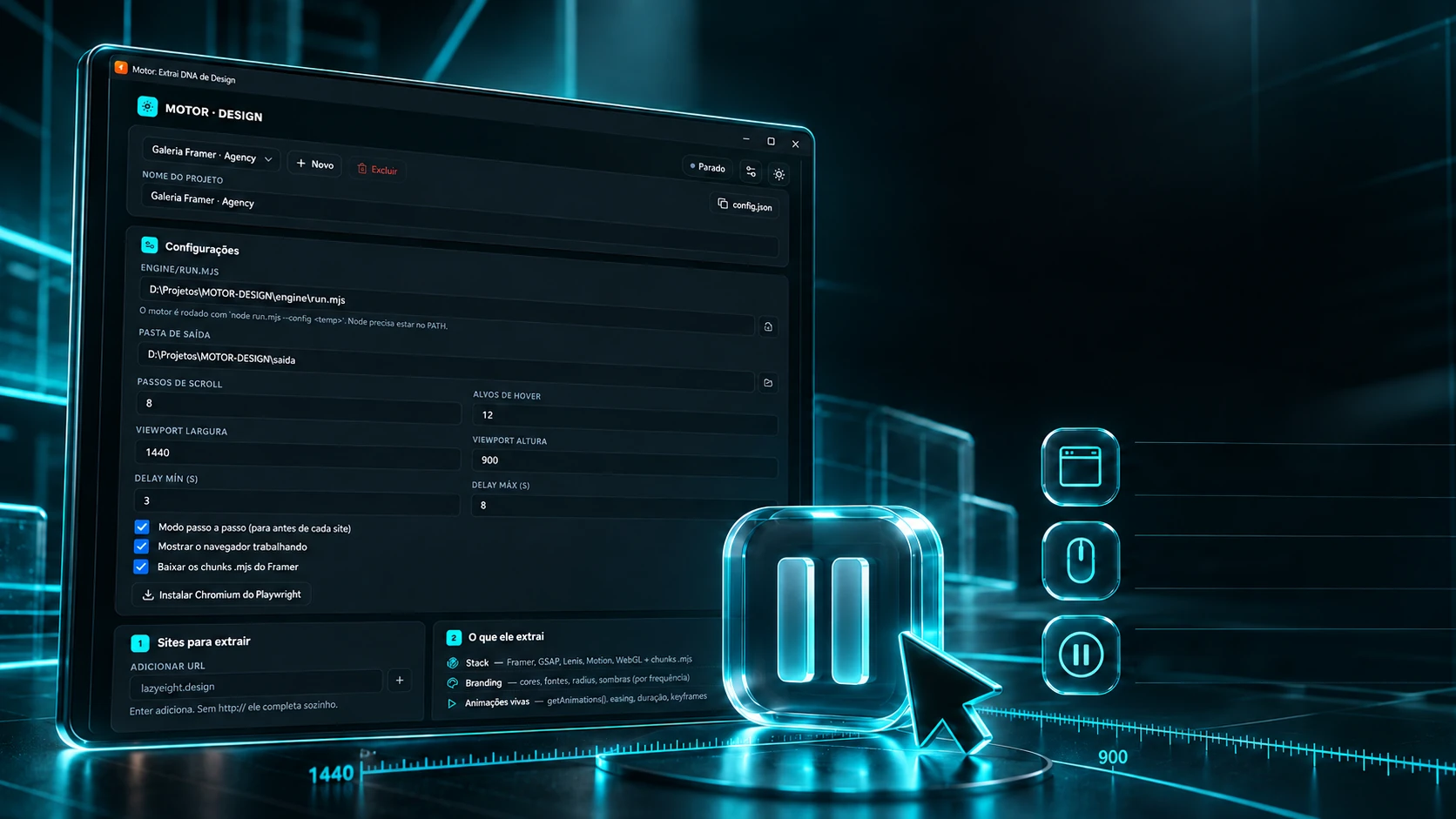
Set up the analysis. Follow every step.
Viewport, hover and scroll settings, with a step-by-step mode.
Configurable viewportHover and scrollStep-by-step modeThe panel builds the configuration, calls the engine and reads what it writes, one line per event. With step mode on, the queue stops at each loaded site and waits for a Continue. Run the example queue.
The settings
- Window size
- 1440 × 900
- Scroll stops
- 8
- Hover targets
- 12
- Wait between sites
- 3 – 8 s
What the engine writes · what the panel shows
The engine hasn't said anything yet.
The screens
The lines follow the project's event contract (a test fails if the engine and the panel disagree). The wait between sites is deliberate and shouldn't be set to zero; the queue's sites are example addresses.
The technologies
What it is made of, piece by piece
A desktop panel that drives an engine: the screen is React 19 inside Tauri 2, Rust starts the engine process and relays every line it writes, and the Node.js engine opens the pages in a real browser (Playwright) to measure what they do. Pick a piece to see what it does here and which file it is in.
11technologies, in 3 layers
Panel
Window
Engine
 Creative and developer toolsModuleForge