
Shared
The project's common base: the schema with the 38 models.
- Files
- 7
- Lines
- 1,474
- Models
- 38
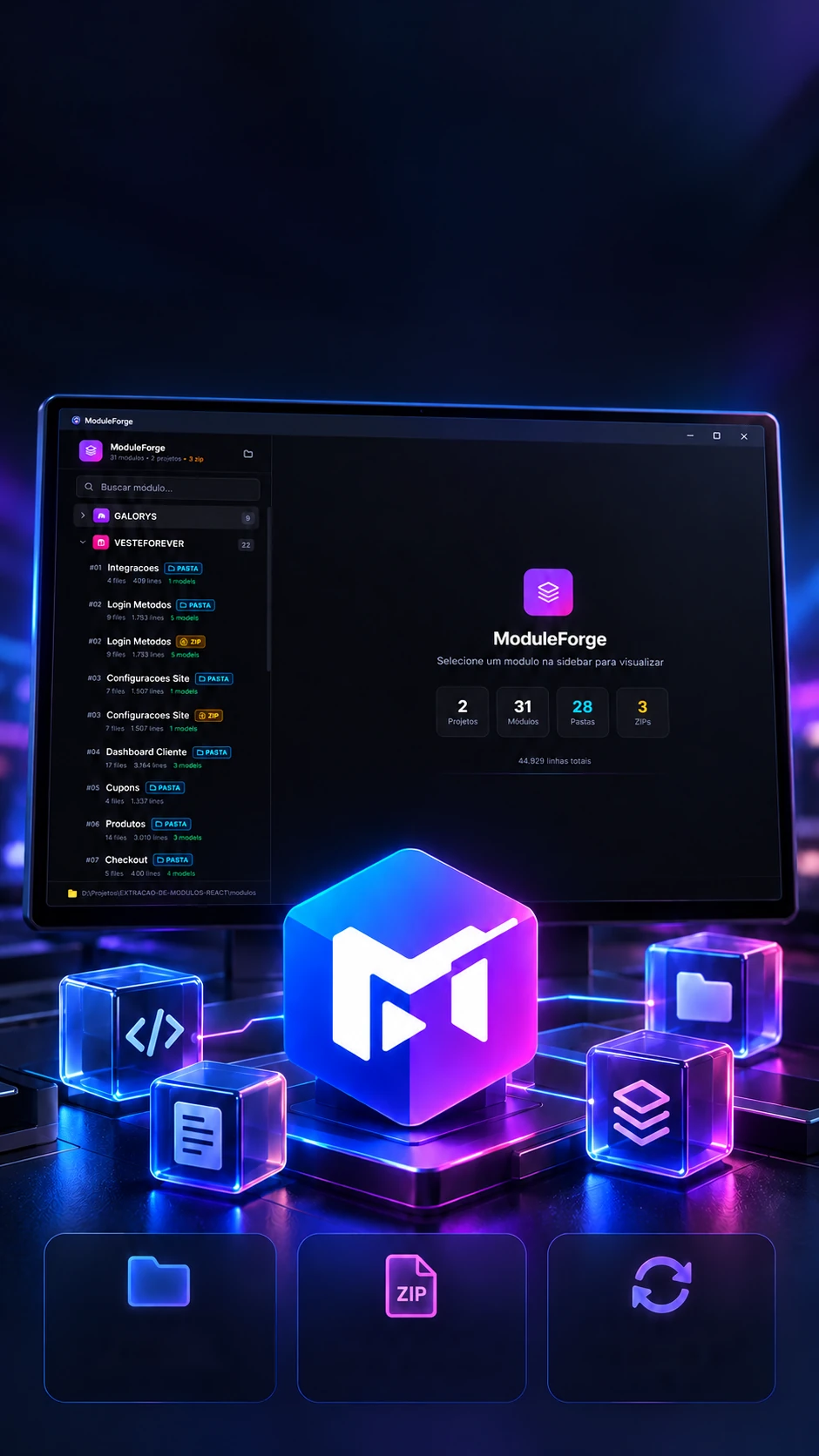 Module
An in-house catalog to reuse React and Next.js modules.
Catalogs React modules and hands them over ready for the next project.
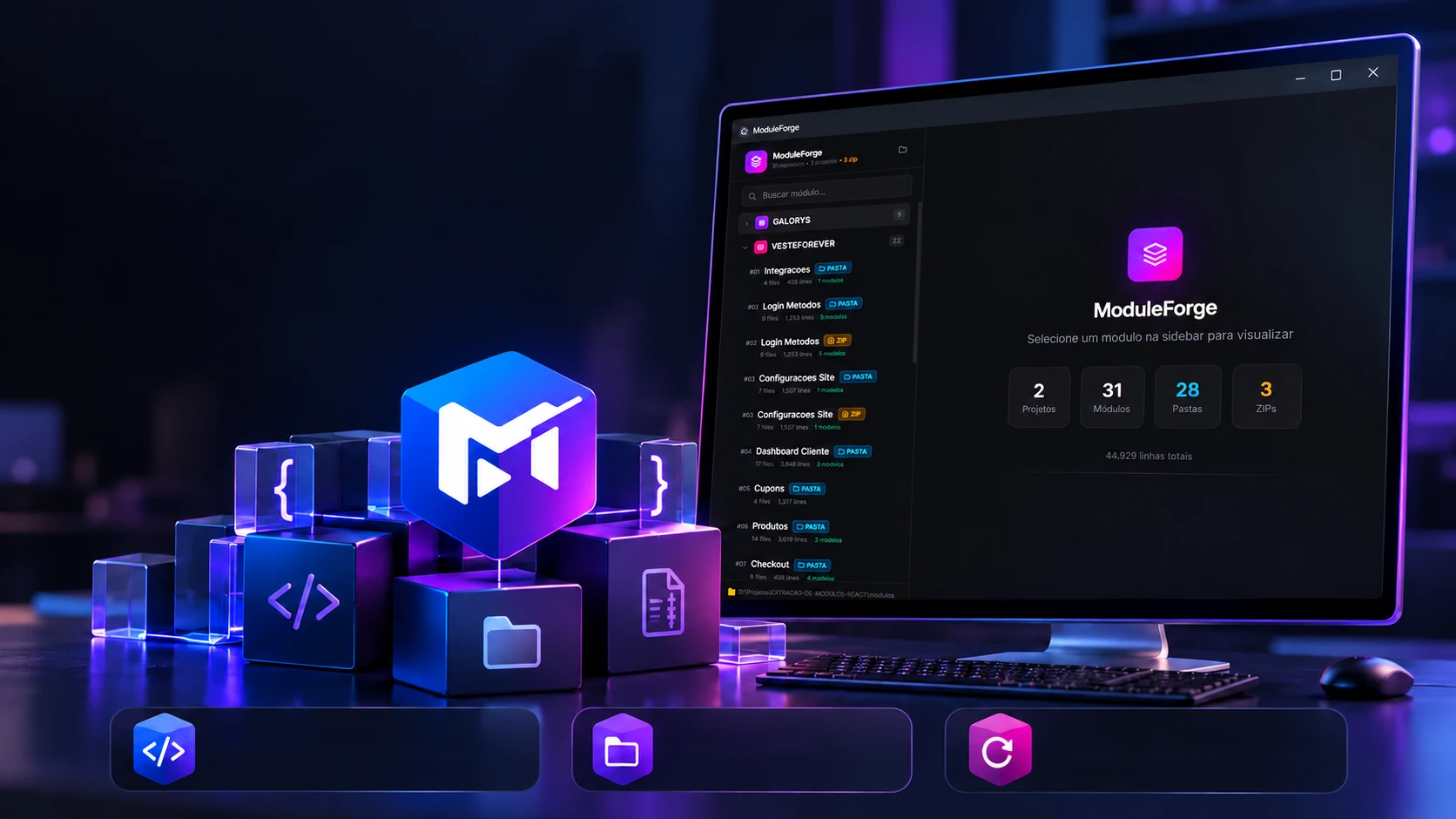 Module catalogFolders and ZIPsReuse across projects
An in-house catalog to reuse React and Next.js modules.
Catalogs React modules and hands them over ready for the next project.
The catalog
Each project becomes a column of modules, and each module shows how many files, lines and models it brings. Search the way the program does: by name, description, a model or the source.
The project's common base: the schema with the 38 models.
The site's message inbox with filters and colored labels.
Hub with SEO, security, e-mail and more, in cards.
List, search, promote, ban and give points to users.
Backup and restore, with a live log and a cloud copy.
Management of the site's partners and sponsors.
Order and visibility of the home page sections.
Footer in columns of links, edited in the panel.
Menu with items and sub-items, for dropdowns.
Analytics, pixel, WhatsApp and e-mail, each with its switch.
The numbers are those on the program's screens; the descriptions and models come from each module's files. The search is the program's (App.tsx): name, description, model name and the source, "zip" or "folder". Two modules do not show numbers on the screens (09 and 10): they were counted the way the program counts, line by line.
Reading the folder
The program asks for no sign-up: it reads each project's folder and works out on its own what is a module, what is a repeated ZIP and what is a project document. The folders below are the real ones. Read one, then test any name.
The rules are the program's (file-parser.ts). A ZIP is only left out when its name matches the folder's (MODULO-08-MENU and MODULO-08-MENU.zip); with different names (15-VITRINES and MODULO-15-VITRINES.zip), both show up, which is what the screens show.
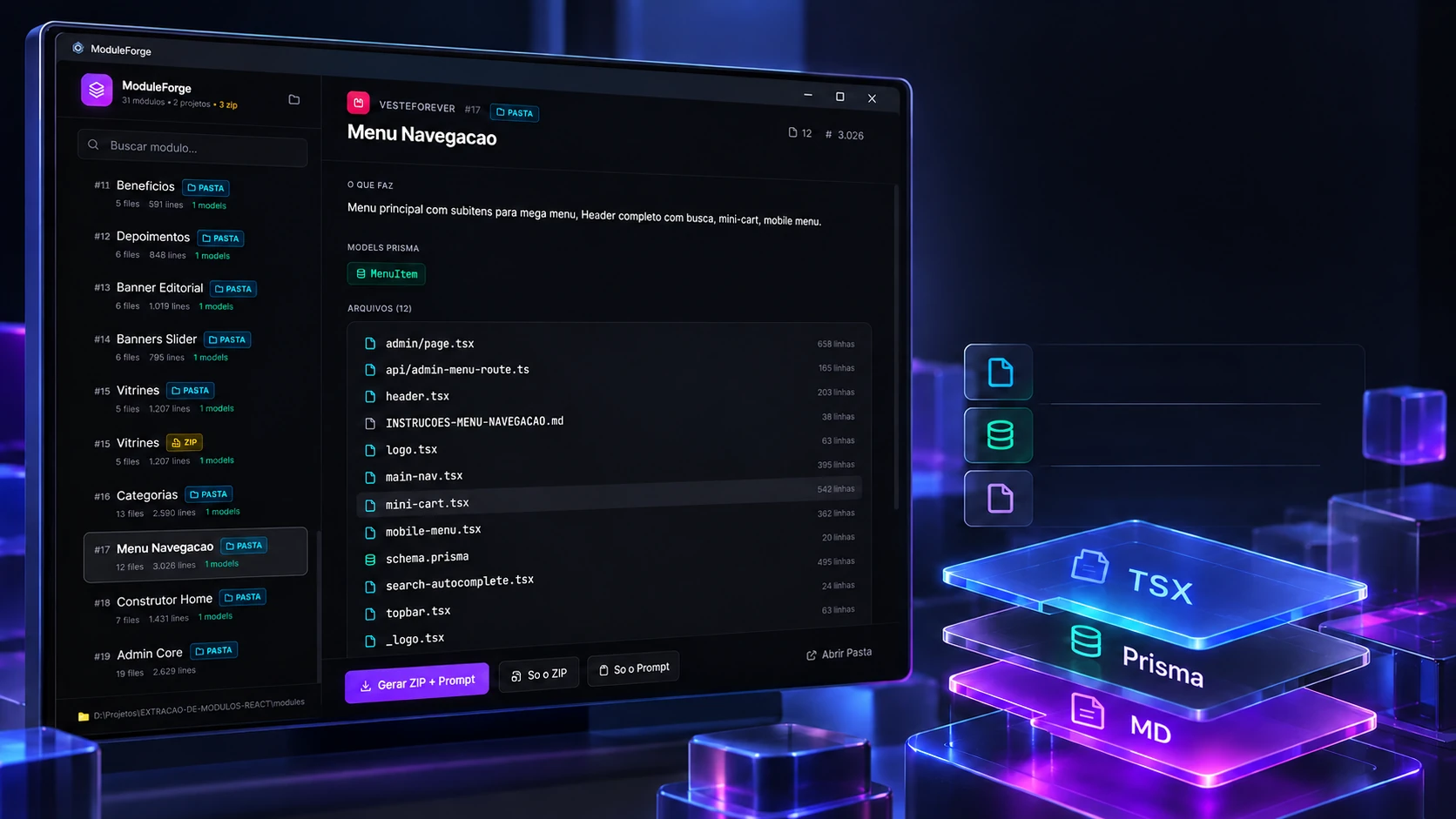
Code, Prisma models and instructions gathered to integrate.
Module filesPrisma modelsIntegration instructionsOpen the Menu Navegacao module as it is in the program: twelve files, each with its lines. With every file opened, the program looks for signs of the technologies in use.
Technologies found
Models
MenuItemheader.tsxopen
import Link from "next/link"
import { useSession } from "next-auth/react"
import { Search, User, ShoppingBag } from "lucide-react"
import { Button } from "@/components/ui/button"
import { motion, AnimatePresence } from "framer-motion"
The lines are those on the program's screen (3,026 in total) and the file openings are the real ones. Detection is the program's (file-parser.ts): it looks for text such as "next/", "prisma" and "lucide-react", which is why even the instructions .md lights up tags.
What comes out of the files
Nobody has to fill in the module's sheet: the program takes the description, the install text and the models from inside the files themselves. Change the text and watch what changes.
Main menu with sub-items for a mega menu, full header with search, mini-cart and mobile menu.
Module extracted from a fashion store.
Stack: Next.js 16 + Prisma + shadcn/ui + Tailwind CSS 4 + framer-motion

=== RULES ===
1. Copy the whole module, changing nothing.
2. Order: model in the schema → migrate → API → panel page → components.
3. Check file by file.

=== O QUE ESTE MÓDULO FAZ ===
Main menu with sub-items for a mega menu, full header with search, mini-cart and mobile menu.

=== MODELS PRISMA ===
See schema.prisma in this package.
MenuItemThe expressions are the program's (file-parser.ts); the heading "O QUE ESTE MÓDULO FAZ" stays in Portuguese because that is what the program looks for. The schema is the module's real one; the instructions file follows the real one's format, with the text shortened.
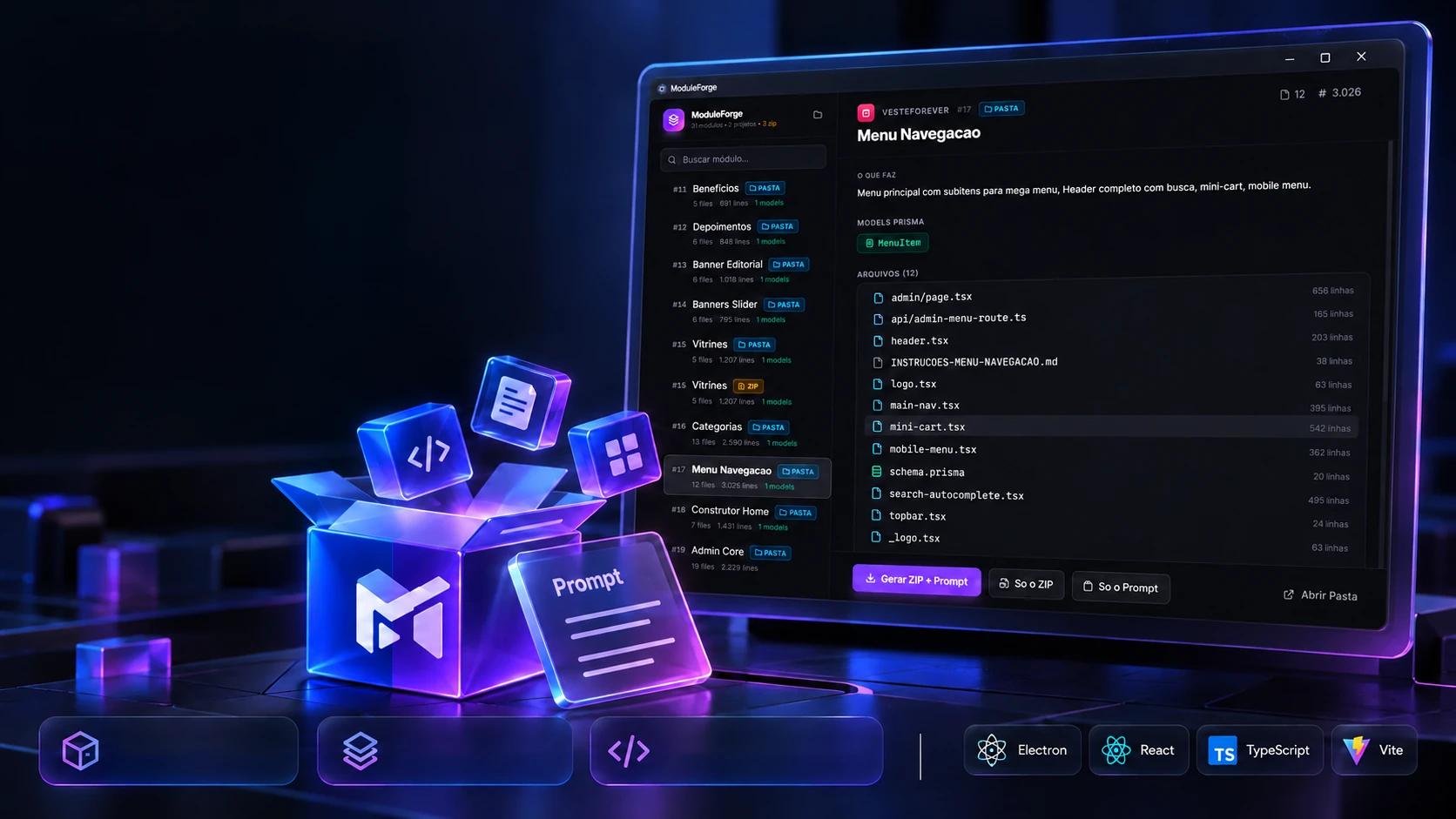
An original tool that turns modules into reusable packages.
Original toolBuild ZIP + instructionsReusable packagesOriginal developmentWhen a module has to go to another project, one button makes the package: the ZIP with the files and the install text on the clipboard, together or apart. Pick a module and make yours.
Pick the module
The package box
12 files waiting for the box.
The real screens
The buttons are the program's (App.tsx and main.ts): the ZIP takes the module's name with hyphens; the copied text is the module's instructions block or, without one, this fallback text the program builds (shown here translated). Here the copy really goes to your clipboard; the ZIP is only shown.
The technologies
A desktop program in Electron: the screen is React with Tailwind, and everything that touches folders, ZIPs and the clipboard lives in the main process, which opens only 13 functions to the screen. Pick a piece to see what it does here and which file it is in.
8technologies, in 2 layers
Screen
Program
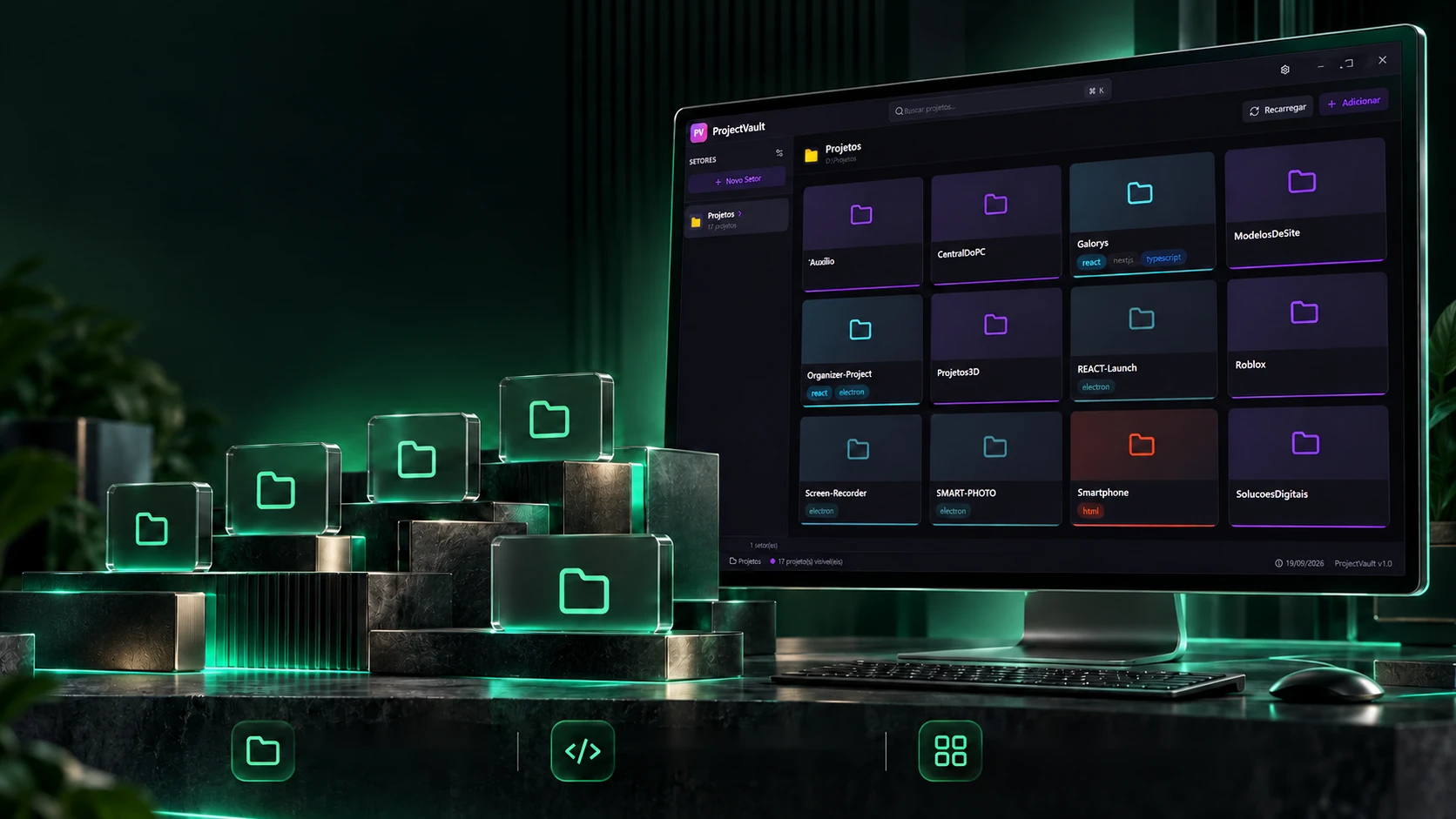
 Creative and developer toolsProjectVault