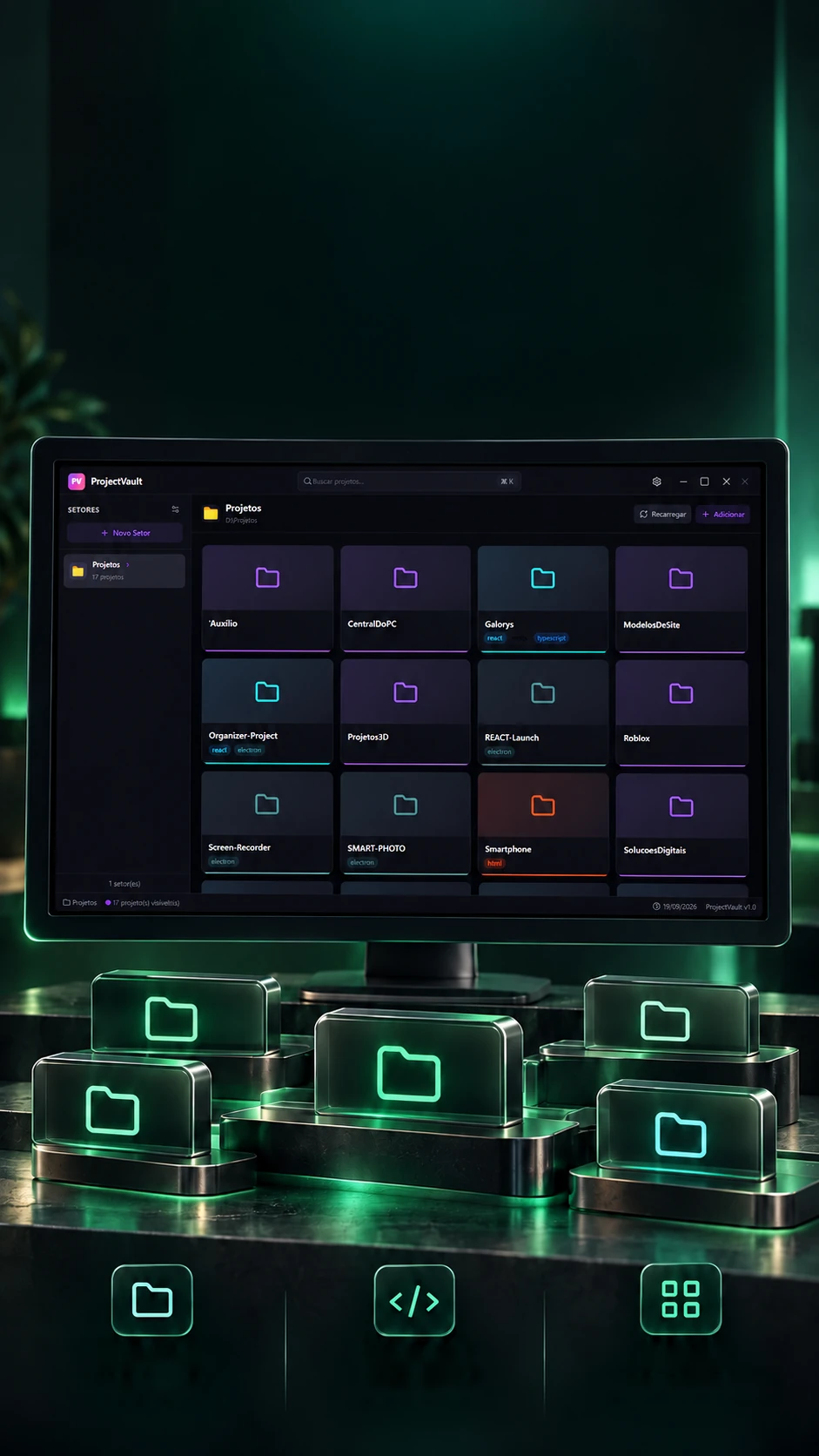
 Cards per
projectDetected
technologiesCustom
sectors
Your projects.All in view.
A visual hub to organize local projects by sector.
A visual grid to find and open local projects.
- Electron
- React
- JavaScript
- Tailwind
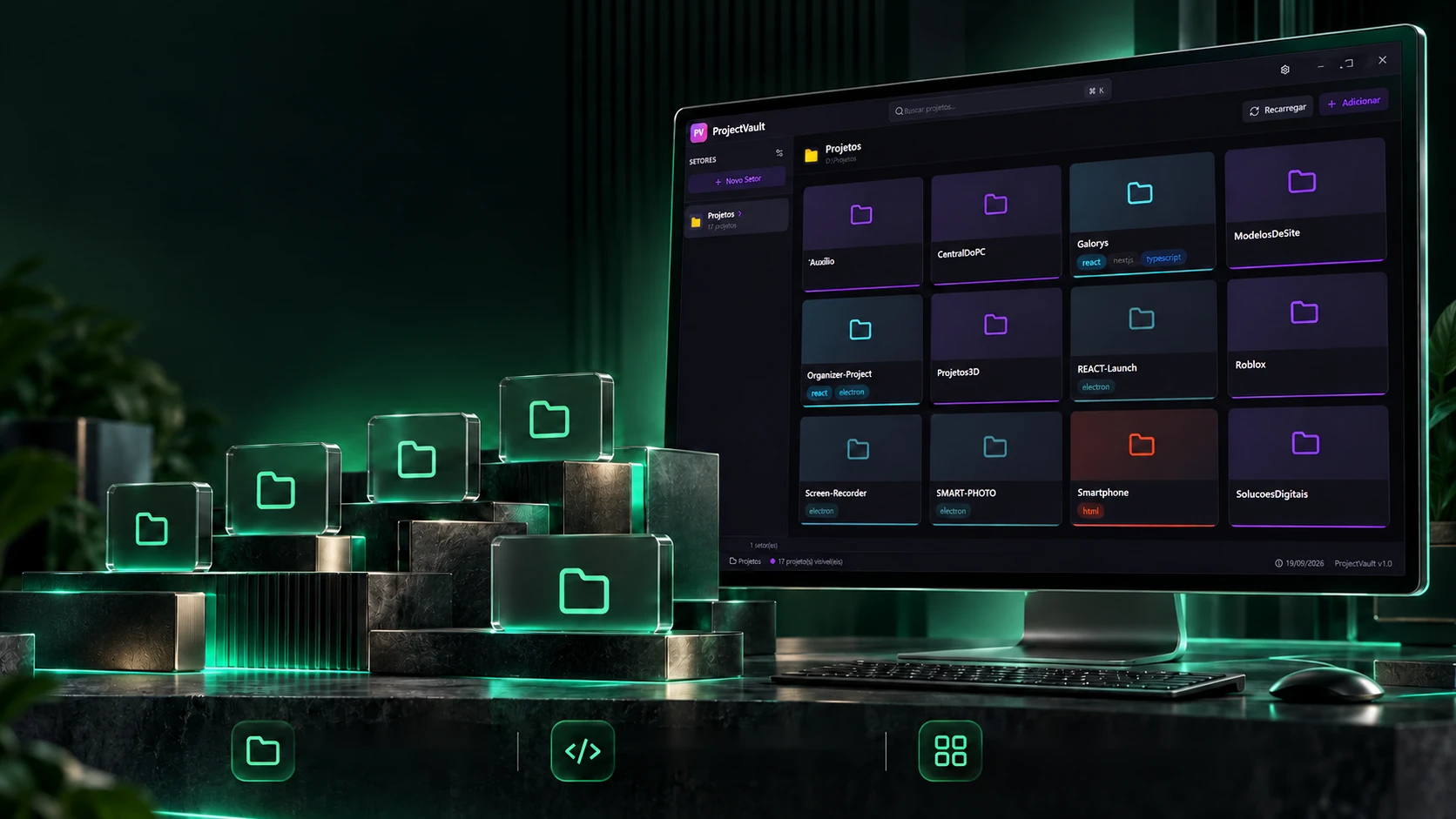 Cards per projectDetected technologiesCustom sectors
Your projects.All in view.
A visual hub to organize local projects by sector.
- Electron
- React
- JavaScript
- Tailwind
A visual grid to find and open local projects.
- Electron
- React
- JavaScript
- Tailwind
The scan
Point to a folder. The projects show up.
Each sector points to a folder. The program reads its subfolders one by one, and each becomes a card, with the technology found from what is inside and a cover, if there is one. Click a folder to see what the program read and scan.
📁 D:\Projetos
What it read in .git
Starts with a dot: skipped
The sector grid
The rules are the program's (main.js): only direct subfolders, without the ones starting with a dot; technology comes from package.json dependencies or from files such as requirements.txt and composer.json, and "html" only counts when nothing else was found; the cover is the first screenshot, preview, thumbnail or cover in .png or .jpg.
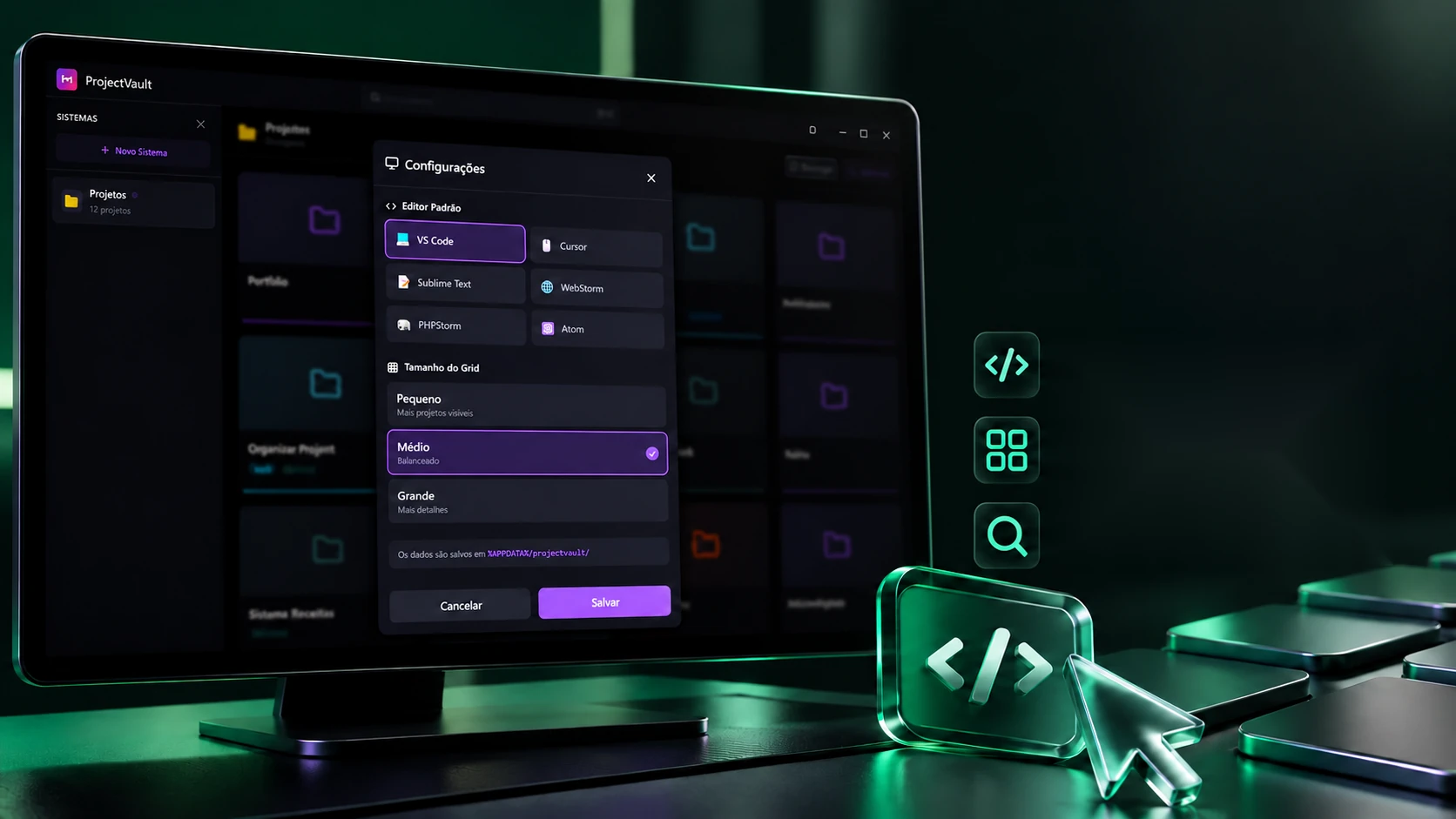
Your editor. Your way of working.
Choose where to open projects and how to see the grid.
Preferred editorOpens projects in the chosen editor.Adjustable gridPick the right size to see your projects.Project searchFind projects in seconds.The card opens the project in whatever editor you prefer, and the grid changes size depending on how much you want to see at once. Choose the editor, change the size and mark favorites, they move up to a strip of their own.
Default editor
Grid size
What the program runscode "D:\Projetos\Galorys"VS Code
★ Favorites (2)
All (6)
As in the program: the size changes the columns' minimum width (180, 220 or 280 px); the card shows up to 3 tags and the rest becomes "+N"; favorites sit in a strip of their own; and the editor command receives the folder path. Click a card's cover to see the command.
The search
Ctrl+K and the project is at hand.
With many projects, hunting with the mouse gets tiring. Ctrl+K opens search across every sector; the box at the top of the grid searches only the open sector. Type the same text and see the difference between the two.
Sector search
Name, notes and tags; no hidden ones.- —
Global search (Ctrl+K)
Name and notes, in every sector.- —
The rules are the program's (App.jsx): sector search looks at name, notes and tags and hides hidden ones; global search looks only at name and notes, across sectors, waits 200 ms after the last key and, on choosing, switches sector and opens the folder. Try "electron": only the sector search finds it.
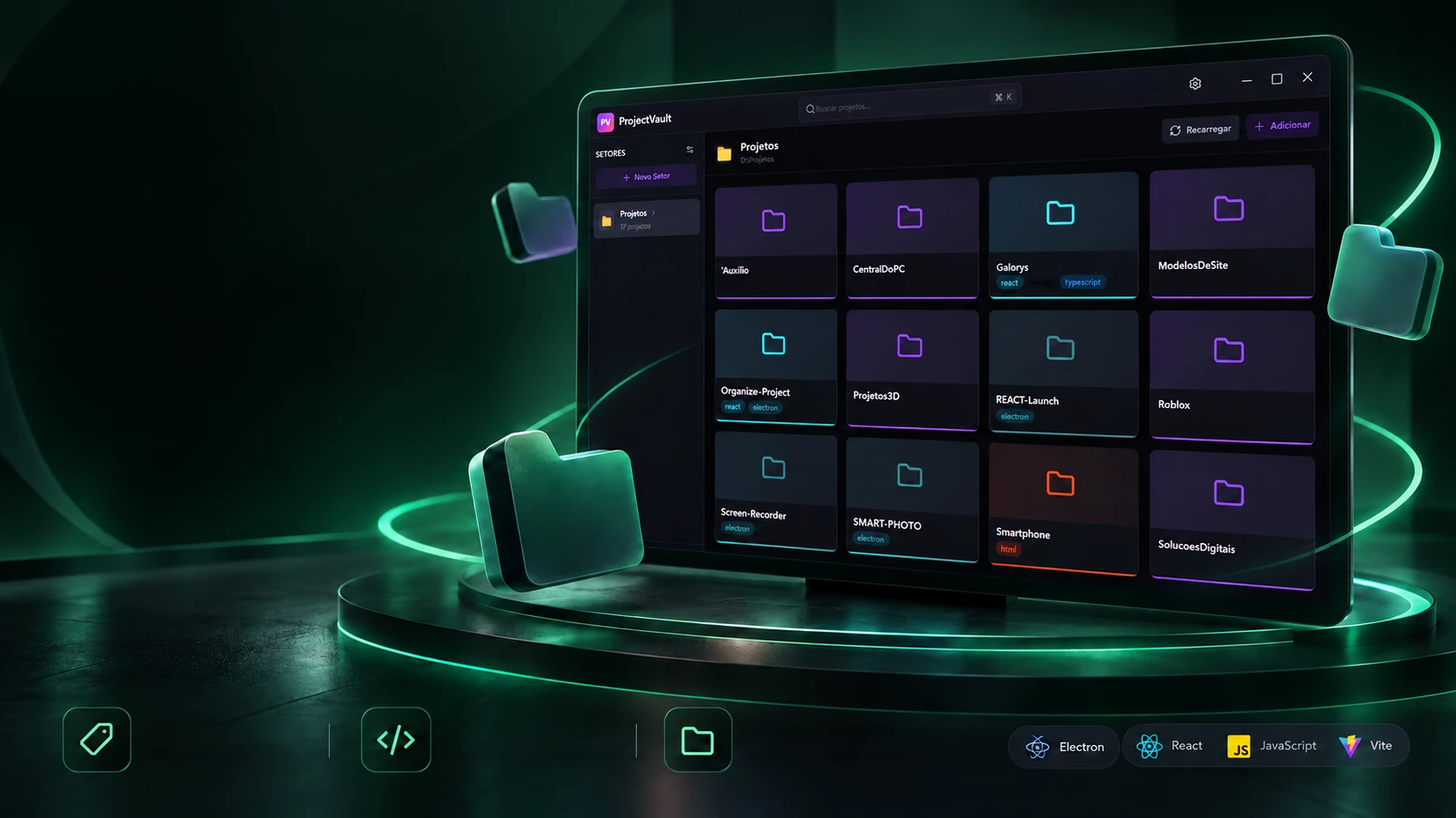
Many projects. A made-to-measure view.
ProjectVault gathers all the work in a local hub, one click from each folder.
Original toolFavorites and tagsOpen in the editorLocal organizationNot every folder needs to show. Hiding takes the project off the grid for good, the next scan respects it; removing only clears the record, and the scan brings it back. Do both and scan to see.
In the sector · 6
Hidden · 0
- No hidden projects.
Either way the folder stays on disk: the program deletes nothing.
The real screens
As in the program (main.js): hiding stores the path in the sector's hidden list, and the scan skips what is there; removing only takes it off the record. Neither action moves or deletes the folder.
The technologies
What it is made of, piece by piece
A desktop program in Electron, written in JavaScript: the screen is React with Tailwind, and the main process reads folders, detects technologies and opens the editor, answering 28 channels. Pick a piece to see what it does here and which file it is in.
8technologies, in 2 layers
Screen
Program
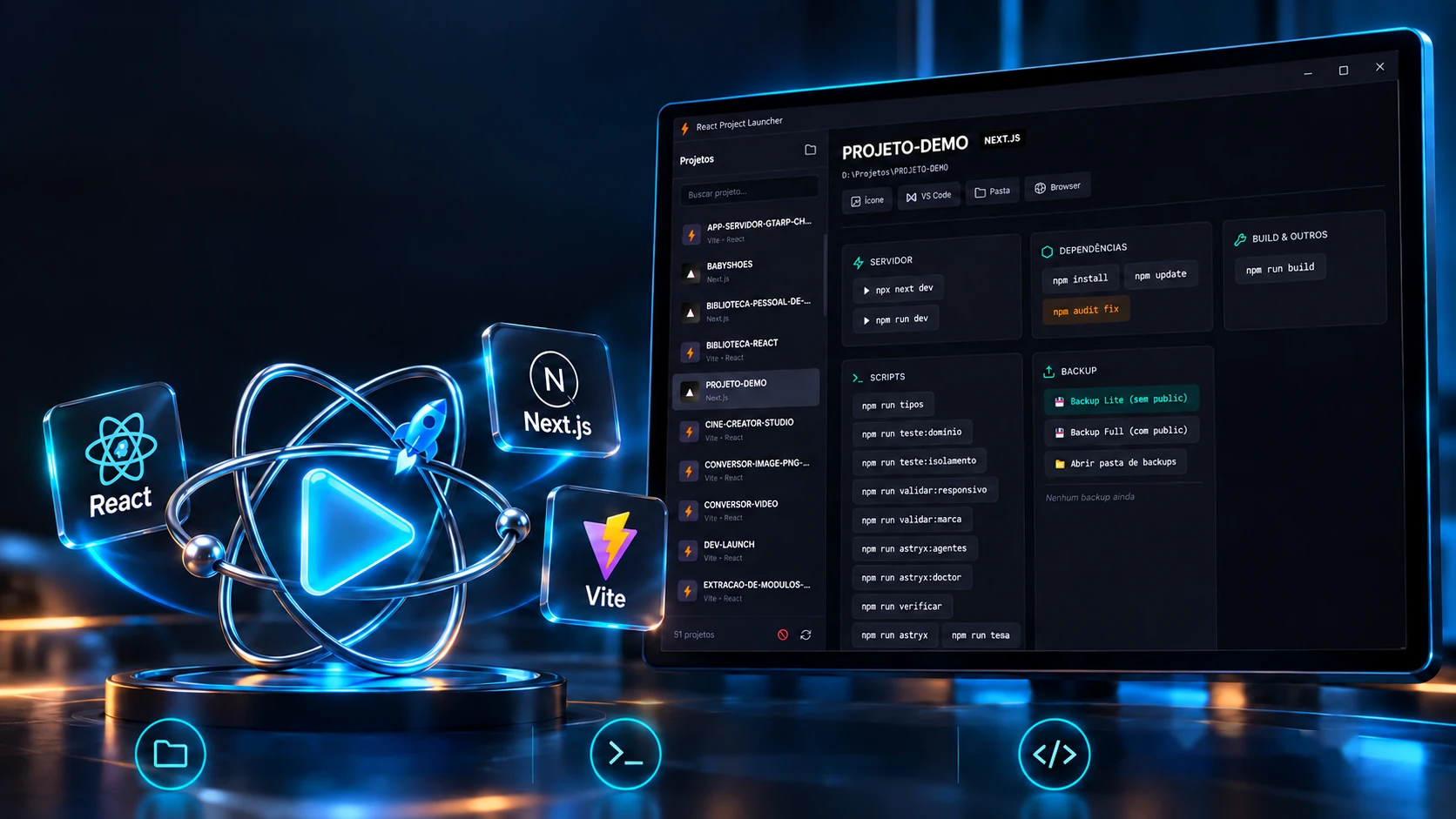
 Creative and developer toolsReact Project Launcher