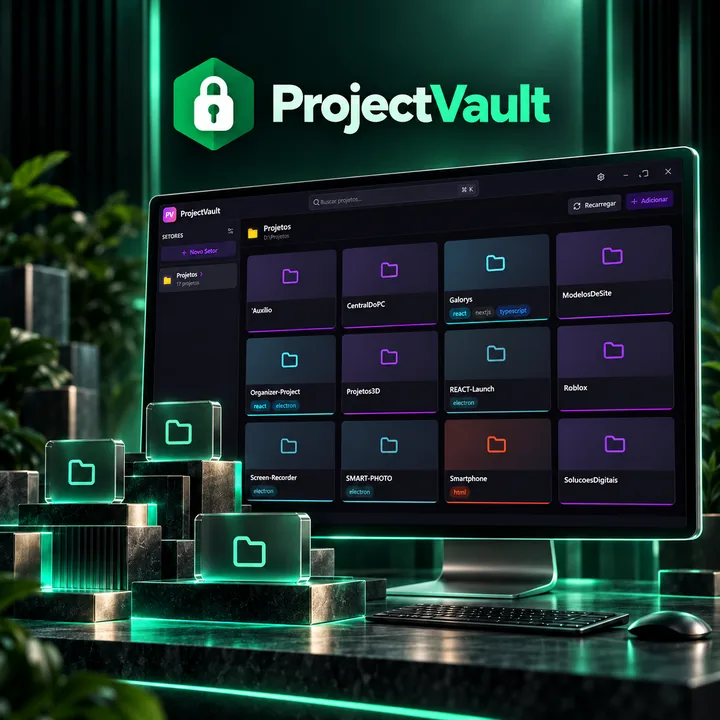
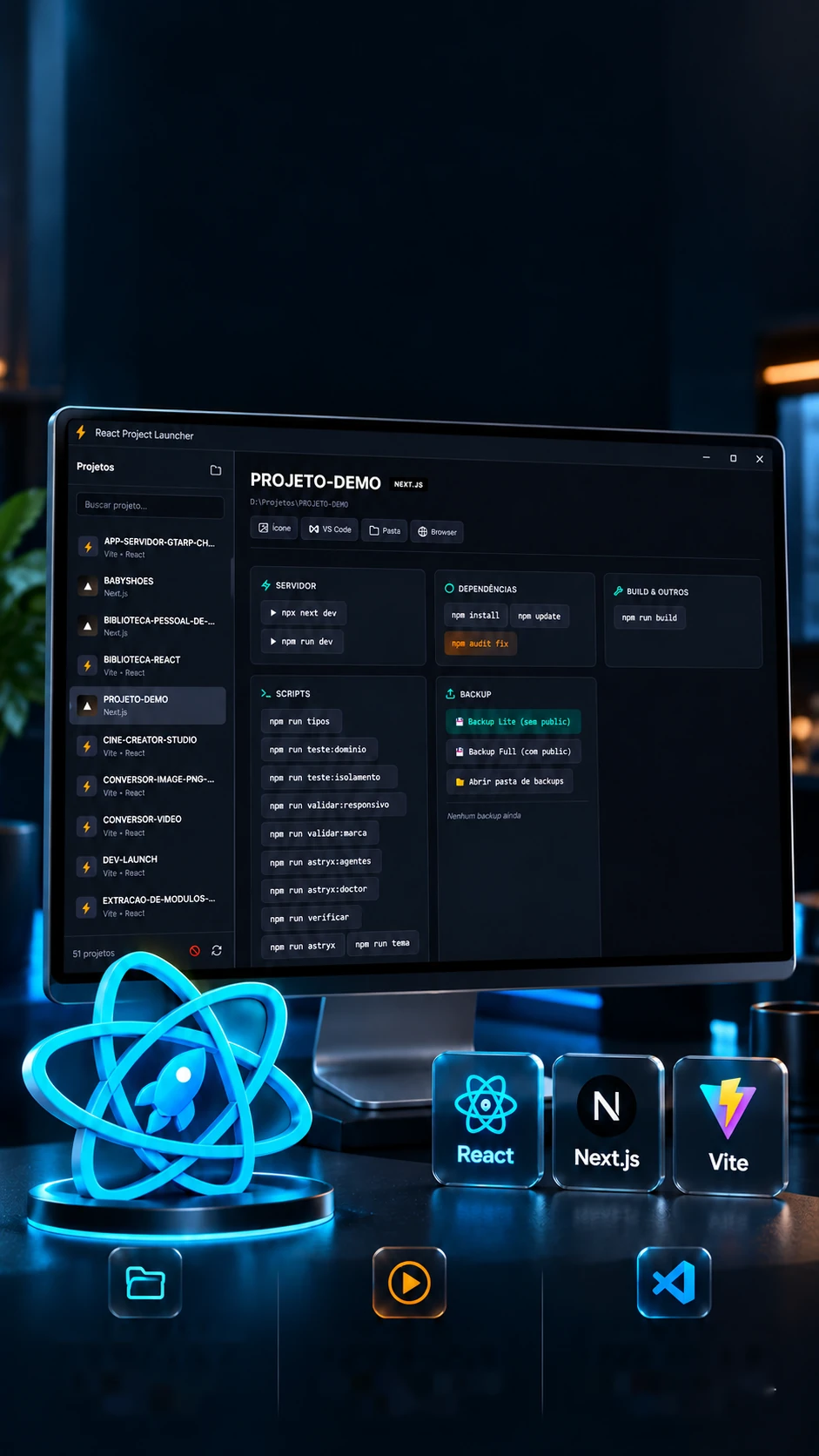
 Projects
detectedReady
commandsOpens in
the editor

Your projects.Ready to run.
React, Next.js and Vite in one development hub.
Reads each React project and runs its commands in one click.
- Electron
- JavaScript
- Node.js
- Archiver
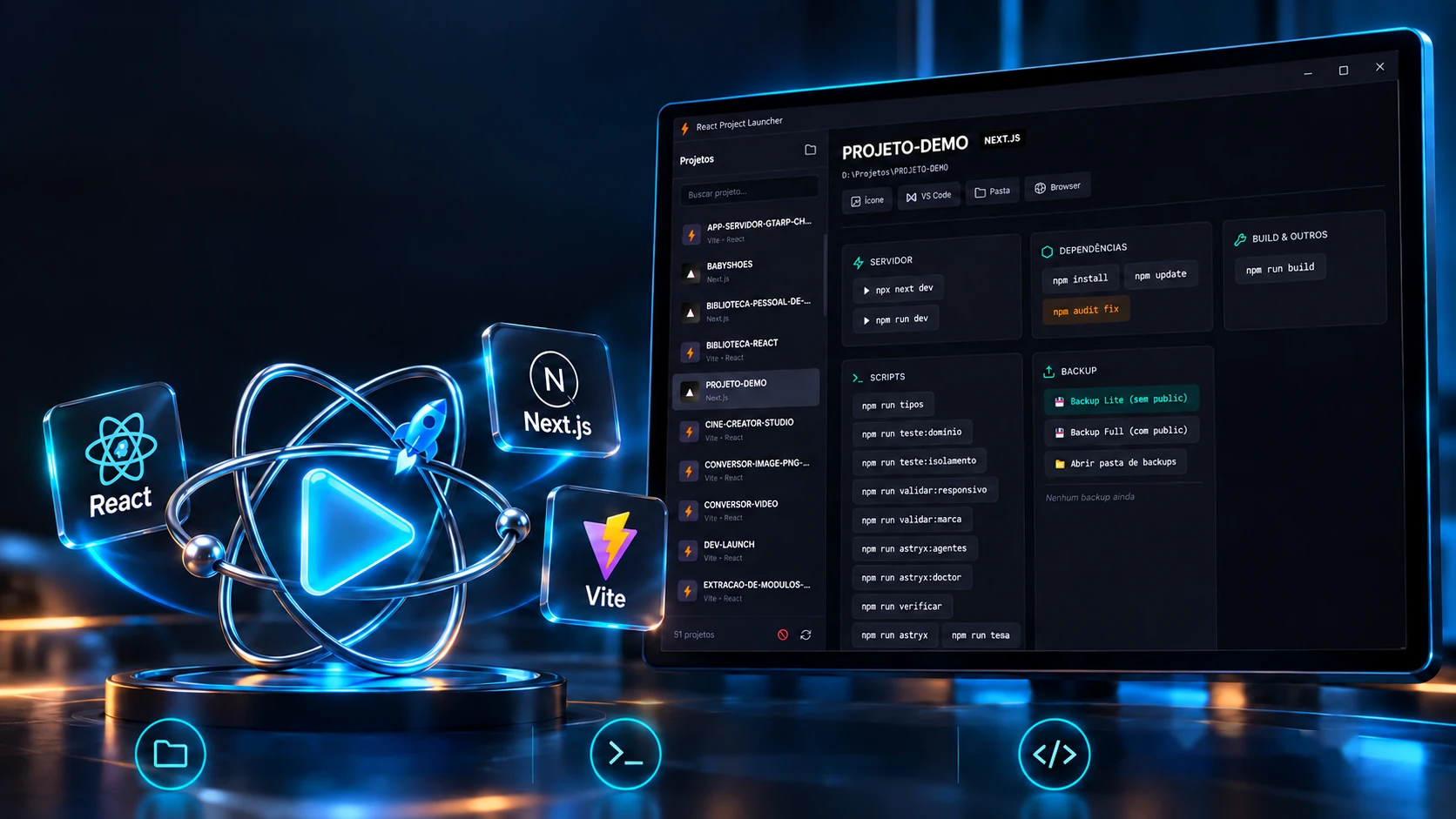 Project detectionReady commandsOpen in the editor
Your projects.Ready to run.
React, Next.js and Vite in one development hub.
- Electron
- JavaScript
- Node.js
- Archiver
Reads each React project and runs its commands in one click.
- Electron
- JavaScript
- Node.js
- Archiver


The detection
The package.json decides which buttons appear.
The program asks for no setup: it opens each project's package.json and builds the panel on its own, the type, the port and the commands that make sense. Toggle dependencies and scripts and watch the panel rebuild.
package.json
Dependencies
Scripts
The dev script
Files in the folder
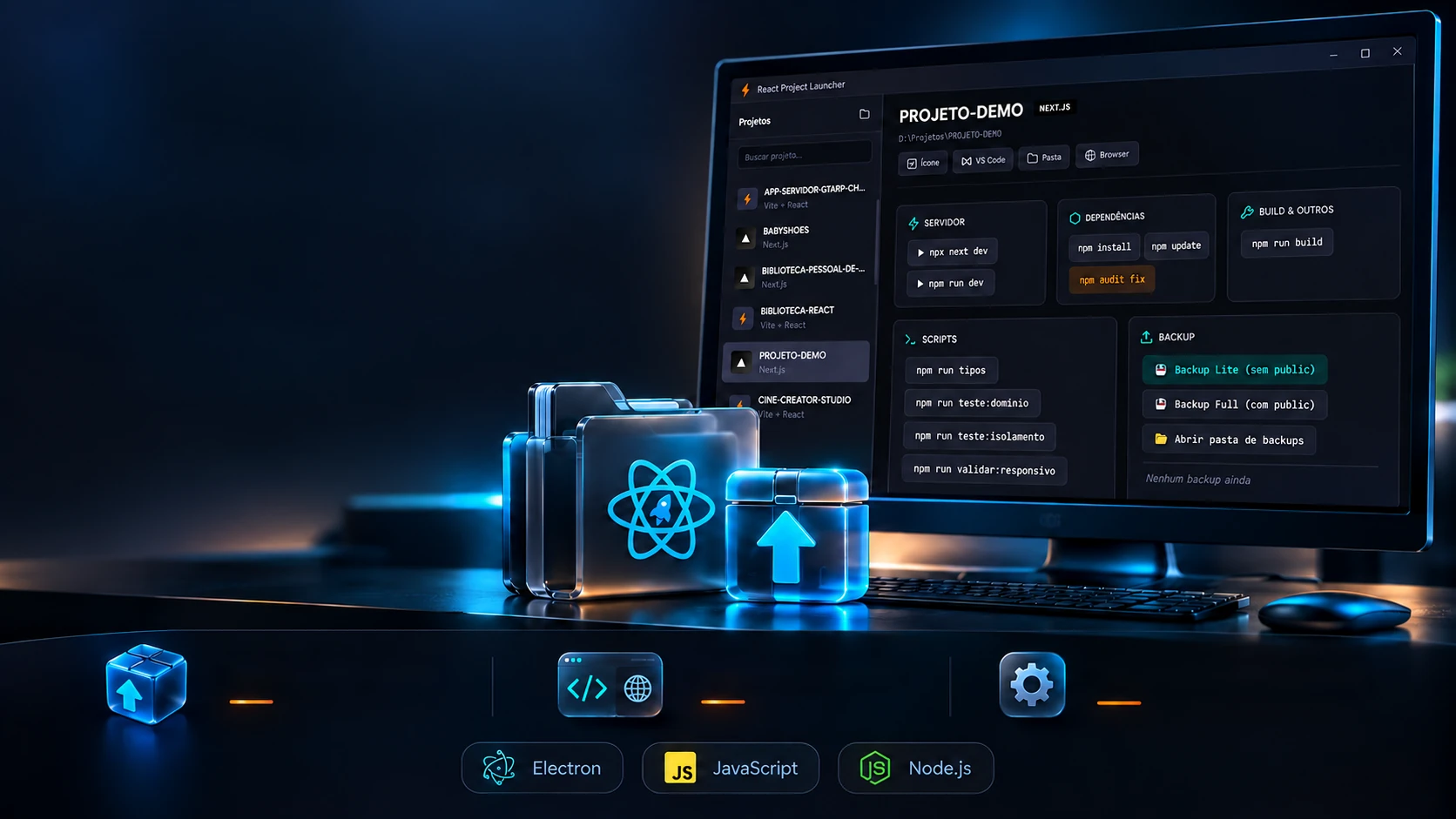
Server
▶ npx next dev▶ npm run devDependencies
npm installnpm updatenpm audit fixPrisma
npx prisma generatenpx prisma db pushnpx prisma db seednpx prisma studionpx prisma migrate reset --forceBuild
npm run buildScripts
npm run tiposnpm run validar:marcaEnvironment
Copy .env.example → .envThe rules are the program's (main.js and app.js): Next.js, Vite and React are recognized by dependencies; Prisma, by the folder or the package; the port comes from the dev script (-p, --port or PORT=) or the default; dev, start, build, test and lint don't become extra buttons; and .env is never overwritten. Prisma reset is marked in orange: it wipes the database.
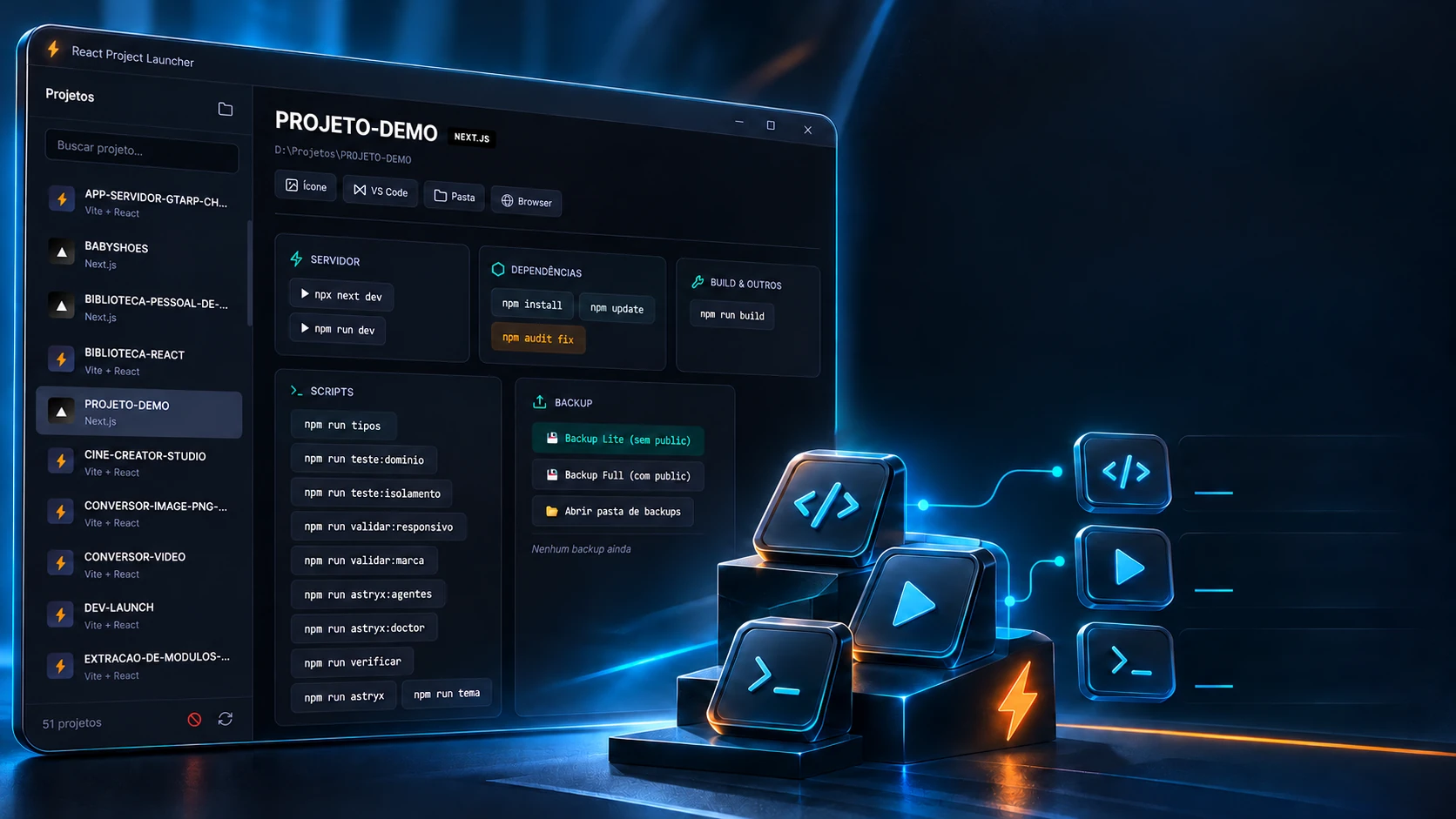
Fewer steps. More development.
Commands, servers and terminal together in one flow.
Project scriptsServer controlBuilt-in terminalOne click runs the command, and the output shows up in the window itself, line by line. Start the server and watch the program find the port on its own, even when the default one is taken.
→ Pick a command to run…
As in the program: ANSI color codes are stripped and each line takes the color of its type, output, warning, error, command or success; the port is read from the output and only counts between 1024 and 65535; the browser opens half a second after the ready message. The outputs here are examples.
A repetitive routine. A launcher made to measure.
An in-house hub to start projects and organize commands and backups.
Original toolProject backupEditor and browserOriginal developmentBefore touching something big, one click saves the project in a ZIP inside itself. Lite leaves the public folder's images out; Full takes everything. Make both and see what stays out.
The project folder
- app/1.8 MB
- components/1.2 MB
- prisma/0.2 MB
- public/38 MB
- package.json0.01 MB
- node_modules/410 MB
- .next/95 MB
- .git/36 MB
- .env0.01 MB
- backup-antigo/20 MB
- npm-debug.log0.3 MB
- _backups/64 MB
Backups made
- No backups yet
📁 BLOG-DEMO/_backups/ · Open backups folder
The real screens
As in the program (main.js): ZIP at maximum compression, saved in _backups inside the project; the name carries the project, date and time and the type; generated folders, anything starting with a dot (.env too), old backups and .log files stay out. The ZIP size here is an estimate.
The technologies
What it is made of, piece by piece
A desktop program in Electron, with no framework on the screen: plain HTML, CSS and JavaScript. The main process reads the projects, runs the commands and streams the output to the window's terminal, over 22 channels. Pick a piece to see what it does here and which file it is in.
7technologies, in 2 layers
Screen
Program
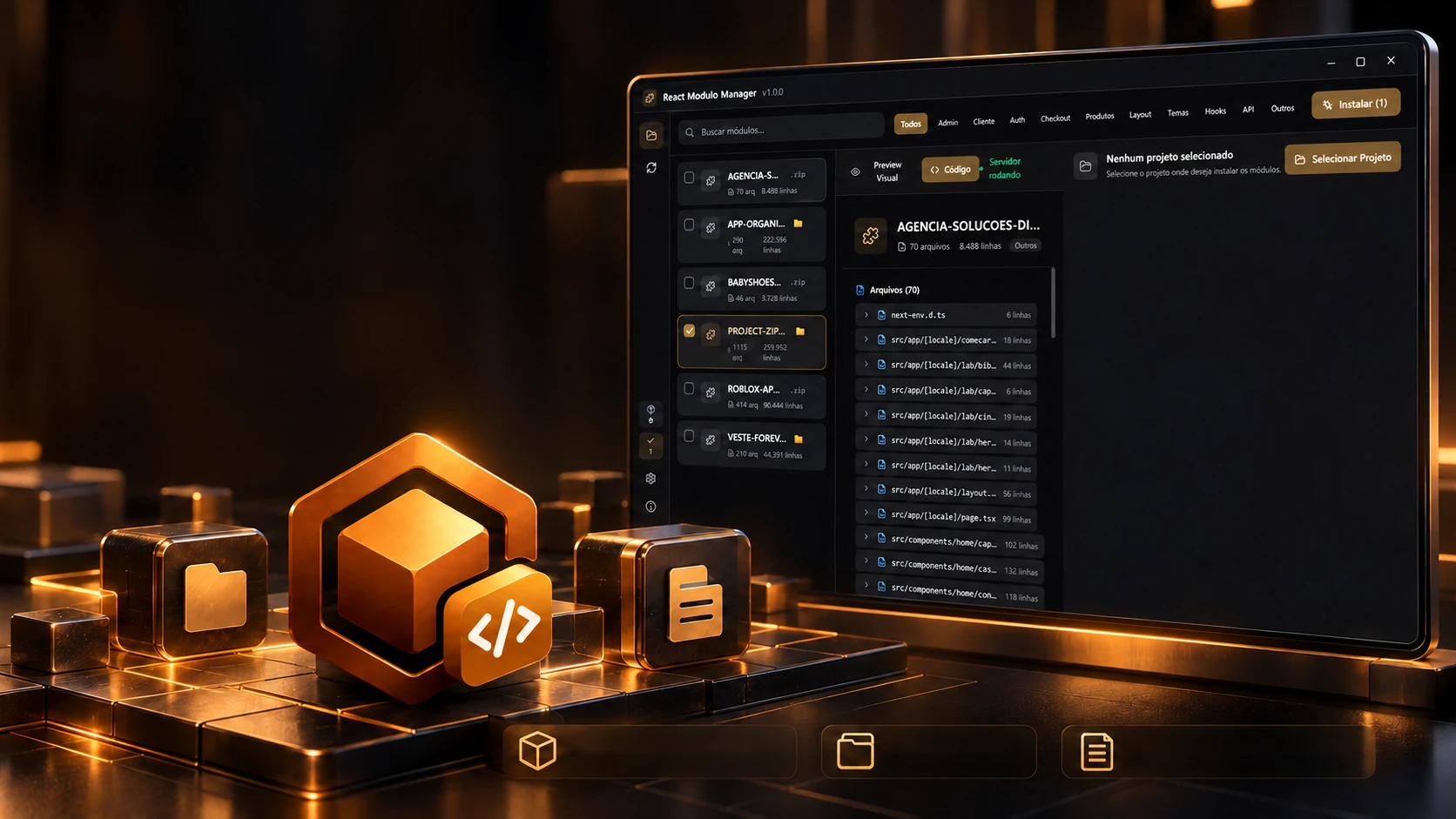
 Creative and developer toolsReact Módulo Manager