

Soluções Digitais ERP

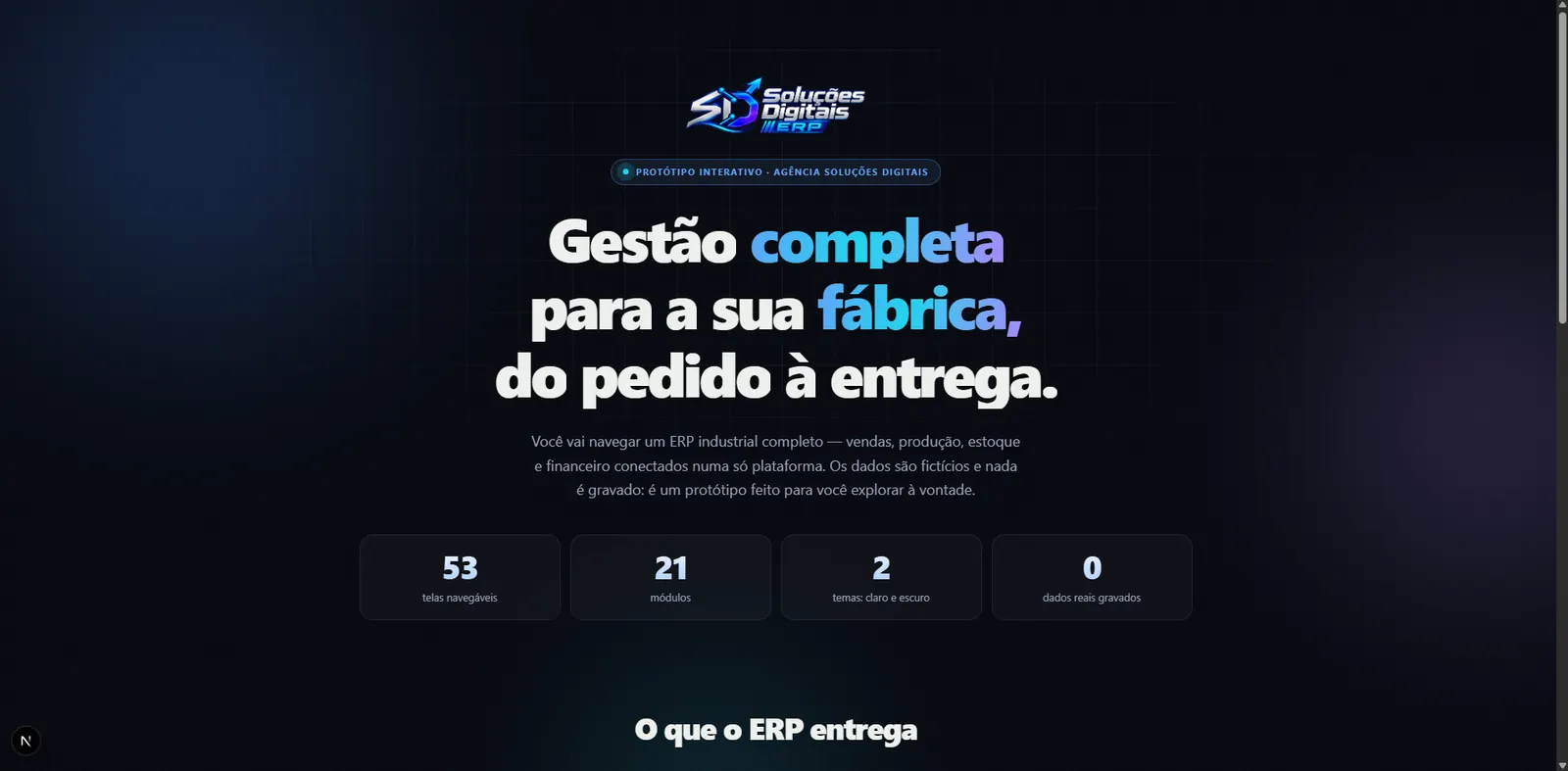
Your whole company,managed in onesingle place.

Orders, stock, production and finance connected in one web experience.

A multi-company web ERP, from records to the till, with real governance.

Multi-companyLight and darkWeb and phone

  • Next.js 16
  • React 19
  • TypeScript
  • MySQL 8
  • Drizzle ORM
  • Better Auth
  • next-intl
Soluções Digitais ERP

Your whole company,managed in onesingle place.

Orders, stock, production and finance connected in one web experience.

  • Next.js 16
  • React 19
  • TypeScript
  • MySQL 8
  • Drizzle ORM
  • Better Auth
  • next-intl

A multi-company web ERP, from records to the till, with real governance.

Multi-companyLight and darkWeb and phone

  • Next.js 16
  • React 19
  • TypeScript
  • MySQL 8
  • Drizzle ORM
  • Better Auth
  • next-intl

What it is

A whole ERP, from records to the till.

A multi-company web system for manufacturers: records with tax validation, stock at average cost, receivables and payables, cash and a governance panel with per-person permissions, in the office browser and on the phone.

  1. 01The company joins the platform
  2. 02Each person gets their profile
  3. 03Operations register and move stock
  4. 04Finance closes the day

Scale

Behind the dashboard, a real system.

Counted in the product's code: interface, server, business rules and database.

66k

lines of code

  • Next.js 16
  • React 19
  • TypeScript
  • MySQL 8
Interface
63 routes in Next.js and React: operations, records, finance and governance, in light and dark.
Server
83 server actions: every write checked on the server, with permission, company and an audit entry.
Business rules
28 pure, tested domain modules, average cost, invoice balance, price adjustment, tax documents.
Database
28 tables and 21 migrations in MySQL, with integrity, soft delete and immutable history.
85

per-action permissions

  • 21 modules
  • 4 profiles
  • 3 layers
Per action, not per screen
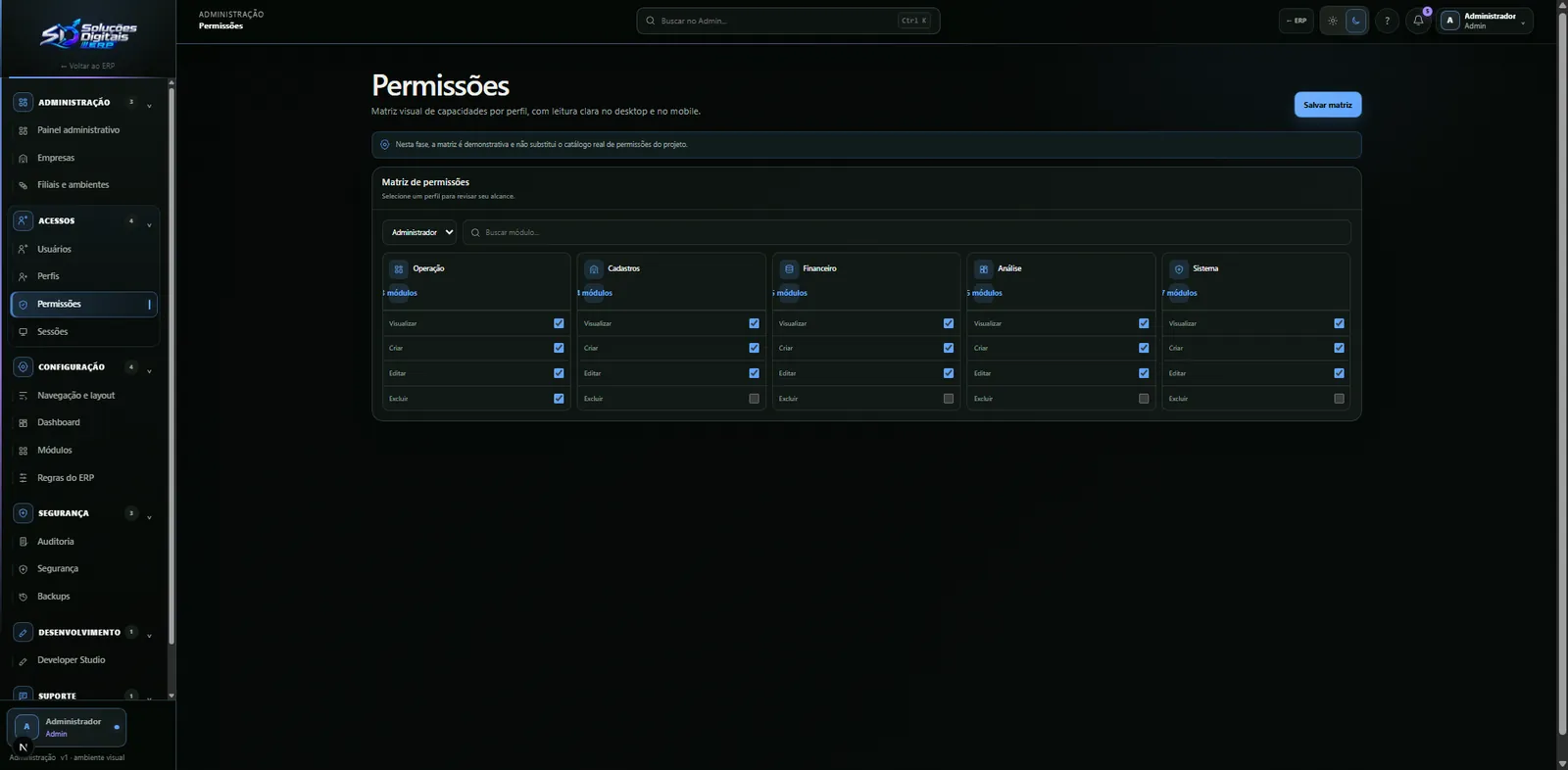
View, create, edit, delete, and also settle, reverse, approve, pay, see margin.
Profiles that adapt
Administrator, manager, sales rep and stock keeper ready, editable permission by permission.
Three layers
What the company subscribed to, what the person may do and what each field shows, all checked on the server.
Segregation of duties
The system warns when a profile combines powers that shouldn't go together.

A permission that doesn't exist stops the system while still in development: nothing ships with an orphan key.

From records to the till

Every number has a source. None is typed by hand.

From a validated customer to money in the till there is one path: every step writes a movement, and the balance is always their sum, never a field someone edits.

  1. Registered

    The customer comes in validated

    Tax IDs by check digit, state registration by each state's rule, address by postcode.

    • Company and postcode lookup
    • Duplicate record warning
  2. Priced

    The product gets a sheet and a price

    Technical sheet, tariff code checked against the official table, barcode and dated price lists.

    • Bulk adjustment with preview
    • Three-decimal prices
  3. In stock

    Every entry becomes a movement

    Ins and outs go to the stock ledger; balance and average cost come from the sum of movements.

    • Weighted average cost
    • Movements can't be erased
  4. Open

    The invoice is born in finance

    Receivables and payables with due dates; the balance is the amount minus settlements.

    • Partial settlement and reversal
    • History for every invoice
  5. Received

    The money reaches the till

    Each settlement becomes an account entry, and the cash and bank statement closes on its own.

    • Statement per account
    • Everything in the audit trail

Amounts stored in cents and thousandths: installments add up to the total, cent by cent.

Multi-company

Many companies in one system. None can see the others.

Each factory has its own brand, people and data, in the same system and the same database, separated by a rule that doesn't depend on the screen.

Calçados Horizonte

Full plan

Customers
184
Products
47
Open invoices
12
Users
86

Confecções Aurora

Sales plan

Customers
96
Products
31
Open invoices
5
Users
42

Distribuidora Serra

Read-only

Customers
57
Products
120
Open invoices
9
Users
18

Sessioncompany = Calçados Horizontethe others stay locked

  • 01

    The company comes from the session

    Never from a screen parameter: changing the URL gives no access to another company's data.

  • 02

    Three access layers

    The plan the company subscribed to, the person's permission and the visibility of each field.

  • 03

    An expired plan erases nothing

    A suspended company keeps reading its own history, it just can't post.

  • 04

    Isolation, tested

    An in-house test spins up two companies on a real database and tries to cross their data.

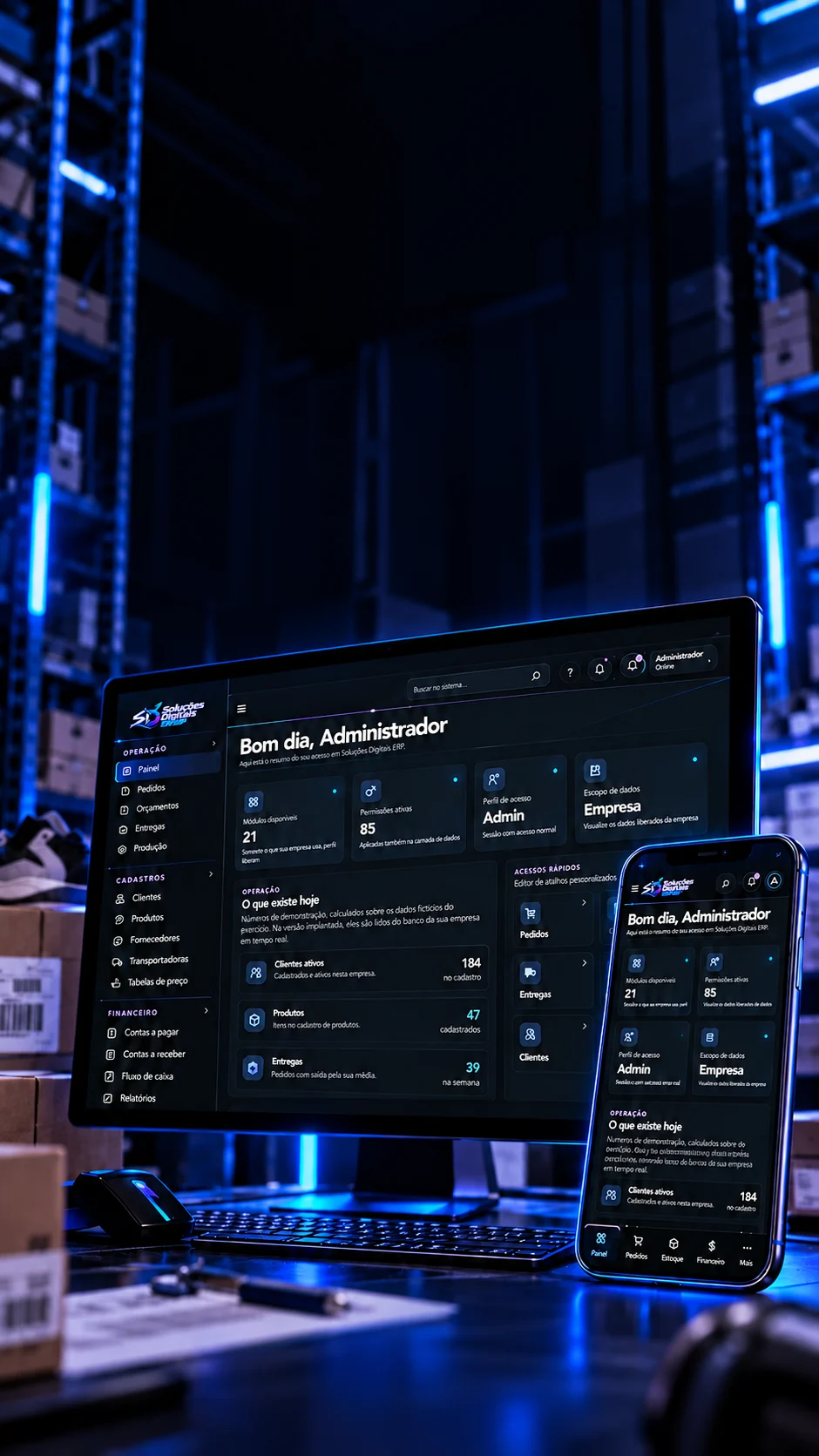
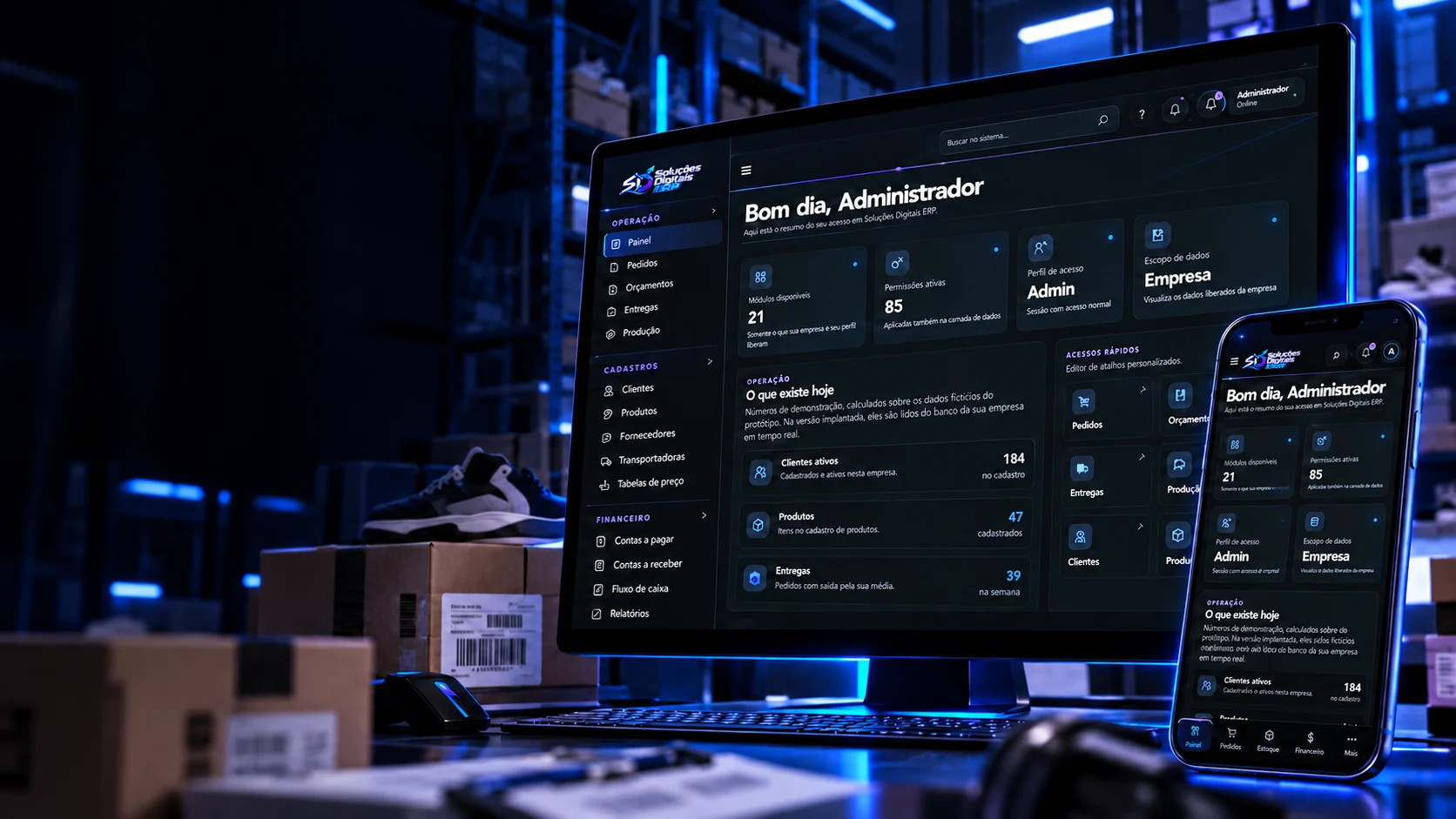
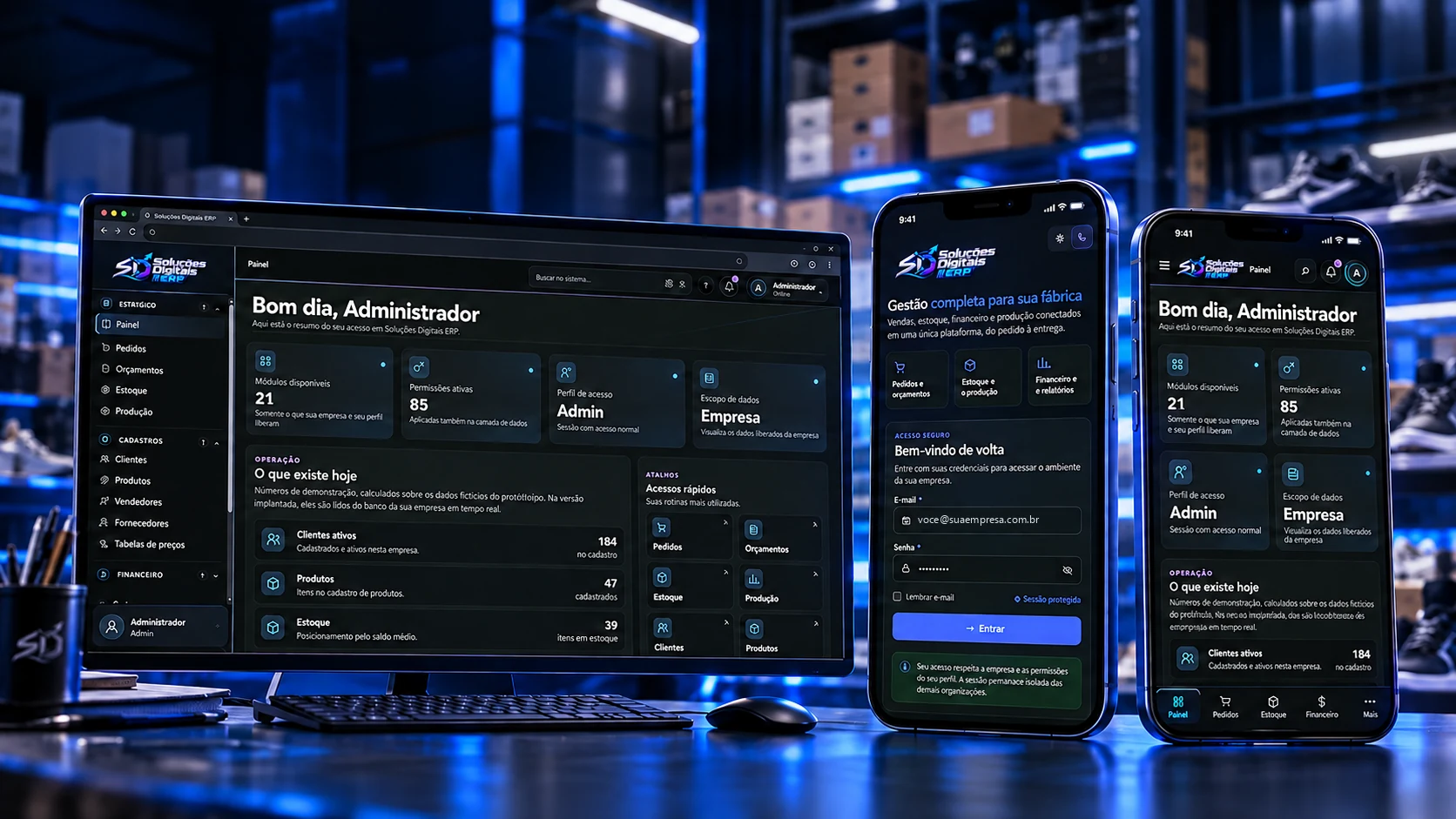
The ERP open on a monitor and two phones, in a factory stockroom

02/Experience on every screen

Operations follow your routine.

The same web platform, designed for the office and for access from the phone.

The same platform in the office and in your pocket: on the phone the menu moves to the bottom bar, tables become cards and the theme follows the device.

  1. 01

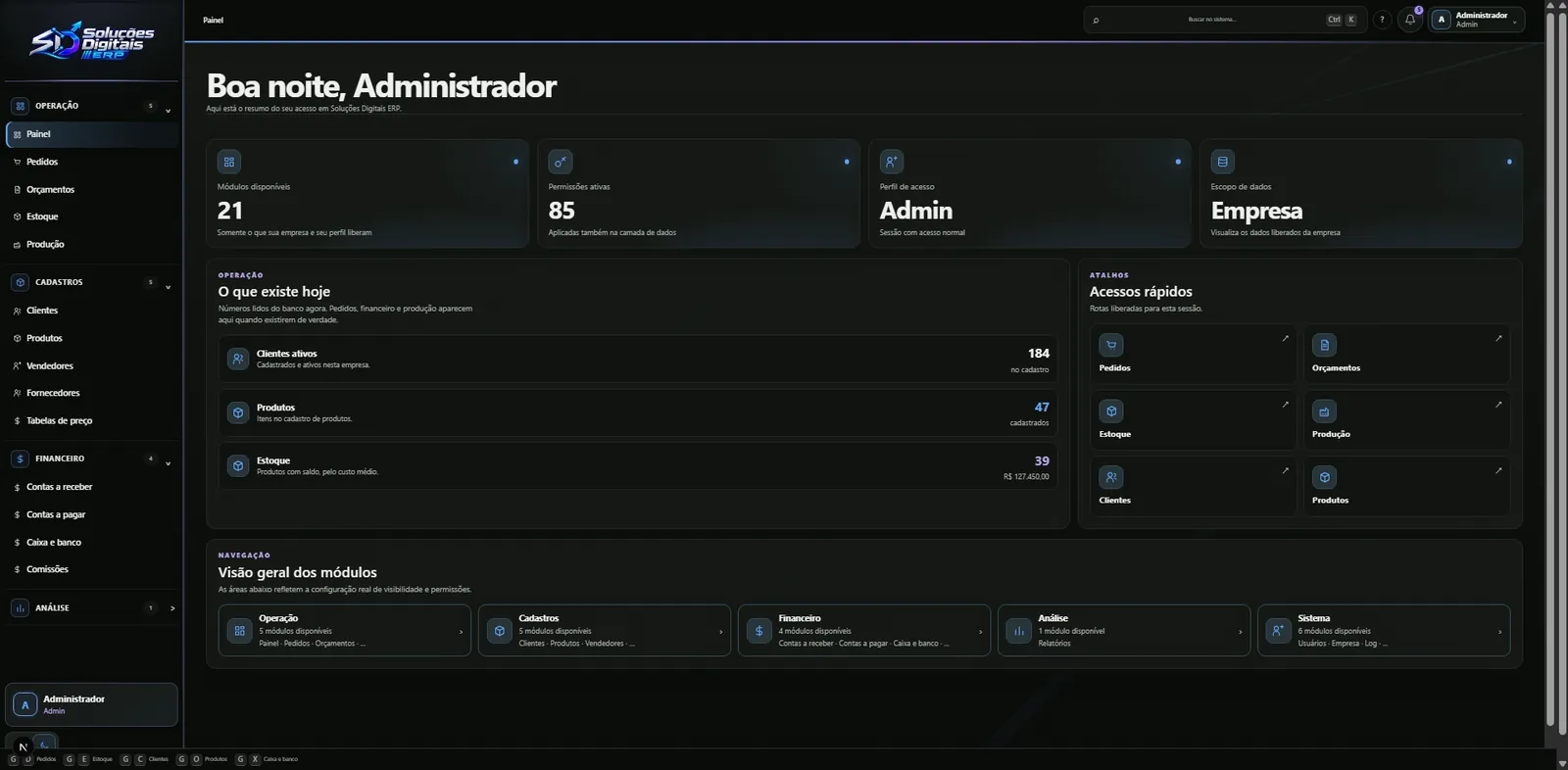
    Dashboard on desktop

    Side menu by area, global search and keyboard shortcuts: G plus a letter opens each module.

  2. 02

    Access from the phone

    A bottom bar with Dashboard, Orders, Stock, Finance and More, nothing to install.

  3. 03

    Uninterrupted operations

    Automatic drafts and a warning before leaving unsaved: no entry gets lost along the way.

Governance

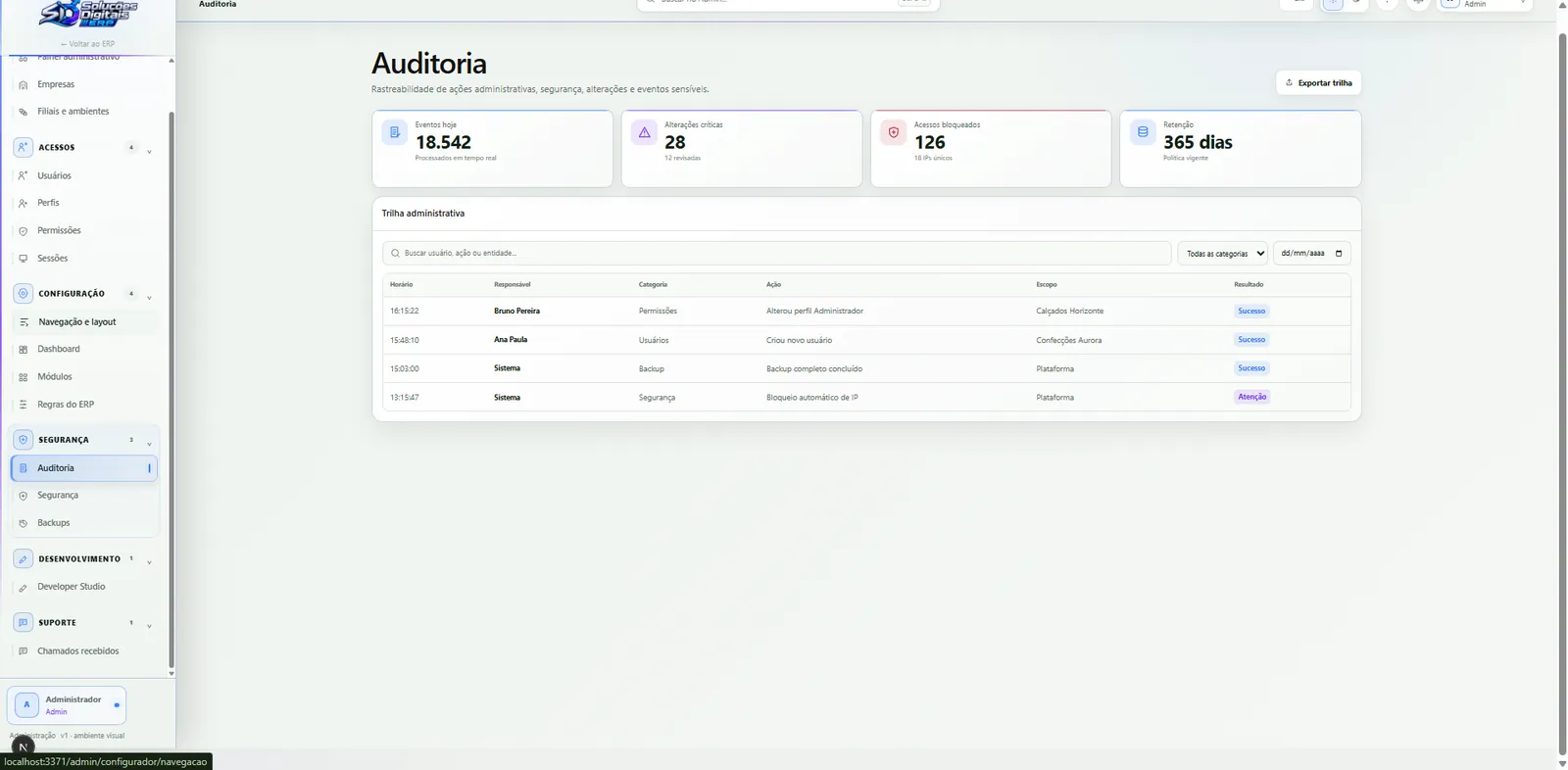
Who may, who did, and what changed.

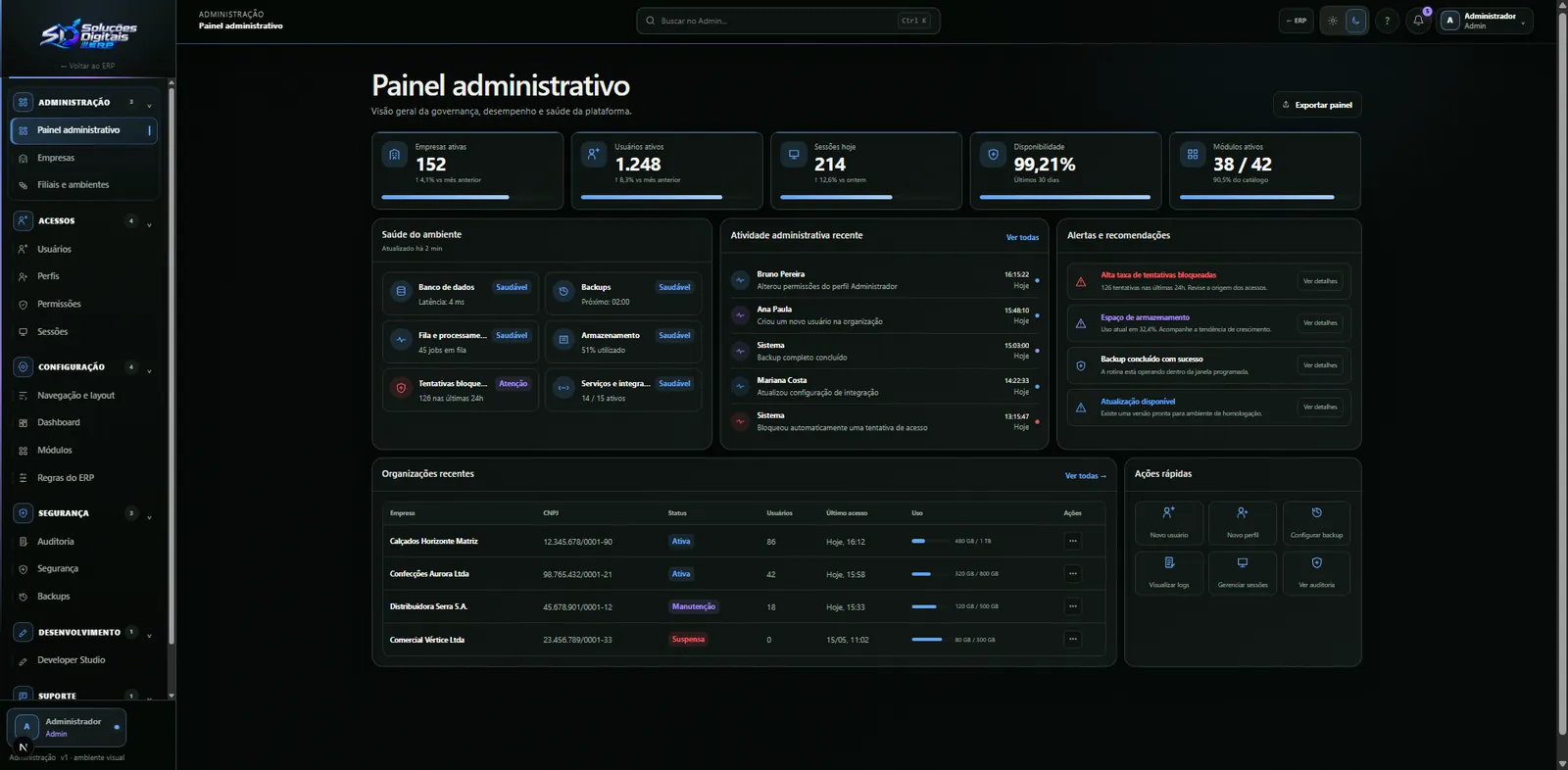
A real admin panel: per-action permissions, a trail nobody can erase, a trash that gives back and each company's brand, all checked on the server.

  • Permissions

    85 permissions, one source

    Every module with its actions, from view to reverse, in a single map the server checks on every write.

    • View
    • Create
    • Edit
    • Settle
    • Reverse
    • Approve
  • Audit

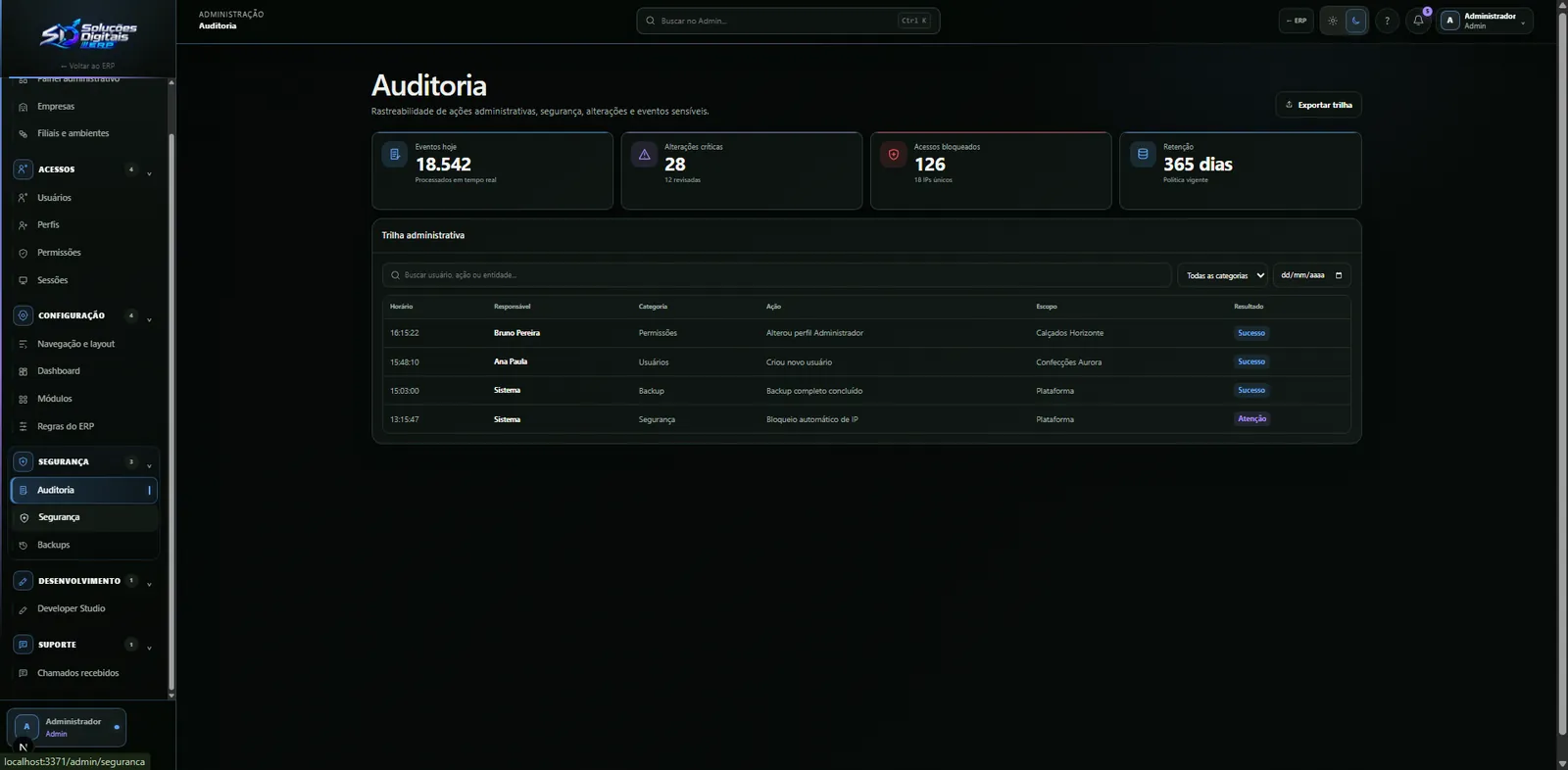
    Who, when, from where and what changed

    Every change keeps the before and after, with IP and browser; sensitive fields are masked. The trail is locked in the database: not even the administrator rewrites it.

  • Profiles

    Four ready-made profiles

    Administrator, manager, sales rep and stock keeper, each adjustable permission by permission.

  • Trash

    Deleting isn't losing

    Records go to the trash with a full copy: restore or purge, and deletion is blocked when there are links.

  • Sessions

    Protected sessions

    Sessions renewed daily and login attempts limited per minute; a temporary password must be changed on first access.

  • Visibility

    Field by field

    What each profile sees on each screen, a product's cost can simply not appear to a sales rep.

  • Modules

    Each company's plan

    Modules switched on per company, with the dependencies between them: nothing is left half-done.

  • Brand

    Every company with its own look

    System name, four colours, light and dark logos, favicon and subdomain, previewed on desktop, tablet and phone in both themes.

  • Security

    No weak passwords

    A password policy with a banned-password list, following the NIST recommendation.

  • Tickets

    Support inside the system

    A ticket queue with priority and status, so the factory can ask for help without leaving the ERP.

Why it is a system

Six choices separate an ERP from a pretty spreadsheet.

Hover or tap: on the front, what is usually done; on the back, what this system does, and why.

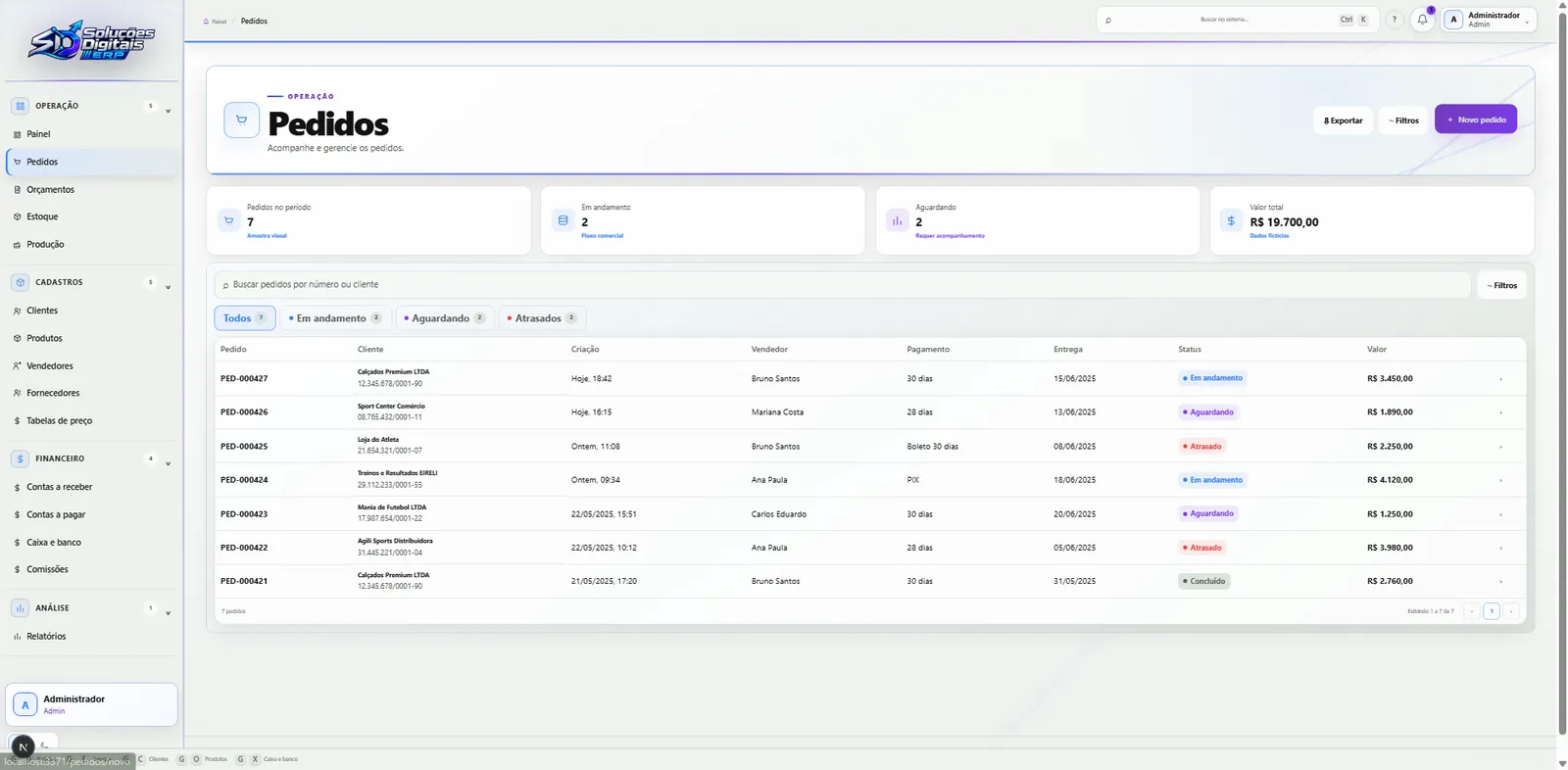
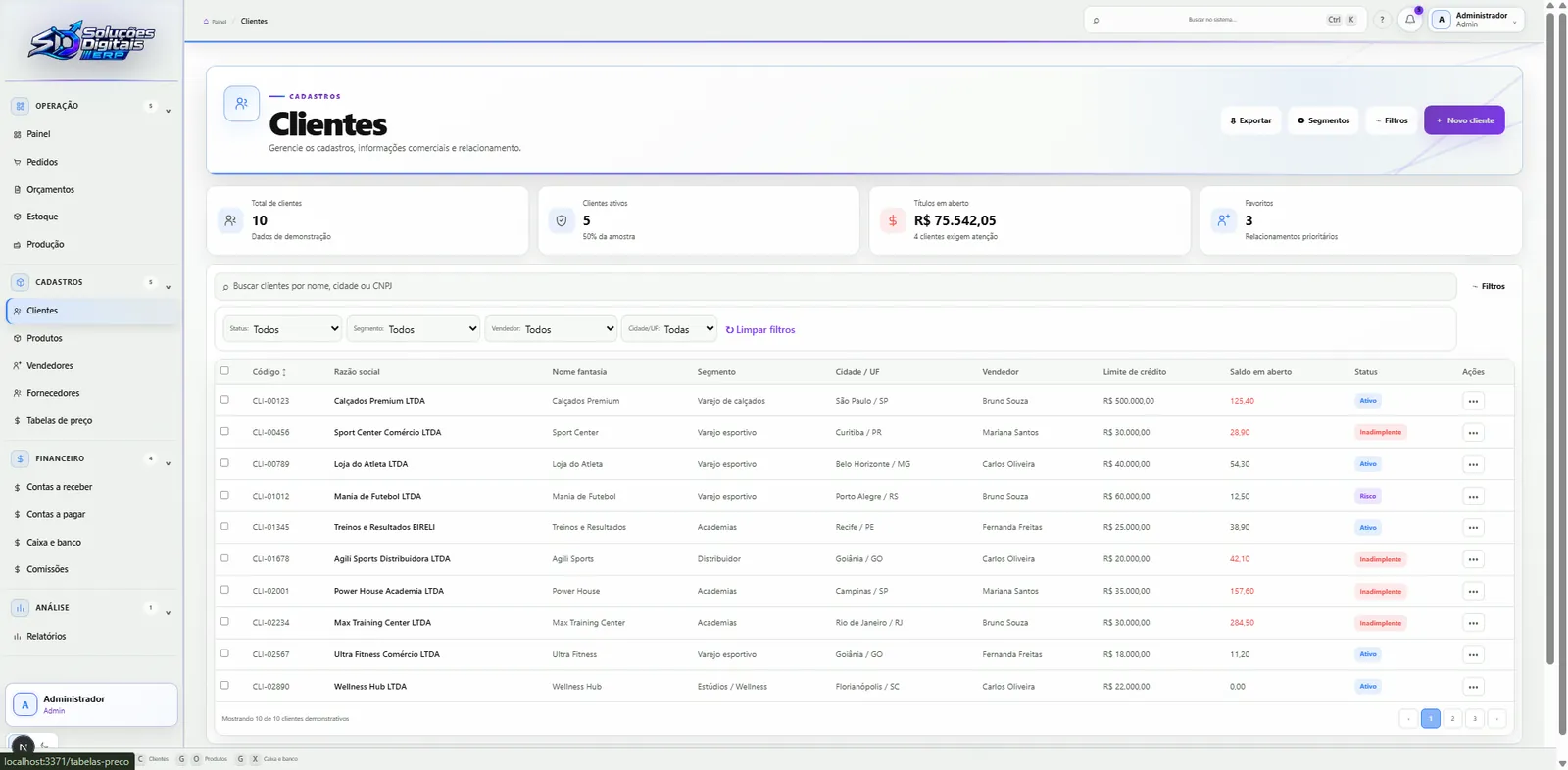
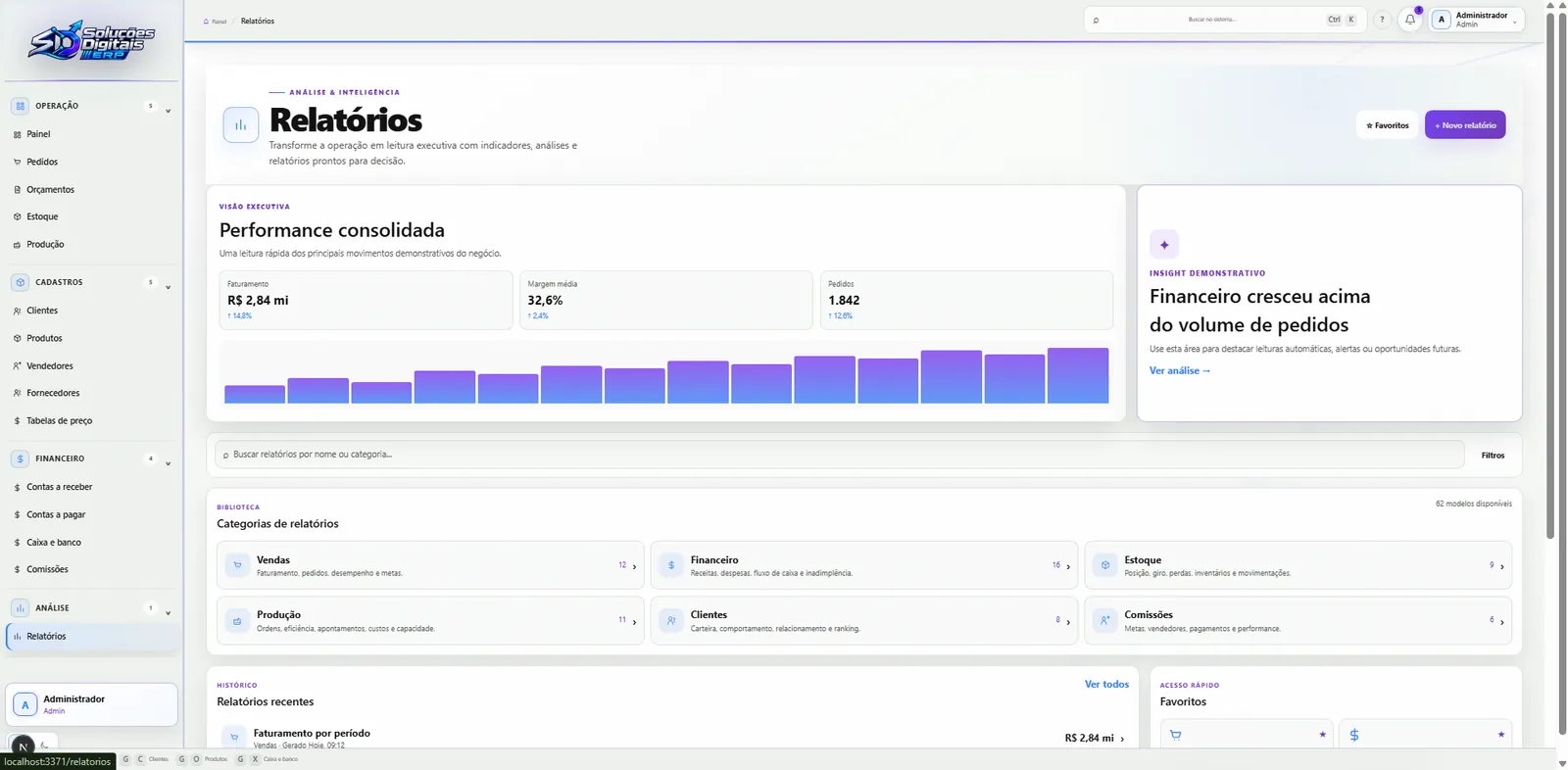
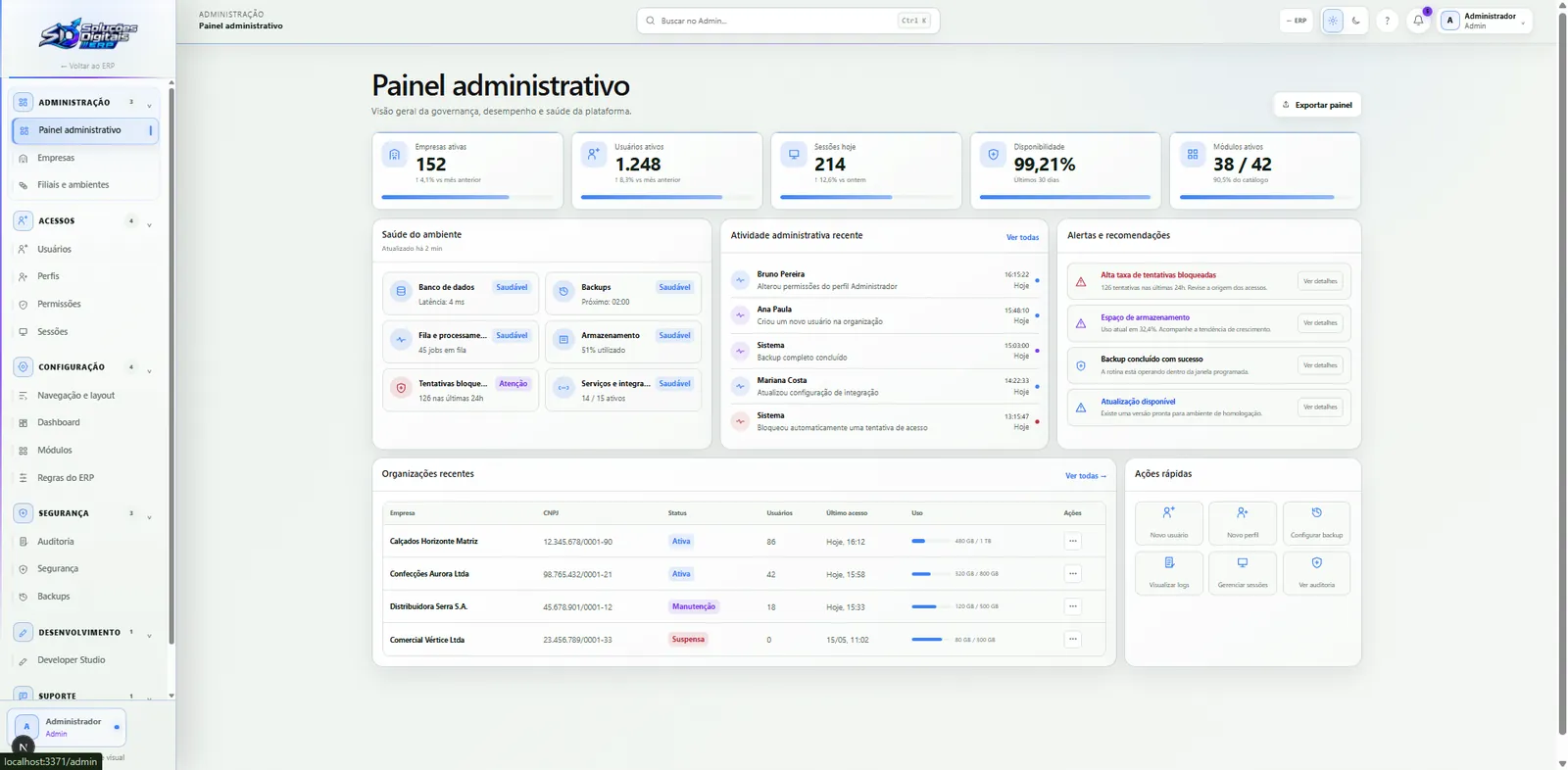
Light and dark

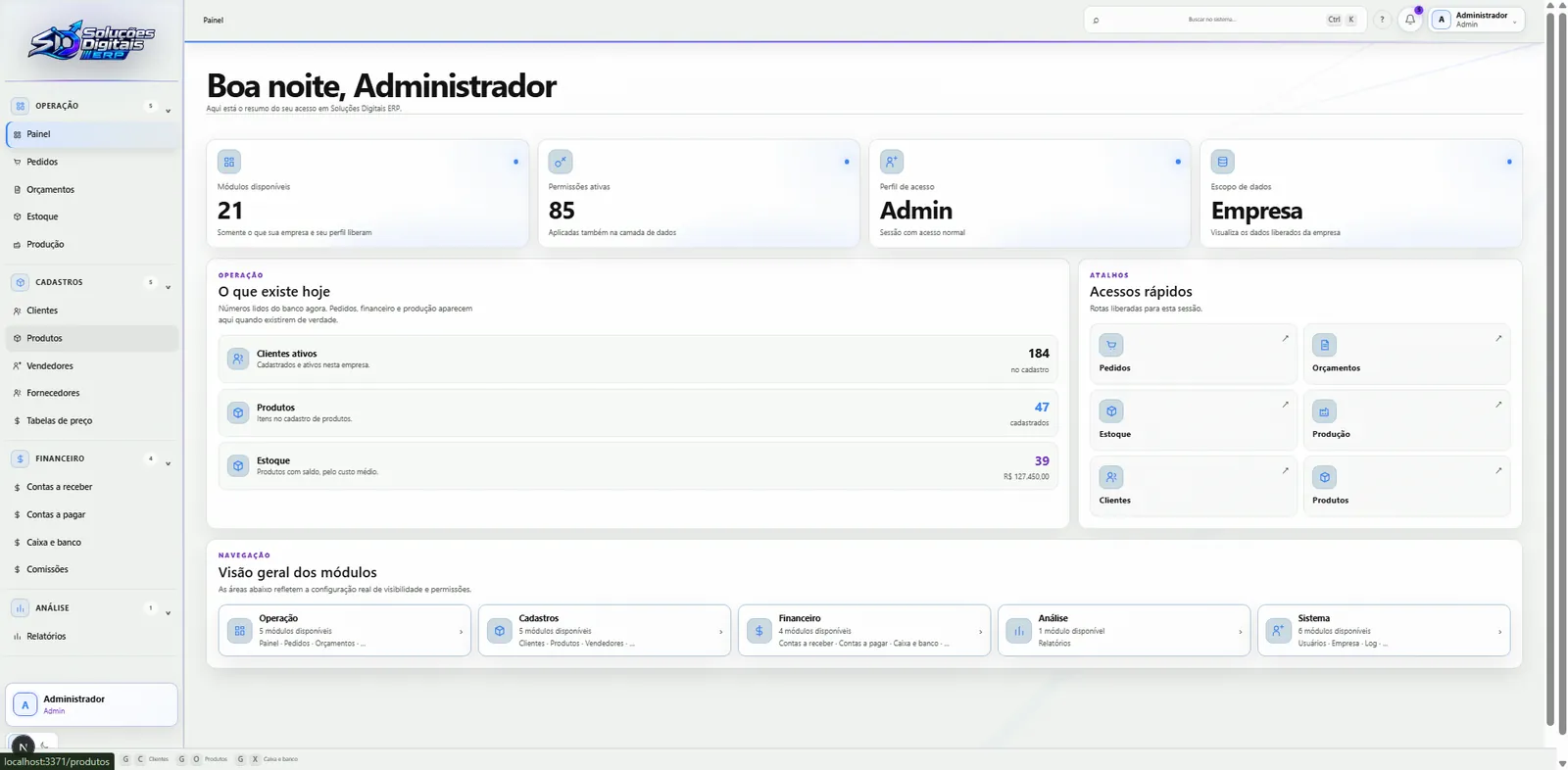
The same screen, in both themes.

Drag the blade: the whole system exists in dark and light, designed screen by screen, not a filter inverting colours.

  • 01

    No flash

    The theme is decided before the first frame: the page never opens in the wrong one.

  • 02

    Follows the device

    Light, dark or the operating system's, and the choice is remembered.

  • 03

    A token theme

    316 compiled tokens: every colour exists in both versions, no stray colour in the code.

  • 04

    Print is always light

    Whatever goes to paper prints light, whatever the screen theme.

Dashboard, DarkDashboard, Light

The technologies

What it is made of, piece by piece

A whole management system, from the login screen to the history nobody can erase. Pick a piece to see what it does here and which file it is in.

14technologies, in 4 layers

Screen

Server

Data

Quality

The screens

The system, open, area by area.

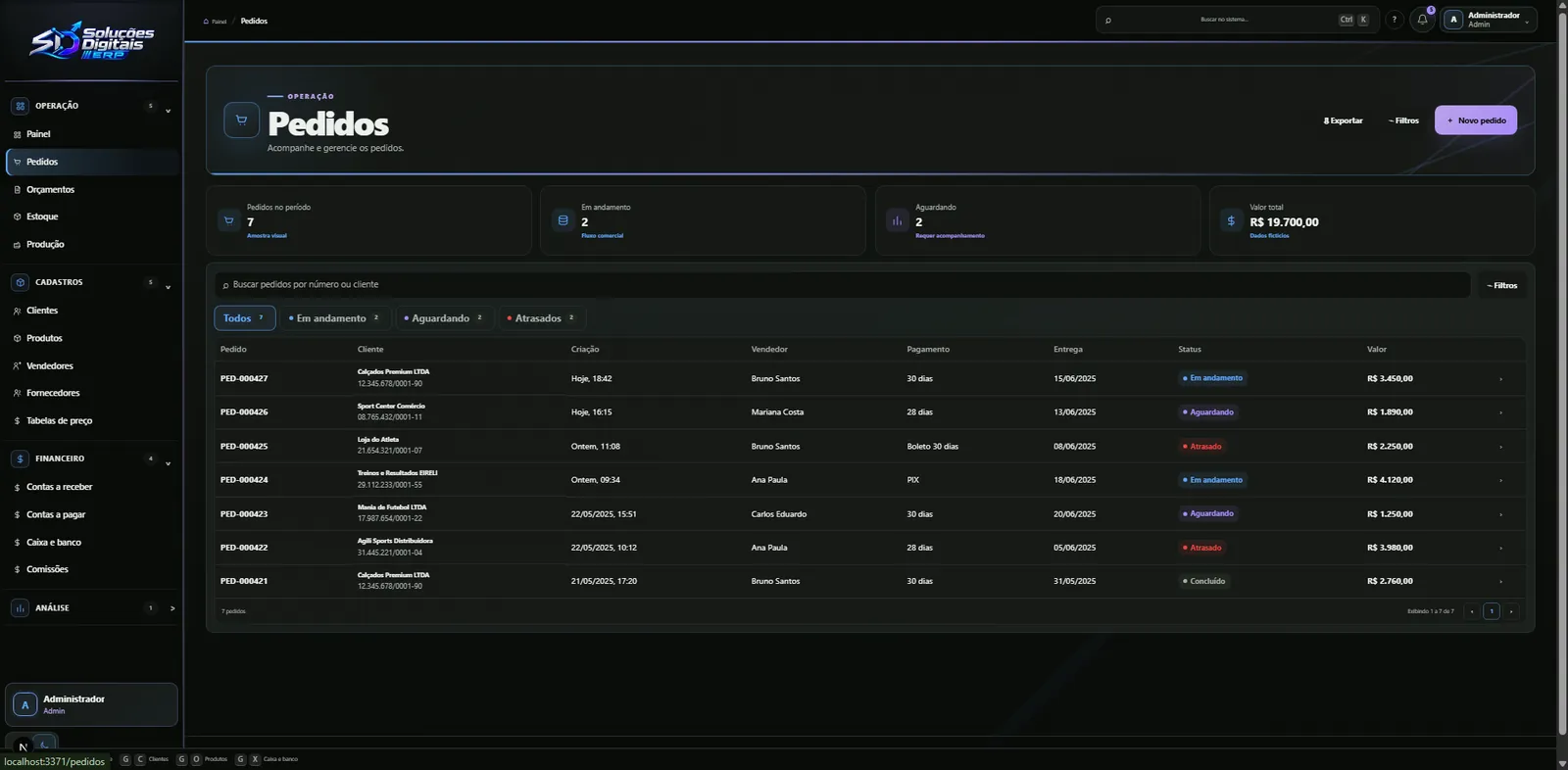
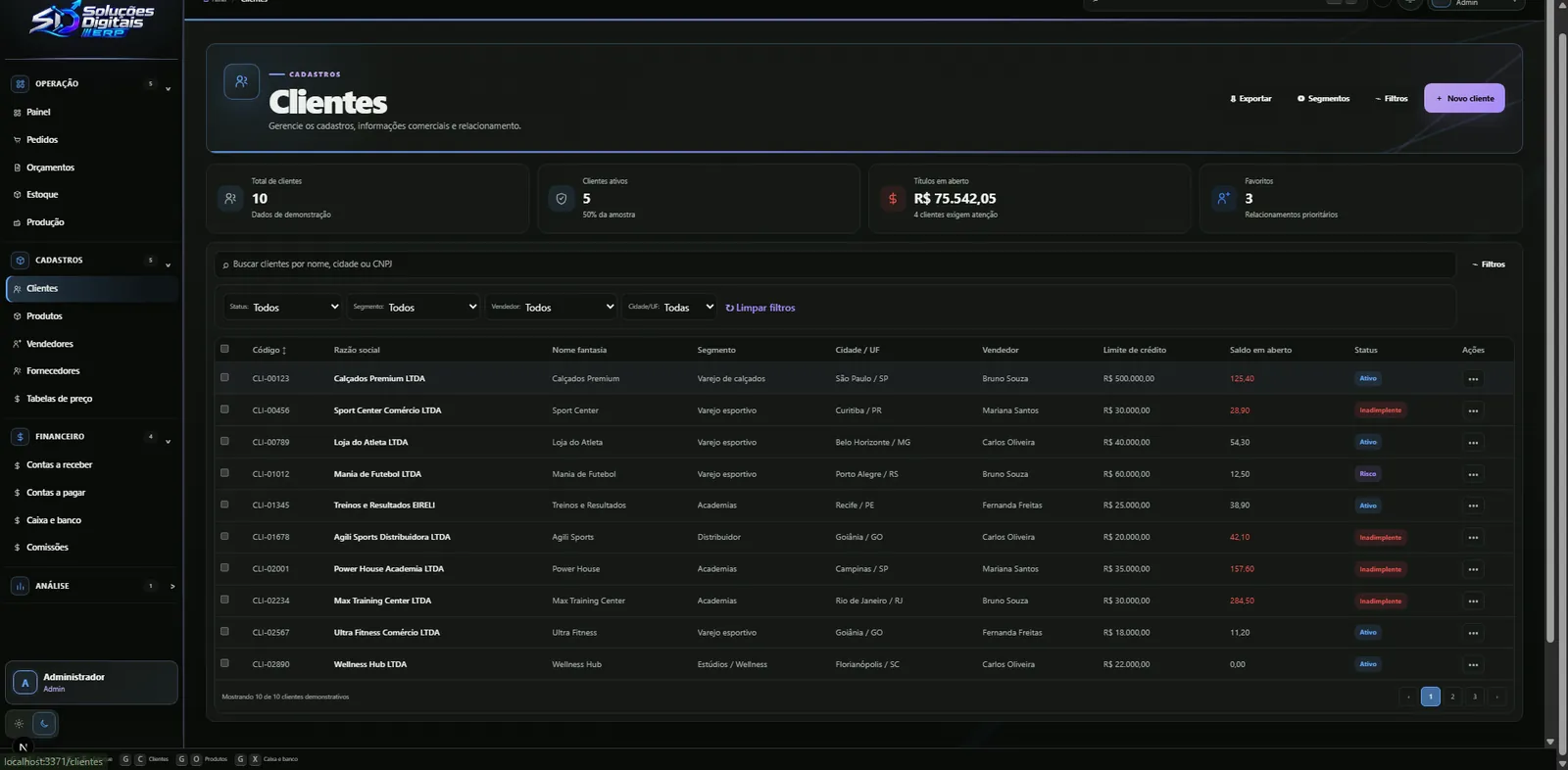
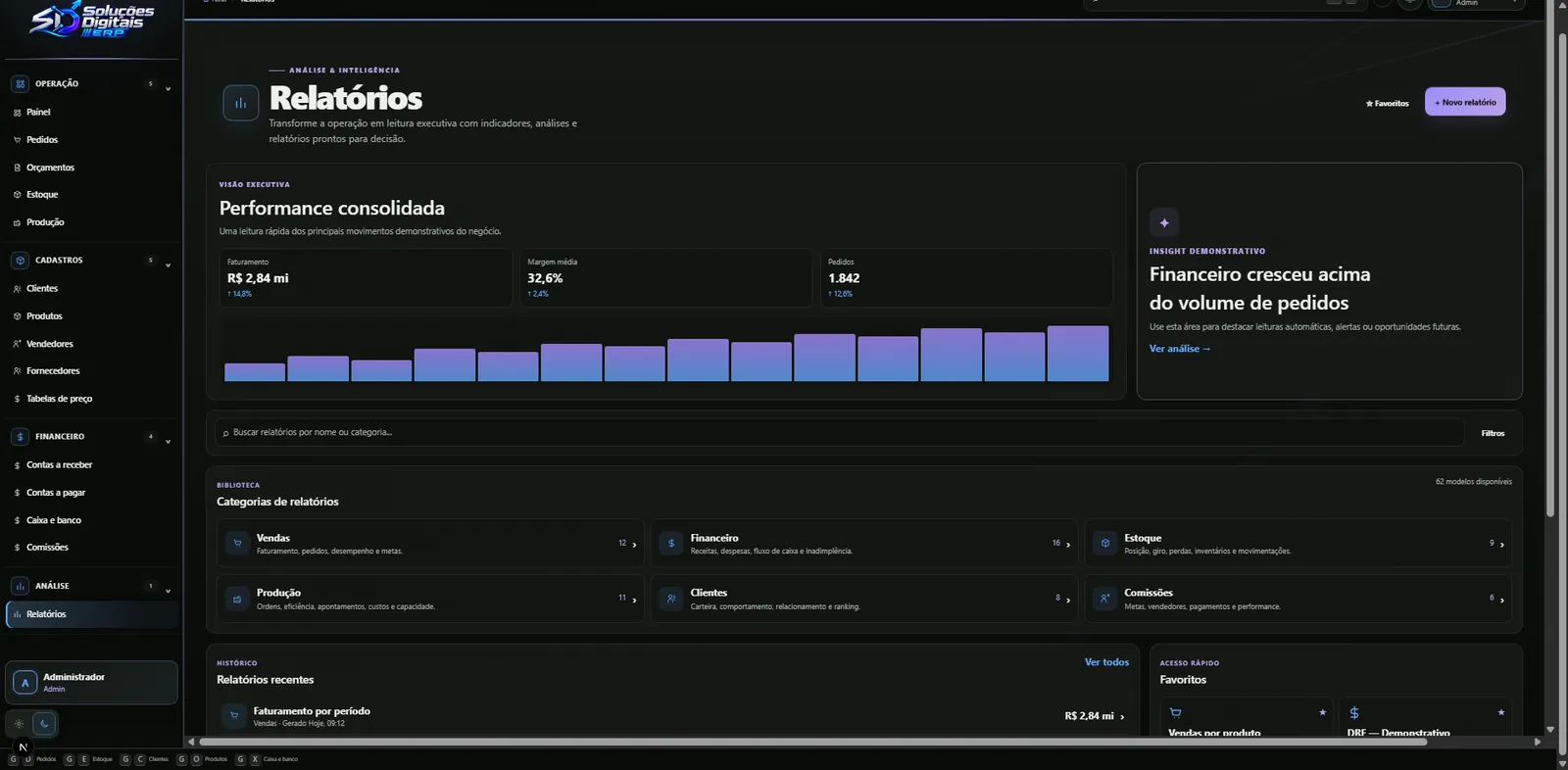
Captures of the ERP running, in four areas: the day's operations, records, finance and platform governance.

Dashboard: access summary and shortcuts

01 of 08 · Dashboard: access summary and shortcuts

Prototype

Step into the ERP. No login, nothing to install.

The whole system open in the browser, with a fictional factory: browse operations, records, finance and the admin panel. Every write is simulated, nothing is saved.

  • Runs in the browser, no login and nothing to install
  • A fictional factory with demo data
  • Every write is simulated: nothing is saved

Prototype ready

The tour

The ERP in one minute, before you step in.

Full screen

The prototype is a demo: companies, people and amounts were invented for it.