 H.264 · H.265 · VP9 · AV1
Videos readyfor the nextformat.
Desktop conversion with H.265, VP9 and AV1.
Converts video to modern codecs and shows the size first.
- Tauri
- Rust
- React
- FFmpeg
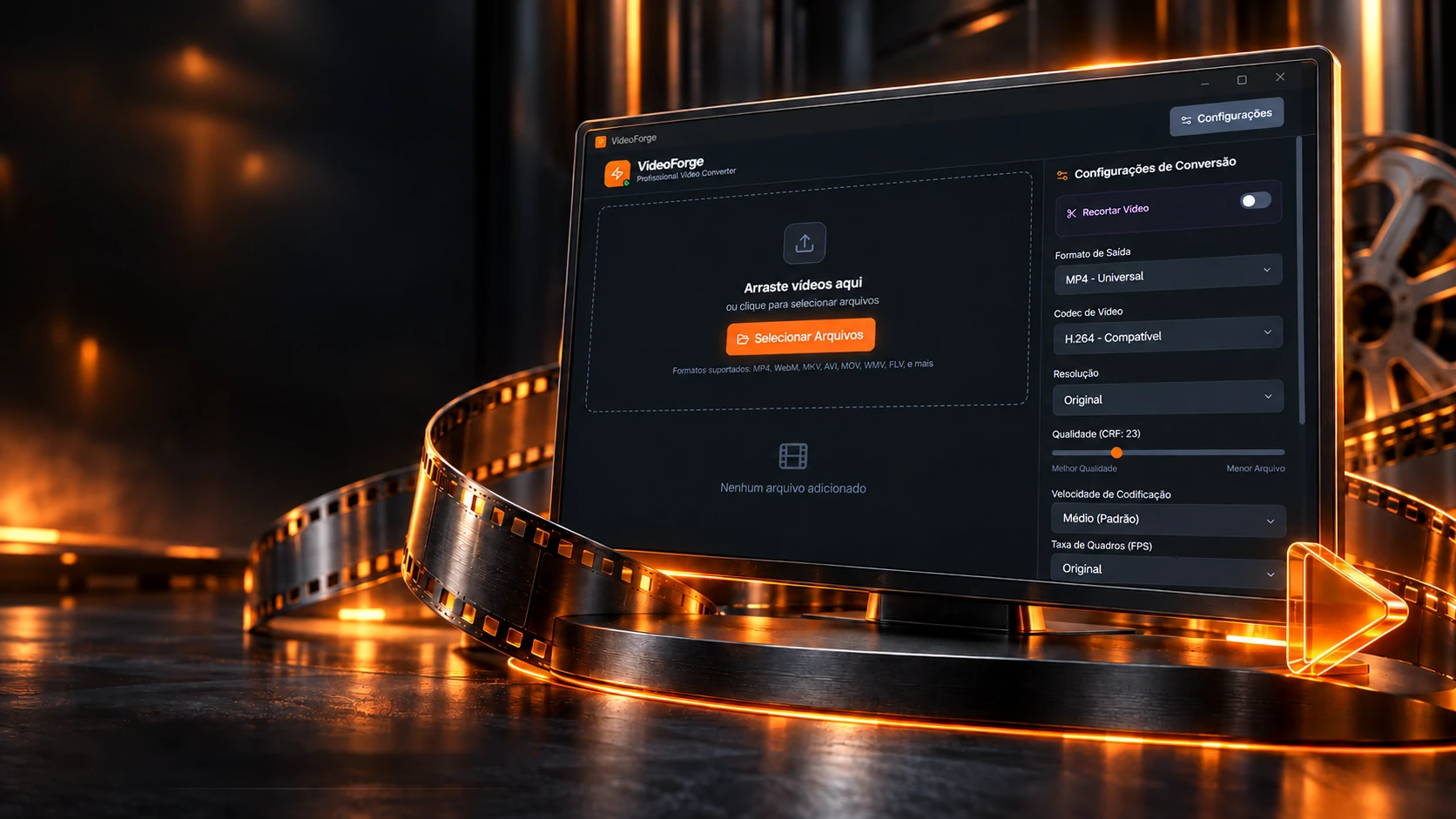 H.264 · H.265 · VP9 · AV1
Videos readyfor the nextformat.
Desktop conversion with H.265, VP9 and AV1.
- Tauri
- Rust
- React
- FFmpeg
Converts video to modern codecs and shows the size first.
- Tauri
- Rust
- React
- FFmpeg
Before converting
How much the video will weigh, before you press the button.
The program does the math before converting: how much space the new video should take and how much it will save. Change the codec, quality, resolution and audio and watch the strip shrink.
Video codec
Resolution
Audio
Between 30.4 MB and 45.7 MB.
−83% in size
2,000 + 128 kbit/s × 150 s
The math is the program's (App.tsx): each CRF has a reference bitrate at 1080p, the codec multiplies (H.265 half of H.264, AV1 40%), the resolution scales by pixels and audio adds up; the result becomes a range 20% below and above. The example video is 1080p at 12 Mbit/s.
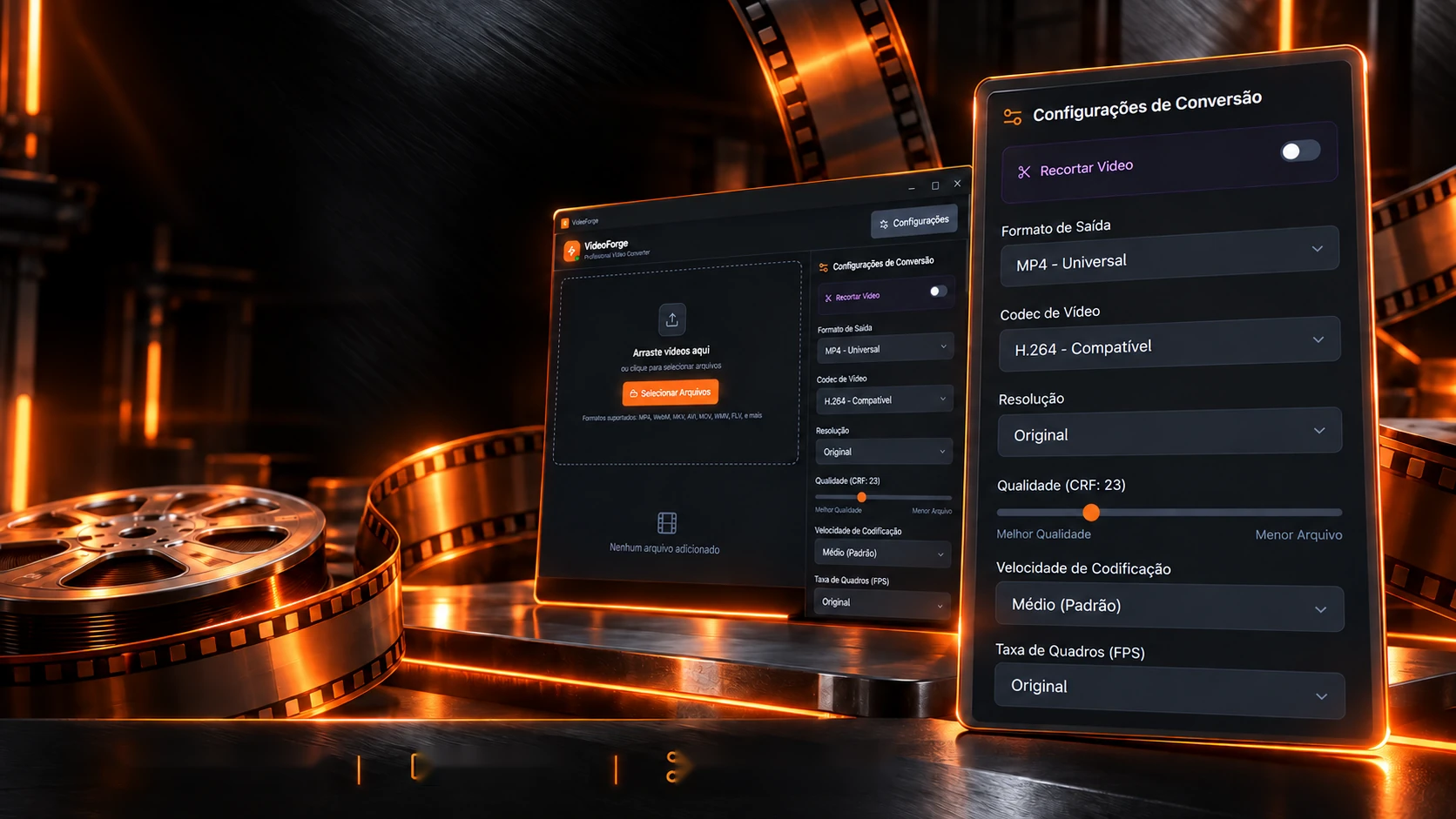
Every setting, under your control.
Codec, resolution, quality and trimming in a direct interface.
CRF qualityResolutionTrim by timeBehind the buttons, the program builds a command for FFmpeg, the video engine it calls. Change the settings and watch each piece of the command appear, in the color of the setting that created it.
Codec
Resolution
Frames per second
Audio
kbit/s
Output format
The command that goes to FFmpeg
ffmpeg -y -ss 15 -i entrada.mov -to 100 -progress pipe:1 -nostats -c:v libx265 -preset medium -crf 23 -vf scale=1280:720:force_original_aspect_ratio=decrease,pad=ceil(iw/2)*2:ceil(ih/2)*2 -c:a aac -b:a 128k saida.mp4 The assembly is the program's (main.rs): -ss before the input and -to after; the scale fits the video in the box without distortion and rounds to an even number; the same -preset and -crf go to every codec; with "Copy", the video is just copied. The output format comes from the file extension.

From video to audio. A tool made to measure.
Tauri, Rust and FFmpeg with an interface in React and TypeScript.
Original projectWhile converting, FFmpeg never stops talking. The program reads only two lines of all that chatter, the time already converted and the speed, and turns them into a bar. Start it and see.
What FFmpeg writes
-progress pipe:1
The real screens
The rules are the program's (main.rs): out_time_ms comes in microseconds and is divided by 1,000,000; the percentage is converted time over total, capped at 100%; with a trim, the total is end minus start. The lines here are examples, in FFmpeg's real format.
The technologies
What it is made of, piece by piece
A lean desktop program: the screen is React with Tailwind inside Tauri, and Rust builds the command, calls the FFmpeg installed on the machine and reads the progress, in 3 commands. Pick a piece to see what it does here and which file it is in.
8technologies, in 2 layers
Screen
Program

 Creative and developer toolsImageForge