 Desktop app · VisionAI Studio
Your idea.Your image studio.
Image generation processed on the local graphics card.
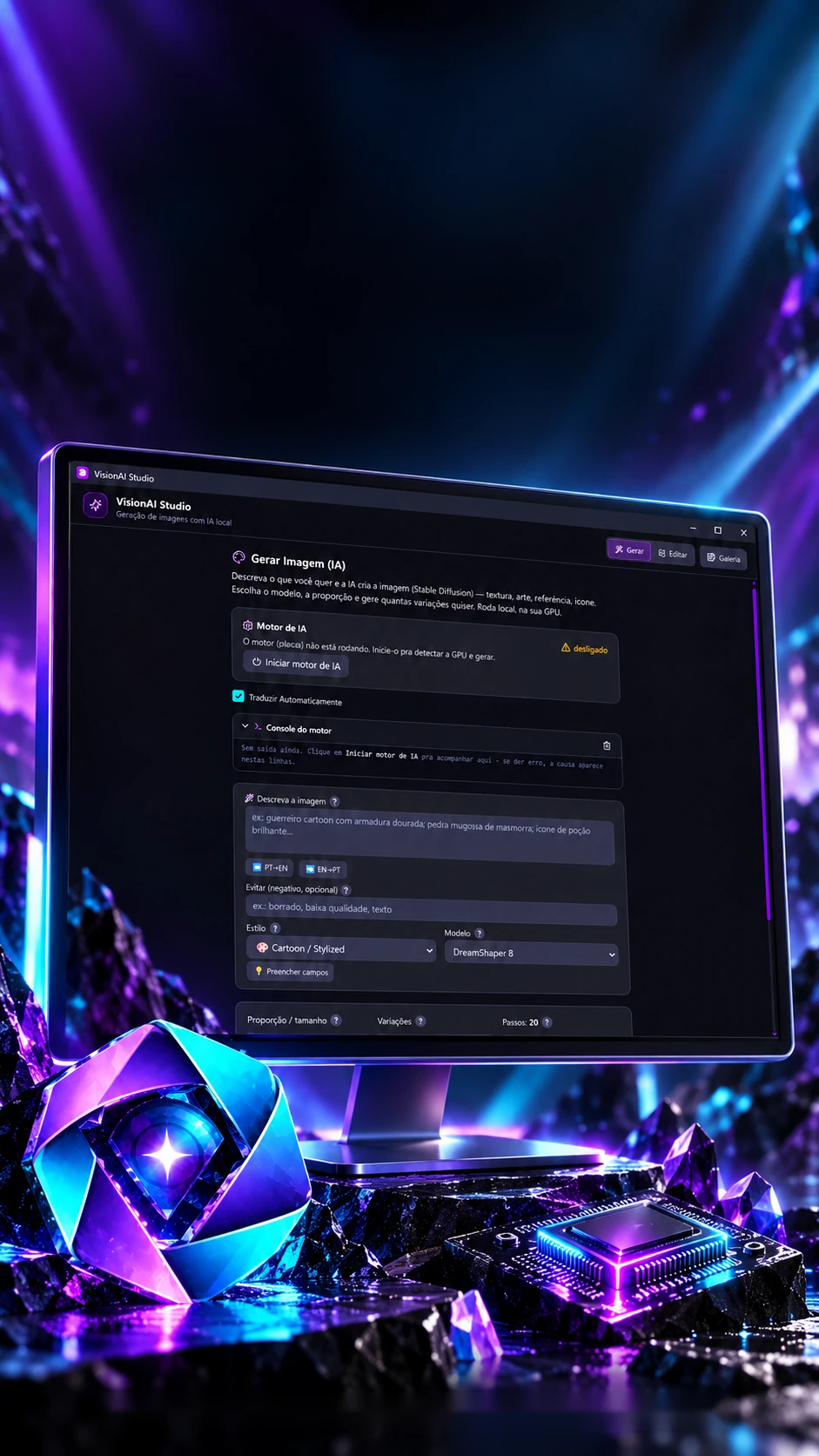
Generates and edits images from a description, on the machine's own graphics card.
- Tauri
- React
- Python
- PyTorch
 Desktop app · VisionAI Studio
Your idea.Your image studio.
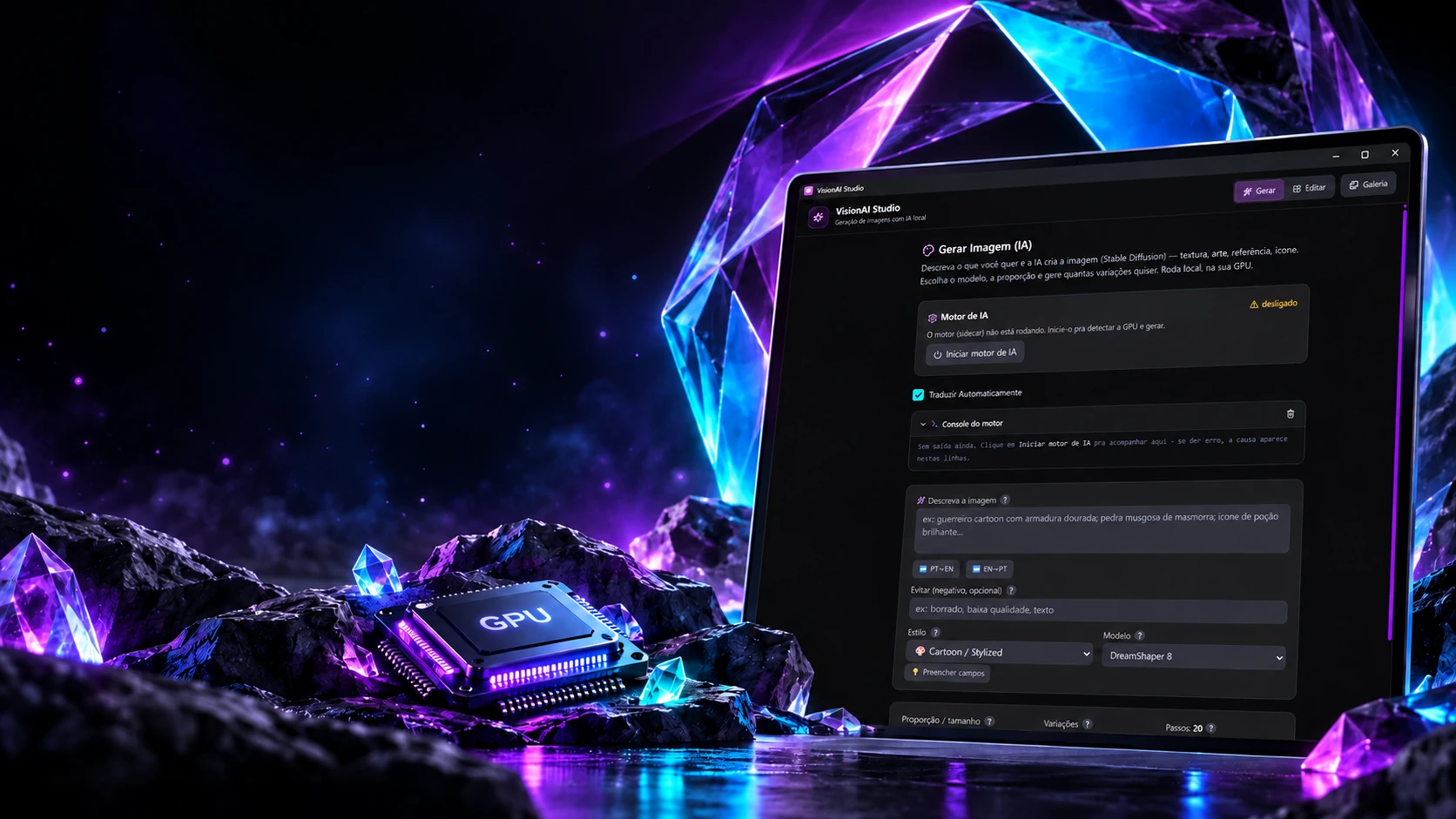
Image generation processed on the local graphics card.
- Tauri
- React
- Python
- PyTorch
Generates and edits images from a description, on the machine's own graphics card.
- Tauri
- React
- Python
- PyTorch
The graphics card
Before drawing, it measures the machine.
Generating images is heavy: each model needs a certain amount of graphics-card memory. When it starts, the engine finds which card exists, how much memory it has and what fits on it, and picks the model, the size and the savings. Change the card and watch what changes.
The machine's card
- Maximum size
- 512 × 512
- Estimated time (512², 20 steps)
- 8 s
- Precision
- FP16
Memory savings that kick in
- Attention and decoding in slices
The general-purpose models
- DreamShaper 8Downloads 2.1 GB on first useFits
- SSD-1BRecommendedDownloads 3.5 GB on first useFits
- Z-Image Turbo GGUFDownloads 3.8 GB on first useFits
- SDXL Base 1.0Downloads 6.9 GB on first useNeeds 8 GB
- SDXL LightningDownloads 6.9 GB on first useNeeds 8 GB
- FLUX.1 SchnellDownloads 12 GB on first useNeeds 12 GB
The rules are the engine's (gpu_detector.py): the search order is NVIDIA, AMD (ROCm), DirectML and, last, the processor only; the card with the most memory wins. Recommended: 16 GB or more, the fast XL; 10 GB, the XL; 6 GB, the compact XL; below that, the 4 GB one, on DirectML, always the 4 GB one. The time is the recommended model's, times 3.5 on DirectML and 1.3 on ROCm. The app has other models besides these 6.
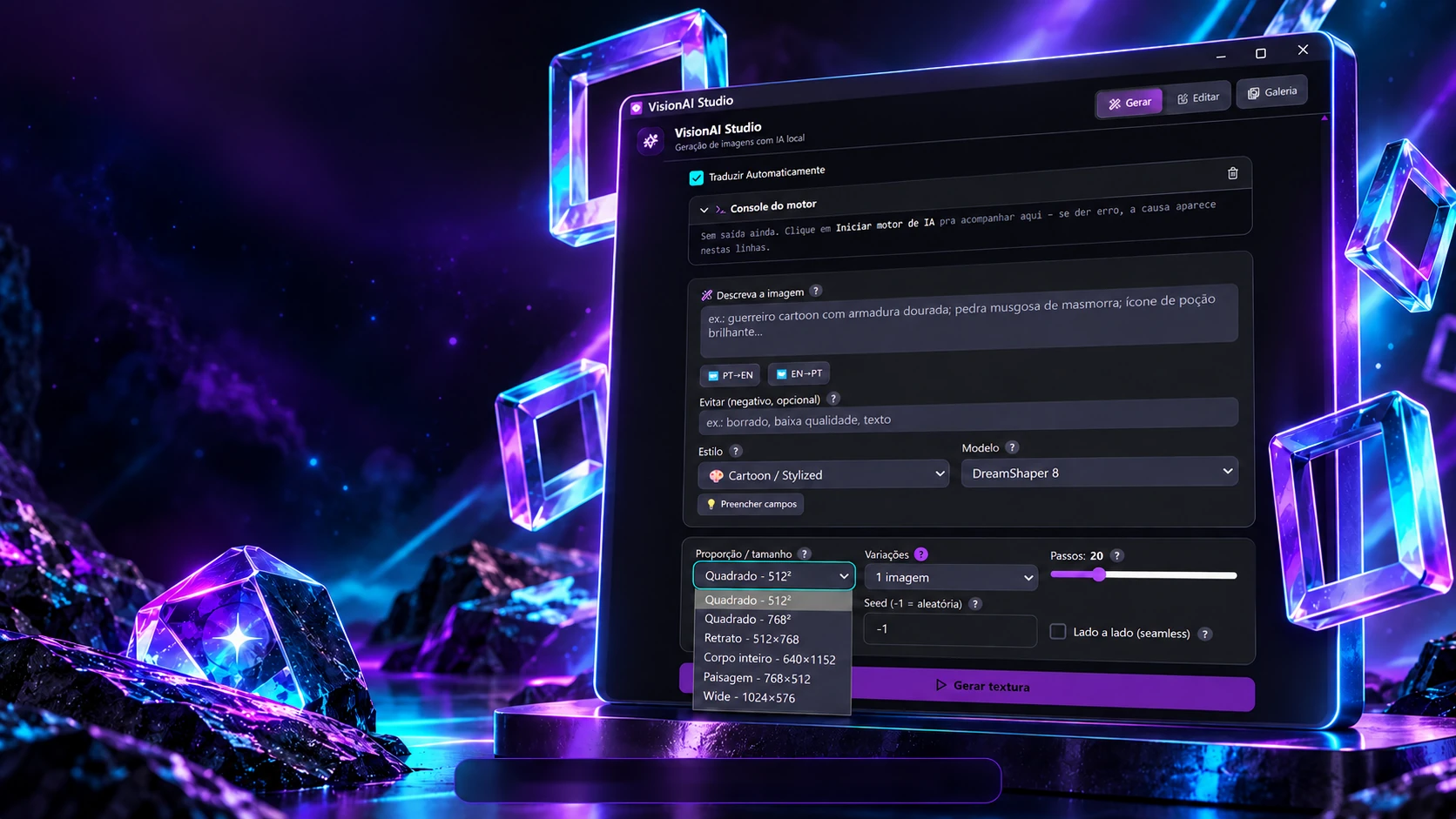
Creation starts with choices.
Description, style, model and aspect ratio under your control.
Description • Model • Ratio • VariationsWhoever describes the image writes in Portuguese; whoever draws it understands English and likes keywords. The engine bridges them: it swaps known terms, adds the chosen style and also builds the list of what to avoid. Write a phrase (the app's dictionary is Portuguese) and switch the style.
- 1. Its own dictionary
4 term(s) swapped, longest first:
fundo brancowhite backgroundarmaduraarmorespadaswordquero∅
- 2. Any Portuguese left?
No Portuguese left: the phrase goes on without leaving the machine.
- 3. The style's trigger words
+ stylized · colorful - 4. Quality boost
, high quality, clean render - 5. What goes to the engine
Final description
colorful, stylized, sword, armor, white background, cartoon style, vibrant colors, game asset, clean edges, solid colors, no background, centered, studio lighting, 3d render style, high quality, clean render
What to avoid
BadDream, UnrealisticDream, photorealistic, hyperrealistic, noise, grain, bokeh, depth of field, motion blur, text, watermark, signature, logo, ugly, deformed, disfigured, blurry, out of focus, (worst quality:1.4), (low quality:1.4), jpeg artifacts
The rules are the engine's (prompt_engine.py): the dictionary swaps term by term, always as whole words and longest first; "quero", "me gera" and similar words vanish. If " de ", " com ", " para " and others are left, the phrase goes to an online translator. Then the style goes at the end, missing trigger words go at the start and the category decides the quality boost. The first 2 terms of the negative are corrections the engine loads along with the model. The app's dictionary has more terms than the ones used here.
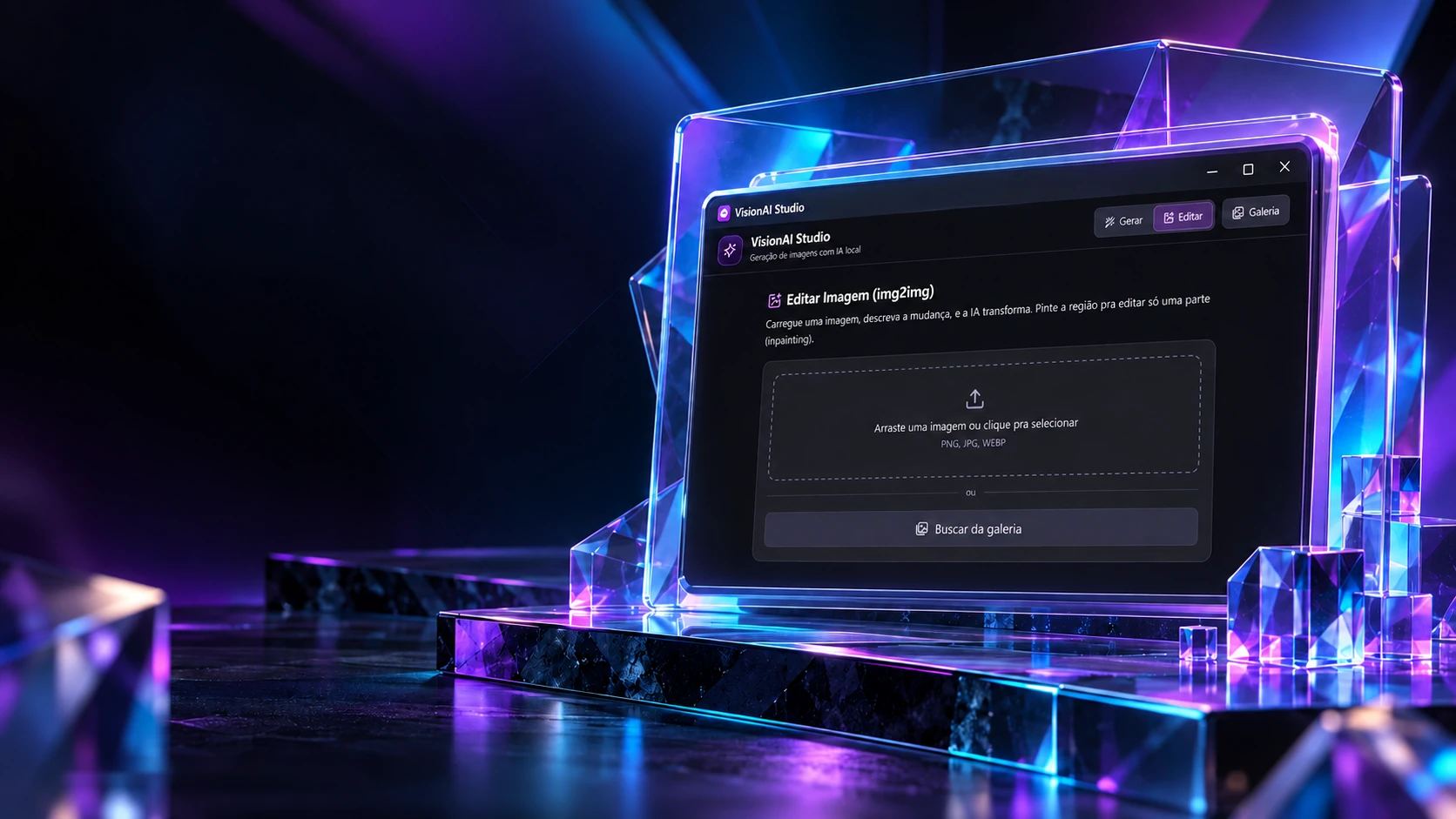
Transform images. Build possibilities.
Editing an existing image, in a project with Python, Rust and React.
Original projectTo change just part of an image, you paint over what you want redone. The app turns the painting into a black-and-white mask and sends it along: with a mask, the engine redoes only the white; without it, the whole image. Paint over the image and watch the mask form.
Paint what changes
Drag over the image. Ctrl+Z undoes.
The mask that goes to the engine
No mask: redoes the whole image (img2img).
0% of the image marked to redo
What the app would send
{
  "image_path": "…/minha-imagem.png",
  "mask_base64": null,
  "strength": 0.50,
  "steps": 20,
  "guidance_scale": 7.0
}
Before editing, the image shrinks
1672 × 941 → 768 × 432
The real screens
The rules are the app's (Img2ImgView.tsx and the img2img route): a 5 to 80 px brush, up to 20 undo states, and every pixel with transparency above 30 turns white in the mask. The longer side drops to 768 px and both sides become multiples of 8, as the model requires. Strength goes from 0.05 to 1. The real result comes from the local engine, on the graphics card.
The technologies
What it is made of, piece by piece
Two programs working together on the same machine: the window in Tauri and React, and a Python engine that talks to it over a local address and draws the images on the graphics card. Pick a piece to see what it does here and which file it is in.
8technologies, in 2 layers
The window
The engine

 Stores and e-commerceBabyShoes